
Notion: Notes, Tasks, AI



Ditch the app fatigue. From aesthetic class notes to complex project management, build your perfect "second brain" with the workspace that works exactly the way you do.
Publisher
Category
ProductivityDownloads
43M+User Rating
Total Ratings
432K+Locales
19Discover the interface used by 43M+ users.

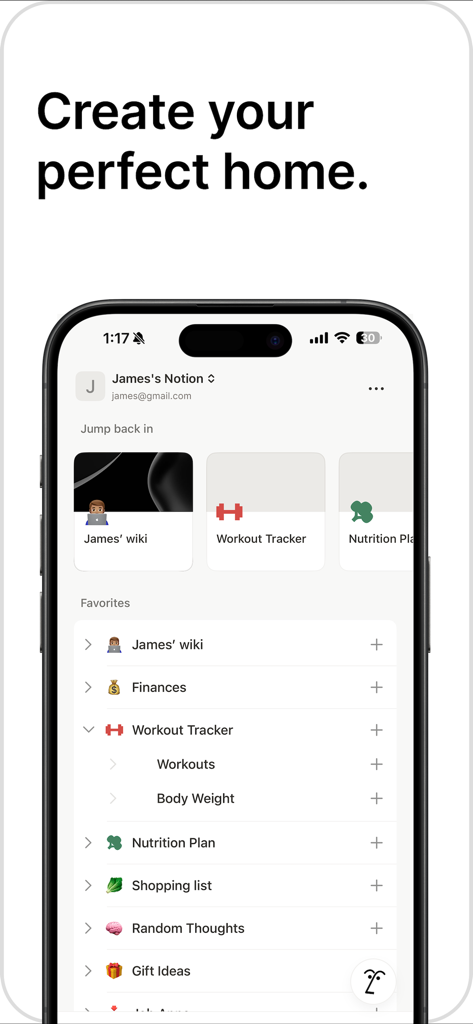
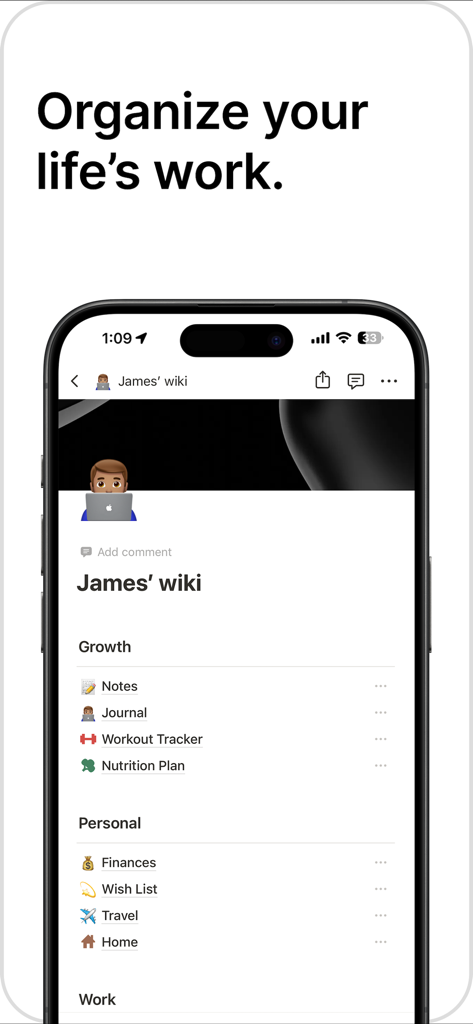
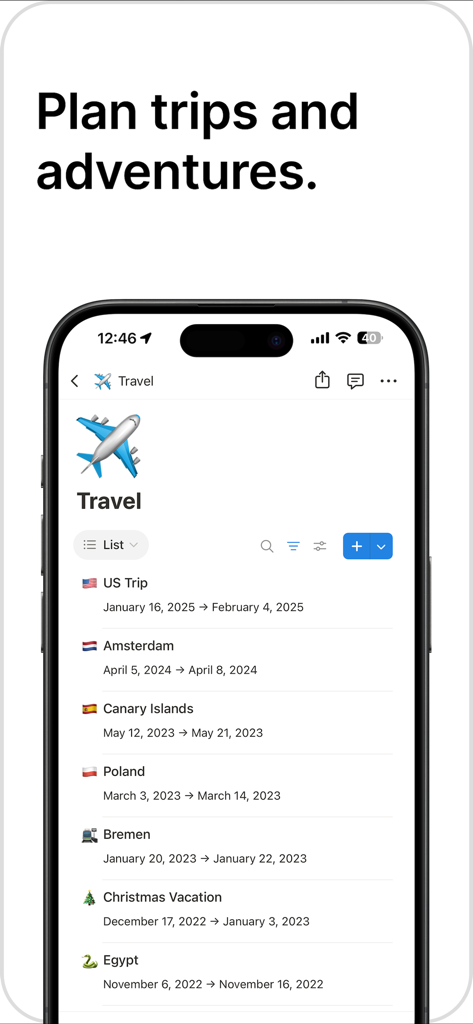
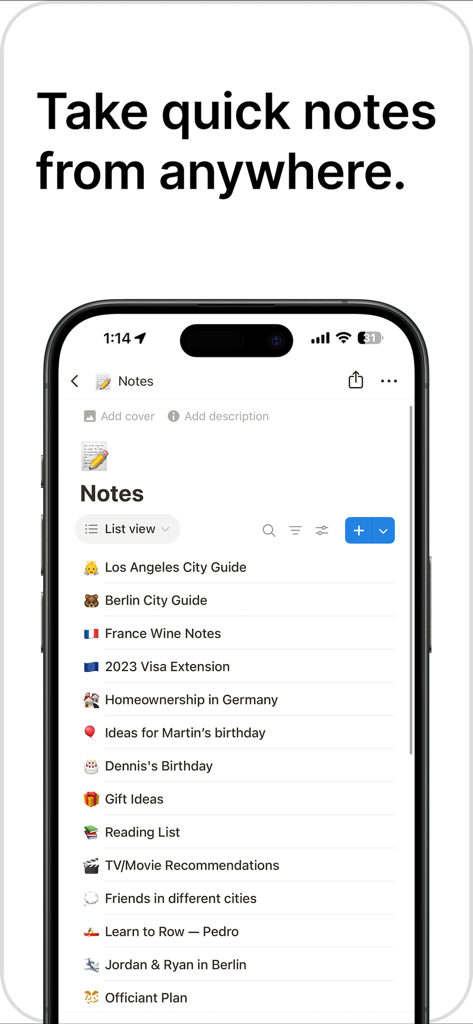
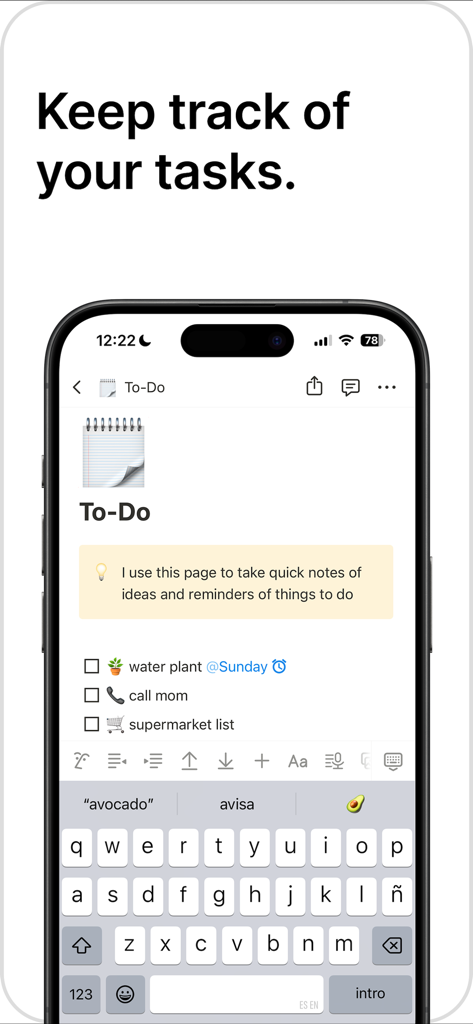
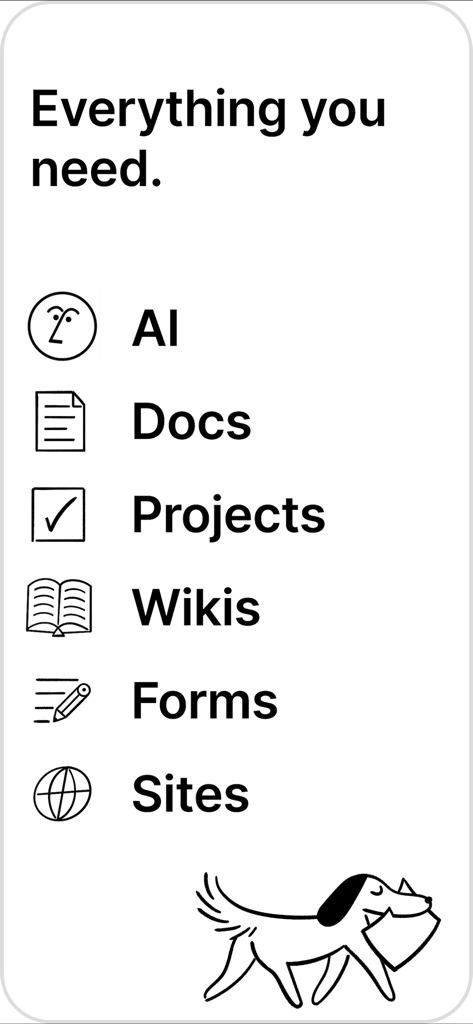
The tools that make this app stand out, trusted by 43M+ users.
Consolidate your docs, projects, and to-dos. Stop juggling dozens of apps and keep all your context in a single, connected home.
Write faster and think bigger. Use integrated AI to summarize long docs, brainstorm ideas, and find answers across your entire workspace in seconds.
Build it your way. From minimalist notes to complex project trackers, use flexible blocks and aesthetic templates to design your perfect workflow.
Trusted by 43M+ people who love this app.
"Notion has completely revolutionized my workflow as a student. I used to jump between five different apps for notes, planning, and tracking my grades, but now everything is in one beautifully organized space. The customizable templates allowed me to build a workspace that actually fits the way I think, and the AI summary tool is a game-changer for reviewing long lecture notes."
"As a startup founder, managing information overload was my biggest challenge. Notion replaced our internal wiki, project management boards, and shared docs in one go. The integration of AI directly into our workspace has cut our documentation time in half, making it the essential 'second brain' for my entire team. It is hands-down the most flexible productivity tool on the market."
Everything you need to know about Notion: Notes, Tasks, AI.
Description
Latest Version
1.7.274
Size
339.7 MB
First Released
Sep 14, 2017
Join millions of students, creators, and professionals who use Notion to turn chaos into a beautiful, AI-powered workspace. Start your journey for free today.
Everything you need to know about Notion: Notes, Tasks, AI
Notion is an AI-powered all-in-one workspace that helps individuals and teams write notes, manage tasks, organize projects, and collaborate. It serves as a productivity app to plan, organize, and achieve goals.
Yes, Notion includes AI features for searching, generating content, analyzing data, and chatting. Notion AI assists with writing, brainstorming, transcribing meeting notes, and turning data into actionable information.
Yes, Notion is free for personal use, allowing individuals to manage day-to-day tasks, notes, and personal organization with unlimited content creation and access to thousands of templates.
Teams can try Notion for free. This includes features like importing Google Docs and PDFs, writing and organizing meeting notes, AI transcription, collaboration tools, and connecting third-party apps like Slack.
Notion allows users to create notes and documents using flexible building blocks, templates, images, and over 50 content types. It supports meeting notes and offers powerful filters for searching content across the workspace.
Notion functions as a workflow manager, allowing users to create priority labels, status tags, and automations. It captures project details in tables and breaks down large projects into manageable tasks for completion.
Yes, Notion supports team collaboration by providing a connected workspace where teams can write, organize meeting notes, transcribe with AI, and integrate with tools like Figma, Slack, and GitHub.
Yes, Notion syncs across browser, Mac, and Windows apps. Users can seamlessly pick up work on mobile devices where they left off on desktop platforms.
Notion's new features include AI Meeting Notes, which deliver actionable summaries, and Maps View, which turns databases into interactive maps using a Place property for pinning locations.
Yes, Notion is free for students and helps them organize notes, assignments, and study plans in one place. It offers customizable templates for study planners, class notes, and to-do lists.
Apps with similar features and user experience

Hangzhou Free Notes Technology Co., Ltd

unorderly GmbH

Google LLC

Appest Limited

Noteful Technologies Ltd

Doist Inc.

Inner Grow Limited

monday.com Ltd.

EMMO Corp.
