Prodrafts - Infinite Notes

Prodrafts - Infinite Notes

Download on App Store
Spark by MWM logo
Logo of Prodrafts - Infinite Notes
Prodrafts - Infinite Notes: Unleash Your Ideas on a Limitless Canvas

The ultimate paperless hub for students and creatives. Annotate PDFs, embed multimedia, and brainstorm with the most realistic handwriting experience on an infinitely expanding digital whiteboard.

Publisher

EMMO Corp.

Category

Productivity

Downloads

7M+

User Rating

4.8/5

Total Ratings

543K+

Locales

27

Your Ideas, Unbound

Discover the interface used by 7M+ users.
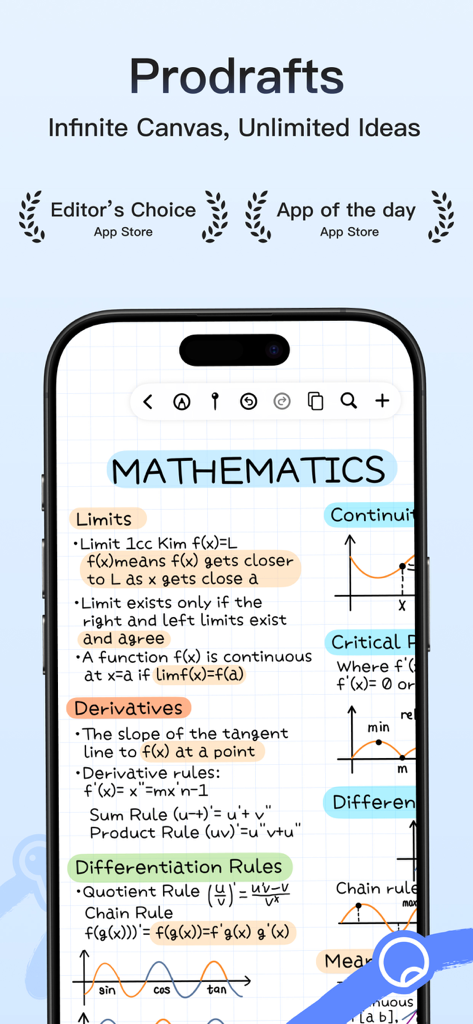
Prodrafts app showcasing handwritten mathematics study notes with formulas and graphs on an infinite canvas

Prodrafts app showcasing handwritten mathematics study notes with formulas and graphs on an infinite canvas

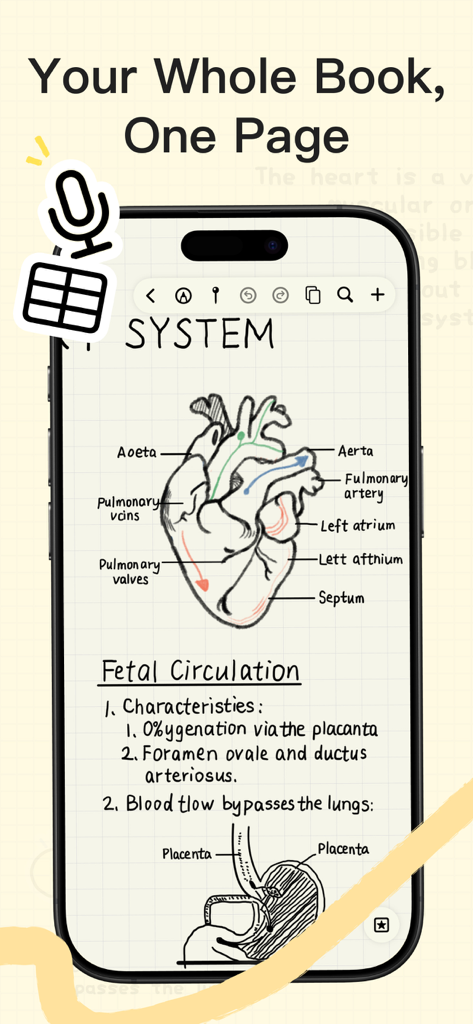
A smartphone displaying handwritten medical anatomy notes and diagrams in the Prodrafts infinite note-taking app.

A smartphone displaying handwritten medical anatomy notes and diagrams in the Prodrafts infinite note-taking app.

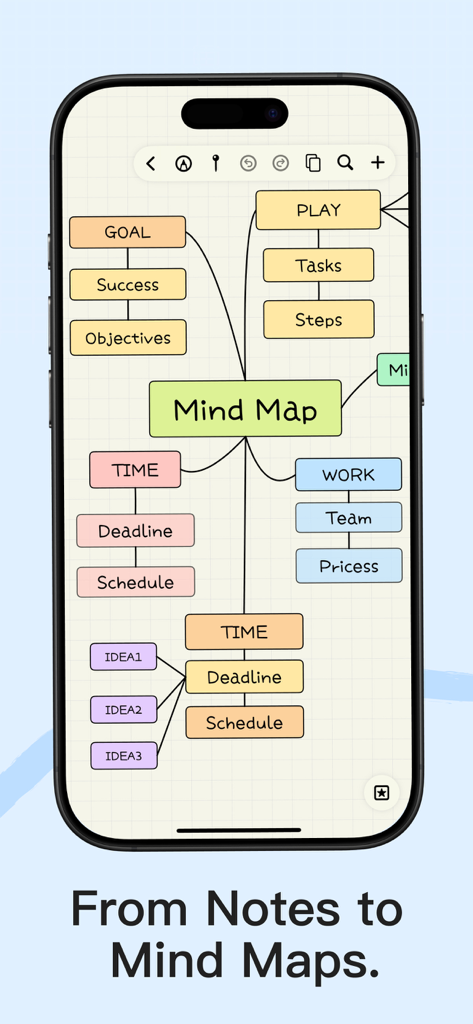
A colorful mind map displayed on an iPhone screen within the Prodrafts app showing organized goals and tasks.

A colorful mind map displayed on an iPhone screen within the Prodrafts app showing organized goals and tasks.

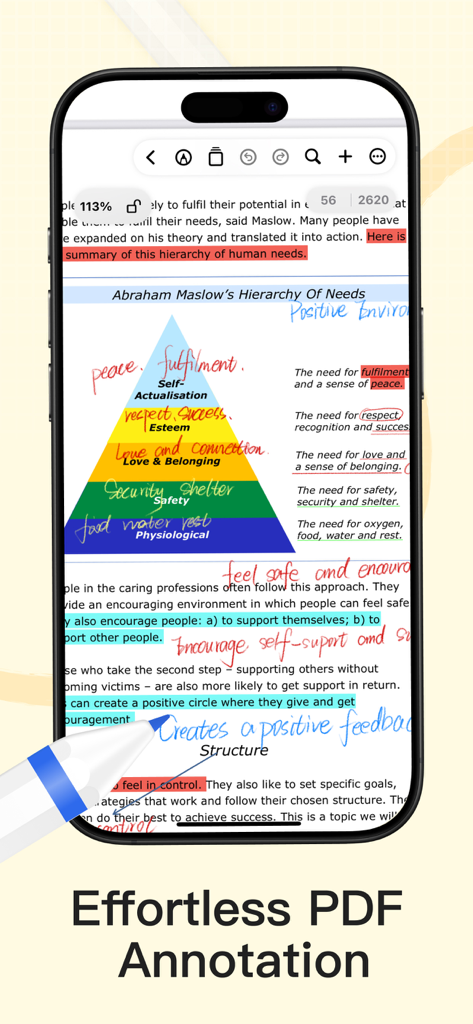
Screenshot of Prodrafts app showing digital PDF annotation with handwritten notes and highlights on Maslow's hierarchy of needs.

Screenshot of Prodrafts app showing digital PDF annotation with handwritten notes and highlights on Maslow's hierarchy of needs.

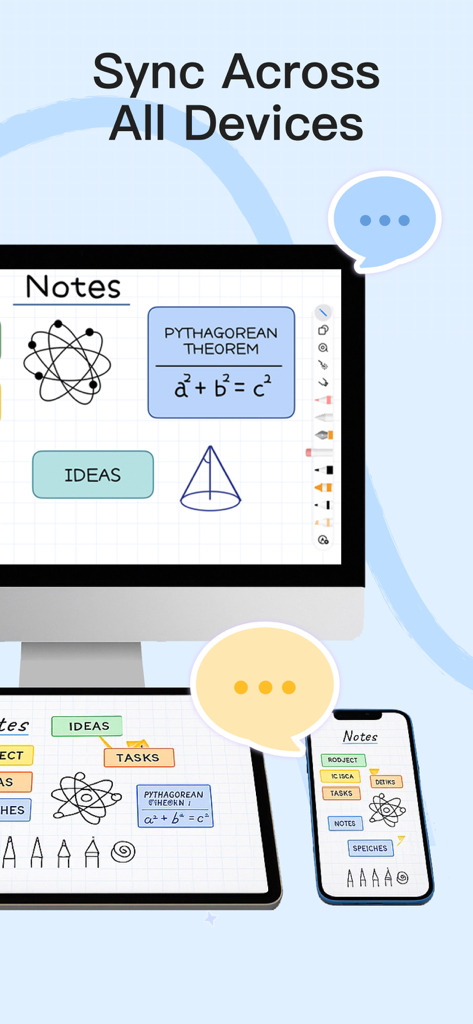
Prodrafts app showing handwritten notes and diagrams synced across a desktop computer tablet and smartphone

Prodrafts app showing handwritten notes and diagrams synced across a desktop computer tablet and smartphone

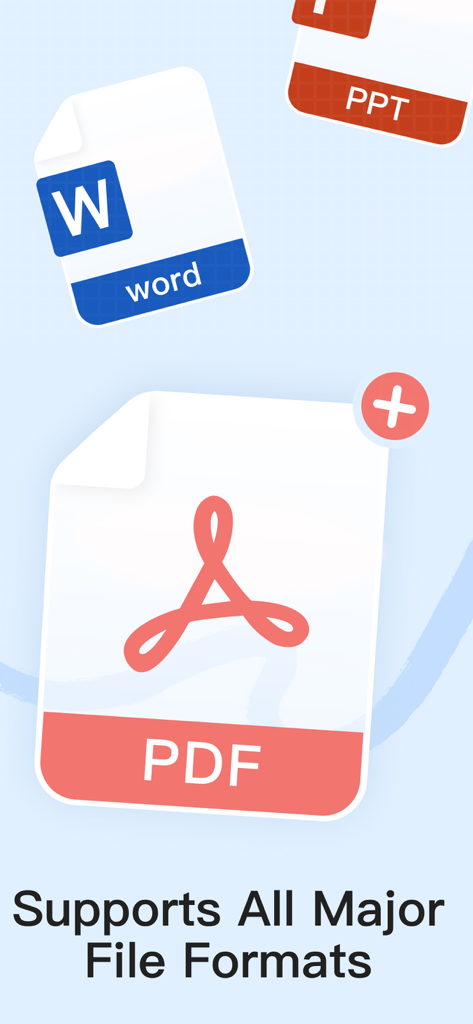
Prodrafts app screen showing support for major file formats including PDF Word and PowerPoint

Prodrafts app screen showing support for major file formats including PDF Word and PowerPoint

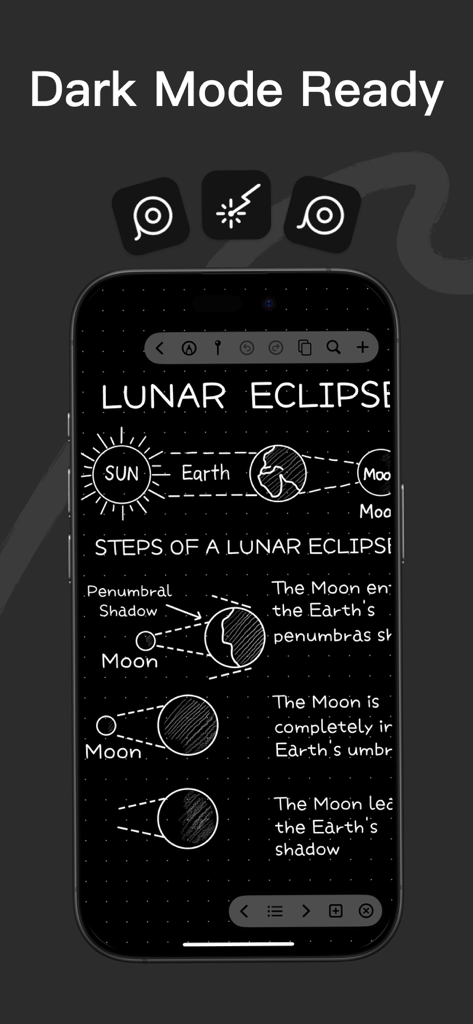
Smartphone screen displaying Prodrafts app with handwritten notes and diagrams about a lunar eclipse in dark mode

Smartphone screen displaying Prodrafts app with handwritten notes and diagrams about a lunar eclipse in dark mode

Master Your Productivity Without Limits

The tools that make this app stand out, trusted by 7M+ users.

♾️

An Infinite Canvas for Big Ideas

Break free from the constraints of traditional pages. Whether you are solving complex equations or mapping out a user journey, our expandable canvas grows with your thoughts.

📁

The All-In-One Document Hub

Import PDFs, Excel sheets, and videos directly into your workspace. Manage all your study materials and project files in one place to eliminate app-switching fatigue.

✍️

Professional Grade Annotation

Experience zero-latency handwriting with Apple PencilKit. Highlight research papers, take side-by-side notes, and transform sketches into structured mind maps effortlessly.

Loved by users worldwide

Trusted by 7M+ people who love this app.

"

"Finally, an app that doesn't box me in! As a med student, I used to struggle with page limits in other apps. With Prodrafts, I can map out an entire physiological system on one infinite canvas. The PencilKit integration makes my handwriting look perfect, and being able to split-screen my lectures with my notes has made my study sessions so much more efficient."

Chloe S., Medical Student
"

"Prodrafts has become my go-to 'second brain.' I love how I can drag in Excel sheets, PDFs, and even recordings into a single workspace. It is the ultimate digital whiteboard for my project planning. The ability to switch between structured mind maps and freehand brainstorming is something I have not found anywhere else. It is the absolute center of my paperless workflow."

Marcus R., UX Designer

About the app

Everything you need to know about Prodrafts - Infinite Notes.

Description

Prodrafts is a globally popular infinite note-taking app that supports almost all file formats and attachments. It is the perfect tool for achieving paperless learning on your iPad. Download now to enjoy an unrestricted natural handwriting experience! • Realistic Pen Strokes: With Apple’s most advanced native PencilKit technology, you can experience a realistic writing effect on your digital device, just like writing on real paper. • Natural and Smooth: Whether taking notes or drawing sketches, you can enjoy a fluid and smooth writing experience, perfectly presenting every stroke. An Ultra-Large Canvas That Expands Infinitely • Boundary-Free Creation: Infinite Notes provides an infinitely expandable canvas space, allowing your thoughts to roam freely without being limited by page size. • Global View: Organize all your content on a single infinite canvas, making it easy to view and manage, enhancing creative efficiency. Comprehensive Support for Various File Formats • Multi-Format Compatibility: Supports importing and viewing almost all file formats, including PDF, Word, Excel, etc., meeting your different work and study needs. • One-Stop Management: Handle various types of files on one platform, simplifying your workflow. Rich Support for Various Attachment Types • Multimedia Embedding: Whether it’s text, images, videos, recordings, tables, or sticky notes, you can add them as attachments to your notes, making the content richer and more vivid. • Flexible Editing: Attachments support free drag-and-drop and adjustments, helping you easily organize and display information. Mind Maps and Handwritten Brainstorms • Brainstorming: Through mind map and handwritten mind map functions, intuitively present and organize your ideas, inspiring more creativity. • Clear Logic: Helps you establish a clear thinking structure, enhancing learning and work efficiency. Add Annotations to PDF Files • In-Depth Annotations: Directly mark, annotate, and highlight on PDFs, making it easier for you to understand and analyze document content. • Synchronized Notes: Combine notes with PDF content to create personalized learning and work materials. Assist Efficient Learning • Multitasking: Supports split-screen functionality, allowing you to view notes and materials simultaneously, improving learning and work efficiency. • Highlight Key Points: Through annotation and organization, help you quickly grasp key content, achieving twice the result with half the effort. Customize Paper Backgrounds • Personalized Choices: Provides a variety of paper backgrounds, and you can also customize them to create a unique note style. • Adapt to Various Needs: Whether it’s drawing, taking notes, or music creation, you can find suitable paper backgrounds。 The subscription will automatically renew unless canceled, and will be charged through your Apple iTunes account. The price may vary depending on your location. Prodrafts is a product registered and developed by EMMO Corp. For technical support, please contact us at prodrafts@163.com Privacy Policy: http://www.prodrafts.cn/privacyPolicy Terms of Service: http://www.prodrafts.cn/termsOfService

Latest Version

4.3.8

Size

271.4 MB

First Released

Dec 28, 2020

Ready to Build Your Infinite Workspace?

Join over 7 million students and creators who have ditched the limits of paper. Download Prodrafts now and start thinking without boundaries on your iPad.

Download on App Store
FAQ

Frequently Asked Questions

Everything you need to know about Prodrafts - Infinite Notes

What is Prodrafts - Infinite Notes?

Prodrafts is a globally popular infinite note-taking app for iPad, designed for paperless learning. It provides an unrestricted natural handwriting experience on an infinitely expandable canvas.

Does Prodrafts offer a realistic handwriting experience?

Yes, Prodrafts delivers realistic pen strokes using Apple’s PencilKit technology, ensuring a natural, fluid, and smooth writing experience on digital devices, akin to writing on real paper.

What file formats can Prodrafts - Infinite Notes import?

Prodrafts supports importing and viewing almost all file formats, including PDF, Word, and Excel. This enables comprehensive, one-stop management of various document types within the app.

Can I add multimedia attachments to my notes in Prodrafts?

Yes, Prodrafts allows users to embed various attachment types such as text, images, videos, recordings, tables, and sticky notes. These attachments support flexible drag-and-drop adjustments.

Does Prodrafts - Infinite Notes support mind mapping?

Yes, Prodrafts includes mind map and handwritten mind map functions. These tools help users intuitively present and organize ideas, fostering creativity and establishing clear thinking structures.

Can I annotate PDF documents in Prodrafts?

Yes, Prodrafts enables direct annotation of PDF files. Users can mark, highlight, and add notes to PDFs, facilitating easier understanding, analysis, and creation of personalized learning materials.

Does Prodrafts - Infinite Notes offer multitasking for learning?

Yes, Prodrafts assists efficient learning through its split-screen functionality. This feature allows users to view notes and other materials simultaneously, significantly improving learning and work efficiency.

Can I customize the paper backgrounds in Prodrafts?

Yes, Prodrafts provides a variety of paper backgrounds for notes and allows users to customize them. This helps create a unique note style suitable for diverse uses like drawing or music creation.

How do Prodrafts subscriptions work?

Prodrafts subscriptions automatically renew unless canceled. Charges are processed through your Apple iTunes account, and the subscription price may vary depending on your geographic location.

How can I get technical support for Prodrafts?

For technical support regarding Prodrafts, users can contact EMMO Corp., the developer, by sending an email to prodrafts@163.com.

Where can I find the Prodrafts Privacy Policy?

The Privacy Policy for Prodrafts is accessible online at http://www.prodrafts.cn/privacyPolicy. This document outlines how the app collects, uses, and protects user data.