
MyScript Notes: AI Handwriting



Harness industry-leading AI to turn your handwriting into professional, searchable documents. From infinite brainstorming to complex math solving, experience the ultimate productivity workspace for iPad and beyond.
Publisher
Category
ProductivityDownloads
6M+User Rating
Total Ratings
112K+Locales
11Discover the interface used by 6M+ users.
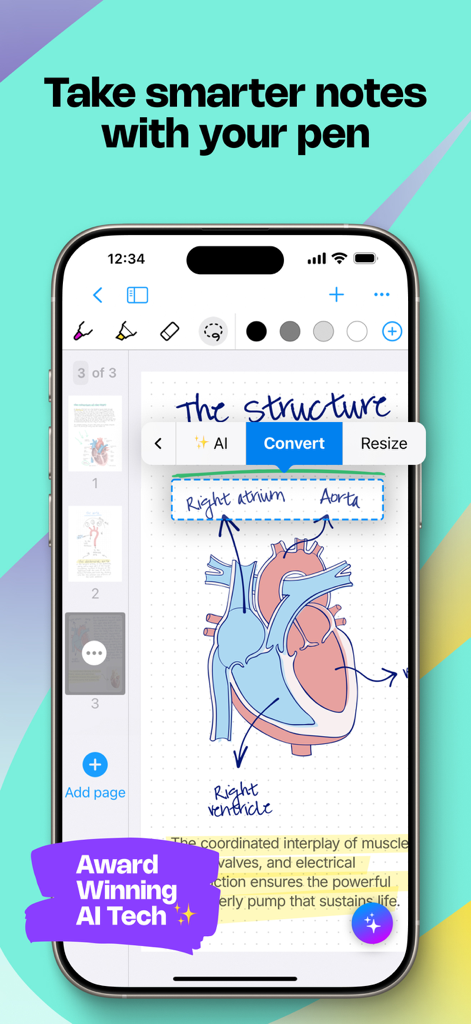
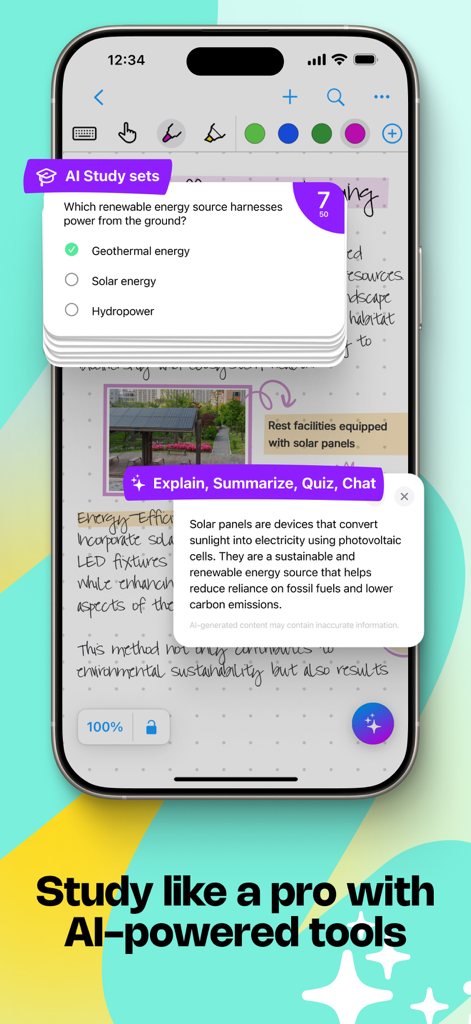
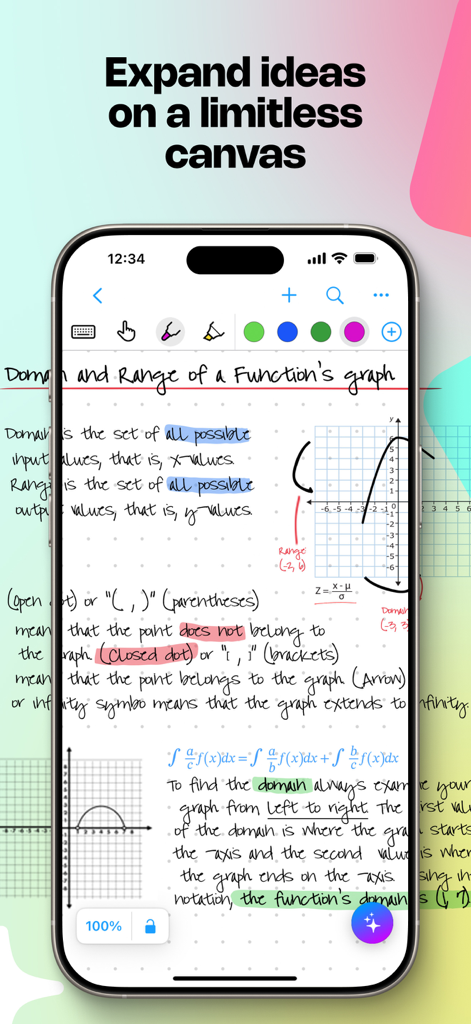
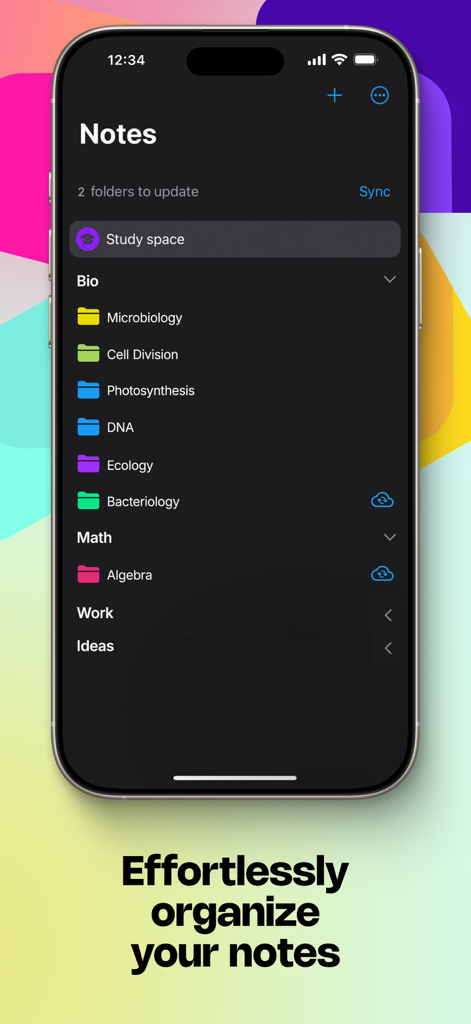
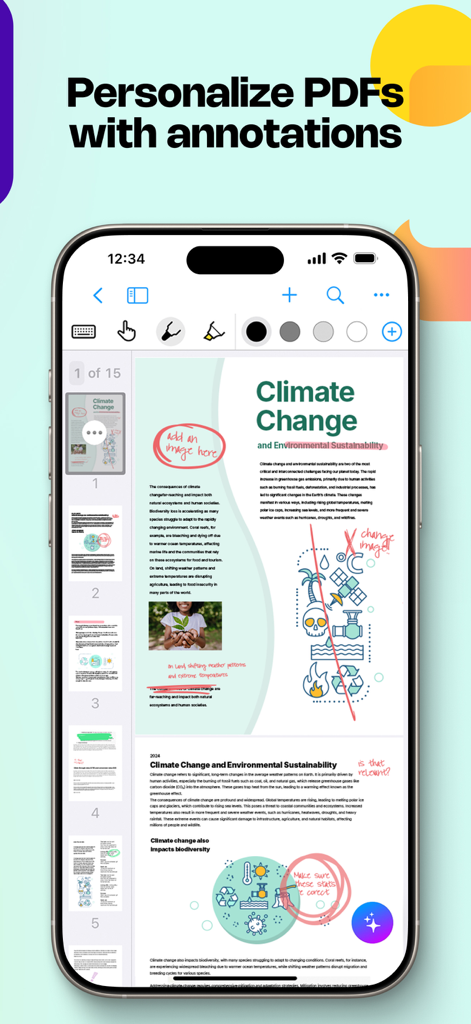
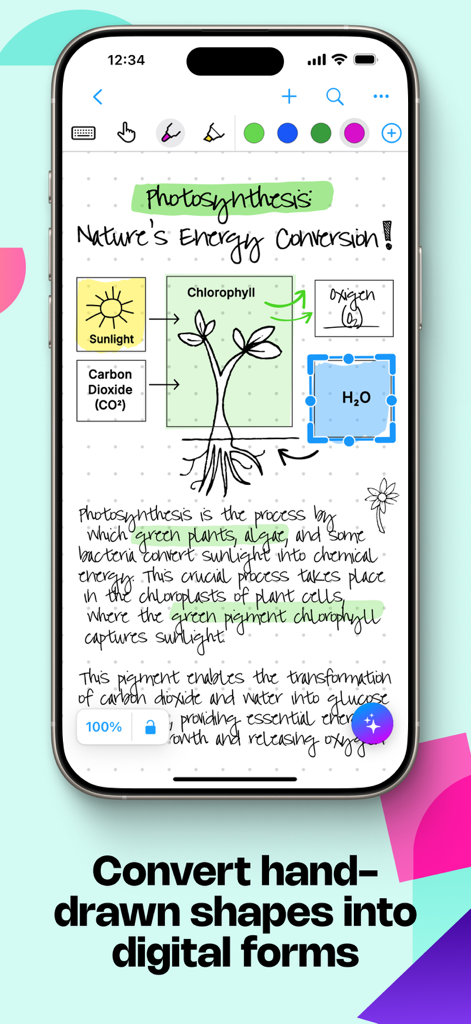
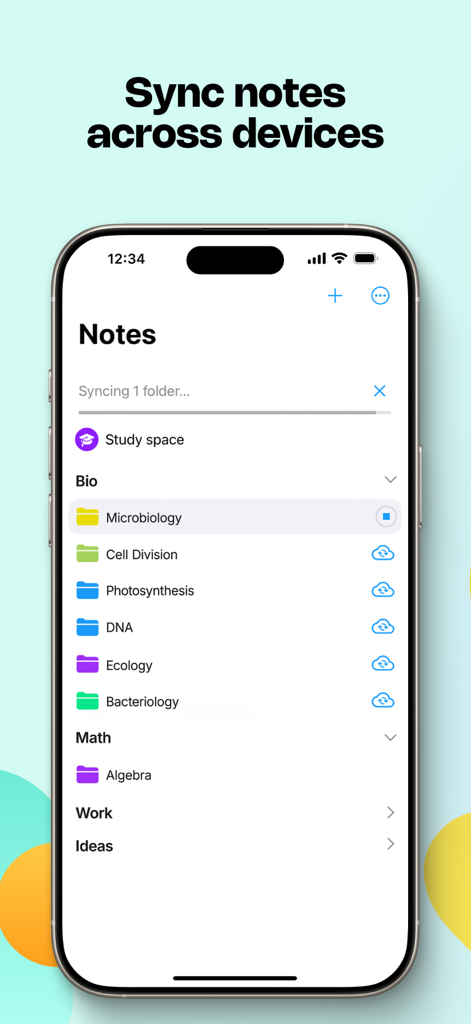
The tools that make this app stand out, trusted by 6M+ users.
Write naturally with your Apple Pencil and watch as world-class AI converts your notes into clean, typed text in real-time across 66 languages.
Instantaneously solve complex math equations and snap hand-drawn diagrams into perfect, editable shapes for PowerPoint and LaTeX exports.
Brainstorm without boundaries on an endless board. Freely move, resize, and reflow your handwritten content to adapt to any device or document layout.
Trusted by 6M+ people who love this app.
"As a structural engineer, I used to struggle with digitizing my site sketches and manual calculations. MyScript Notes is a total game-changer; the way it instantly converts my hand-drawn diagrams into professional shapes and solves complex equations on the fly has saved me hours of re-typing. It is the only app that truly bridges the gap between my technical handwriting and the digital reports I need to share with my team."
"I have gone completely paperless for my MBA thanks to this app. The search function is incredible—I can find a specific keyword hidden in hundreds of pages of my own handwriting in seconds. I love how I can brainstorm freely on the infinite board and then switch to a responsive document to refine my notes into a clean, typed format. It is the most powerful productivity tool on my iPad by far."
Everything you need to know about MyScript Notes: AI Handwriting.
Description
Latest Version
7.0.12
Size
204.9 MB
First Released
Aug 10, 2016
Join 6 million+ professionals and students who bridge the gap between pen and digital workflow. Download MyScript Notes now and start creating searchable, professional notes on all your devices.
Everything you need to know about MyScript Notes: AI Handwriting
MyScript Notes is an app that allows users to create notes and documents by hand, brainstorm on an infinite canvas, and annotate PDFs. It uses AI handwriting recognition for conversion.
Yes, MyScript Notes accurately converts handwriting and mathematical expressions into typed text. It also converts drawn diagrams into perfect shapes for digital use.
Yes, MyScript Notes allows users to import existing files as PDFs and annotate them directly within the application with pen gestures.
MyScript Notes understands and processes handwriting in 66 different languages, offering broad linguistic compatibility for note-taking.
Yes, MyScript Notes provides an endless canvas for freeform note-taking, brainstorming, and mind mapping, offering unlimited space for organizing ideas.
Yes, MyScript Notes works on mobile platforms, enabling users to access and search their notes from any compatible device for cross-platform access.
MyScript Notes respects user privacy and does not store content on its servers without explicit user consent, ensuring data security.
MyScript Notes offers intuitive pen gestures for editing, a marker for highlighting, a lasso for selecting content, and an eraser for precise deletion.
Yes, MyScript Notes allows users to handwrite math equations and matrices. It can solve simple calculations and copy math as LaTeX or an image.
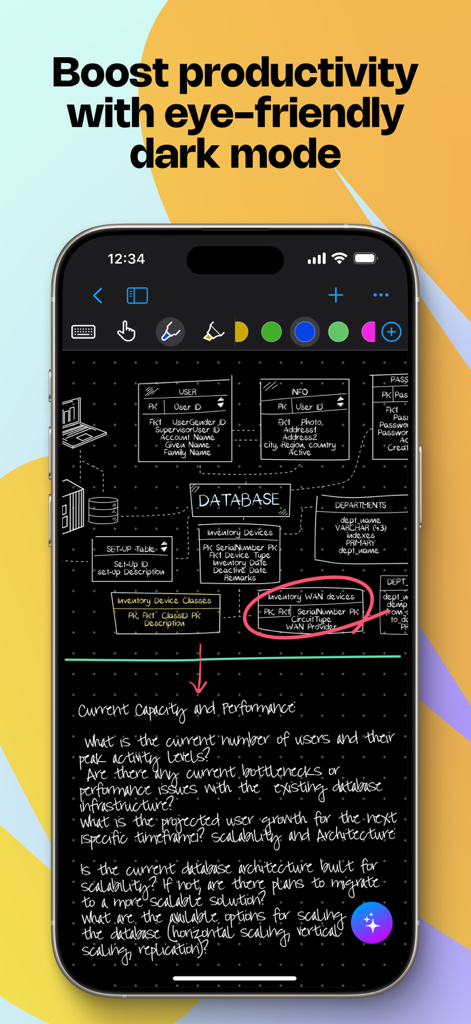
Yes, MyScript Notes includes an eye-friendly dark mode designed to boost productivity and provide a comfortable viewing experience in various lighting conditions.
MyScript Notes includes AI study sets, along with options to explain, summarize, quiz, and chat, enhancing learning and note organization.
Apps with similar features and user experience

Notion Labs, Incorporated

Hangzhou Free Notes Technology Co., Ltd

unorderly GmbH

Google LLC

Appest Limited

Noteful Technologies Ltd

Doist Inc.

Inner Grow Limited

monday.com Ltd.
