
Splice - Video Editor & Maker



Join 78M+ creators who turn their mobile footage into viral content. Use advanced tools like speed ramping and chroma key with 6,000+ royalty-free tracks to edit like a pro—anywhere, anytime.
Publisher
Category
Photo & VideoDownloads
78M+User Rating
Total Ratings
1M+Locales
12Discover the interface used by 78M+ users.
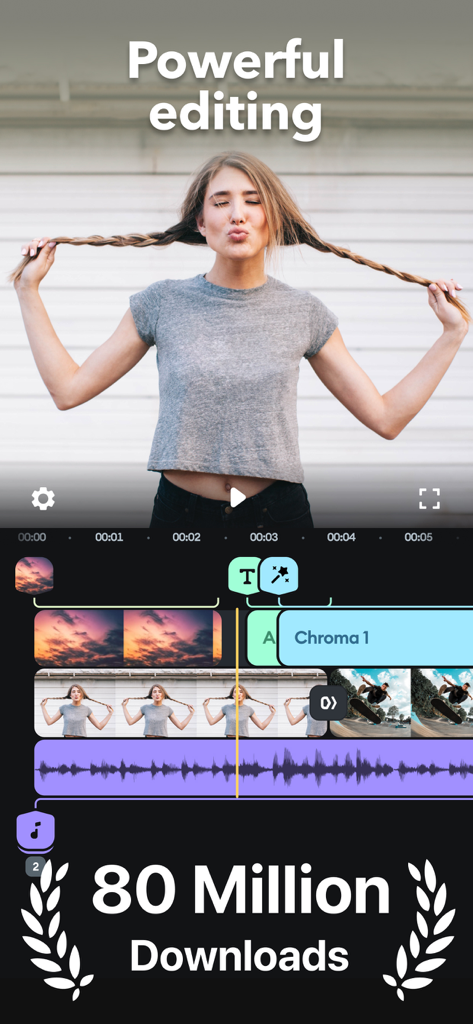
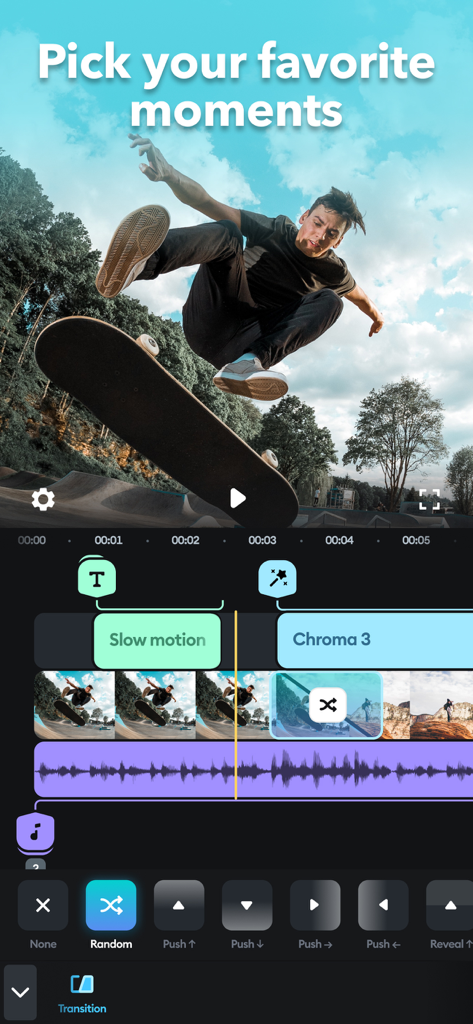
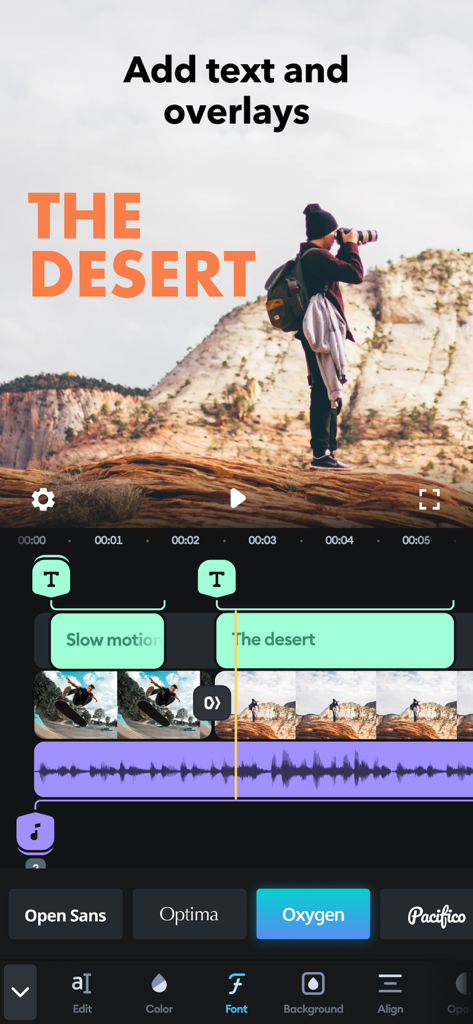
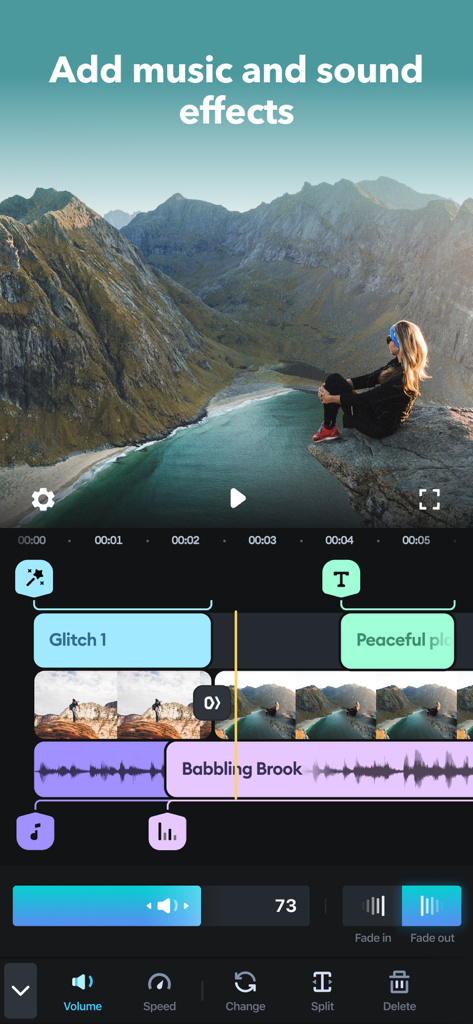
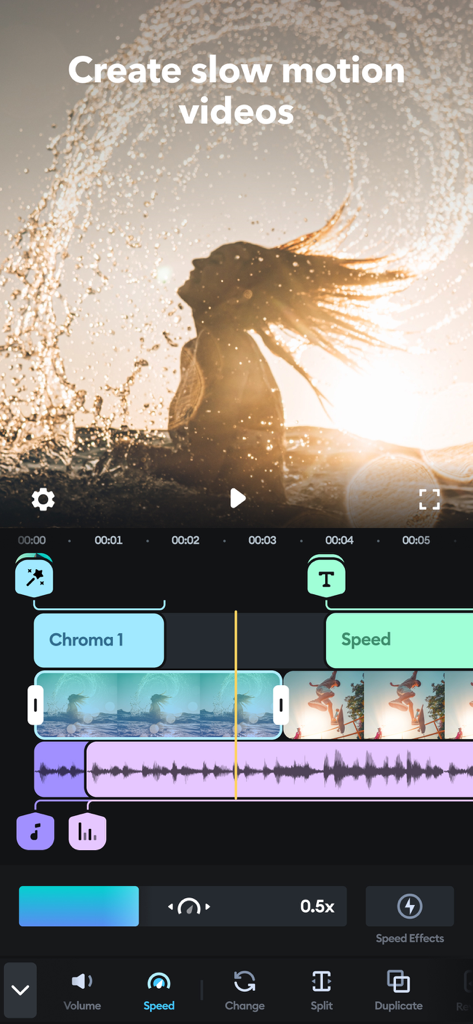
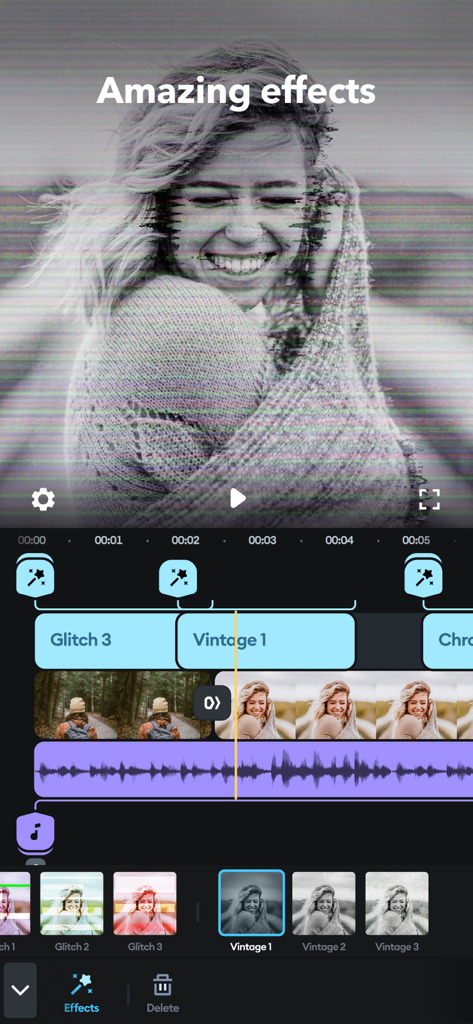
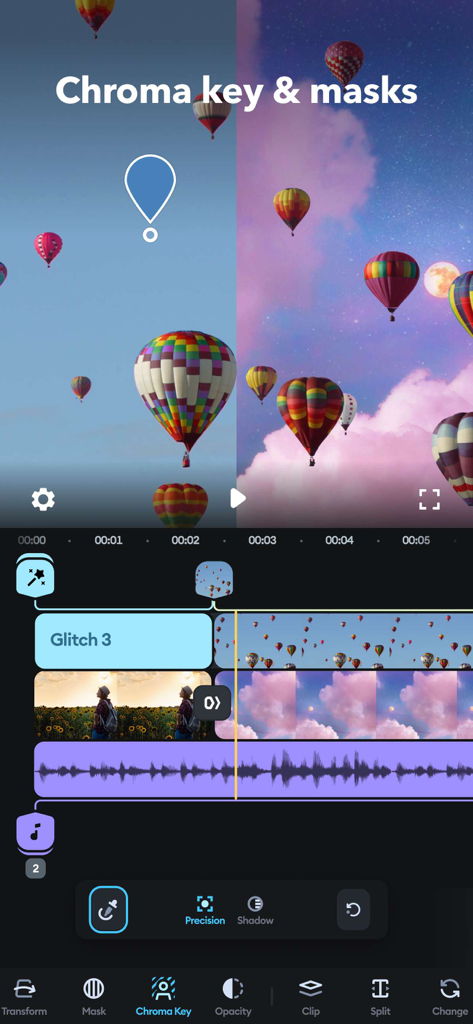
The tools that make this app stand out, trusted by 78M+ users.
Trim, crop, and refine your clips with intuitive controls. Master complex edits like speed ramping and masking in seconds without the desktop learning curve.
Stop worrying about copyright strikes. Access a massive library from Artlist and Shutterstock to find the perfect beat for your brand or vlog.
Apply trending effects like Chroma Key and Glitch. Export directly to TikTok, Reels, or YouTube Shorts with perfectly optimized settings for the feed.
Trusted by 78M+ people who love this app.
"Splice is a total game-changer for my TikTok workflow. I used to spend hours on my laptop, but now I can do complex edits like speed ramping and masking while I'm on the train. The results look so professional, my followers actually noticed the jump in quality!"
"I use Splice for all my small business marketing videos. The library of over 6,000 royalty-free tracks is a lifesaver—no more copyright issues on Instagram! It’s incredibly intuitive, even when I'm overlaying clips or adding custom branding."
Everything you need to know about Splice - Video Editor & Maker.
Description
Latest Version
4.28.56
Size
180.9 MB
First Released
Dec 23, 2010
Join 78 million creators using Splice to turn simple clips into professional-looking stories. Get the power of a desktop editor right in your pocket and start sharing today.
Everything you need to know about Splice - Video Editor & Maker
Splice is a powerful video editor designed for iPhone and iPad, enabling users to create professional-looking videos. It offers advanced features optimized for mobile devices, making video editing accessible on the go.
Yes, Splice makes it easy to create fully customized, professional-looking videos on your iPhone or iPad. It is optimized to perform like a desktop editor on your mobile device.
Splice provides powerful editing tools such as trim, cut, crop, exposure adjustment, speed control, overlaying, Chroma Key, Ken Burns effect, filters, and various glitch, chroma, and vintage effects.
Splice allows users to choose from over 6,000 royalty-free tracks, trim and mix audio, use songs from their iTunes collection, or record custom narration and sound effects with the built-in voice recorder.
Yes, Splice supports Chroma Key functionality, allowing users to remove backgrounds from their videos. This feature enables the creation of incredible overlay effects with precision.
Yes, Splice can create slow motion videos. Users can adjust the playback speed for fast or slow motion, and the app also includes speed ramping capabilities for dynamic effects.
Splice makes sharing easy, allowing users to share videos directly to platforms like YouTube, Instagram, TikTok, Facebook, Mail, and Messages. Videos can also be saved to the camera roll.
Splice offers weekly, monthly, and yearly subscription lengths. Payment is charged to your iTunes Account upon purchase confirmation. Auto-renewal can be managed in Account Settings.
You can manage your Splice subscription and turn off auto-renewal from your Account Settings after purchase. Auto-renewal must be disabled at least 24 hours before the current period ends.
Yes, Splice offers a variety of amazing video effects, including glitch, chroma, and vintage. Users can apply these effects to enhance their videos and create unique visual styles.
Apps with similar features and user experience

Ubiquiti Labs, LLC

TBPS INTERNATIONAL TECHNOLOGY PTE. LTD.

小为 罗

Tinkerworks Apps

立亚 林

Luma Touch LLC

Brain Craft Ltd

vimosoft

Forge and Form GmbH
