TV Remote - Universal Control

TV Remote - Universal Control

Download on App StoreDownload on Google Play
Spark by MWM logo
Logo of TV Remote - Universal Control

TV Remote - Universal Control: The Smartest Way to Command Your TV

Stop searching for lost remotes and start typing with ease. Effortlessly navigate all your Smart TVs using an intuitive touchpad, voice search, and a fast keyboard—all from the phone already in your hand.

Publisher

EVOLLY.APP PTE. LTD

Category

Utilities

Downloads

43M+

User Rating

4.4/5

Total Ratings

740K+

Locales

4

Your TV, Reimagined

Discover the interface used by 43M+ users.

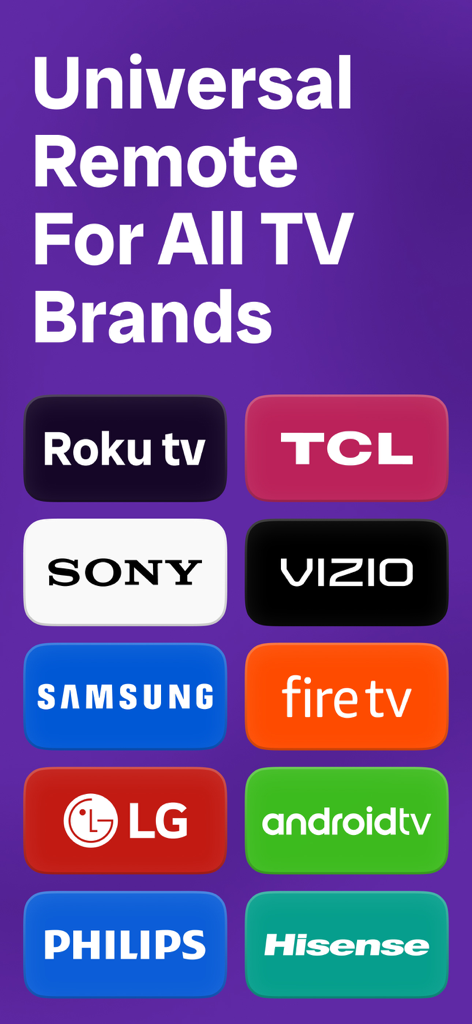
Universal remote control app compatible with Roku Samsung Sony LG and other major TV brands

Universal remote control app compatible with Roku Samsung Sony LG and other major TV brands

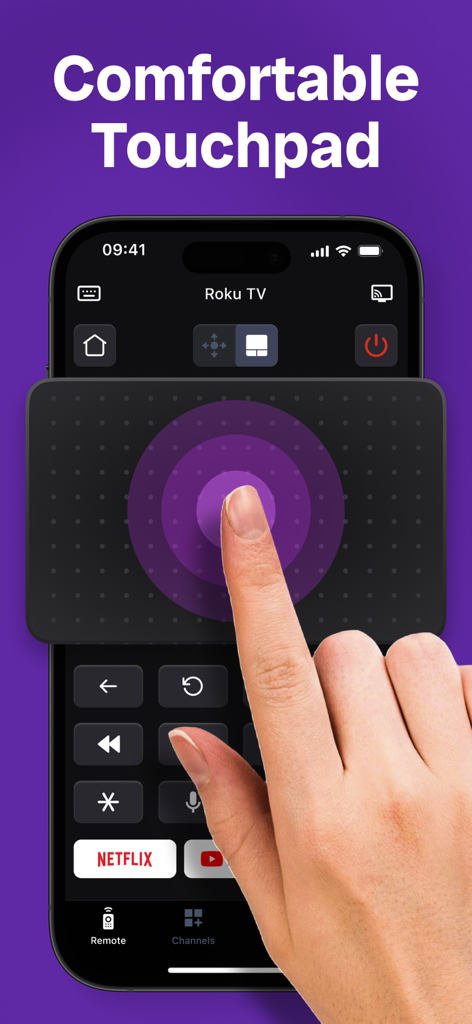
A hand using the large circular touchpad on a smartphone to control a Roku TV through the TV Remote app

A hand using the large circular touchpad on a smartphone to control a Roku TV through the TV Remote app

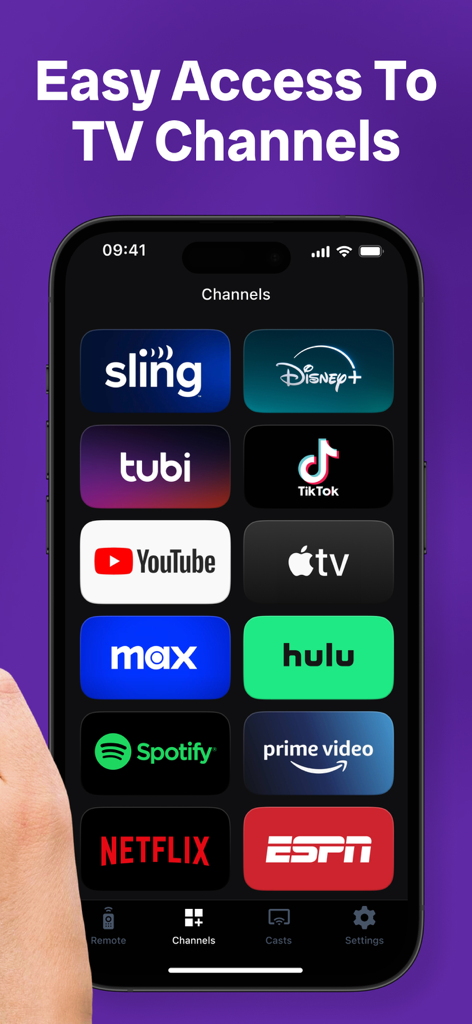
A smartphone screen showing the TV Remote app with icons for popular streaming services like Netflix, Hulu, and Disney plus.

A smartphone screen showing the TV Remote app with icons for popular streaming services like Netflix, Hulu, and Disney plus.

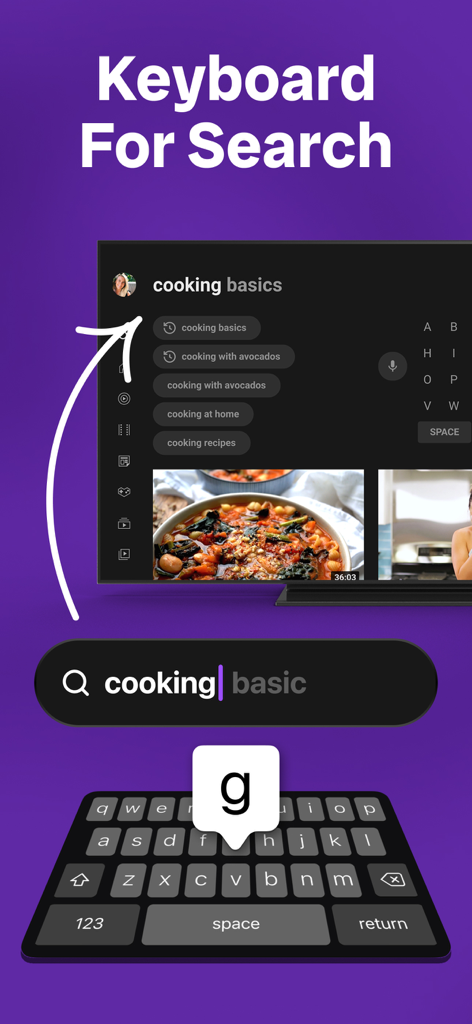
Smartphone keyboard interface being used to search for cooking videos on a smart TV screen.

Smartphone keyboard interface being used to search for cooking videos on a smart TV screen.

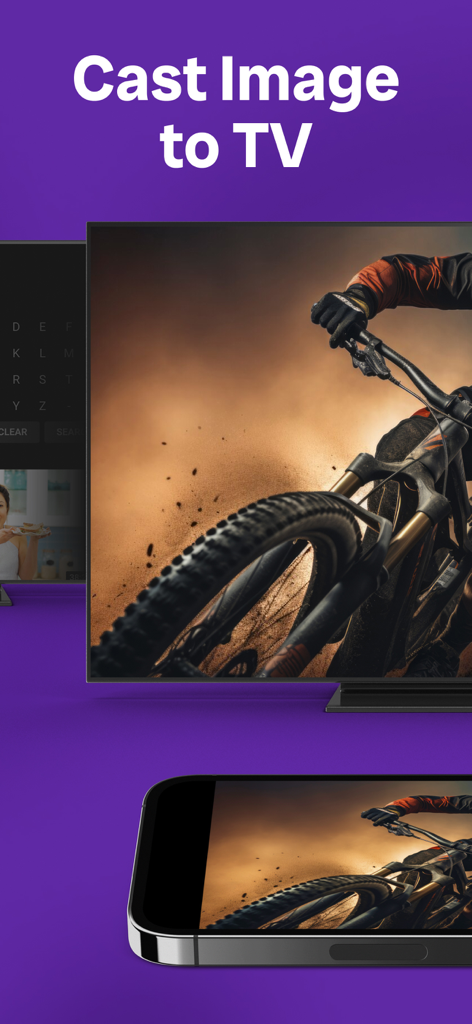
A smartphone casting a mountain bike photo to a large smart TV screen

A smartphone casting a mountain bike photo to a large smart TV screen

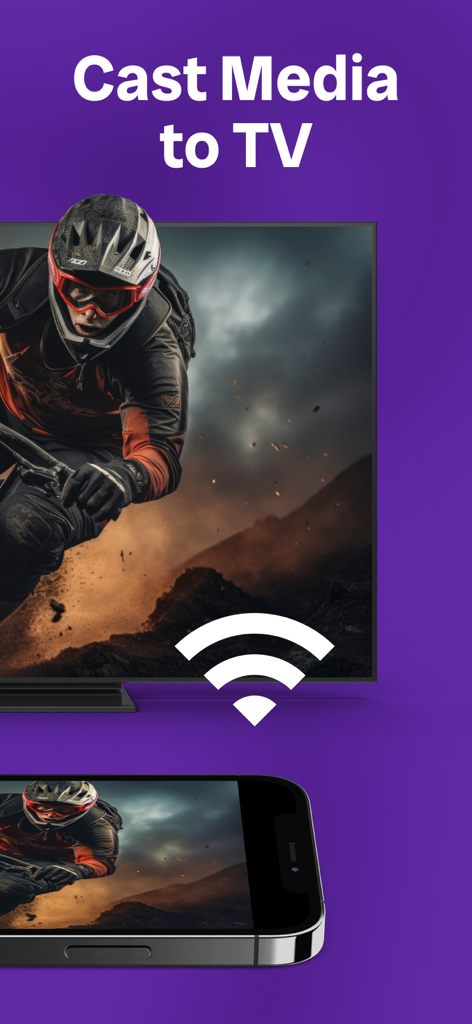
iPhone screen casting a motocross video to a smart TV via a WiFi connection

iPhone screen casting a motocross video to a smart TV via a WiFi connection

Master Your Home Entertainment

The tools that make this app stand out, trusted by 43M+ users.

⌨️

Lightning-Fast Typing

Stop the frustrating hunt-and-peck search. Use your phone's keyboard to enter movie titles and passwords in a fraction of the time.

🏠

Universal Connectivity

One app for every room. Seamlessly control Samsung, Roku, LG, and Sony TVs without ever leaving your seat or switching devices.

🖱️

Precision Touchpad

Experience fluid navigation with a large, responsive touchpad that makes scrolling through streaming menus as natural as browsing the web.

Loved by users worldwide

Trusted by 43M+ people who love this app.

"

"Searching for movies used to be such a chore using the standard TV remote. Now, I just use the keyboard on my phone to type titles instantly. The touchpad is also super responsive, making navigation through menus a breeze. It has completely changed how I interact with my LG and Samsung TVs!"

Sarah M.
"

"I constantly misplace my remote, but my phone is always in my hand. This app found my Roku and FireTV immediately on my WiFi. I love that I can control all the TVs in my house from one place without digging through couch cushions. The voice search is a game changer for hands-free control."

David L.

Review Analysis

Insights from user reviews.

Sentiment Score

21%
Negative

Summary

This app receives overwhelmingly negative feedback, frequently labeled as a "scam" due to its aggressive paywall that charges high weekly fees (e.g., $7/week) for basic remote functions like volume and channel control, despite being advertised as free. Users report numerous functionality issues, including the app failing to connect, crashing, or having unresponsive buttons, rendering it useless even after subscribing. Many also cite misleading advertising, intrusive pop-up ads that prevent use, and difficulty canceling subscriptions or facing unexpected charges. A small number of users find it convenient and appreciate its fast connection when it functions correctly.

Common Themes

Subscription Cost/Paywall(25)
Functionality Issues(20)
Misleading Advertising/Fraud(9)
Intrusive Ads(5)
Connection Problems(5)
Convenience/Positive Experience(5)
Subscription Cancellation(3)

About the app

Everything you need to know about TV Remote - Universal Control.

Description

TV Remote is the ultimate solution for controlling your Smart TV from the comfort of your phone. With its easy-to-use interface and compatibility with various TV brands such as Samsung, Roku, LG, Sony, FireTV, AndroidTV, Vizio, and Hisense, this app lets you take charge of your TV viewing experience. You can connect your device to your TV via WIFI, and enjoy full control of your TV functions, including volume, channels, input sources, and more, right from your mobile device. Whether you're watching a movie, playing games, or simply relaxing, the app makes it easy to manage your TV, no matter where you are. Try it today and discover a whole new level of TV control. Main features: * Automatically detects Smart TVs on the same WIFI network * Works with most popular TV brands * Large touchpad for easy menu and content navigation * Launch channels directly from the app * Fast and simple keyboard input * Voice search for hands-free control *** Upgrade to Premium to remove ads and unlock all features*** You can choose one-time payment or a yearly subscription. (with 3-day free trial) a monthly subscription a weekly subscription – Payment will be charged to iTunes Account at confirmation of purchase (After free trial period if offered). – Subscription automatically renews unless auto-renew is turned off at least 24-hours before the end of the current period. – Account will be charged for renewal within 24-hours prior to the end of the current period, and identify the cost of the renewal. – Subscriptions may be managed by the user and auto-renewal may be turned off by going to the user’s Account Settings after purchase. – Any unused portion of a free trial period, if offered, will be forfeited when the user purchases a subscription to that publication, where applicable. This app is not affiliated with or endorsed by Samsung, Roku, or any other TV brands listed above. Privacy: https://evolly.app/privacy-policy/ Terms: https://evolly.app/terms-of-service/

Latest Version

2.0.9

Size

209.4 MB

First Released

Nov 19, 2020

Never Search for the Remote Again

Join 43M+ users who transformed their smartphone into the ultimate universal remote. Download today for a faster, smarter way to browse and type on your Smart TV.

Download on App StoreDownload on Google Play
FAQ

Frequently Asked Questions

Everything you need to know about TV Remote - Universal Control
What TV brands is the TV Remote - Universal Control app compatible with?

The TV Remote - Universal Control app is compatible with various TV brands, including Samsung, Roku, LG, Sony, FireTV, AndroidTV, Vizio, Hisense, TCL, and Philips.

How does the TV Remote app connect to a Smart TV?

The TV Remote app connects to your Smart TV via your home's WIFI network. It automatically detects Smart TVs on the same network for easy setup.

What TV functions can the TV Remote - Universal Control app manage?

The TV Remote - Universal Control app provides full control over TV functions, including volume adjustments, channel changes, and input source selection, directly from your mobile device.

Does the TV Remote app include a touchpad for navigation?

Yes, the TV Remote app includes a large touchpad for easy menu and content navigation on your Smart TV.

Can I use my phone's keyboard for search on the TV with the TV Remote app?

Yes, the TV Remote app offers fast and simple keyboard input for searching and typing directly on your Smart TV from your mobile device.

Does TV Remote - Universal Control support voice search?

Yes, TV Remote - Universal Control supports voice search for hands-free control of your Smart TV. This feature allows users to issue commands verbally.

What benefits does the Premium upgrade offer in the TV Remote app?

Upgrading to Premium in the TV Remote app removes ads and unlocks all available features, enhancing the user experience.

What subscription options are available for the TV Remote app Premium?

The TV Remote app offers multiple Premium subscription options, including a one-time payment, yearly (with a 3-day free trial), monthly, and weekly subscriptions.

Does the TV Remote - Universal Control app offer a free trial for its Premium features?

Yes, the TV Remote - Universal Control app offers a 3-day free trial with the yearly subscription option for its Premium features.

How does auto-renewal work for subscriptions in the TV Remote app?

Subscriptions in the TV Remote app automatically renew unless auto-renew is turned off at least 24-hours before the current period ends. Users manage auto-renewal in Account Settings.

Can the TV Remote - Universal Control app cast images or media to a TV?

Yes, the TV Remote - Universal Control app supports casting images and media from your mobile device directly to your Smart TV.