
Weekly Planner - Diary, Notes


Ditch the complex calendars and monthly subscription fees. Experience the ease of a traditional paper diary with the convenience of digital sync, designed for your busy life at home and work.
Publisher
Category
ProductivityDownloads
6M+User Rating
Total Ratings
114K+Locales
28Discover the interface used by 6M+ users.
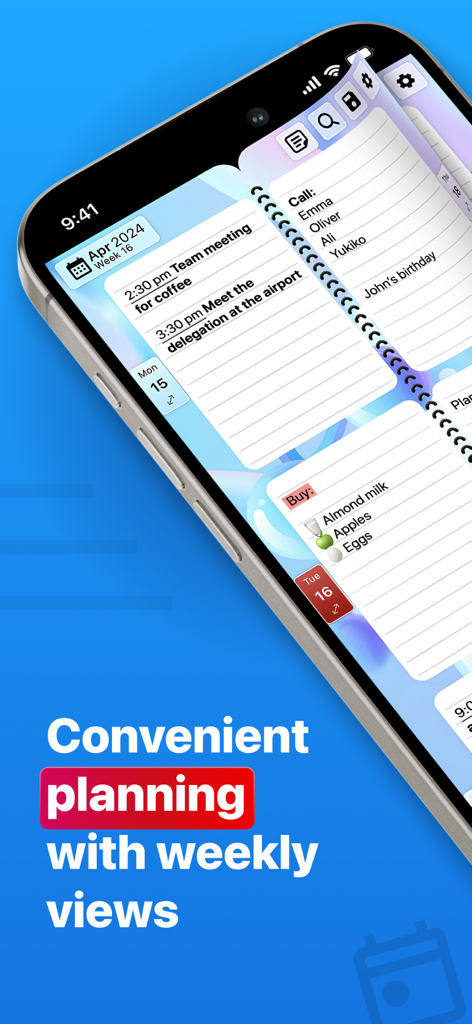
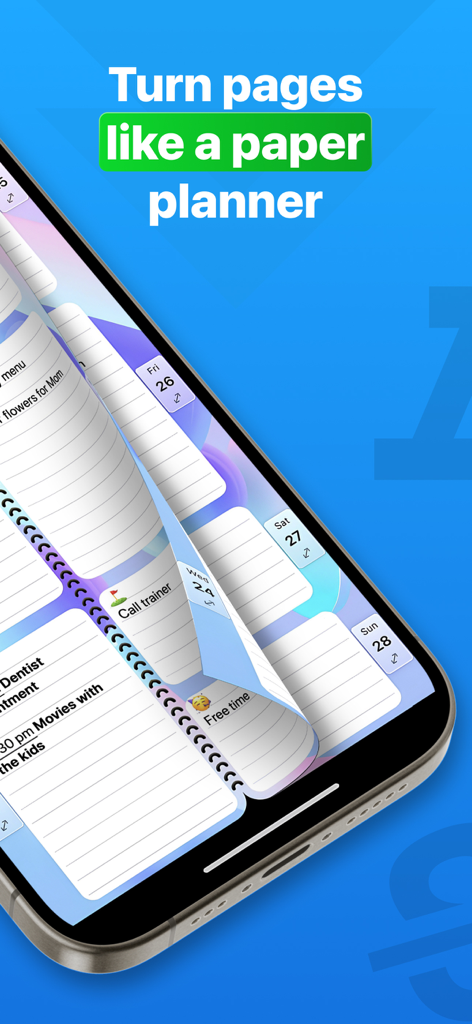
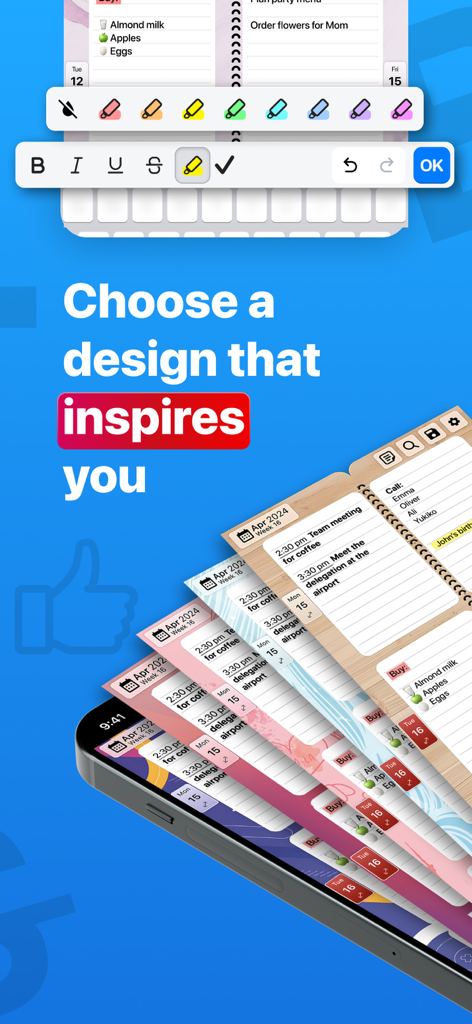
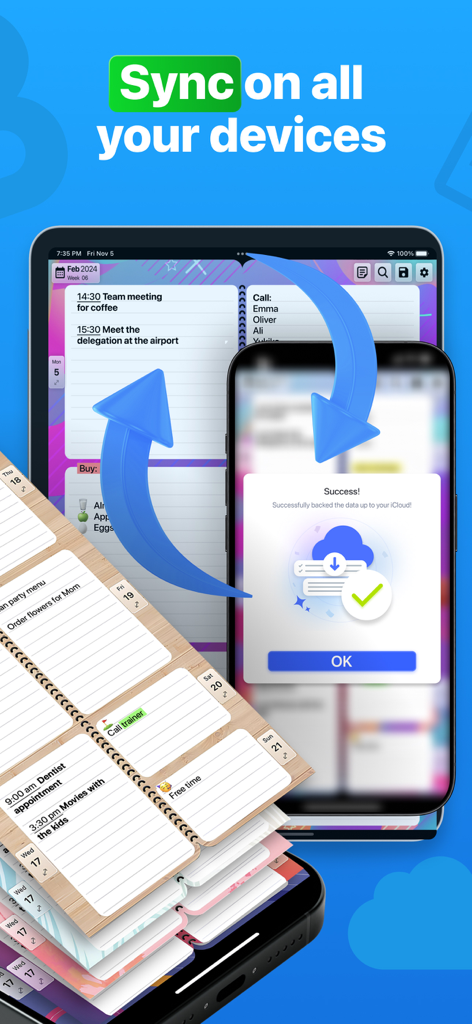
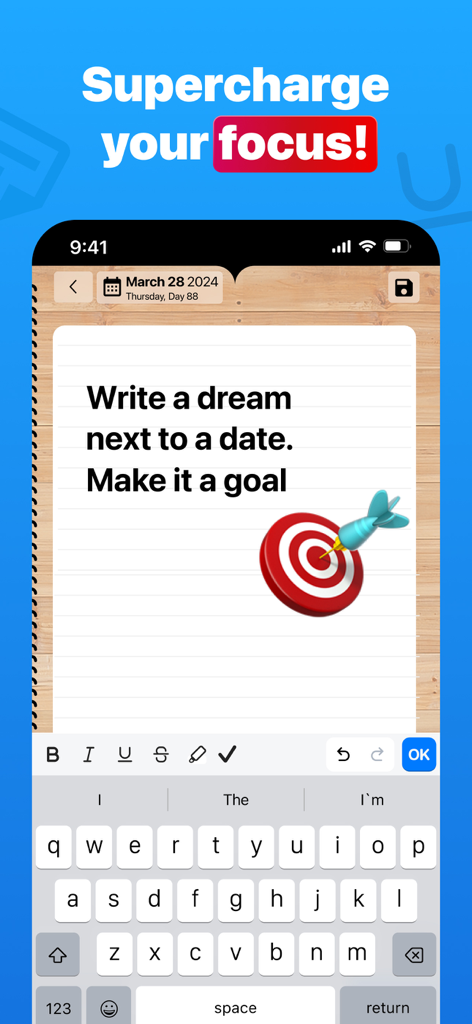
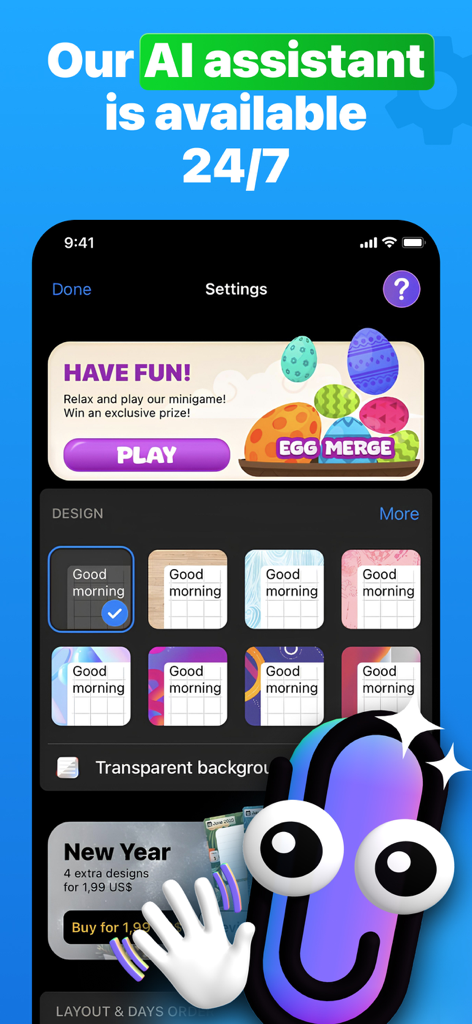
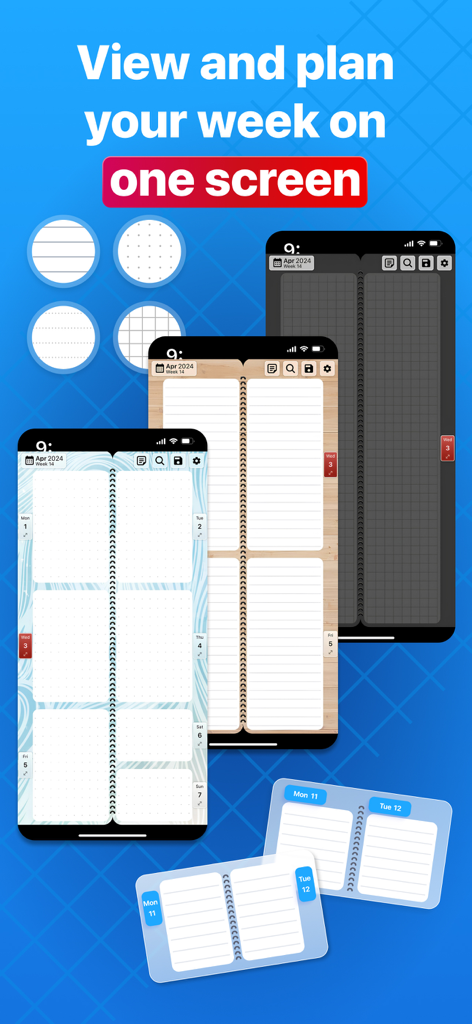
The tools that make this app stand out, trusted by 6M+ users.
Stop digging through menus. See all your appointments and tasks in a familiar layout that lets you plan seven days at a single glance.
Beat subscription fatigue with a simple one-time purchase. Own your digital planner forever with no hidden monthly or annual fees.
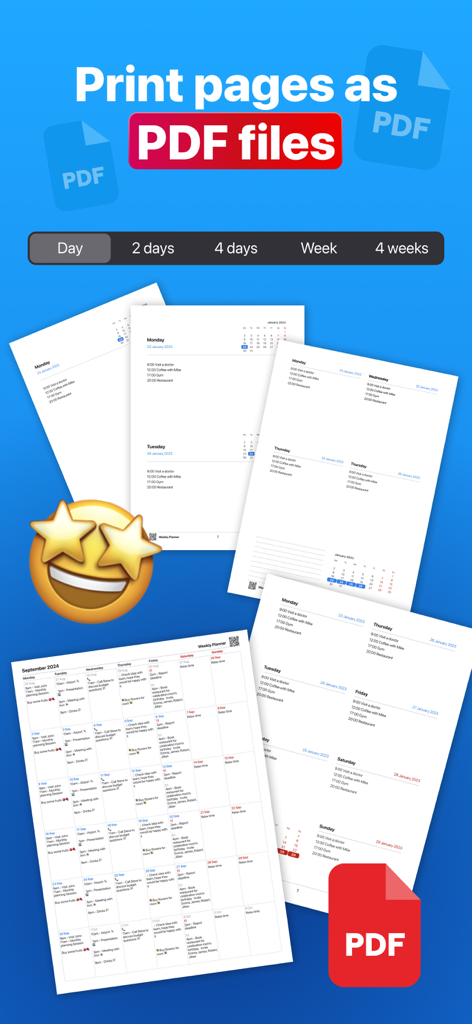
Bridge the gap between digital and analog. Seamlessly sync across your devices or export your schedule to PDF for printing at home.
Trusted by 6M+ people who love this app.
"I have spent years looking for a digital version of my old paper diary, and this is finally it. I love being able to see my entire week at a glance without the clutter of traditional calendar apps. The one-time PRO purchase was a breath of fresh air—I am so tired of monthly subscriptions. It is simple, clean, and helps me keep my freelance projects and family schedule perfectly in sync."
"As someone who prefers writing things down, this app is a game changer for my iPad. It feels like a real notebook but with the convenience of digital syncing. I use the PDF export feature every Sunday to print my weekly goals for my desk. If you want a minimalist tool that just works without a steep learning curve, this is the best investment you will make for your productivity."
Everything you need to know about Weekly Planner - Diary, Notes.
Description
Latest Version
1.4.30
Size
1.3 GB
First Released
Feb 2, 2017
Experience the ease of a paper diary with the power of digital. Join 6 million users and get organized for life with a simple one-time purchase—no subscriptions, ever.
Everything you need to know about Weekly Planner - Diary, Notes
Yes, Weekly Planner - Diary, Notes offers a FREE version. Users can utilize the free version for an unlimited duration.
The PRO version of Weekly Planner - Diary, Notes costs $5.99. This is a one-time purchase, providing lifetime access without any monthly or annual subscription fees.
Yes, Weekly Planner PRO allows synchronization with iCloud, Google Cloud, and other devices. This feature helps keep your planner updated across all your platforms.
Weekly Planner offers features like adding appointments, to-do lists, tasks, and recurring events. It allows users to instantly add items to their Calendar or Notes page.
Yes, Weekly Planner PRO includes an optional password lock protection. This feature enhances the privacy and security of your personal planning information.
Yes, Weekly Planner PRO supports creating recurring events. Users can schedule events daily, weekly, monthly, or annually, and even for exact dates like birthdays or anniversaries.
Yes, Weekly Planner PRO allows users to save versions for printing in customizable PDF format. This enables physical copies of your organized schedules.
Weekly Planner offers customization options in PRO settings, including setting the first day of the week, selecting one-day to weekly views, choosing app icons, page designs, and adjusting font size and color.
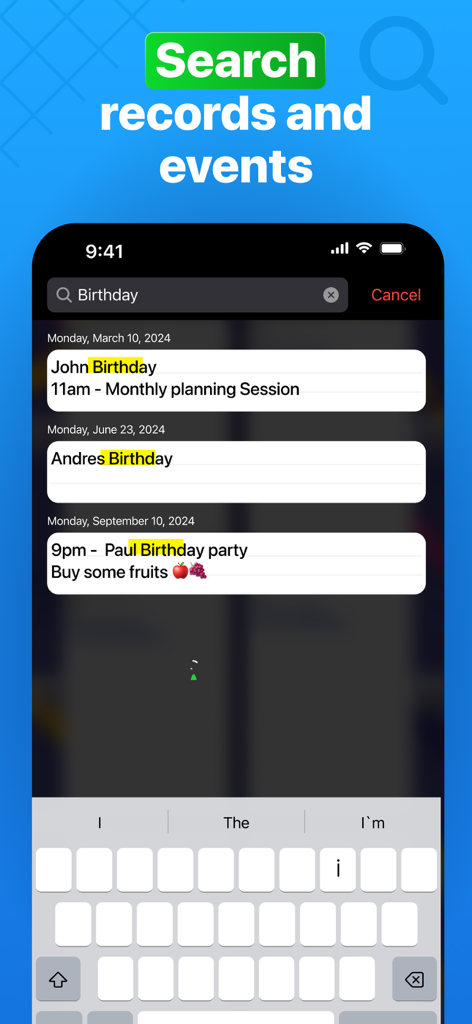
Yes, Weekly Planner - Diary, Notes allows searching for events and entries. This helps users quickly locate specific records within their planner.
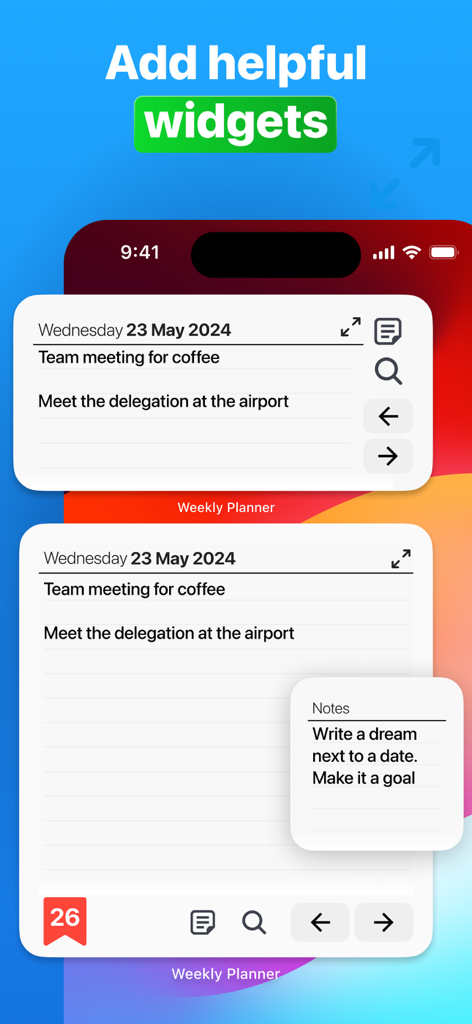
Yes, Weekly Planner - Diary, Notes provides widgets. These widgets allow users to quickly view and interact with their planner information directly from their device's home screen.
Apps with similar features and user experience

Notion Labs, Incorporated

Hangzhou Free Notes Technology Co., Ltd

unorderly GmbH

Google LLC

Appest Limited

Noteful Technologies Ltd

Doist Inc.

Inner Grow Limited

monday.com Ltd.