Freedom: Screen Time Control

Freedom: Screen Time Control

다운로드: App Store다운로드: Google Play
Spark by MWM logo
로고: Freedom: Screen Time Control

Freedom: 스크린 타임 관리 — 집중력을 마스터하고 하루를 되찾으세요

모든 기기에서 동시에 방해 요소를 차단하세요. 매일 평균 2.5시간의 생산적인 시간을 확보하는 3백만 명의 성공한 사람들과 함께하세요.

개발사

Eighty Percent Solutions Corporation

카테고리

Productivity

다운로드

1M+

사용자 평점

4.3/5

총 평가 수

7K+

지원 언어

2

집중력 엿보기

이 인터페이스를 사용하는 1M+ 명의 사용자.

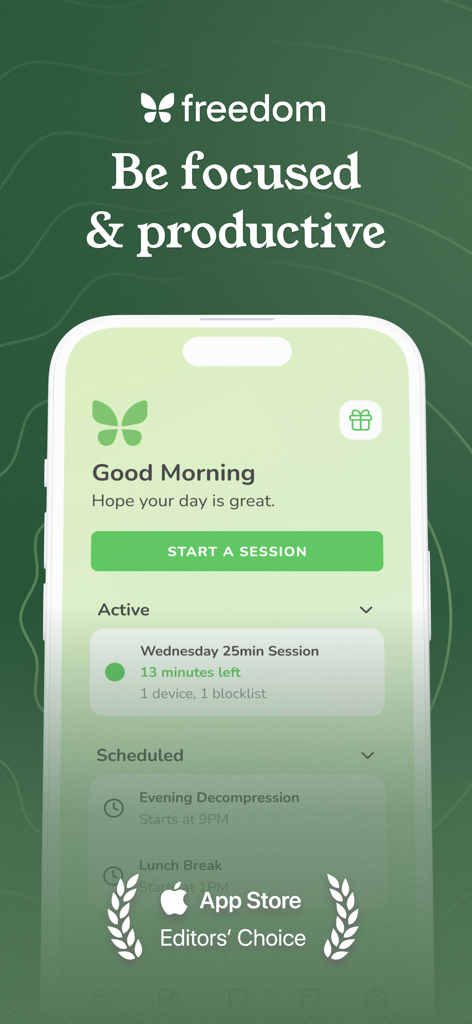
Freedom 앱 대시보드가 스마트폰에 표시되어 활성 집중 세션과 예약된 방해 차단 세션을 보여줍니다.

Freedom 앱 대시보드가 스마트폰에 표시되어 활성 집중 세션과 예약된 방해 차단 세션을 보여줍니다.

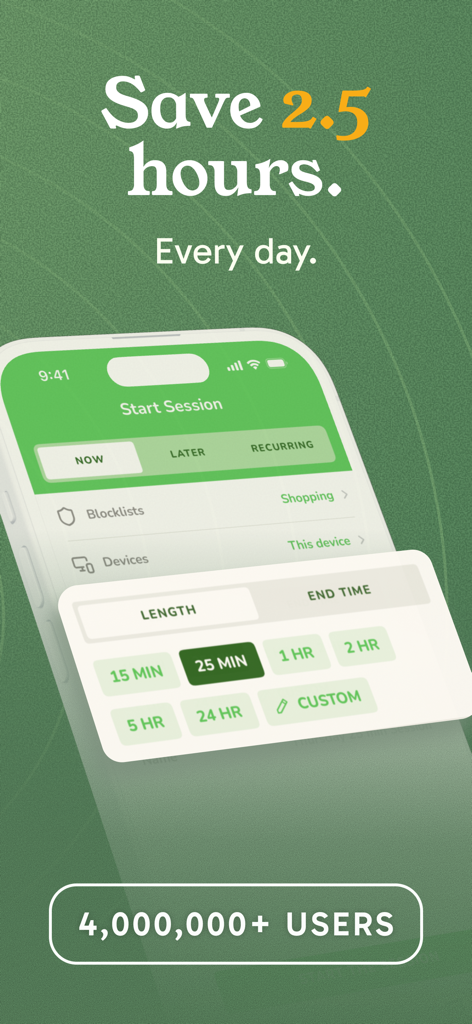
Freedom 앱 인터페이스로 집중 세션 시작 및 방해 차단 옵션을 보여줍니다.

Freedom 앱 인터페이스로 집중 세션 시작 및 방해 차단 옵션을 보여줍니다.

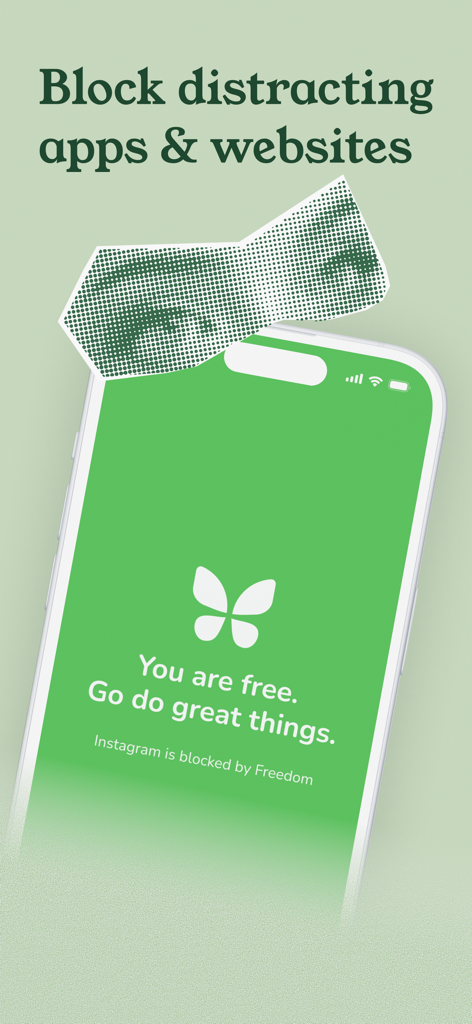
Freedom 앱 인터페이스가 스마트폰에 표시되어 Instagram을 차단하는 녹색 화면과 "자유롭습니다" 메시지를 보여줍니다.

Freedom 앱 인터페이스가 스마트폰에 표시되어 Instagram을 차단하는 녹색 화면과 "자유롭습니다" 메시지를 보여줍니다.

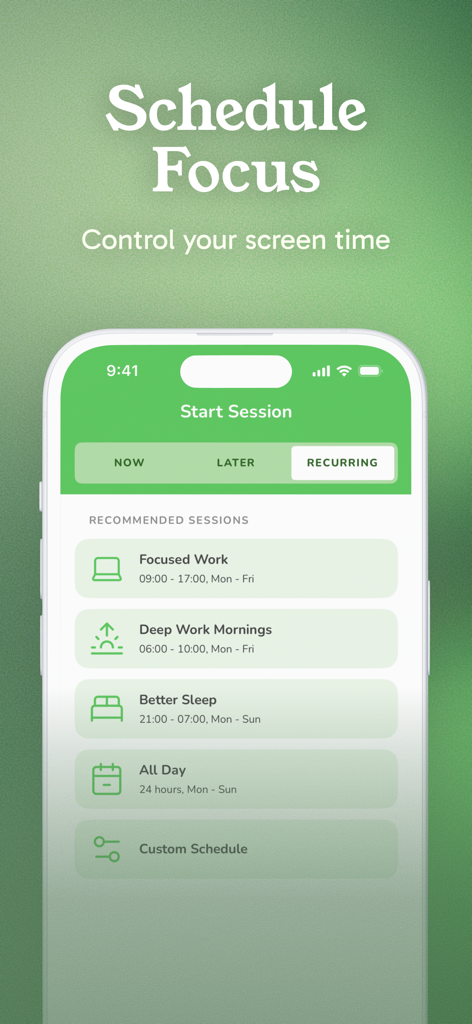
Freedom 앱 인터페이스 스크린샷으로 집중 작업 및 깊이 있는 작업 아침과 같은 집중 세션 예약 옵션을 보여줍니다.

Freedom 앱 인터페이스 스크린샷으로 집중 작업 및 깊이 있는 작업 아침과 같은 집중 세션 예약 옵션을 보여줍니다.

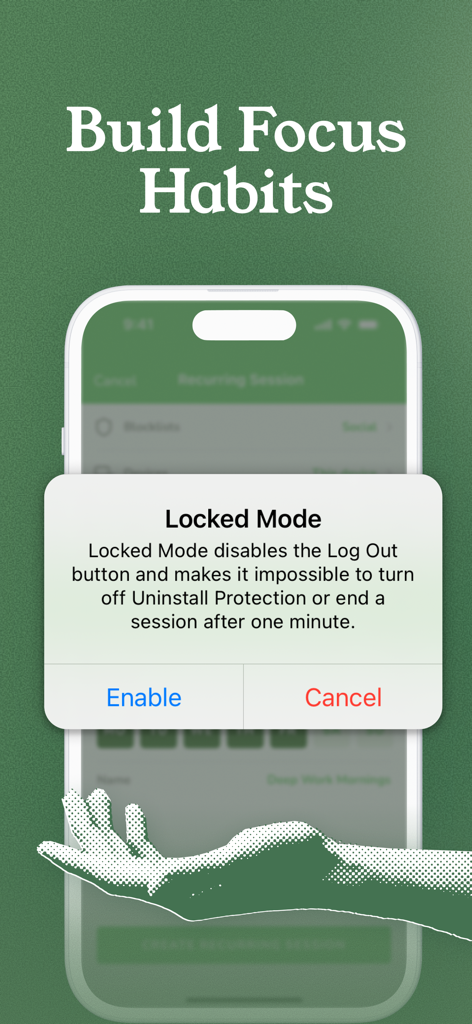
Freedom 앱 화면에 집중 생산성을 위한 잠금 모드 팝업이 표시됩니다.

Freedom 앱 화면에 집중 생산성을 위한 잠금 모드 팝업이 표시됩니다.

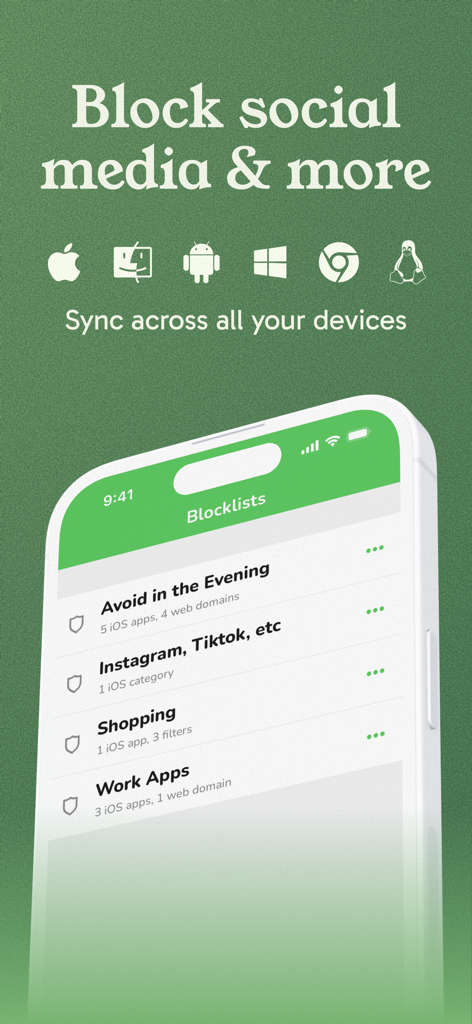
Freedom 앱 인터페이스에 사용자 지정 차단 목록과 다중 장치 동기화 아이콘이 표시됩니다.

Freedom 앱 인터페이스에 사용자 지정 차단 목록과 다중 장치 동기화 아이콘이 표시됩니다.

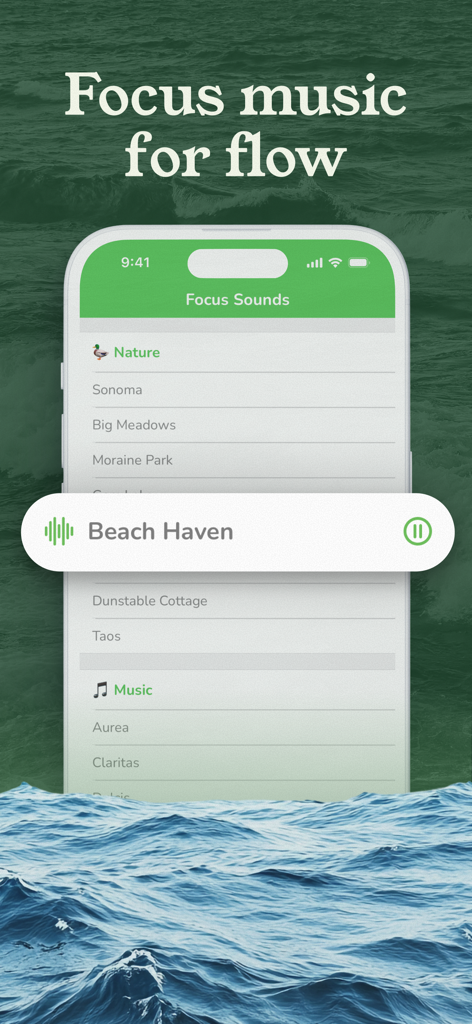
Freedom 앱 화면에 소노마 및 비치 헤이븐과 같은 집중 사운드 목록과 파도 배경이 표시됩니다.

Freedom 앱 화면에 소노마 및 비치 헤이븐과 같은 집중 사운드 목록과 파도 배경이 표시됩니다.

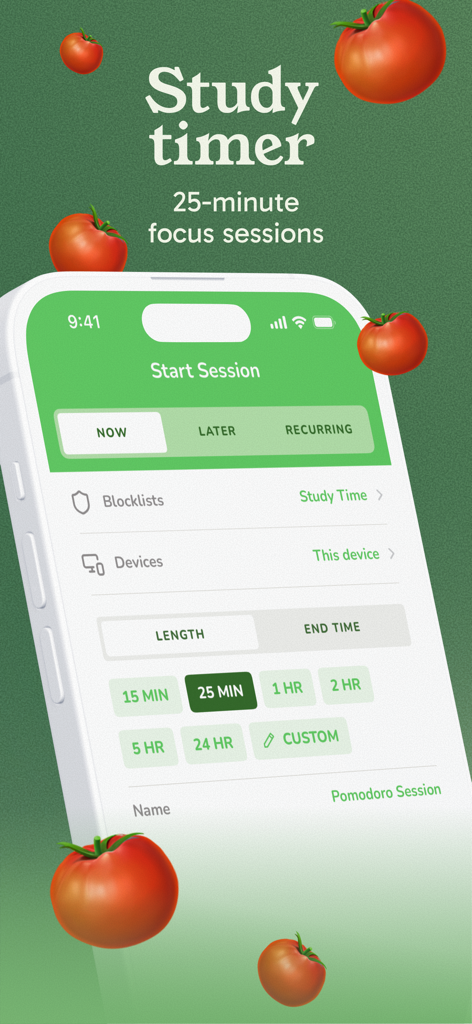
Freedom 앱 인터페이스로 25분 뽀모도로 스터디 타이머 집중 세션을 보여줍니다.

Freedom 앱 인터페이스로 25분 뽀모도로 스터디 타이머 집중 세션을 보여줍니다.

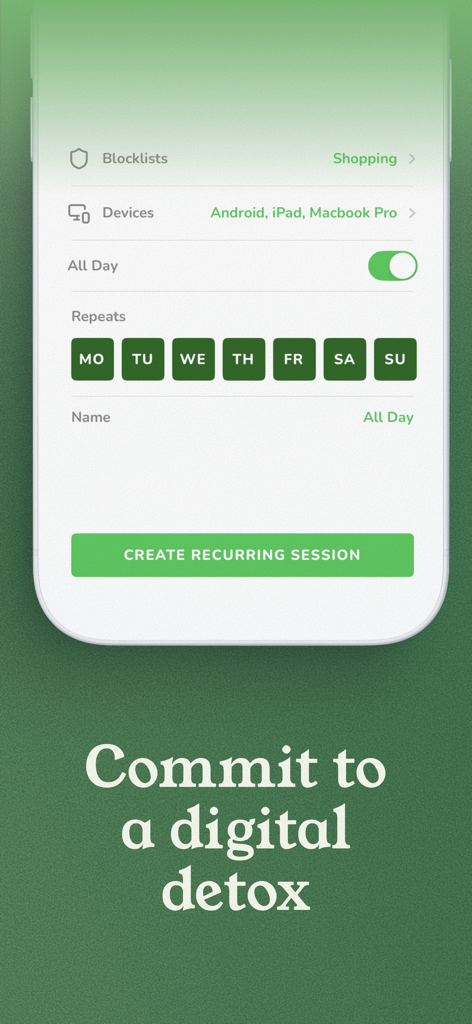
Freedom 앱 인터페이스로 여러 기기에서 반복되는 디지털 디톡스 세션을 예약하는 옵션을 보여줍니다.

Freedom 앱 인터페이스로 여러 기기에서 반복되는 디지털 디톡스 세션을 예약하는 옵션을 보여줍니다.

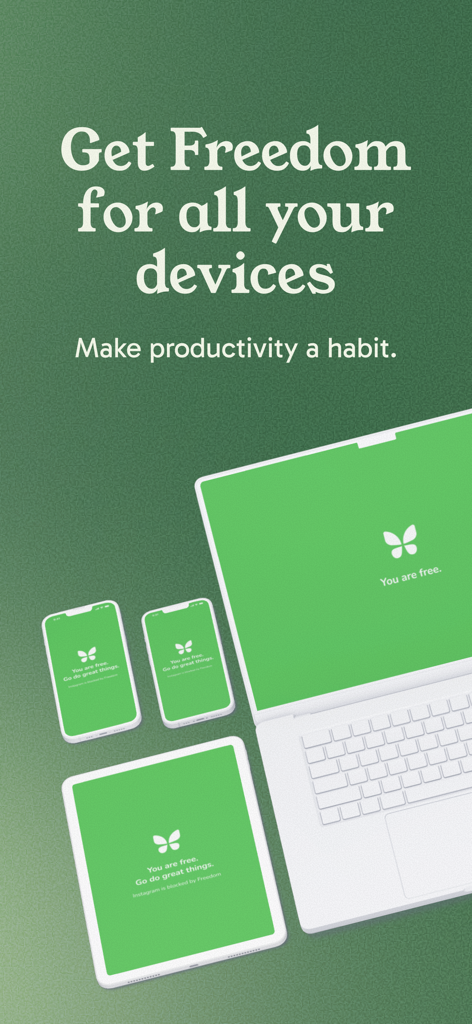
노트북, 태블릿, 스마트폰에 표시된 Freedom 앱으로 방해 없는 녹색 화면을 보여줍니다.

노트북, 태블릿, 스마트폰에 표시된 Freedom 앱으로 방해 없는 녹색 화면을 보여줍니다.

집중력을 마스터하고 하루를 되찾으세요

이 앱을 돋보이게 하는 도구, 1M+ 명의 사용자가 선택.

🔄

모든 기기 동기화

iPhone부터 MacBook까지, 모든 기기에서 방해되는 앱과 웹사이트를 동시에 차단하여 디지털 허점을 제거하세요.

📅

지능형 스케줄링

세션을 자동화하여 집중력을 습관으로 만드세요. 생산성이 기본 상태가 되도록 심층 작업 시간을 반복적으로 차단하도록 설정하세요.

🔒

잠금 모드로 목표에 전념하세요. 잠금 모드는 의지력이 약해 세션을 일찍 종료하는 것을 방지하는 강력한 심리적 방패입니다.

전 세계 사용자들에게 사랑받는 앱

Trusted by 1M+ 명이 이 앱을 사랑합니다.

"

"집에서 일하는 프리랜서 작가로서, 연구와 소셜 미디어 사이를 계속 오가는 것이 가장 큰 적이었습니다. Freedom은 모든 것을 바꾸어 놓았습니다. 크로스 디바이스 동기화는 뛰어난 기능입니다. Mac에서 열 수 있다면 휴대폰에서 방해 요소를 차단하는 것은 쓸모가 없습니다. 저는 매일 최소 2시간의 깊이 있는 작업을 되찾았고, 제 청구 가능 시간은 그 어느 때보다 좋아졌습니다."

Sarah Jenkins, 프리랜서 저널리스트
"

"저는 몇 년 동안, 특히 아침 루틴 중에 둠스크롤링으로 고생했습니다. Freedom의 예약된 차단 기능과 잠금 모드를 사용하는 것은 제 정신 건강과 집중력에 있어 완전히 판도를 바꾸어 놓았습니다. 제가 스스로 설정한 경계를 실제로 시행하는 유일한 도구입니다. 이것은 단순히 생산성 앱이 아니라 중독성 있는 알고리즘으로부터 삶에 대한 통제권을 되찾기 위한 도구입니다."

David Chen, 소프트웨어 엔지니어

앱 소개

에 대해 알아야 할 모든 것 Freedom: Screen Time Control.

설명

Block distracting apps and websites so you can focus, be more productive, and build better screen time habits. We've built the world's best app and website blocker, trusted by over 3 million individuals and teams to deliver focused attention for the things that matter most. During a Freedom session, when you attempt to open an app or website on your blocklist, Freedom blocks the app from opening and displays a peaceful green screen - reminding you that you're currently free of that distraction. Freedom users report gaining an average of 2.5 hours of productive time every day. They're more fulfilled, happier with work and family life, and have a healthier relationship with their technology. Schedule a Freedom app blocking session to start automatically when you need it – for complete, seamless control over distractions. Because Freedom works across all your devices, you'll feel confident knowing you're in complete control. We call it mindful productivity. There's no limit to the number of devices (including phones, tablets, and computers) you can connect to Freedom, so you can block apps and websites regardless of where you are or what you're doing. You'll stay focused, productive, and distraction-free. "Our favorite distraction-killing app blocker." – Lifehacker "One antidote to the always-on life is Freedom…" – Time Magazine "As Freedom shows, the solution to the problems created by technology isn't anti-technology, but more and better technology." – Huffington Post "Freedom has garnered celeb fans like Dave Eggers, Nick Hornby, Seth Godin, and Nora Ephron." – Mashable PEACE OF MIND - COVER EVERY DEVICE - For one price, Freedom covers all your devices (phones, tablets, and computers) with our powerful distraction-blocking technology. TURN OFF THE NOISE - BLOCK APPS and WEBSITES - Block distracting apps and websites for as long as you want. Select from a pre-made blocklist or create a custom blocklist of your time-consuming distractions. EXPERIENCE TOTAL PEACE - BLOCK THE INTERNET - Block the internet with a single button. Enjoy peace, quiet, and focus, away from all distractions. Freedom won't block important texts or calls, so you can enjoy offline time knowing you can be reached if need be! SMART COVERAGE - SYNC ACROSS YOUR DEVICES - Distractions aren't limited to your phone! Sync block sessions to your phones, tablets, and computers. There's no limit to the number of devices you can use. CREATE GOOD HABITS - USE POWERFUL SCHEDULING - Schedule your blocks now, later, or create recurring blocks to help make focus and productivity a habit. LOCKED MODE - Use Locked Mode to commit to breaking bad digital habits and addictions. FOCUS SOUNDS - Free audio tracks give you an assortment of music, café, office, and nature sounds to help you stay focused and productive, no matter where you are. We're excited about helping you be the best version of yourself. We're continually building new tools - and they're always included in your subscription. We've also got a great Perks program which offers discounts on top productivity products. SUBSCRIPTION PRICING AND TERMS We’re confident that you’ll love Freedom, but just so you can be sure, we offer a 7-day free trial of Freedom Premium. After that it’s only $39.99 per year. Many Freedom users tell us it pays for itself within a few days! These prices are for United States customers. Pricing in other countries may vary and actual charges may be converted to your local currency depending on the country of residence. Your Freedom subscription will automatically renew at the end of each term and your credit card will be charged through your iTunes account. Your subscription will automatically renew unless auto-renew is turned off at least 24 hours before the end of the current period. You can turn off auto-renew at any time from your iTunes account settings. Terms and Conditions - https://freedom.to/terms Privacy Policy - https://freedom.to/privacy Thank you!

최신 버전

6.58

크기

52.7 MB

출시일

2018년 10월 27일

마음챙김 생산성 마스터할 준비가 되셨나요?

3백만 명 이상의 성공한 사람들과 함께 하루 최대 2.5시간을 되찾으세요. 지금 7일 무료 체험을 시작하고 모든 기기에서 세계 최고의 방해 차단 기능을 경험하세요.

다운로드: App Store다운로드: Google Play
FAQ

자주 묻는 질문

에 대해 알아야 할 모든 것 Freedom: Screen Time Control

Freedom: Screen Time Control이란 무엇이며 어떻게 작동하나요?

Freedom: Screen Time Control은 사용자가 집중하고, 생산성을 높이며, 더 나은 화면 시간 습관을 형성하도록 돕는 앱 및 웹사이트 차단기입니다. 모든 기기에서 방해 요소를 차단합니다.

Freedom: Screen Time Control을 사용하여 특정 앱과 웹사이트를 차단할 수 있나요?

네, Freedom을 사용하면 특정 앱과 웹사이트를 차단할 수 있습니다. 사용자는 미리 만들어진 차단 목록에서 선택하거나 시간을 많이 소모하는 방해 요소에 대한 사용자 지정 차단 목록을 만들 수 있습니다.

미국에서 Freedom Premium의 연간 비용은 얼마인가요?

미국에서 Freedom Premium의 연간 비용은 연간 $39.99입니다. 다른 국가의 가격은 다를 수 있으며 실제 요금은 현지 통화로 환산됩니다.

Freedom: Screen Time Control에서 무료 평가판을 제공하나요?

네, Freedom은 Freedom Premium의 7일 무료 평가판을 제공합니다. 이 평가판을 통해 사용자는 구독을 결정하기 전에 모든 기능을 경험할 수 있습니다.

Freedom: Screen Time Control은 여러 기기에서 동기화되나요?

네, Freedom은 휴대폰, 태블릿, 컴퓨터를 포함한 모든 기기에서 차단 세션을 동기화합니다. 연결할 수 있는 기기 수에는 제한이 없습니다.

Freedom: Screen Time Control의 '잠금 모드' 기능은 무엇인가요?

잠금 모드는 로그아웃 버튼을 비활성화하고, 제거 보호 기능을 끄는 것을 방지하며, 사용자가 1분 후 세션을 종료하는 것을 중지합니다. 이는 디지털 습관을 깨뜨리도록 돕습니다.

Freedom: Screen Time Control을 사용하여 앱 및 웹사이트 차단 세션을 예약할 수 있나요?

네, Freedom을 사용하면 지금, 나중에 차단을 예약하거나 반복되는 차단을 만들 수 있습니다. 이 기능은 집중력과 생산성을 습관으로 만드는 데 도움이 됩니다.

Freedom: Screen Time Control에는 집중력 향상을 위한 포커스 사운드가 포함되어 있나요?

네, Freedom은 포커스 사운드라는 무료 오디오 트랙을 제공합니다. 여기에는 사용자가 집중력을 유지하고 생산성을 높이는 데 도움이 되는 다양한 음악, 카페, 사무실 및 자연의 소리가 포함되어 있습니다.

인터넷이 차단되었을 때 Freedom: Screen Time Control이 중요한 통화나 문자를 차단하나요?

아니요, Freedom은 중요한 문자나 통화를 차단하지 않는다고 명시하고 있습니다. 사용자는 자신이 연락 가능하다는 것을 알면서 오프라인 시간을 즐길 수 있습니다.

현재 얼마나 많은 사용자가 Freedom: Screen Time Control을 신뢰하나요?

4,000,000명 이상의 사용자가 Freedom: Screen Time Control을 신뢰하여 집중력을 발휘하고 있습니다. 이 많은 사용자 기반은 방해 요소 차단 효과를 확인시켜 줍니다.