Roku Remote Control・Cast to TV

Roku Remote Control・Cast to TV

다운로드: App Store다운로드: Google Play
Spark by MWM logo
로고: Roku Remote Control・Cast to TV

Roku 리모컨・TV로 전송: 올인원 리모컨 및 화면 미러링 솔루션

잃어버린 리모컨을 찾는 것을 멈추세요. 모바일 라이프스타일에 맞춰 설계된 빠르고 직관적인 인터페이스로 iPhone 화면을 즉시 미러링하고, 1080p 비디오를 전송하며, 모든 Roku TV를 제어하세요.

개발사

AirBeamTV BV

카테고리

Photo & Video

다운로드

499K+

사용자 평점

3.8/5

총 평가 수

6K+

지원 언어

17

완벽한 제어의 한 엿보기

이 인터페이스를 사용하는 499K+ 명의 사용자.

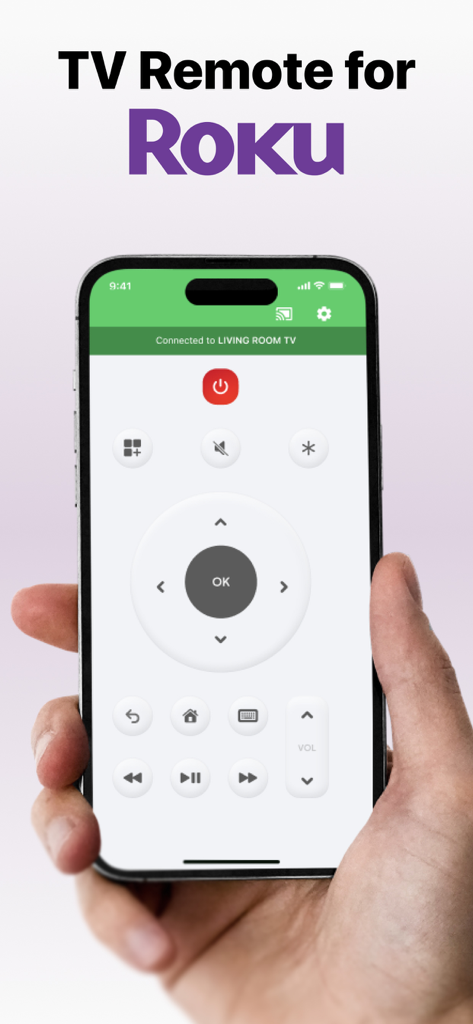
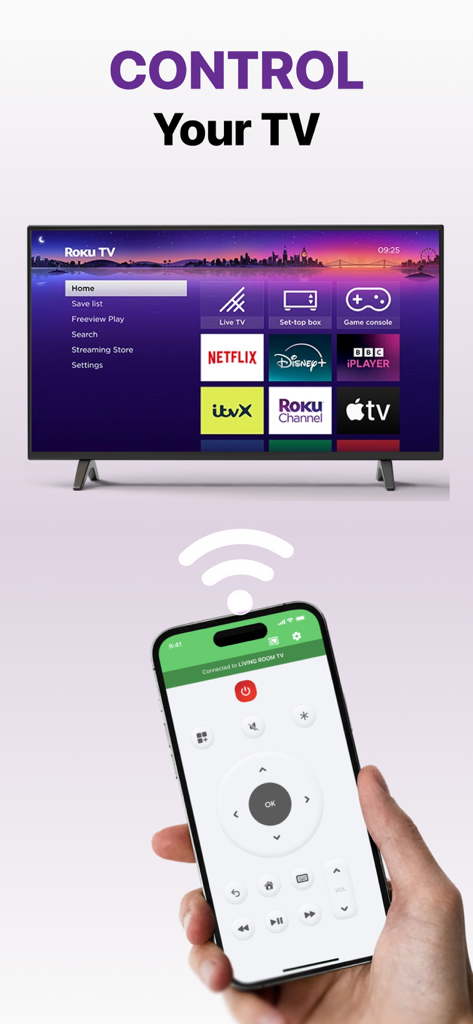
탐색 및 재생 제어 기능이 있는 Roku 앱 인터페이스용 TV 리모컨을 표시하는 스마트폰을 들고 있는 손

탐색 및 재생 제어 기능이 있는 Roku 앱 인터페이스용 TV 리모컨을 표시하는 스마트폰을 들고 있는 손

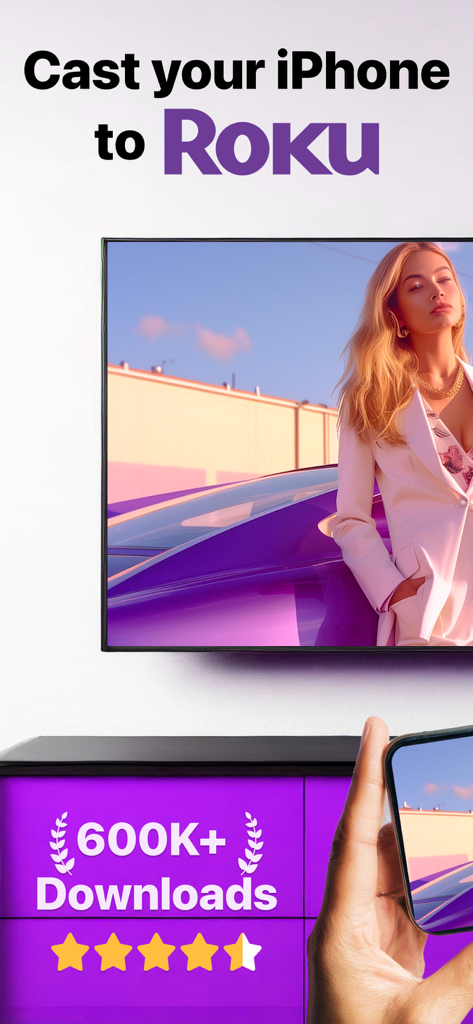
Roku 리모컨 앱을 사용하여 iPhone 화면이 Roku TV로 미러링되는 모습.

Roku 리모컨 앱을 사용하여 iPhone 화면이 Roku TV로 미러링되는 모습.

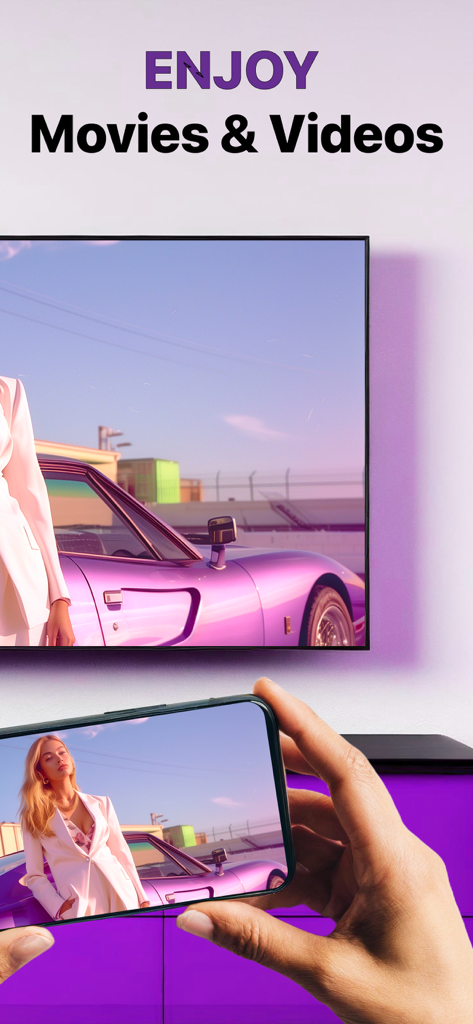
iPhone이 Roku TV 화면으로 영화를 미러링하는 모습

iPhone이 Roku TV 화면으로 영화를 미러링하는 모습

다양한 스트리밍 앱이 화면에 표시된 Roku TV의 리모컨으로 iPhone을 사용하는 사람.

다양한 스트리밍 앱이 화면에 표시된 Roku TV의 리모컨으로 iPhone을 사용하는 사람.

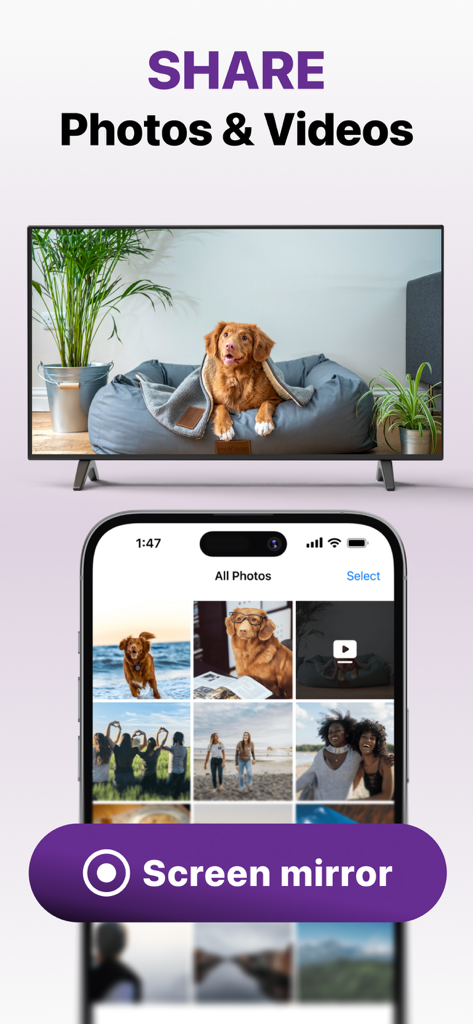
Roku 리모컨 화면 미러링 기능을 사용하여 iPhone에서 TV로 사진과 비디오를 공유하는 모습.

Roku 리모컨 화면 미러링 기능을 사용하여 iPhone에서 TV로 사진과 비디오를 공유하는 모습.

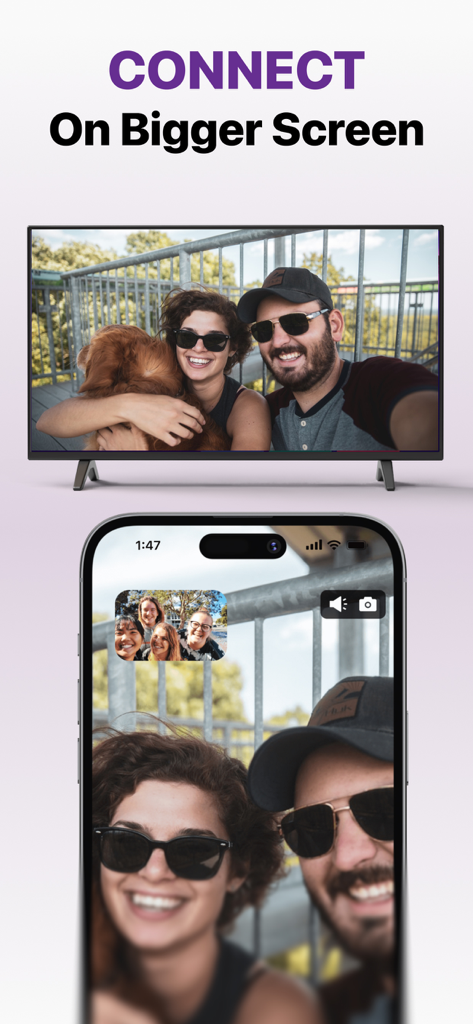
커플과 강아지 사진이 iPhone에서 대형 TV 화면으로 미러링되는 모습

커플과 강아지 사진이 iPhone에서 대형 TV 화면으로 미러링되는 모습

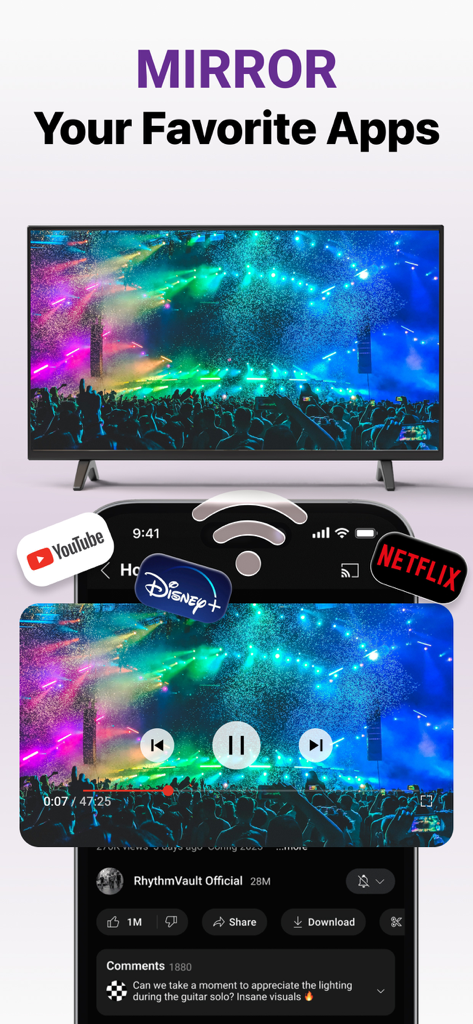
YouTube 및 Netflix와 같은 스트리밍 앱을 iPhone이 Roku TV 화면으로 미러링하는 모습

YouTube 및 Netflix와 같은 스트리밍 앱을 iPhone이 Roku TV 화면으로 미러링하는 모습

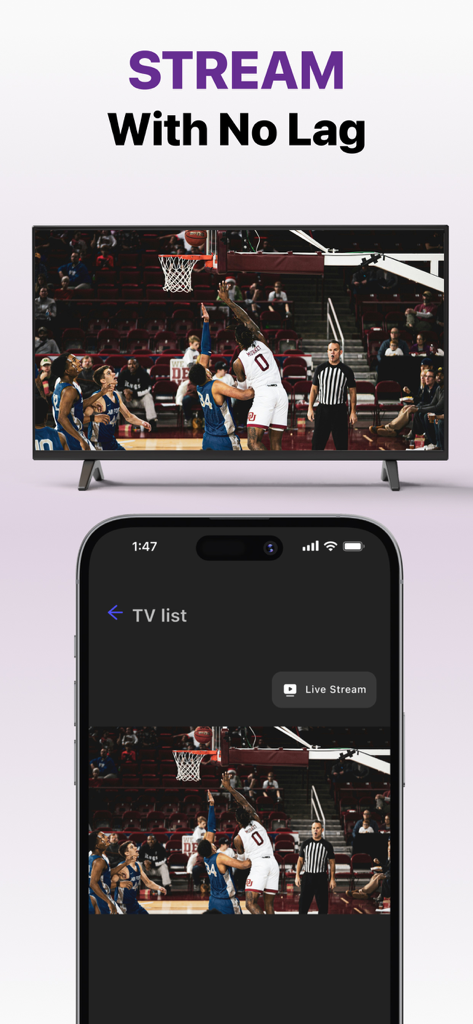
iPhone 화면이 실시간 농구 경기를 Roku TV로 미러링하는 모습

iPhone 화면이 실시간 농구 경기를 Roku TV로 미러링하는 모습

Roku를 위한 올인원 제어 센터

이 앱을 돋보이게 하는 도구, 499K+ 명의 사용자가 선택.

📱

지금까지 사용해본 리모컨 중 가장 스마트합니다

리모컨을 또 잃어버리셨나요? 휴대전화를 사용하여 채널을 탐색하고, 볼륨을 조절하며, iPhone 키보드를 사용하여 번개처럼 빠른 영화 검색을 해보세요.

📺

즉석 화면 미러링

모든 앱, 웹사이트 또는 모바일 게임을 큰 화면으로 가져오세요. 낮은 지연 시간과 고품질 영상으로 작업이나 놀이를 위한 모바일 경험을 공유하세요.

📸

고화질로 추억 전송

시청 경험을 업그레이드하세요. 개인 사진과 홈 비디오를 카메라 롤에서 TV로 직접 전송하여 친구 및 가족과 공유하세요.

전 세계 사용자들에게 사랑받는 앱

Trusted by 499K+ 명이 이 앱을 사랑합니다.

"

"아이들이 항상 리모컨을 숨겨서 실제 리모컨을 찾을 수가 없는데, 이 앱 덕분에 저희 가족의 영화의 밤이 살았어요! 설정도 정말 쉬웠고, iPhone 키보드를 사용해서 프로그램을 검색할 수 있다는 점이 예전의 물리적인 리모컨과 비교하면 정말 혁신적입니다."

사라 M., 교외 주부
"

"추가 하드웨어를 구매하지 않고 피트니스 앱과 휴가 사진을 Roku로 미러링하고 싶었습니다. 이 앱은 제 iPhone을 위한 완벽한 연결 다리입니다. 1080p 스트리밍 품질은 거의 지연 없이 매우 선명하여, 제가 집 사무실 설정에 찾은 최고의 미러링 솔루션입니다."

제임스 L., 기술 애호가

앱 소개

에 대해 알아야 할 모든 것 Roku Remote Control・Cast to TV.

설명

Cast to Roku from iPhone or iPad with the ultimate Roku Remote + Screen Mirroring App developed by AirBeamTV. Use your phone as a remote and easily enjoy your favorite content on the big screen in record time! Control your Roku directly from your iPhone or iPad — navigate channels, adjust volume, or play and pause with ease. WHY AREN'T MY APPS WORKING ON ROKU? Recently, Roku updated its default settings, which may block mobile apps from connecting to the device. Follow these steps to fix the issue: Open Roku’s System Settings: On your Roku remote, go to the Settings menu and select System. Adjust Network Access: Navigate to Advanced System Settings Then go to Control by Mobile Apps Select Network Access. Enable Access: Set the option to Enabled or Permissive to allow mobile apps to connect. ADVANTAGES: Seamless Mirroring: Instantly mirror your iPhone or iPad screen to your Roku device. Cast with Ease: Stream videos, photos, presentations, and more directly to your Roku. Built-in Remote Control: Use your iPhone or iPad as a Roku remote — change channels, control playback, and navigate the Roku interface. High-Quality Streaming: Enjoy HD mirroring with low latency and clear audio. User-Friendly Interface: Easy setup and intuitive controls for all users. Reliable & Secure: Strong connection and safe data transmission. Mirror the screen and audio of your iPhone or iPad to any Roku Streaming Player, Roku Stick, or Roku TV (Hisense, TCL, Insignia, JVC, RCA, Westinghouse, Philips, Sanyo, Hitachi, Magnavox, Element, Onn, Sharp). You can mirror any app from your device to the TV. HOW IT WORKS: Connect your iPhone or iPad to the same Wi-Fi network as your Roku. Avoid using VLANs, VPNs, or subnets. Open the Mirror for Roku app. It will detect nearby Roku devices. Select your Roku. The first time, your Roku will show the Mirror for Roku install screen. Choose "Add Channel" to install the receiver. Enable notifications. We only use them to inform you if your Roku is connected properly. Tap "Start Mirroring" to begin. You can then open any app, and your screen will continue to mirror. To stop mirroring: tap the red bar on your device or go back to the app and select "Stop Mirroring." DRM NOTICE: Some apps block screen mirroring. Developers can choose to disable mirroring. Apps like Netflix, Disney+, and AppleTV+ do not support this. ENJOY ALL FEATURES: The Pro Version unlocks: Audio support during mirroring Lifetime app updates Higher resolutions (720p, 1080p) Payment will be charged to your iTunes Account at confirmation of purchase. Subscription auto-renews unless turned off at least 24 hours before the end of the current period. Your account will be charged for renewal within 24 hours before the end of the current period. Manage your subscriptions and turn off auto-renewal in Account Settings. Unused trial portions are forfeited after a subscription purchase. Terms of Use: http://bit.ly/ABTV-TOU21 Privacy Policy: http://bit.ly/ABTVPrivacy More info: https://www.airbeam.tv/brands/mirror-for-roku-tv/ Questions? Email: support@airbeam.tv

최신 버전

6.1.5

크기

164.0 MB

출시일

2018년 5월 12일

리모컨 찾기를 멈추고 오늘 바로 전송을 시작하세요

Roku 경험을 업그레이드한 50만 명 이상의 사용자와 함께하세요. 몇 초 만에 iPhone을 최고의 리모컨 및 화면 미러링 도구로 바꾸세요.

다운로드: App Store다운로드: Google Play