Screen Mirroring Panasonic TV

Screen Mirroring Panasonic TV

다운로드: App Store다운로드: Google Play
Spark by MWM logo
로고: Screen Mirroring Panasonic TV

파나소닉 TV 화면 미러링: 아이폰 화면을 공유하는 간단한 방법

선 없이, 추가 하드웨어 없이, 깔끔하게. Apple 기기의 영화, 사진, 프레젠테이션을 추가 케이블이나 하드웨어 없이 파나소닉 스마트 TV로 즉시 미러링하세요.

개발사

AirBeamTV BV

카테고리

Photo & Video

다운로드

637K+

사용자 평점

4.1/5

총 평가 수

10K+

지원 언어

17

화면 경험

이 인터페이스를 사용하는 637K+ 명의 사용자.

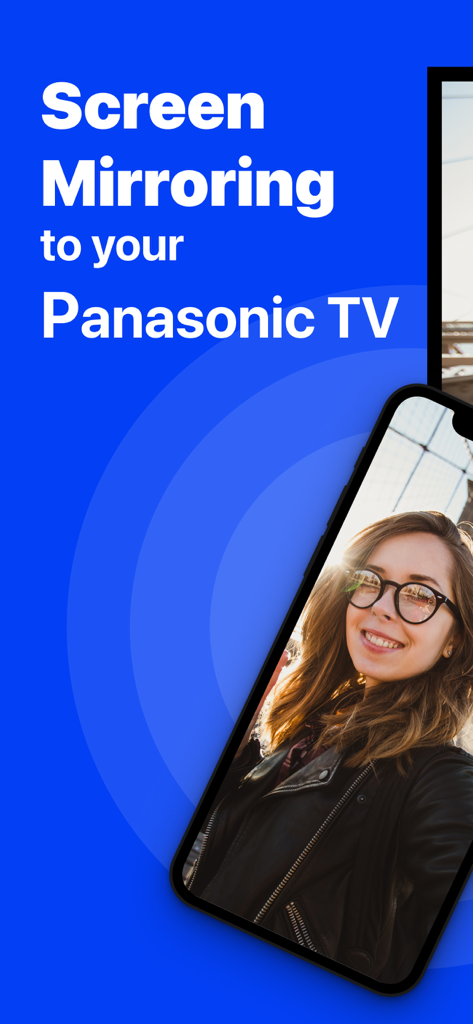
아이폰 화면이 파나소닉 TV로 셀카를 미러링하는 중

아이폰 화면이 파나소닉 TV로 셀카를 미러링하는 중

스마트폰 화면이 웹 동영상을 파나소닉 대형 TV 화면으로 무선 미러링하는 중

스마트폰 화면이 웹 동영상을 파나소닉 대형 TV 화면으로 무선 미러링하는 중

아이폰에서 파나소닉 스마트 TV로 사진 및 동영상 전송

아이폰에서 파나소닉 스마트 TV로 사진 및 동영상 전송

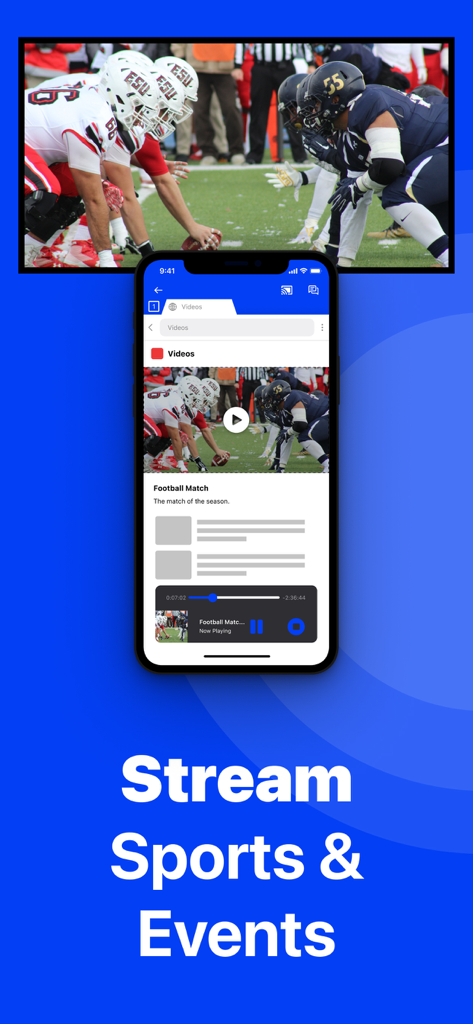
아이폰이 축구 경기를 파나소닉 스마트 TV로 무선 미러링하는 중

아이폰이 축구 경기를 파나소닉 스마트 TV로 무선 미러링하는 중

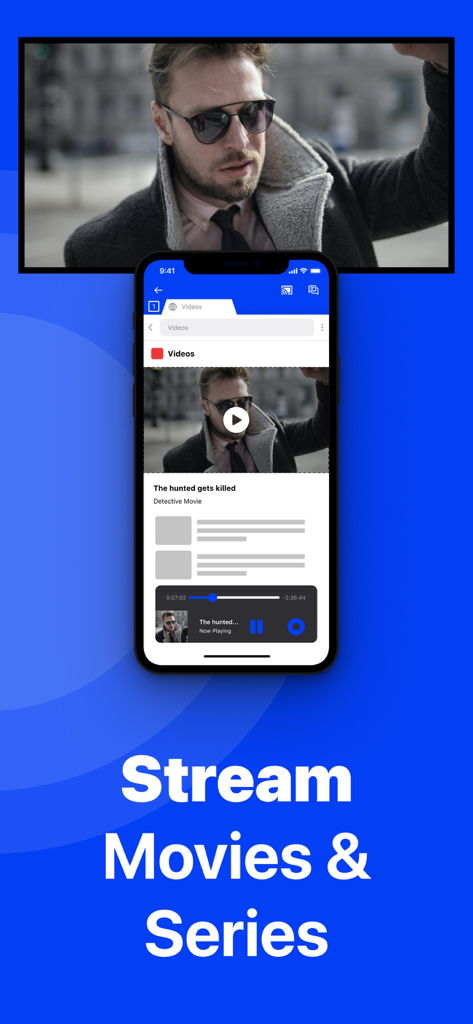
아이폰 화면이 파나소닉 스마트 TV로 영화를 무선 미러링하는 중

아이폰 화면이 파나소닉 스마트 TV로 영화를 무선 미러링하는 중

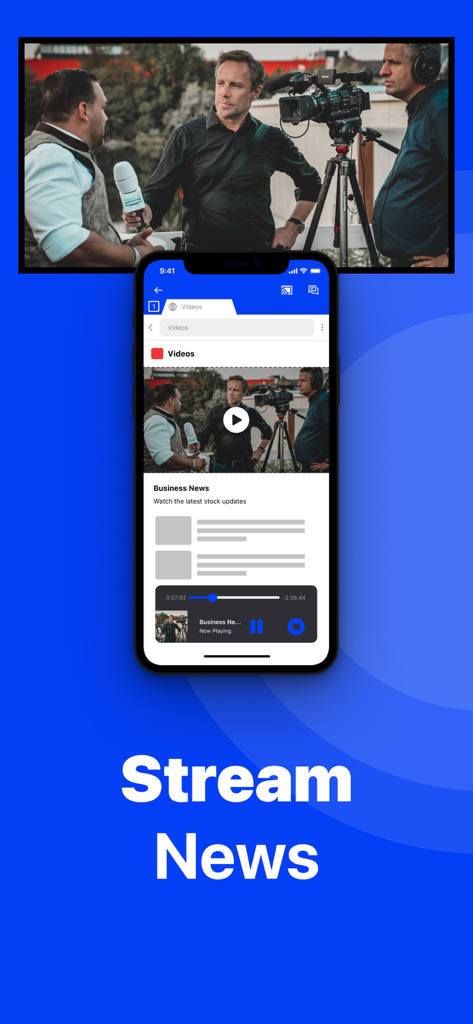
아이폰이 뉴스 방송 동영상을 파나소닉 스마트 TV 화면으로 미러링하는 중

아이폰이 뉴스 방송 동영상을 파나소닉 스마트 TV 화면으로 미러링하는 중

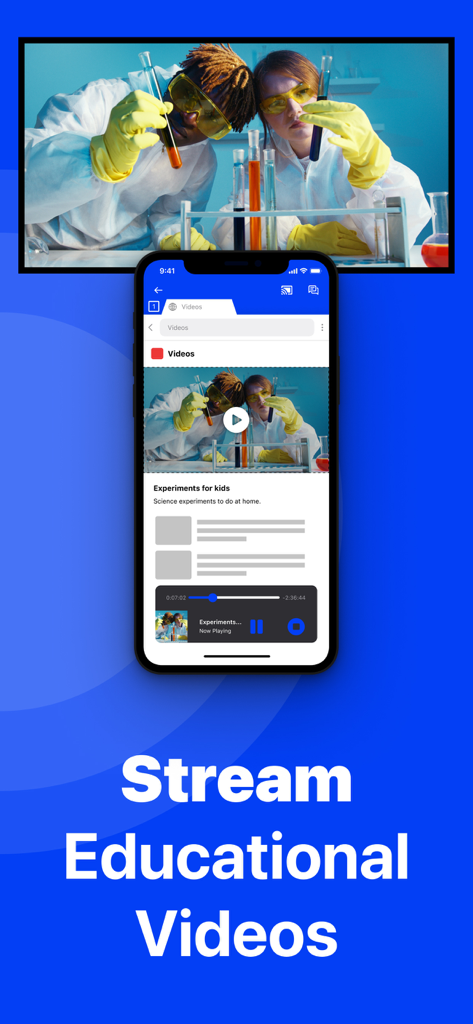
아이폰이 교육 과학 동영상을 파나소닉 스마트 TV로 미러링하는 중

아이폰이 교육 과학 동영상을 파나소닉 스마트 TV로 미러링하는 중

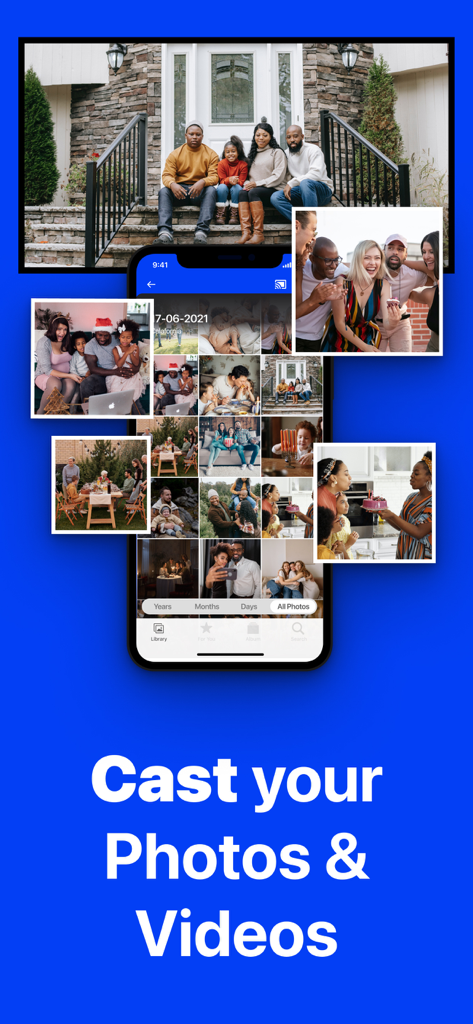
아이폰이 가족 초상화가 표시된 대형 파나소닉 TV 화면으로 사진 갤러리를 미러링하는 중

아이폰이 가족 초상화가 표시된 대형 파나소닉 TV 화면으로 사진 갤러리를 미러링하는 중

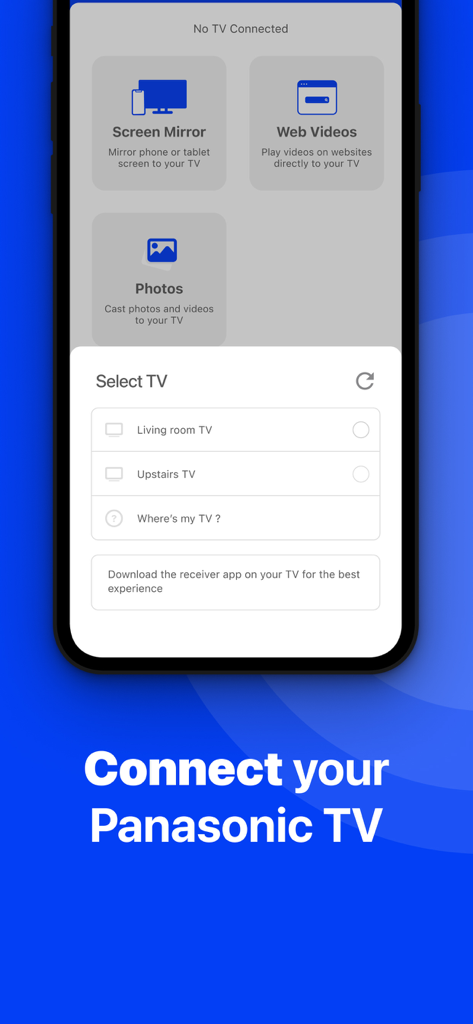
아이폰에서 파나소닉 TV를 무선 화면 미러링으로 선택하는 메뉴를 보여주는 앱 인터페이스

아이폰에서 파나소닉 TV를 무선 화면 미러링으로 선택하는 메뉴를 보여주는 앱 인터페이스

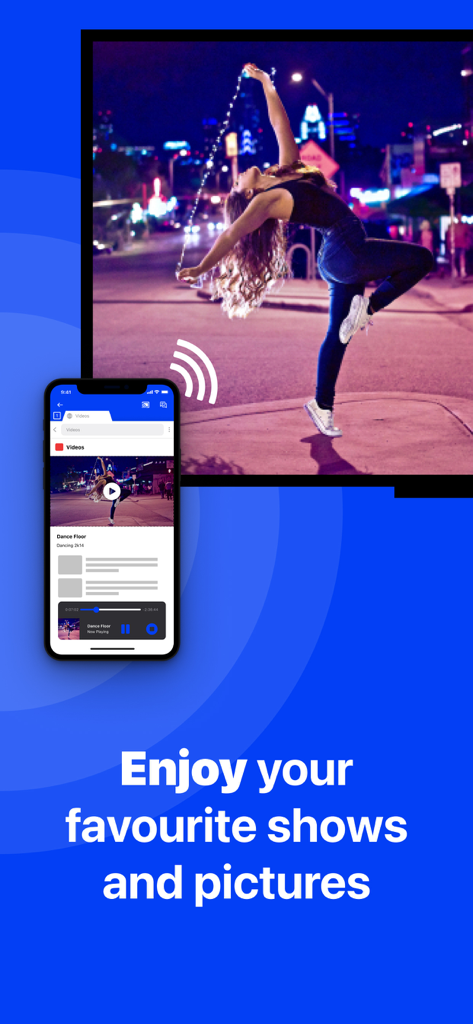
아이폰 화면이 댄스 동영상을 파나소닉 스마트 TV로 무선 미러링하는 중

아이폰 화면이 댄스 동영상을 파나소닉 스마트 TV로 무선 미러링하는 중

파나소닉 TV의 모든 잠재력을 잠금 해제하세요

이 앱을 돋보이게 하는 도구, 637K+ 명의 사용자가 선택.

🔌

진정한 무선 연결

비싼 어댑터 비용을 절약하세요. 집 Wi-Fi 네트워크만 사용하여 iPhone 또는 iPad 화면을 즉시 미러링하세요.

📸

함께하는 가족의 순간

단체로 사진과 동영상을 보여주는 가장 쉬운 방법입니다. 명절 모임과 사랑하는 사람들과의 추억 공유에 적합합니다.

📈

생산성 및 웰빙

시야를 넓히세요. 홈 트레이닝을 위한 피트니스 앱이나 비즈니스 미팅을 위한 프레젠테이션을 TV로 직접 미러링하세요.

전 세계 사용자들에게 사랑받는 앱

Trusted by 637K+ 명이 이 앱을 사랑합니다.

"

"거실 파나소닉 TV로 부모님께 휴가 사진을 보여드리고 싶었지만, 이를 위해 비싼 Apple TV 박스를 구매하고 싶지는 않았습니다. 이 앱은 완벽하게 작동했습니다! 설정이 매우 쉬웠고, 어수선한 전선 없이 아이들의 얼굴을 큰 화면으로 보는 것은 정말 좋았습니다."

Sarah M.
"

"매일 아침 이 앱을 사용하여 iPad의 운동 앱을 TV로 미러링합니다. 작은 화면을 찡그려 보는 것보다 훨씬 낫습니다. 오디오 및 1080p 품질을 위해 Pro 버전으로 업그레이드했는데, 그만한 가치가 있었습니다. 네이티브 AirPlay가 없는 구형 파나소닉 모델을 위한 훌륭한 무선 '해킹'입니다."

David R.

앱 소개

에 대해 알아야 할 모든 것 Screen Mirroring Panasonic TV.

설명

The best screen mirroring app for Panasonic TV! Application to mirror the screen of your iPhone or iPad to any Panasonic Smart TV. No wires and no additional hardware needed! You can mirror any app on your iPhone or iPad to your Panasonic TV. Please enable DMR (Digital Media Renderer) in TV Settings: WIth your remote control, go to: Menu / Setup / Network / Application / DMR: ON This works on any Panasonic Smart TV from the 2012 models onward. For the latest Panasonic TV models, please enable DMR (Digital Media Renderer) in TV Settings: WIth your remote control, go to: Menu / Setup / Network / Application / DMR: ON In using the app, there will be a couple of seconds of latency (usually between 1 and 3). However, it is very suitable for watching movies, giving presentations, watching photos, and much more! How the app works: 1. Make sure that your iPhone or iPad is connected to the same local network as your Panasonic TV. 2. Launch the Mirror for Panasonic TV app. It will start looking for your Panasonic TV(s) on your local network. When a TV is found, please select it. When you use this app for the first time, depending on your model Panasonic TV, the TV might ask you to "allow" the connection. In that case, take your TV Remote Control and press OK to allow the connection from your TV to your iPhone or iPad. 3. Turn on notifications for this app. We will not spam you, but we will use this to let you know if your TV is working correctly or not. So please, please allow it, otherwise when things don't work as they should, you are left in the dark. 4. Click on Start Mirroring to start mirroring on the TV that is currently selected. After that, you can just go to any other app on your iPhone or iPad and the mirroring just continues to run. 5. To stop mirroring, there are two options. (1) click on the red top bar that you will see on your iPhone or iPad. (2) Go to the Mirror for Panasonic TV app and click on Stop Mirroring. Limitations and known issues: DRM Some apps block Screen Mirroring. This means that application developers can choose themselves if they want to block Screen Mirroring. For instance, Netflix, Disney and AppleTV+ have decided to block this. There is a simple test that you can do to see if the app that you want to mirror has blocked Screen Mirroring: Open that particular app and slide up Control Center on your iPhone/iPad. Then, click on Screen Recording and start recording the screen to your Camera Roll. Watch the app that you want to mirror and at some point stop the screen recording. Then go to your Photos app and watch the video that was recorded. If the recorded video shows the app you want to mirror, it works fine. If the video is empty, then the app you want to mirror does not allow Screen Mirroring. You can purchase the Mirror for Panasonic TV Pro Version through an in app purchase. The Pro Version has the following features: 1. Adds audio to the screen mirroring 2. Provides for free lifetime updates of the app 3. Gives the option to choose higher screen resolutions, like 720p and 1080p * Payment will be charged to iTunes Account at confirmation of purchase. * Subscription automatically renews unless auto-renew is turned off at least 24-hours before the end of the current period. * Account will be charged for renewal within 24-hours prior to the end of the current period, and identify the cost of the renewal. * Subscriptions may be managed by the user and auto-renewal may be turned off by going to the user’s Account Settings after purchase. * Any unused portion of a free trial period, if offered, will be forfeited when the user purchases a subscription to that publication, where applicable. Our Terms of Use: http://bit.ly/ABTV-TOU21 Our Privacy Policy: https://www.airbeam.tv/privacy-policy/ Support: If you have questions or would like to provide feedback, please send us an e-mail or chat with us on our Facebook page. Please give us feedback by mailing to support@airbeam.tv

최신 버전

5.2.8

크기

162.9 MB

출시일

2018년 10월 10일

파나소닉 TV에서 무선 자유를 경험할 준비가 되셨나요?

케이블과 비싼 하드웨어를 포기한 637,000명 이상의 사용자와 함께하세요. 지금 다운로드하여 Apple TV 없이 iPhone 또는 iPad를 즉시 미러링하세요.

다운로드: App Store다운로드: Google Play