
Air File Share & Drop



Experience the fastest way to scan, organize, and transfer your documents and media. Say goodbye to cables and complicated settings with our professional-grade file management and lightning-fast sharing tools.
Publisher
Category
UtilitiesDownloads
1M+User Rating
Total Ratings
18K+Locales
5Discover the interface used by 1M+ users.
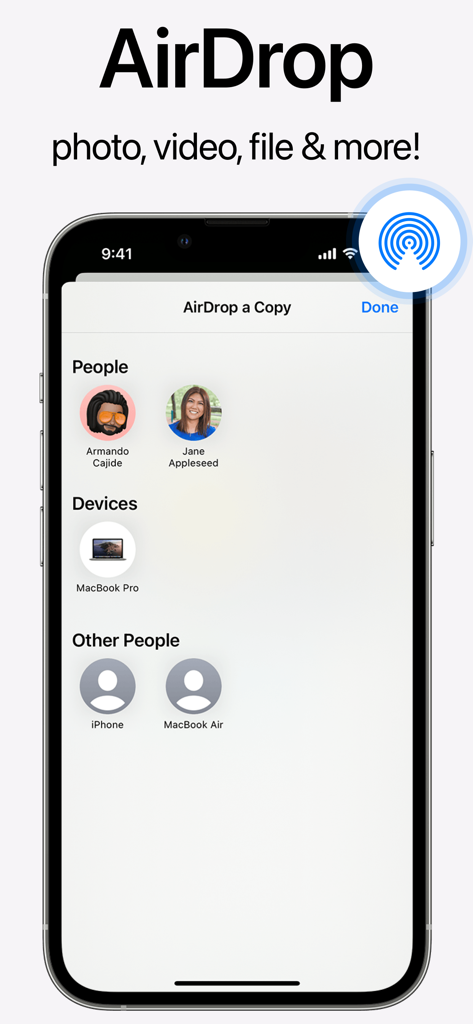

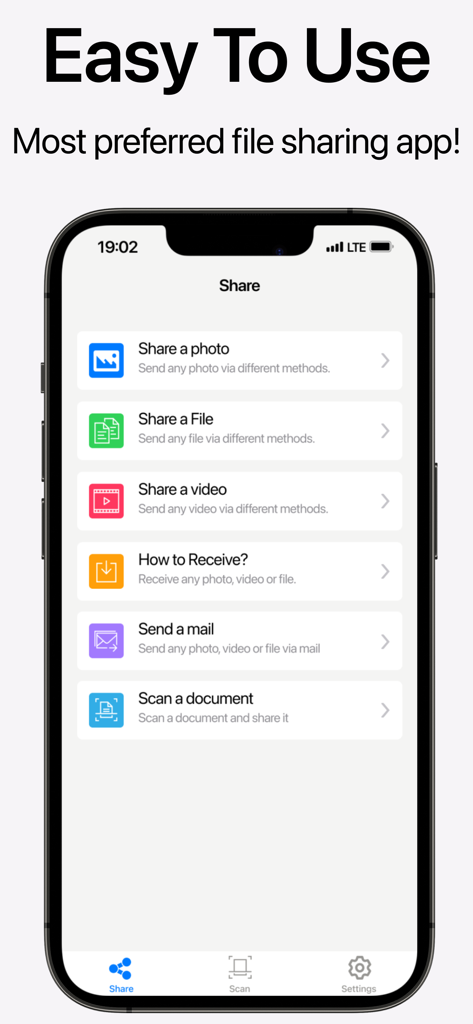
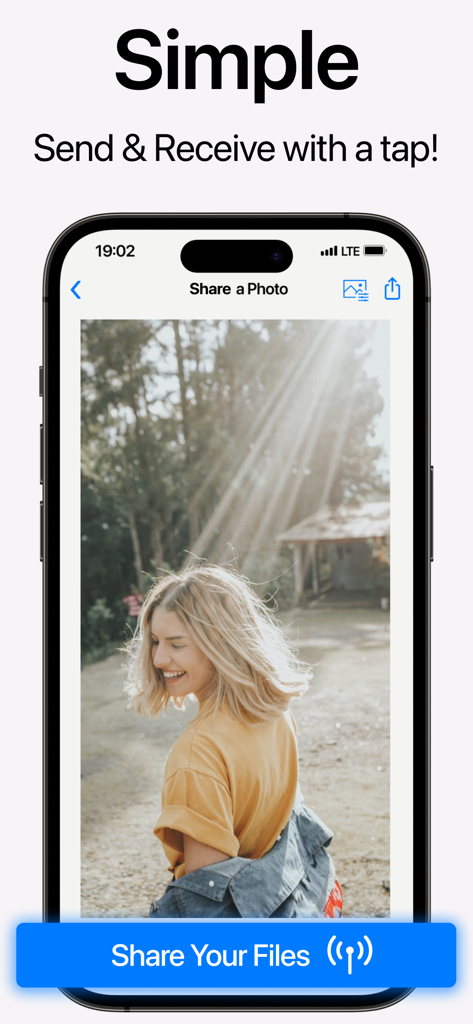
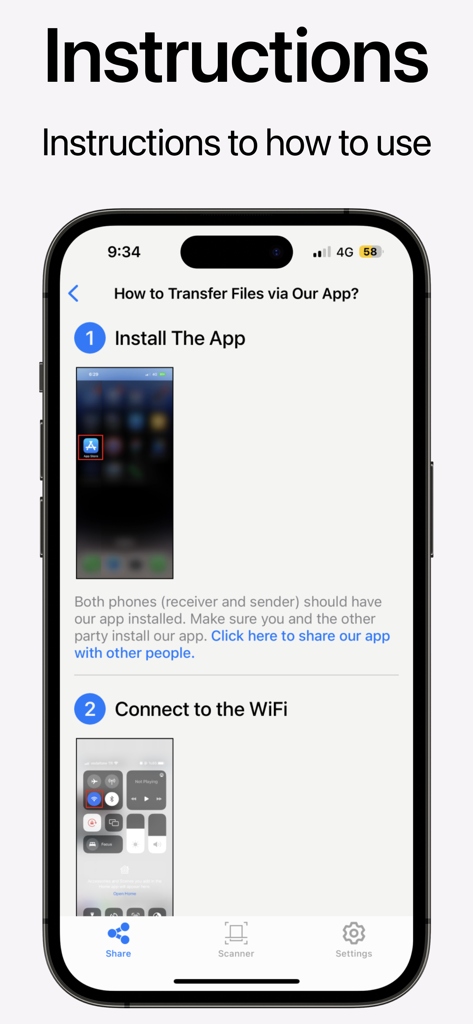
The tools that make this app stand out, trusted by 1M+ users.
Turn physical paperwork, receipts, or sketches into high-quality PDFs. Perfect for digitizing your workflow on the go without needing a desktop.
Beam photos, large videos, and files to any device instantly. Skip the cables and the AirDrop friction with a reliable, one-tap transfer solution.
Keep your mobile office clutter-free. Create nested folders to secure and categorize your professional documents separately from your personal library.
Trusted by 1M+ people who love this app.
"As a freelance consultant, I'm constantly on the move. This app has replaced three other tools for me. The document scanner is crisp, and the ability to organize files into folders before sharing them with clients directly from my iPhone has streamlined my entire workflow."
"Finally, a file-sharing app that actually works every time! I use it daily on campus to scan lecture notes and beam project files to my group. It's much more reliable than the standard system tools, and the interface is super intuitive."
Everything you need to know about Air File Share & Drop.
Description
Latest Version
2.1
Size
70.9 MB
First Released
Feb 13, 2023
Experience the ultimate all-in-one tool to scan, organize, and transfer your files instantly. No cables, no friction—just pure productivity.
Everything you need to know about Air File Share & Drop
Air File Share & Drop is a file and photo sharing application designed for Apple devices. It allows users to share photos, videos, and files without cables and includes a document scanning feature.
Yes, Air File Share & Drop enables users to receive any files, photos, or videos that are sent via AirDrop. The app is compatible with AirDrop functionality.
Yes, Air File Share & Drop features a built-in document scanning capability. Users can scan any physical document and then share it directly from the app.
Yes, Air File Share & Drop allows users to store their files in a secured location directly within the app. It supports creating folders and subfolders for organization.
Yes, Air File Share & Drop boasts fast file transfer speeds. The application is designed with a user-friendly interface to ensure efficient and easy file sharing.
Air File Share & Drop facilitates sharing photos, videos, and files through various options. These include direct transfer, sending via email, and utilizing the export feature.
The privacy policy for Air File Share & Drop is accessible at https://www.appstun.com/air-share-privacy. Users can visit this URL to review how their data is handled.
Air File Share & Drop is compatible with Apple devices. It supports file transfer between various Apple products such as iPhones, MacBooks, and other connected devices.
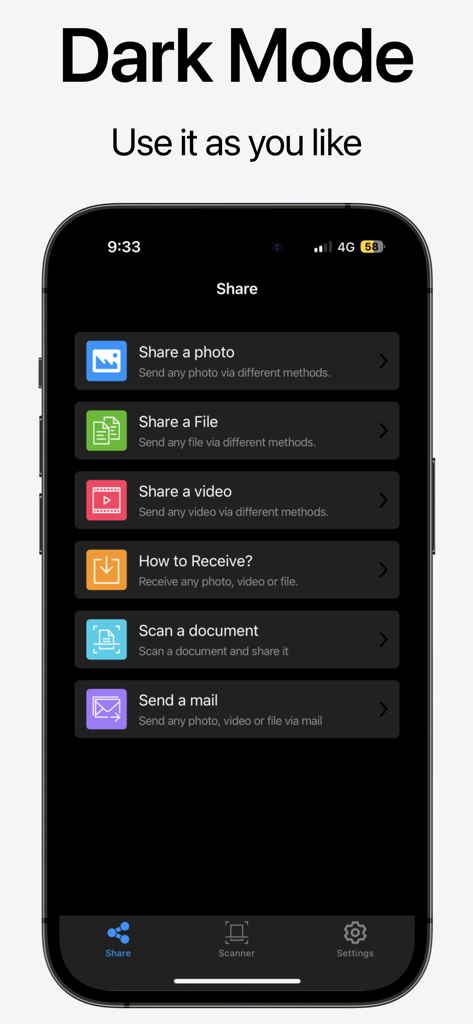
Yes, Air File Share & Drop offers a dark mode. Users can switch to dark mode for an alternative visual theme within the application's interface, as shown in the UI.
To transfer files using Air File Share & Drop, both the sender and receiver must have the app installed. They also need to be connected to the same Wi-Fi network.
Apps with similar features and user experience

Wetransfer B.V.

Rakuten Symphony Korea, Inc.

Blip Studio Inc.

Lindong Network Technology(Beijing) Co.,Ltd.

梦洋 崔

军甫 贺

Mobileware Studio SL

SHAREit Technologies Co. Ltd

Tien Do Nam