WeTransfer: Transfer Files

WeTransfer: Transfer Files

Download on App StoreDownload on Google Play
Spark by MWM logo
Logo of WeTransfer: Transfer Files

WeTransfer: Send Large Files in Full Resolution

Transfer up to 200 GB without losing quality. From 4K videos to RAW photos, keep your creative workflow moving from your desk to your phone.

Publisher

Wetransfer B.V.

Category

Productivity

Downloads

28M+

User Rating

4.8/5

Total Ratings

475K+

Locales

16

Your Studio, On the Go

Discover the interface used by 28M+ users.

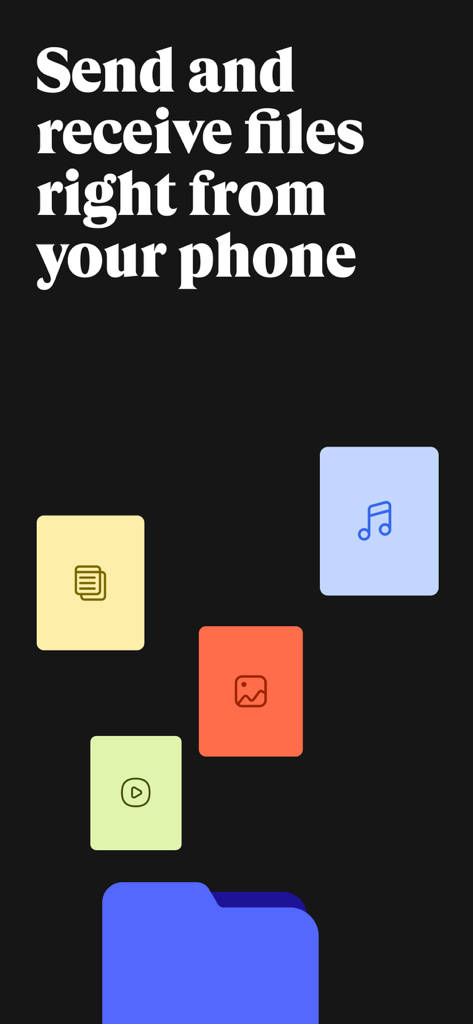
WeTransfer app screen for sending and receiving files with various media icons

WeTransfer app screen for sending and receiving files with various media icons

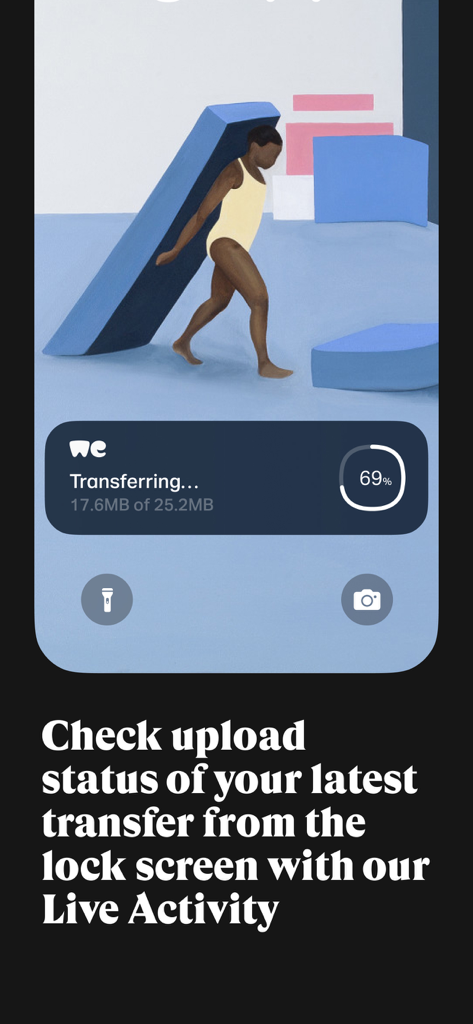
An iPhone lock screen showing a WeTransfer Live Activity widget with a file transfer at 69 percent completion.

An iPhone lock screen showing a WeTransfer Live Activity widget with a file transfer at 69 percent completion.

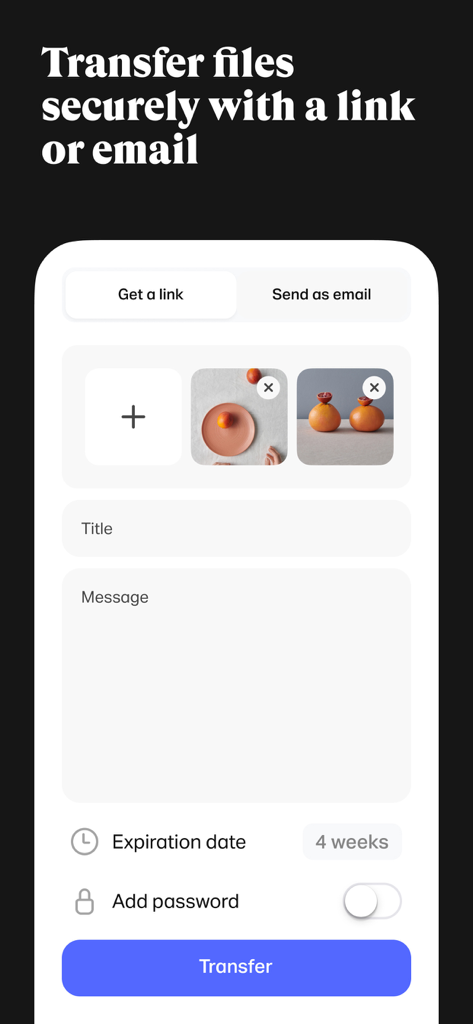
Interface of the WeTransfer mobile app for sending files securely with options for link or email

Interface of the WeTransfer mobile app for sending files securely with options for link or email

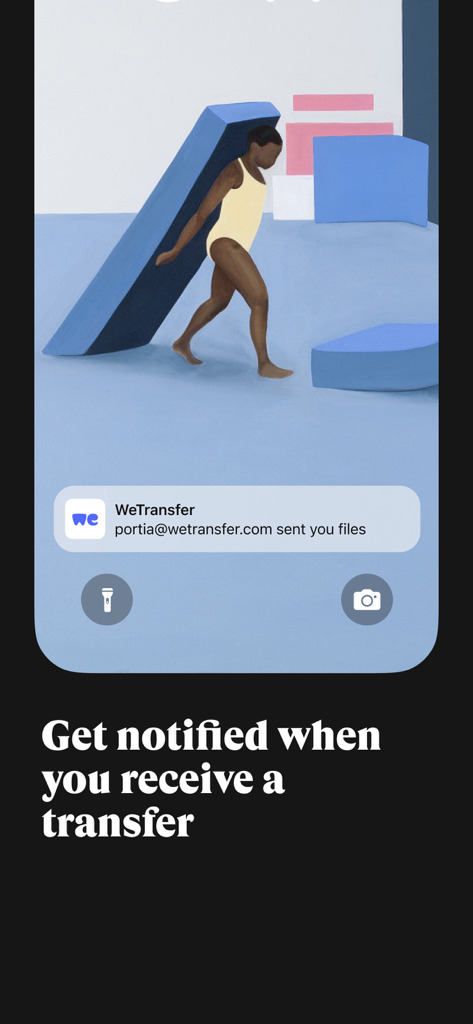
WeTransfer app notification on a smartphone lock screen showing files received from a contact.

WeTransfer app notification on a smartphone lock screen showing files received from a contact.

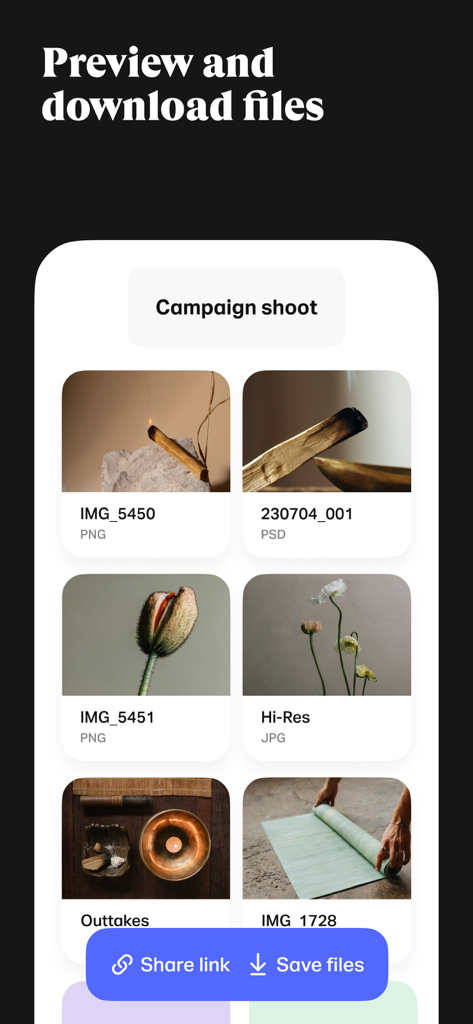
WeTransfer app screen showing a gallery of high-resolution image and design files with buttons to share links and save files

WeTransfer app screen showing a gallery of high-resolution image and design files with buttons to share links and save files

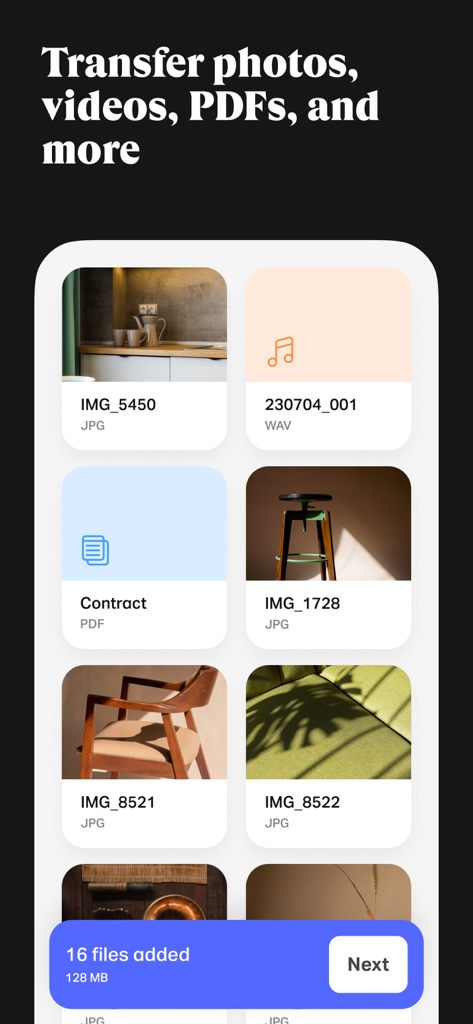
WeTransfer mobile app interface showing a grid of selected photos, audio files, and PDFs with a button indicating 16 files are ready to be sent

WeTransfer mobile app interface showing a grid of selected photos, audio files, and PDFs with a button indicating 16 files are ready to be sent

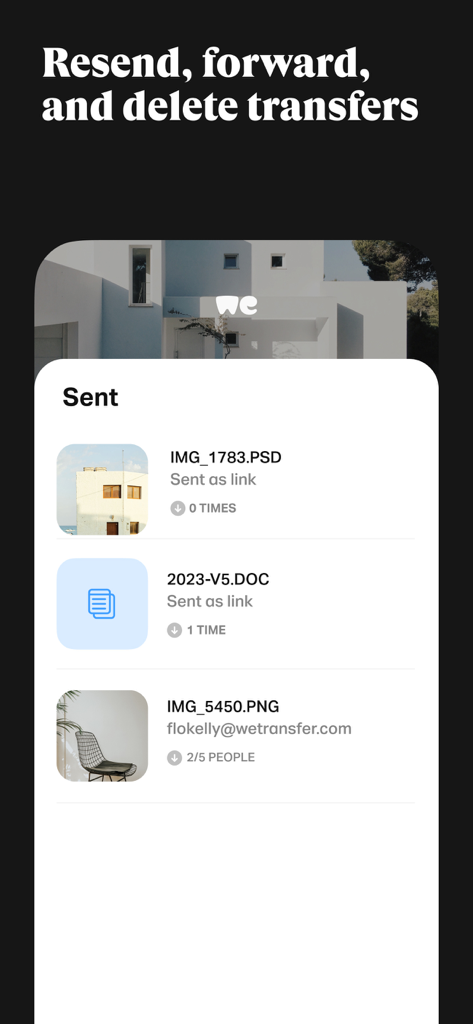
A list of sent files in the WeTransfer app showing download history and management options.

A list of sent files in the WeTransfer app showing download history and management options.

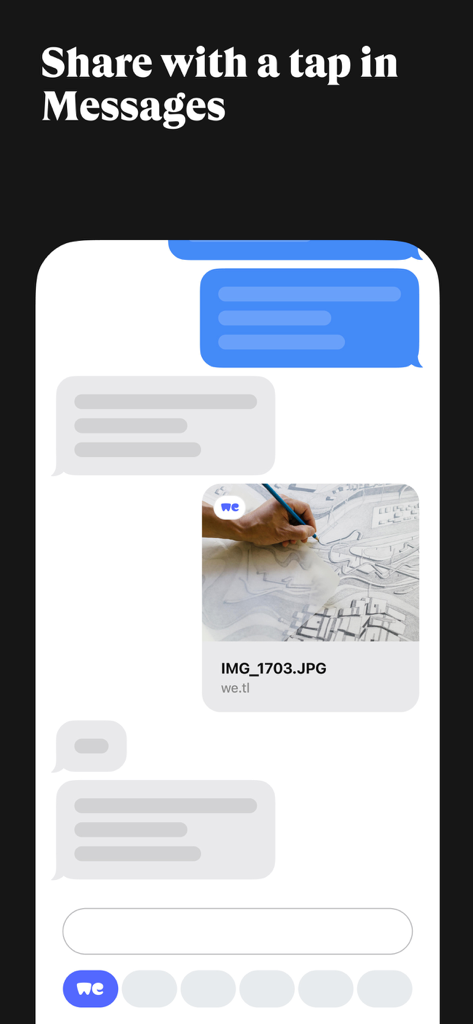
WeTransfer app interface showing an architectural image file shared directly in a mobile messaging conversation.

WeTransfer app interface showing an architectural image file shared directly in a mobile messaging conversation.

Designed for the Speed of Your Creativity

The tools that make this app stand out, trusted by 28M+ users.

🚀

Pro-Scale 200 GB Transfers

Move entire 4K video shoots or massive RAW photo galleries in one go, bypassing the frustrating limits of email and standard messaging.

💎

Crystal Clear Original Quality

Send files exactly as they were shot. We preserve every pixel and all vital EXIF metadata, ensuring your professional standards are never compromised.

Desk-Free Project Control

Monitor uploads with Live Activities and resend links directly from your phone—even for transfers you originally started on your laptop.

Loved by users worldwide

Trusted by 28M+ people who love this app.

"

"As a freelance cinematographer, sending RAW files and 4K rushes without losing quality is non-negotiable. This app handles my heavy exports perfectly, and I love that it preserves all the EXIF metadata. Being able to send 200GB directly from my iPad on location has completely changed my production workflow."

Marcus J.
"

"I am constantly on the move between shoots and meetings, so being able to track my uploads via Live Activities is a lifesaver. If a client loses a link, I can just grab it from the app and text it over in seconds—no need to wait until I am back at my laptop. It is the ultimate productivity tool for my agency."

Elena Rodriguez

About the app

Everything you need to know about WeTransfer: Transfer Files.

Description

WeTransfer is the simplest way to send (and receive) big files. Whether you’re at your desk or on the go, transfer up to 200 GB in one go. That’s about 2000 videos of your cat. Share photos and videos in their original format, including all the important EXIF metadata that originates from your camera. With WeTransfer, you can check the download status, forward, and delete transfers right from your phone. If you previously sent a transfer from your laptop, you can access the files and link in the app, so you can easily paste it into your favorite messaging app without needing to open your computer. Our Live Activity notifies you when a transfer finishes uploading, so you can multitask or play a quick game while sending huge files. Notifications let you know the minute you receive something so you can preview (or download) your files wherever you are. About us Having made our name in the game of quick and simple file-sharing, WeTransfer has grown into a collection of tools designed for and inspired by the creative process. Collect is the go-to app for saving and sharing inspiration in boards that organize your ideas. Portals makes it easy to request feedback on your in progress projects with Reviews that include asset markup and approval flows. WeTransfer is the original web platform, where creatives share their biggest files. Terms of Service: https://wetransfer.com/legal/terms Privacy policy: https://wetransfer.com/legal/privacy

Latest Version

3.3.33

Size

113.4 MB

First Released

Oct 12, 2021

Your Creative Workflow, Now Truly Mobile

Send up to 200 GB of high-res files without losing a single pixel. Join 28 million users who move big ideas on the go.

Download on App StoreDownload on Google Play
FAQ

Frequently Asked Questions

Everything you need to know about WeTransfer: Transfer Files

What is WeTransfer and what does it do?

WeTransfer is an application designed for sending and receiving large files, including photos and videos, directly from mobile devices. It offers features like status tracking and secure transfer options.

What is the maximum file size I can transfer with WeTransfer?

Yes, WeTransfer allows users to transfer up to 200 GB in a single transfer. This capacity supports sending a large volume of data, such as numerous videos or high-resolution images.

Does WeTransfer maintain the original quality of photos and videos during transfer?

Yes, WeTransfer ensures that photos and videos are shared in their original format. It also preserves all important EXIF metadata that originated from the camera.

Can I track the upload status of my WeTransfer files?

Yes, WeTransfer utilizes Live Activity to notify users of the upload status. Users can check the progress of their latest transfer directly from their device's lock screen.

How do I share files using the WeTransfer app?

WeTransfer allows users to share files by generating a secure link or by sending them directly via email. Transfers can also be secured with an optional password.

Does WeTransfer notify me when I receive new files?

Yes, WeTransfer notifies users the moment they receive a new transfer. This enables immediate previewing or downloading of files from any location.

Can I manage my sent transfers within the WeTransfer app?

Yes, WeTransfer enables users to manage their transfers directly from the app. They can check download status, forward, resend, and delete transfers.

What file types can WeTransfer transfer?

Yes, WeTransfer supports a wide array of file types including photos, videos, and PDFs. The app is designed to transfer these files while preserving their original formats.