Photo Transfer: Send via WiFi

Photo Transfer: Send via WiFi

Download on App Store
Spark by MWM logo
Logo of Photo Transfer: Send via WiFi

Photo Transfer: Send via WiFi to Any PC, Mac, or Mobile Device

The easiest way to move your high-resolution photos and videos without cables or cloud fees. Keep your files private and your metadata intact on your own local network.

Publisher

Mobileware Studio SL

Category

Photo & Video

Downloads

1M+

User Rating

4.6/5

Total Ratings

53K+

Locales

6

A Glimpse of Simplicity

Discover the interface used by 1M+ users.

Screenshot of Photo Transfer app highlighting wireless transfer of photos and videos in full quality

Screenshot of Photo Transfer app highlighting wireless transfer of photos and videos in full quality

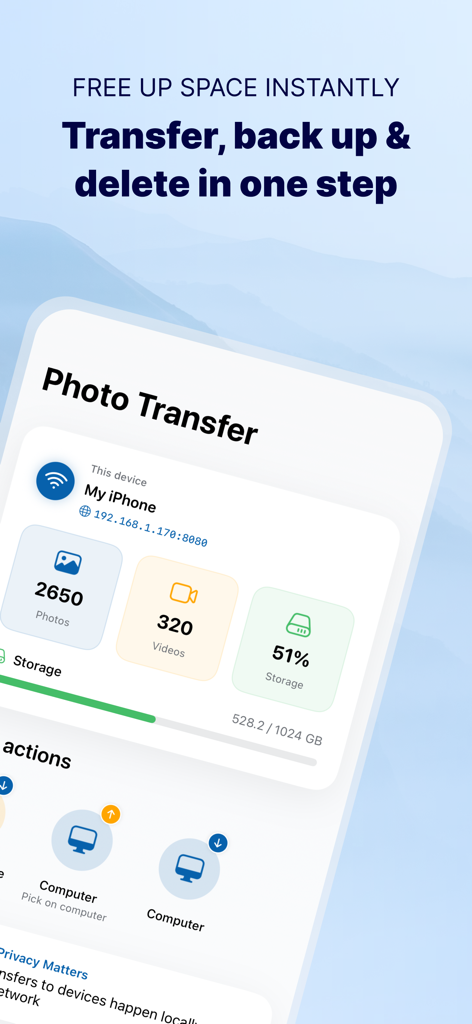
Photo Transfer app dashboard showing storage usage statistics and backup options to a computer over WiFi

Photo Transfer app dashboard showing storage usage statistics and backup options to a computer over WiFi

App screen showing multiple photos selected for batch transfer via WiFi

App screen showing multiple photos selected for batch transfer via WiFi

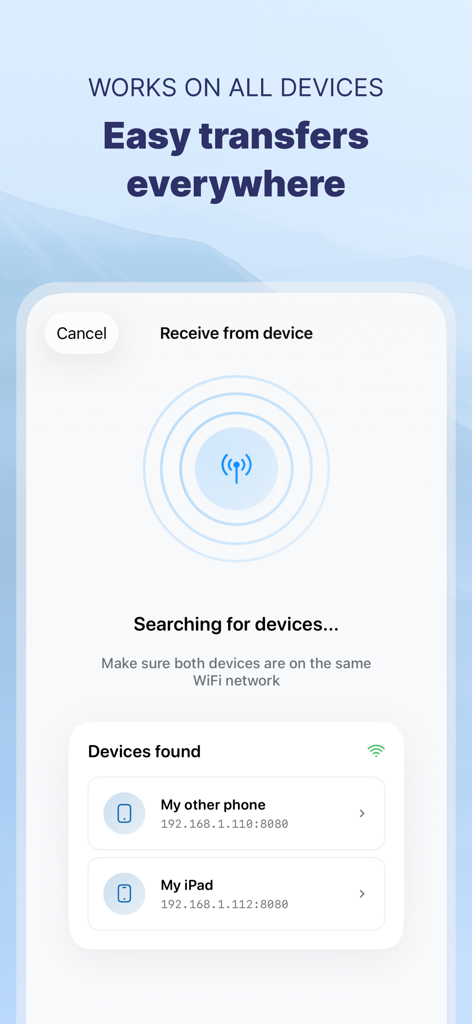
Smartphone screen showing the Photo Transfer app searching for and finding local devices via WiFi for easy file sharing.

Smartphone screen showing the Photo Transfer app searching for and finding local devices via WiFi for easy file sharing.

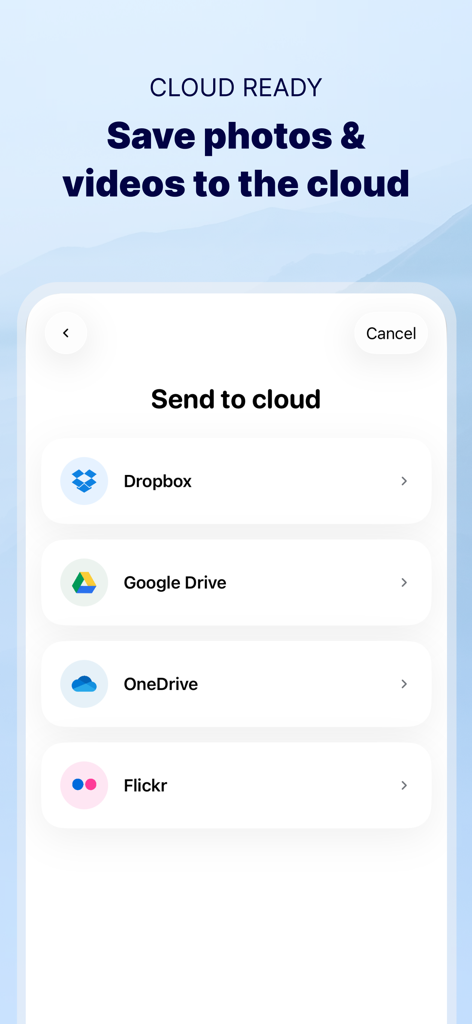
Photo Transfer app interface showing cloud storage service options including Dropbox Google Drive OneDrive and Flickr

Photo Transfer app interface showing cloud storage service options including Dropbox Google Drive OneDrive and Flickr

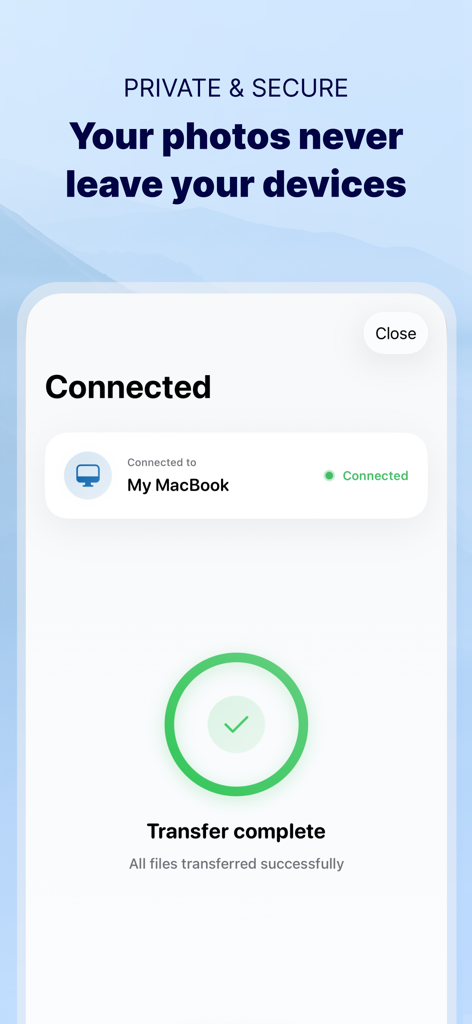
Confirmation screen showing a successful and secure photo transfer between an iPhone and a MacBook over a private WiFi network

Confirmation screen showing a successful and secure photo transfer between an iPhone and a MacBook over a private WiFi network

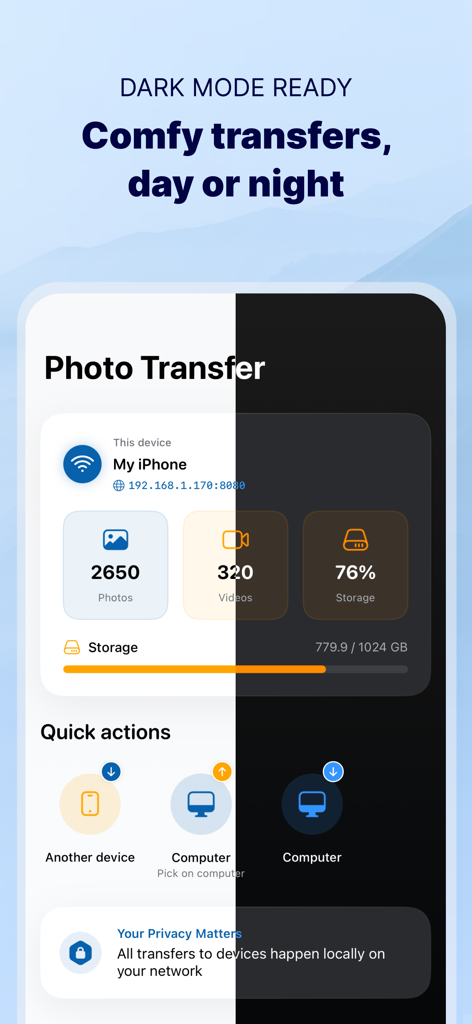
Split view of the Photo Transfer app interface in light and dark mode showing photo storage and transfer options.

Split view of the Photo Transfer app interface in light and dark mode showing photo storage and transfer options.

Effortless Media Transfer, Total Control

The tools that make this app stand out, trusted by 1M+ users.

💻

Bridge Every Device

Break free from the Apple ecosystem. Seamlessly transfer media to your Windows PC or Mac without the frustration of cables or iTunes.

🛡️

100% Private & Secure

Your memories never leave your local network. Skip the external servers and enjoy a secure, direct connection that keeps your data under your roof.

📸

Original Quality & Metadata

Preserve every pixel and detail. Keep your original resolution and EXIF metadata intact, including dates and locations for perfect organization.

Loved by users worldwide

Trusted by 1M+ people who love this app.

"

"As a parent with thousands of photos of my kids, my phone storage is always full. I was tired of paying for extra cloud storage fees every month. This app lets me beam everything straight to my home PC in minutes without losing any quality or the original dates. It is a total lifesaver for our family memories!"

Sarah Jenkins
"

"I use an iPhone for photography but work on a Windows workstation, so AirDrop isn't an option for my workflow. This app is the perfect bridge. It handles HEIC to JPG conversions automatically and keeps all my EXIF metadata intact. It is honestly faster and more reliable than any cable connection I have used."

Mark Thompson

About the app

Everything you need to know about Photo Transfer: Send via WiFi.

Description

Photo Transfer allows you to easily send and share photos and videos through your WiFi. Make a backup of your photos and videos quickly and move your files from other mobile devices to iOS, iPad or computer and vice versa. With over 2,5M downloads, more than 9k reviews in the App Store coming from happy users and millions of photo transfers made, this app is an indispensable tool for your iOS device. Photo Transfer enables easy wifi transfer to send photos and videos between devices. It also allows users to make a backup. Whether you're an experienced user or a novice, you'll find it easy to use. To send photos and videos, you will only need to have the app installed in both devices and a stable WiFi connection. You don’t need any cable! ▶ Main features: · Download multiple photos from your iPad, iPhone or iPod touch to your computer. · Upload photos and videos from your computer to your iOS or other mobile devices. · Transfer and delete photos and videos stored on your iOS or other devices via WiFi. · Transfer full-resolution photos and videos without losing quality and preserve files metadata in all transfer directions. ▶ More features you will love: · Drag & drop photos from the app to any folder on your Mac and create new albums to upload photos. · Use Photo Transfer with any web browser and preview your photos. · Transfer your photos and videos directly from device to device using your local WiFi network. They are not stored in an external server and they never leave your local WiFi network, so your pictures will be safe! · Use the USB cable to transfer photos between your Mac and your device when there is no access to a valid or stable WiFi signal. · Pay only once when both devices use the same Apple account to purchase apps. · Support to automatically convert HEIC files (High-Efficiency Image) to JPG when transferring from iPhone to any device or cloud service that we support. With Photo Transfer you can transfer photos and videos from: ◉ Mobile device to iPhone: · Transfer photos and videos from mobile device to iOS via wifi. ◉ iOS to another device: · Move your photos and videos from your gallery to any mobile device. · Send photos from an iPhone or iPad to your mobile device (photos and videos are saved on the default folder of Photo Transfer, but you can set your own album Gallery as destination). ◉ Any device or iOS to a computer (and vice versa): · Use the wifi transfer feature to share photos and videos between Windows or Mac and Iphone, iPad, or another mobile device. You can also use the desktop app while transferring to Windows or MAC, or use the web browser as an alternative. · Upload photos from your computer to your device. Some requirements for using Photo Transfer: · Access to a stable wifi network · Public or private WiFi networks usually block communication between devices preventing the transfer connection. · The app should be installed and opened on your devices when you transfer files. Subscriptions: ► If you choose to purchase the PRO Upgrade subscription for 1 year, payment will be charged to your Apple account, and your account will be charged for renewal 24 hours before the end of the current period. ► Auto-renewal may be turned off at any time by going to your Apple ID settings after purchase. ► Any unused portion of a free trial period, if offered, will be forfeited when the user purchases a subscription to that publication, where applicable. Privacy Policy: phototransferapp.com/privacy/app/ Terms of Service: phototransferapp.com/terms/app/ IMPORTANT: Free version allows you to transfer up to 5 photos in full resolution. Upgrade to PRO version and transfer more photos and videos at once! If you have any issue, visit phototransferapp.com or contact us at: support@phototransferapp.com Download Photo Transfer to send and share photos, pictures, images and videos via wifi transfer.

Latest Version

10.1.3

Size

37.5 MB

First Released

Apr 4, 2010

Ready to Transfer Your Memories Without the Hassle?

Stop fighting with cables and cloud storage limits. Join over 2.5 million users who securely move photos and videos between iPhone, PC, and Mac in full resolution. Get started for free today.

Download on App Store