
Blip: Send Files in a Click



The private, ultra-fast way to move 4K videos and large files from your iPhone to your PC or tablet. Encrypted, direct, and seamless—just like AirDrop, but for everyone.
Publisher
Category
UtilitiesDownloads
278K+User Rating
Total Ratings
8K+Locales
1Discover the interface used by 278K+ users.
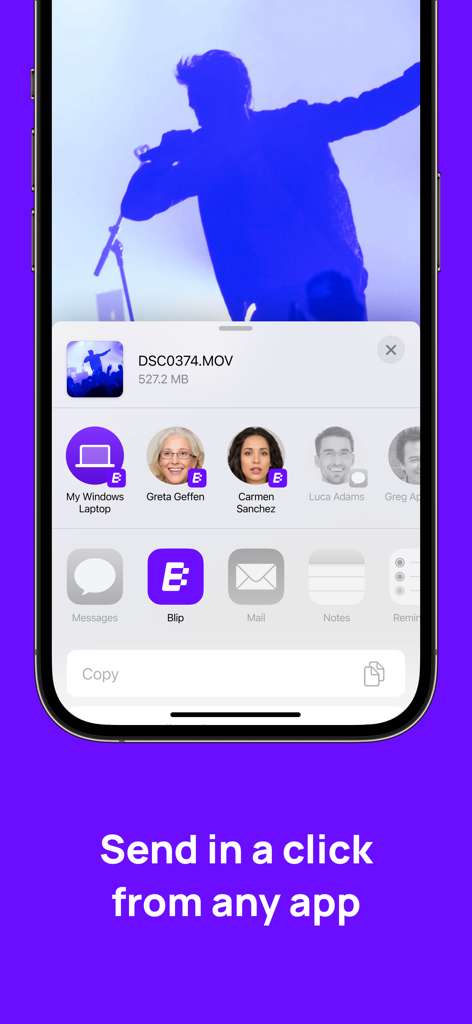
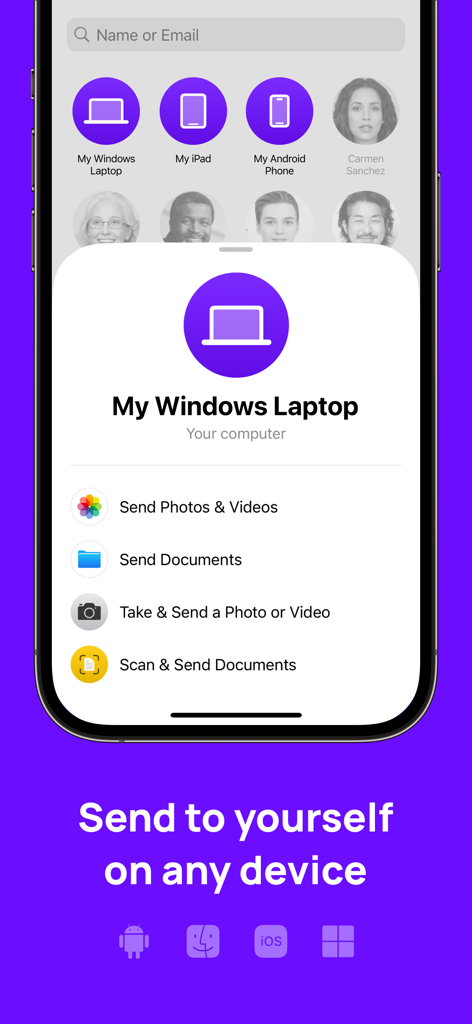
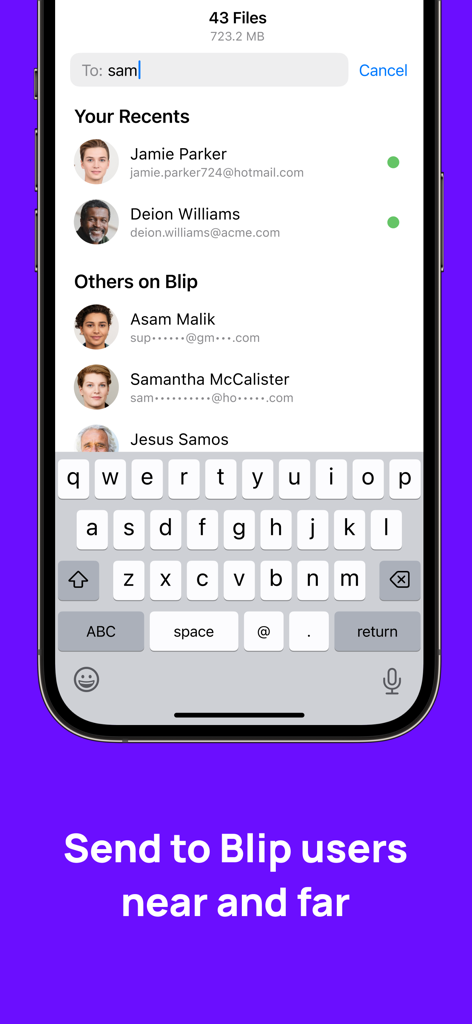
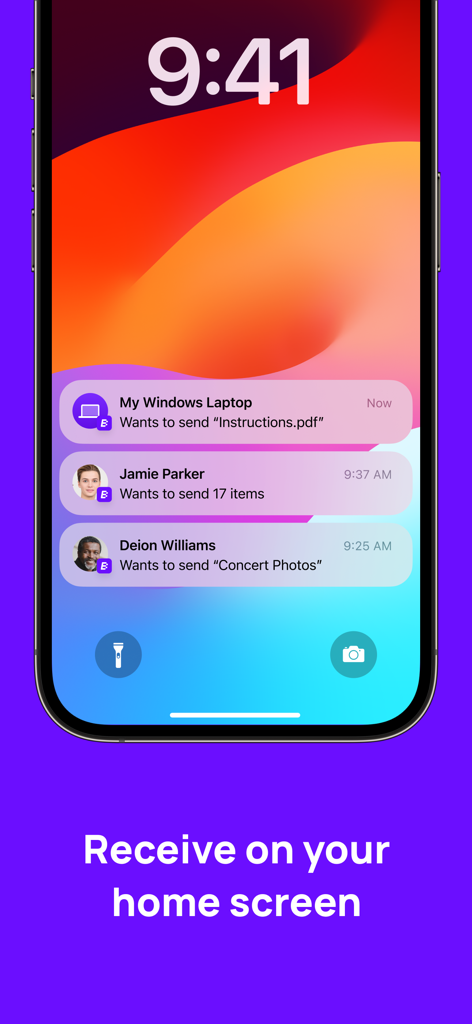
The tools that make this app stand out, trusted by 278K+ users.
Bridge the gap between your iPhone and Windows PC. Send high-res assets to any device instantly without 'walled garden' restrictions.
Skip the upload wait. Files are end-to-end encrypted and sent directly between devices, ensuring total privacy and no cloud storage fees.
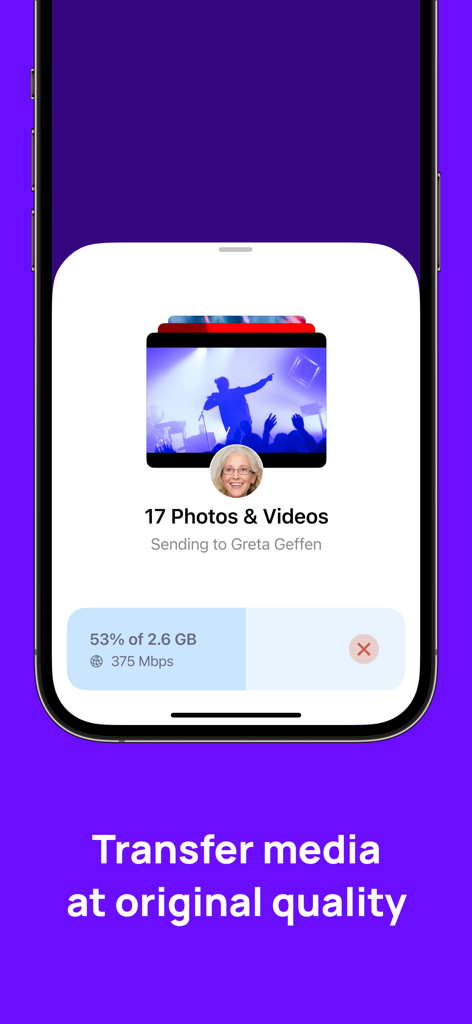
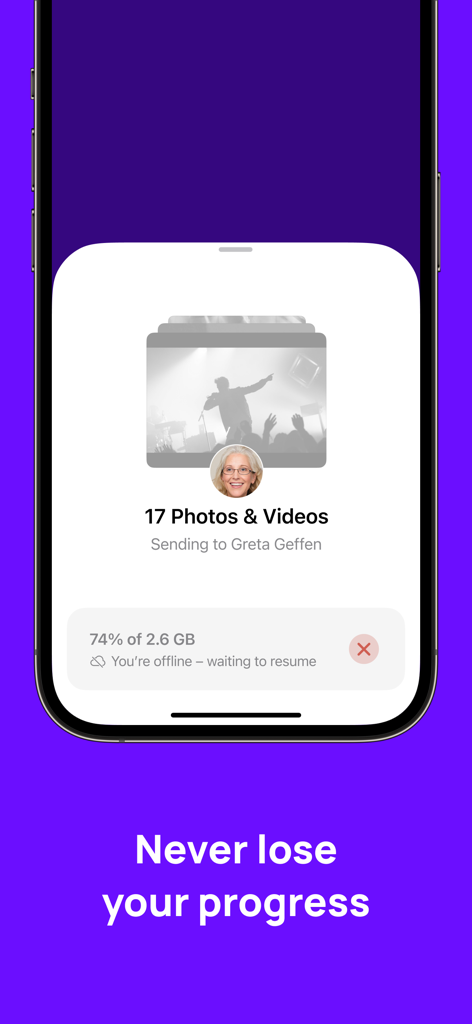
Send 4K videos and RAW photos directly from your Share Sheet. Blip auto-resumes transfers if your connection flickers while on the go.
Trusted by 278K+ people who love this app.
"As a videographer using an iPhone and a Windows workstation, Blip is a total game-changer. I can send 4K clips directly from my share sheet to my PC in seconds without waiting for a cloud upload. It's essentially AirDrop for my entire setup, and the auto-resume feature has saved me so much time when my office Wi-Fi acts up."
"I’ve been looking for a way to move large study assets between my iPad and laptop without paying for extra iCloud storage. Blip is perfect because it's fast, private, and doesn't store anything on a server. The fact that it's end-to-end encrypted gives me real peace of mind for my personal files."
Everything you need to know about Blip: Send Files in a Click.
Description
Latest Version
1.1.15
Size
38.2 MB
First Released
Jan 10, 2024
Experience the speed of direct, one-click transfers to all your devices. No cloud, no limits—just your files, exactly where you need them.
Everything you need to know about Blip: Send Files in a Click
Blip sends files quickly using a one-click process directly from the share sheet, eliminating the need to switch between apps for transfer initiation.
No, Blip does not store your files in the cloud. All transfers are end-to-end encrypted, ensuring files remain private and secure.
Yes, Blip facilitates sending files from your iPhone or iPad to any other device you own, including Windows laptops, Android phones, and other Apple devices.
Yes, Blip functions for file transfers both within the same physical proximity and over the internet, connecting users regardless of distance.
Blip automatically resumes file transfers in case of interruptions. This feature ensures that users do not lose progress during ongoing transfers.
Yes, received items through Blip are immediately saved to the Photos and Files apps on your device, making them instantly available for use.
Yes, Blip pushes files directly to your devices, allowing you to accept incoming transfers straight from your home screen via notifications.
No, Blip transfers media at its original quality. The app maintains the fidelity of photos and videos during the transfer process.
Blip supports sending various content types including photos, videos, and documents. Users can also directly take and send photos or videos, and scan and send documents.
Apps with similar features and user experience

Wetransfer B.V.

Rakuten Symphony Korea, Inc.

Lindong Network Technology(Beijing) Co.,Ltd.

梦洋 崔

Best Free and Fun Games, LLC

军甫 贺

Mobileware Studio SL

SHAREit Technologies Co. Ltd

Tien Do Nam