Alli360 by Kids360



Take the stress out of digital parenting by setting smart limits on games and social media. Keep your teen focused during school and rest at night, while ensuring essential safety and communication apps are always available.
Publisher
Category
UtilitiesDownloads
294K+User Rating
Total Ratings
23K+Locales
32Discover the interface used by 294K+ users.
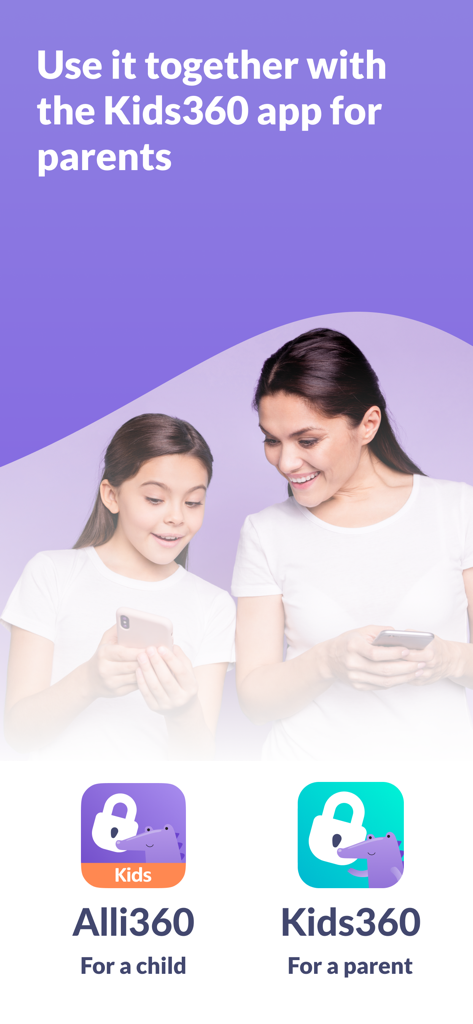
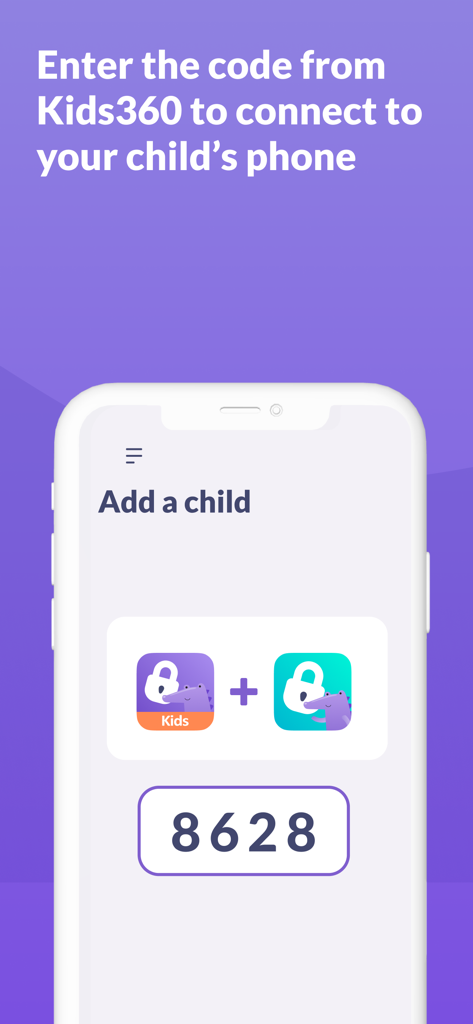
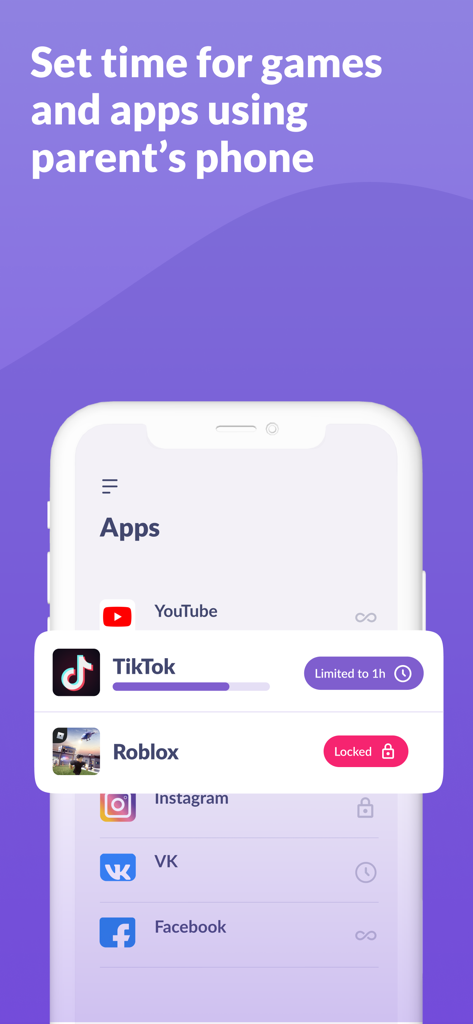
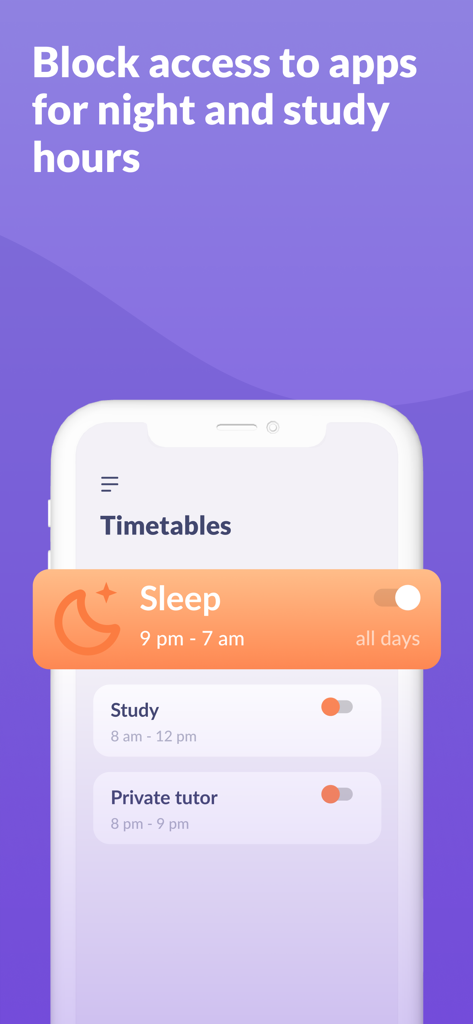
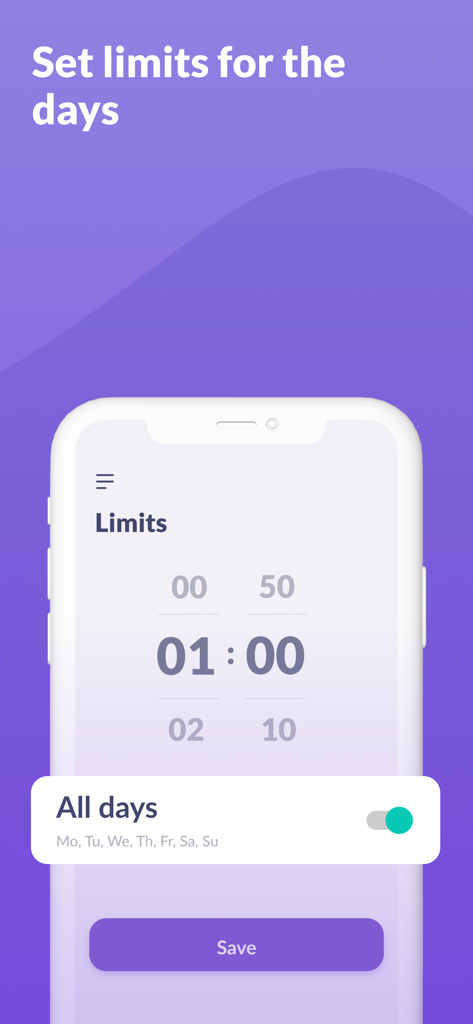
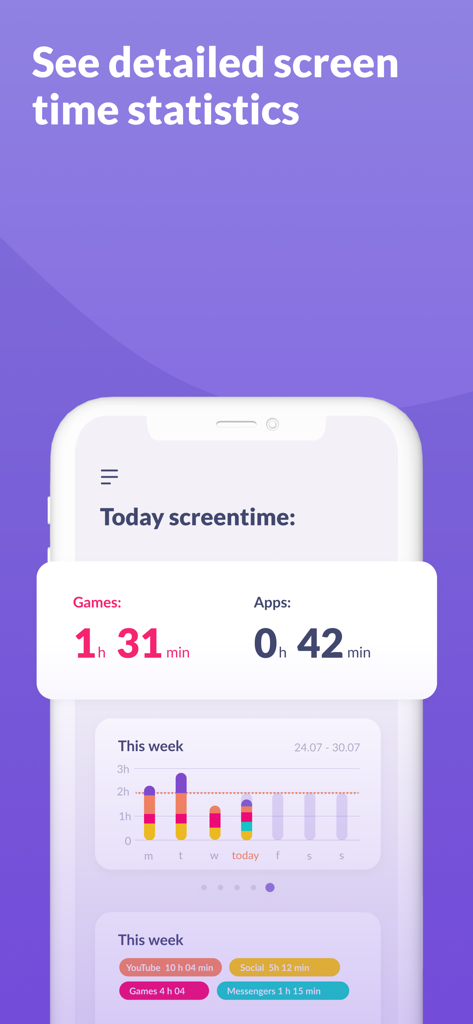
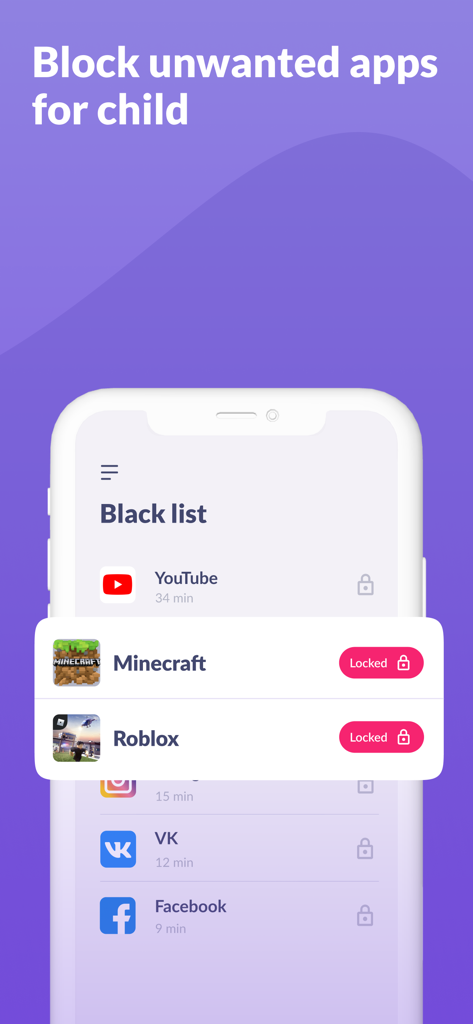
The tools that make this app stand out, trusted by 294K+ users.
Set custom schedules that automatically lock entertainment apps, ensuring your child stays focused on schoolwork and gets a full night's sleep without the nightly arguments.
Maintain safety by keeping essential utility apps like calls and maps active, while selectively limiting or blocking distracting social media and addictive games.
Gain clarity with detailed insights into how your child spends their time online. Use real data to foster trust and build healthy digital habits together.
Trusted by 294K+ people who love this app.
"Finally, the constant arguments about TikTok at the dinner table have stopped! Alli360 allows me to automate school and bedtime schedules so I am no longer the bad guy. I love that my daughter can still call me after soccer practice, but the distracting games just disappear when it is time to focus on homework or sleep. It has brought so much peace back to our household."
"As a parent concerned about screen addiction, this app is exactly what I was looking for. The reporting is incredibly clear, and I love that I can block specific entertainment apps while keeping essential communication tools open. It is the most reliable tool I have found to help my son build healthy digital habits without being overly invasive."
Insights from user reviews.
Sentiment Score
Summary
The mobile app receives overwhelmingly negative feedback, primarily from children and teenagers whose devices are being monitored. Users report severe performance issues including phone crashes, data loss, and apps malfunctioning or disappearing. A major point of contention is the app's difficulty to remove, even after deleting accounts or parental intervention. Many users express frustration over overly restrictive screen time controls, a perceived invasion of privacy, and significant compatibility problems, especially with iPhones. There are also complaints regarding unexpected costs and unhelpful customer support.
Common Themes
Everything you need to know about Alli360 by Kids360.
Description
Latest Version
2.47.7
Size
130.1 MB
First Released
Apr 25, 2024
Join thousands of parents using Alli360 to build healthy digital habits. Set smart boundaries today and enjoy a more balanced home life while staying connected.
Everything you need to know about Alli360 by Kids360
Alli360 is a service that helps parents set time limits for children in entertainment applications and games. It complements the Kids360 for parents app and is installed on the teen's device.
Alli360 is installed on the child's device and complements the Kids360 for parents app, which is installed on the parent's device. They work together for comprehensive parental control.
Alli360 offers time limits for specific apps, schedules for school and rest times, application blocking, and detailed screen time tracking. It also ensures essential communication apps remain accessible.
To start using Alli360, first install Kids360 for parents on your device. Then, install Alli360 on your teen's phone, enter the provided link code, and allow monitoring within the app.
Yes, Alli360 is designed for family safety and requires explicit consent for installation on a child's device. Personal data is stored in strict accordance with legislation and GDPR policies.
Yes, Alli360 allows parents to select specific applications they wish to limit or block completely from their child's device. This feature helps manage app access effectively.
No, Alli360 ensures that applications for calls, messages, taxis, and other non-entertainment purposes always remain available. This allows parents to maintain constant communication with their child.
Monitoring smartphone time after connecting a second device is free. Time management functions, including application limits and schedules, are available during a trial period and through a subscription purchase.
Yes, Alli360 enables parents to set specific schedules for school time and evening rest. During these periods, games, social networks, and other entertainment apps automatically become unavailable.
For technical problems, you can access 24-hour support directly within the Alli360 app. Alternatively, you can contact the support team via email at support@kids360.app.
Apps with similar features and user experience

Pollux Bilisim Teknolojileri Sanayi ve Ticaret Limited Sirketi

Smith Micro Software, Inc.

Google LLC

LETEM LTD

Nintendo Co., Ltd.

ANKO SOLUTIONS LLC

Ningbo Jus Internet Technology Co., Ltd.

HONGKONG FLASHGET NETWORK TECHNOLOGY CO., LIMITED

SAND STUDIO CORPORATION LIMITED