
Audio Editor: MP3 Converter


The ultimate studio for creators to trim, mix, and extract audio. From vocal splitting to noise reduction, master your sound for TikTok, Reels, and podcasts in seconds.
Publisher
Category
MusicDownloads
1M+User Rating
Total Ratings
18K+Locales
29Discover the interface used by 1M+ users.
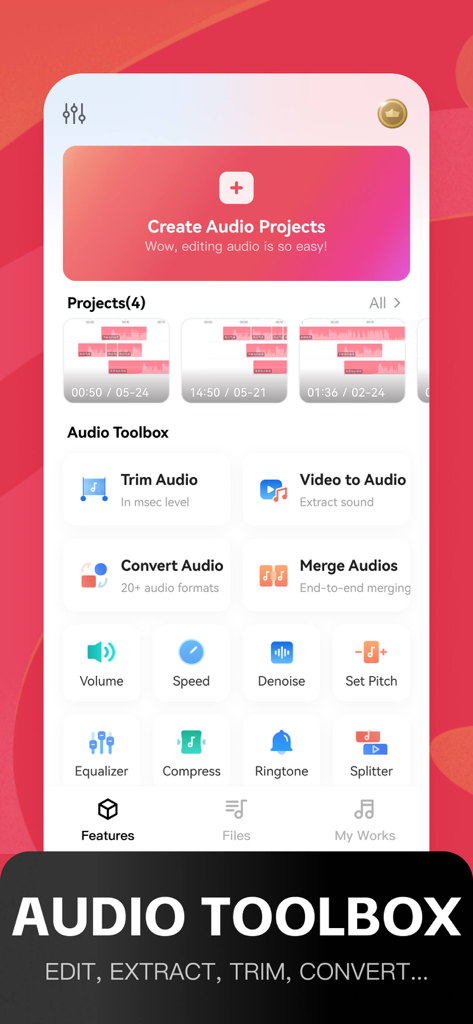
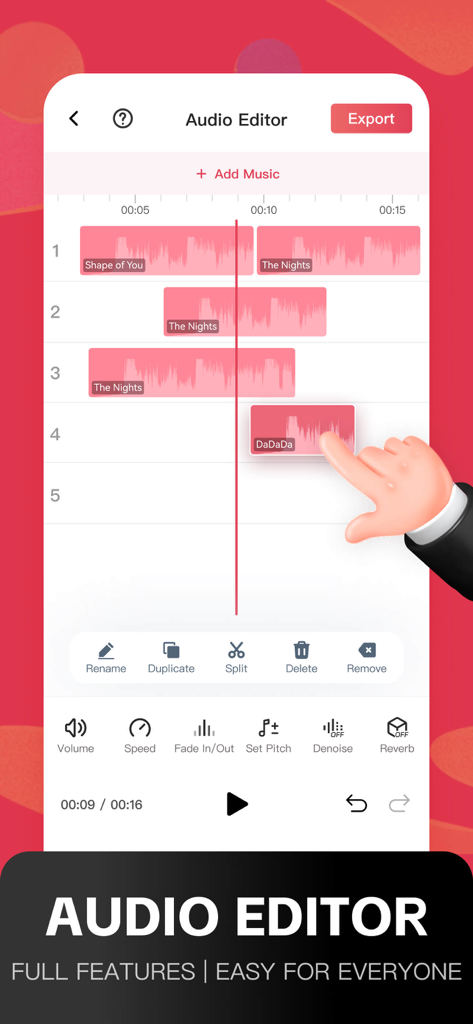
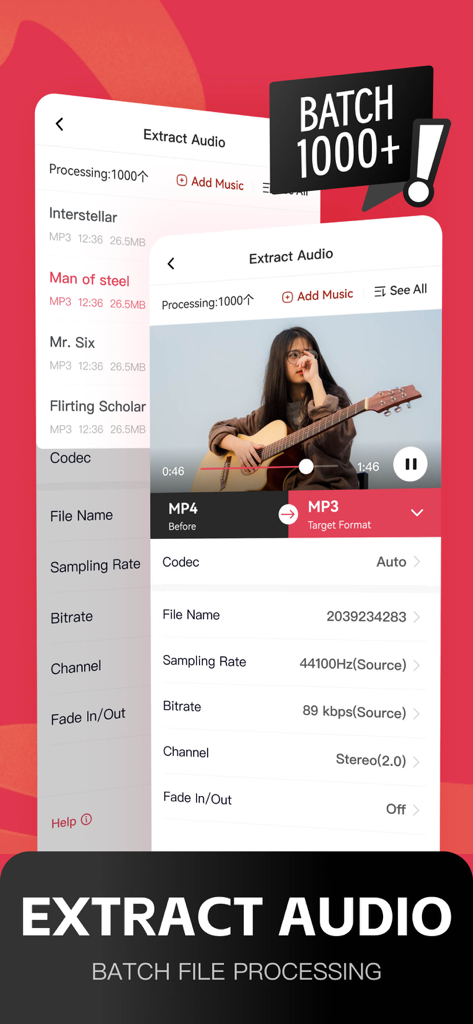
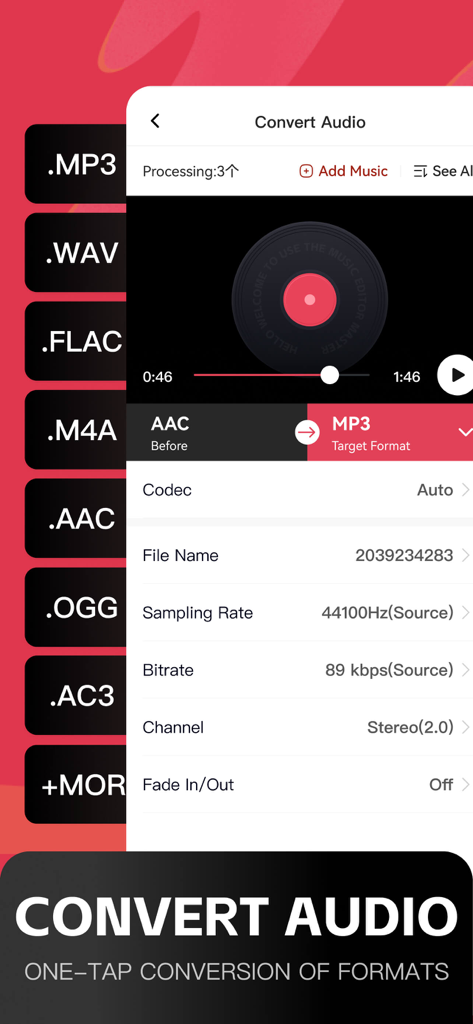
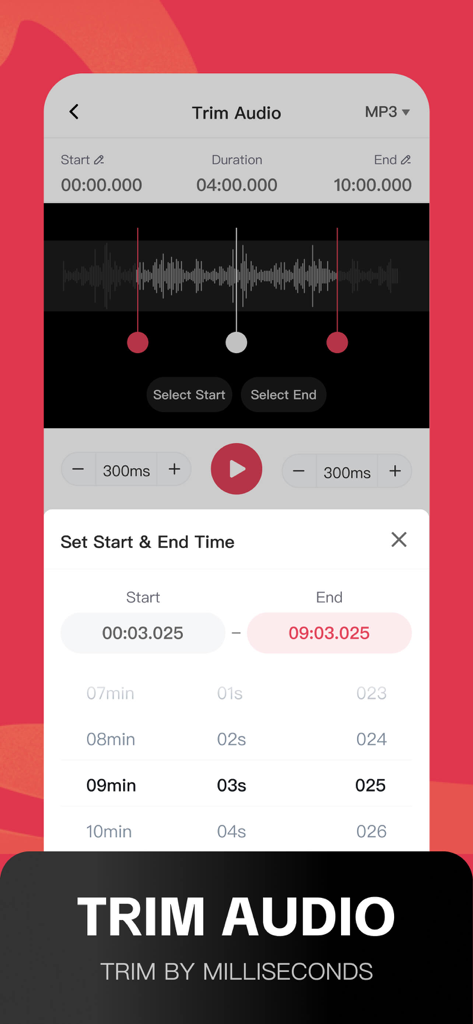
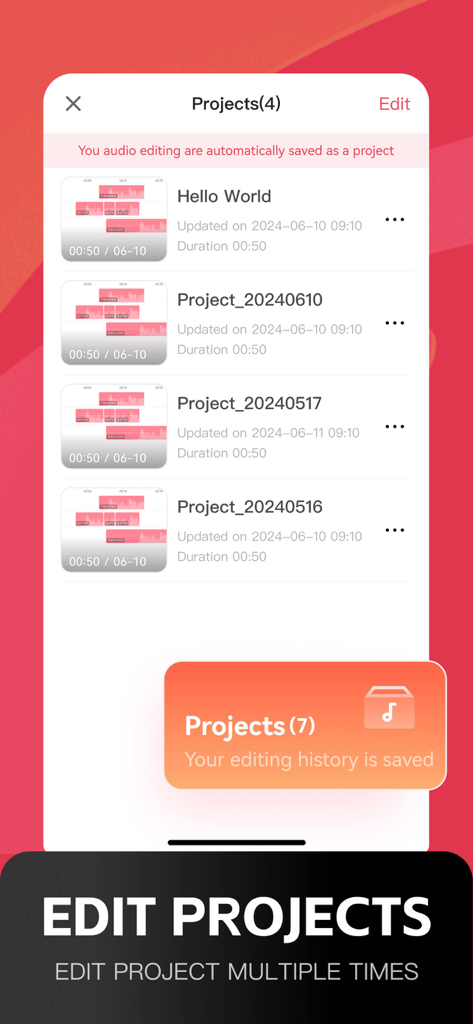
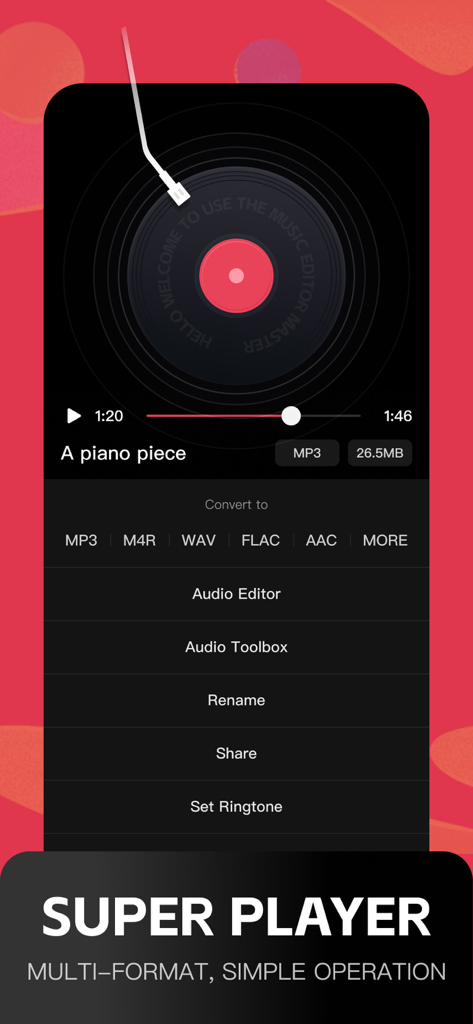
The tools that make this app stand out, trusted by 1M+ users.
Turn any video into a high-quality audio file. Perfect for sampling social media trends, creating custom ringtones, or building your own offline library.
Isolate vocals or remove backgrounds with one tap. The ultimate tool for DIY karaoke, song covers, and creating 'slowed + reverb' remixes for your followers.
Trim, merge, and polish your tracks with ease. Use advanced noise reduction to eliminate background hum from your voice notes, interviews, or vlogs.
Trusted by 1M+ people who love this app.
"As a full-time content creator, this app has completely changed my workflow. I can extract audio from a screen recording, split the vocals for a remix, and add a reverb effect in under two minutes. It is much more intuitive than any desktop software I have used for quick social media edits."
"I originally downloaded this just to make a custom ringtone, but I ended up using the noise reduction and volume tools for all my class projects. The ability to Airdrop files and convert them between MP3 and WAV on my phone is a huge time-saver. It is truly a professional-grade toolbox in my pocket."
Everything you need to know about Audio Editor: MP3 Converter.
Description
Latest Version
3.9.8
Size
198.7 MB
First Released
Jul 31, 2023
Join over 1 million creators using the ultimate mobile toolbox to trim, remix, and convert audio in seconds. Your pocket studio is just a tap away.
Everything you need to know about Audio Editor: MP3 Converter
The Audio Editor: MP3 Converter app is a professional audio editing tool for mobile phones. It allows users to edit music, adjust sound effects, extract audio, convert formats, and apply various audio toolbox functions.
Audio Editor: MP3 Converter offers features to trim, merge, mix, split, fade in, and fade out music. Users can edit multiple tracks concurrently with simple operations.
Yes, Audio Editor: MP3 Converter supports format conversion among MP3, M4A, AAC, WAV, AWB, and AIFF. It also converts video to MP3 format.
The Audio Editor: MP3 Converter app offers various subscription prices. For example, a weekly subscription is $2.99, a monthly subscription is $3.99, and a yearly subscription is $12.99.
To cancel your Audio Editor: MP3 Converter subscription, manage your subscriptions by going to your user's Account Settings after purchase. Auto-renewal can be turned off there.
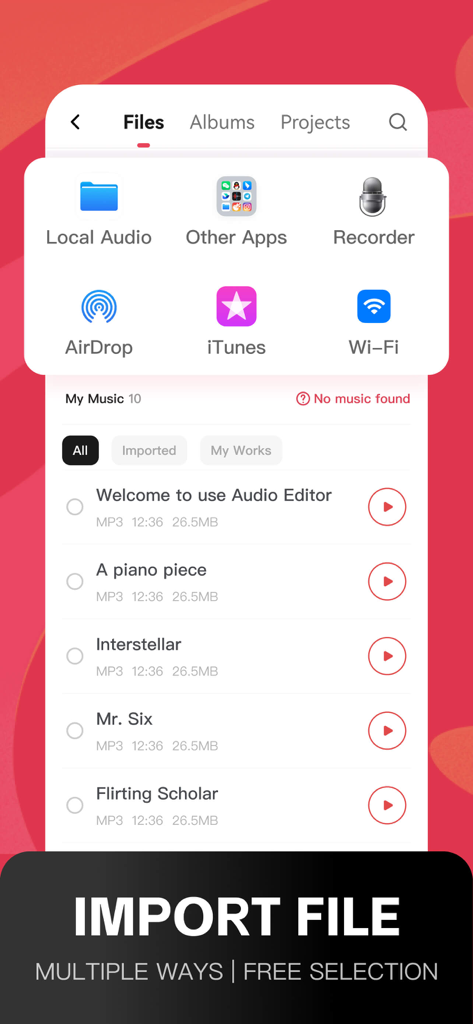
The Audio Editor: MP3 Converter app supports multiple import methods. You can import music from local audio, albums, other apps, Airdrop, or Wi-Fi transfer.
Yes, Audio Editor: MP3 Converter includes audio noise reduction. Noise can be reduced manually or automatically, and multiple noise reduction models are available for selection.
Yes, Audio Editor: MP3 Converter can convert video files to MP3 format. This feature is labeled as "Audio extraction" and "Video to Audio" within the app.
Audio Editor: MP3 Converter allows customization of sound effects using pitch settings, an equalizer, and reverb functions. Users can select music styles freely.
Apps with similar features and user experience

妍 岳

妍 岳

Fitness Labs SRL

ZHN Co., Ltd.

龙刚 李

正军 刘

Wuhan Net Power Technology Co., Ltd

俊鹏 位
昱江 郭

