
ES File Explorer


Unify your cloud storage, remote servers, and local files in one place. Go beyond the default limitations with professional tools for code editing, multi-format compression, and seamless cross-platform transfers.
Publisher
Category
ProductivityDownloads
15M+User Rating
Total Ratings
282K+Locales
24Discover the interface used by 15M+ users.
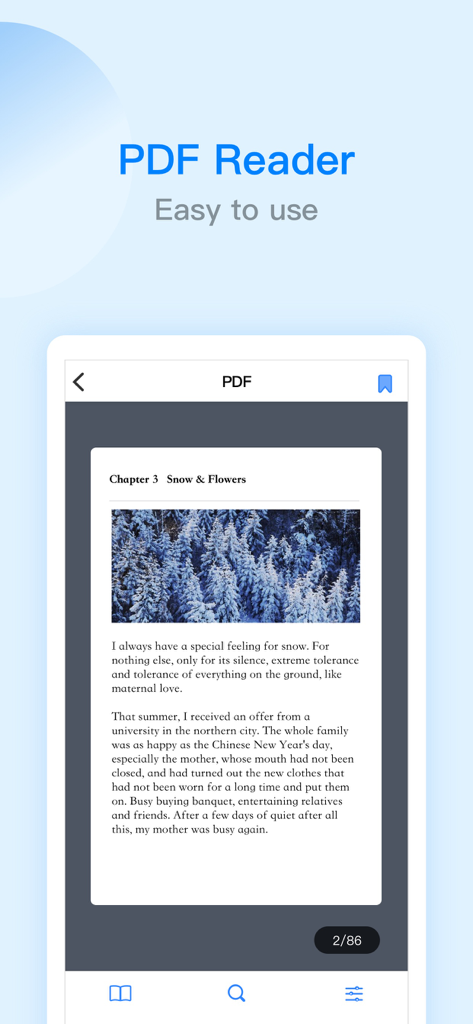
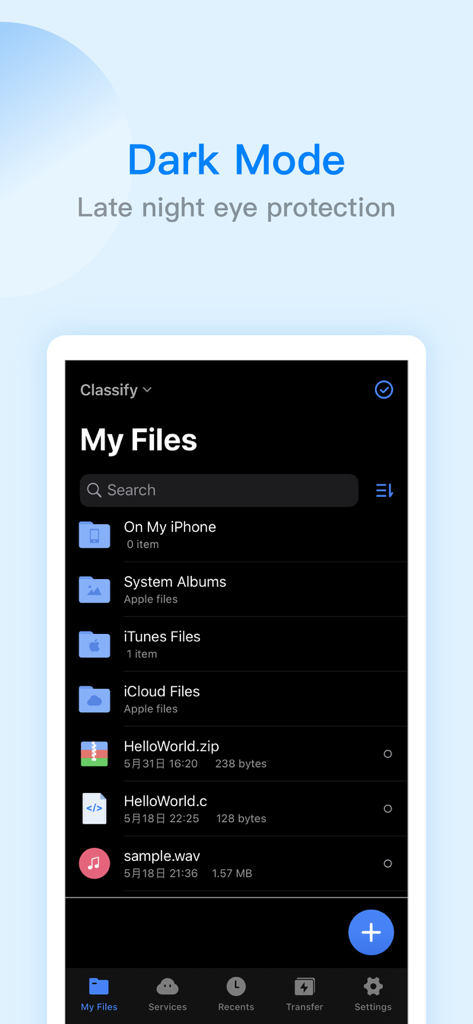
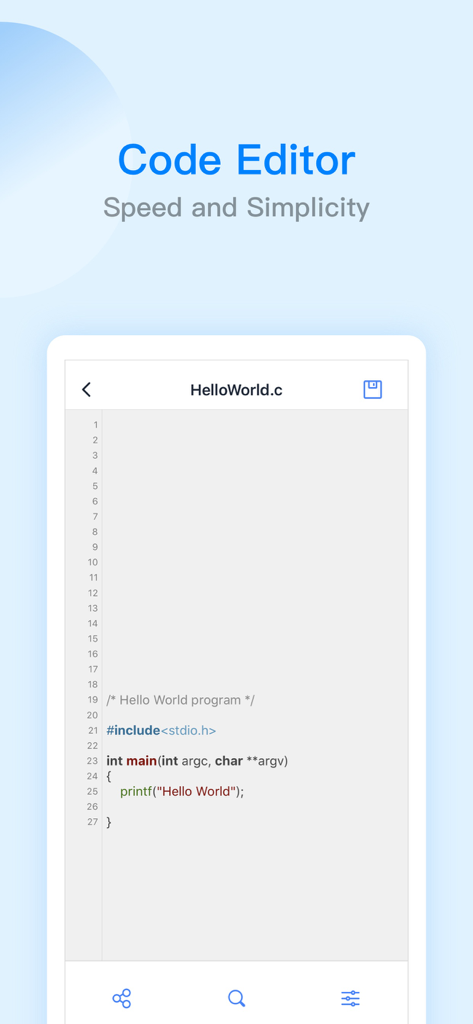
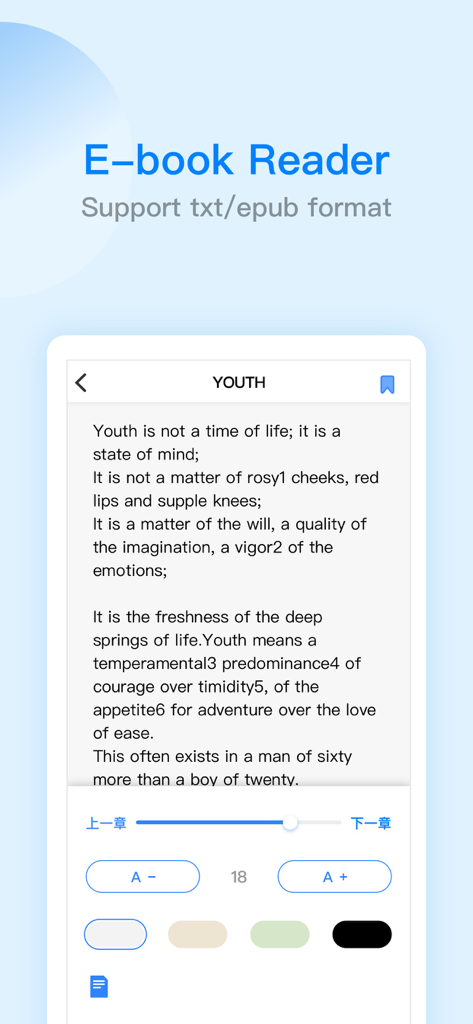
The tools that make this app stand out, trusted by 15M+ users.
Consolidate Google Drive, Dropbox, and OneDrive alongside your home SMB/FTP servers in one seamless, professional interface.
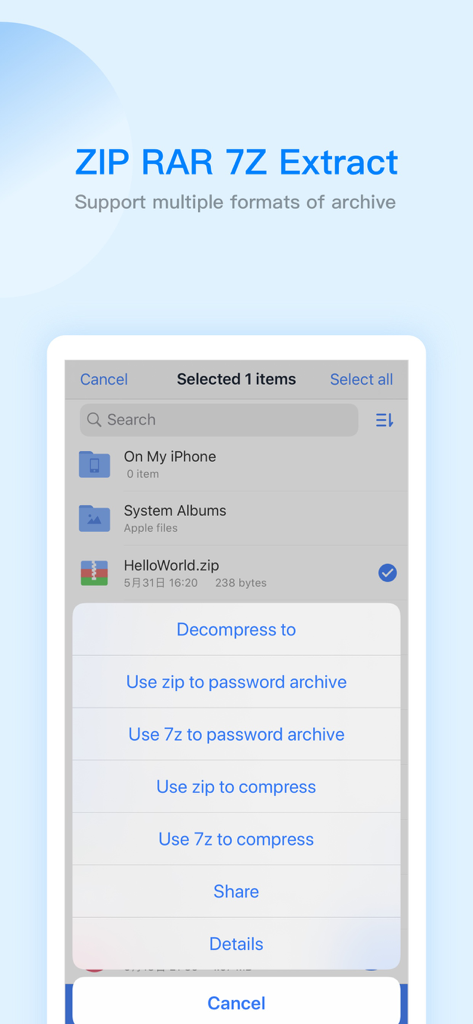
Go beyond storage with a built-in editor for 47 code formats, full PDF annotation tools, and advanced ZIP/RAR/7Z archive support.
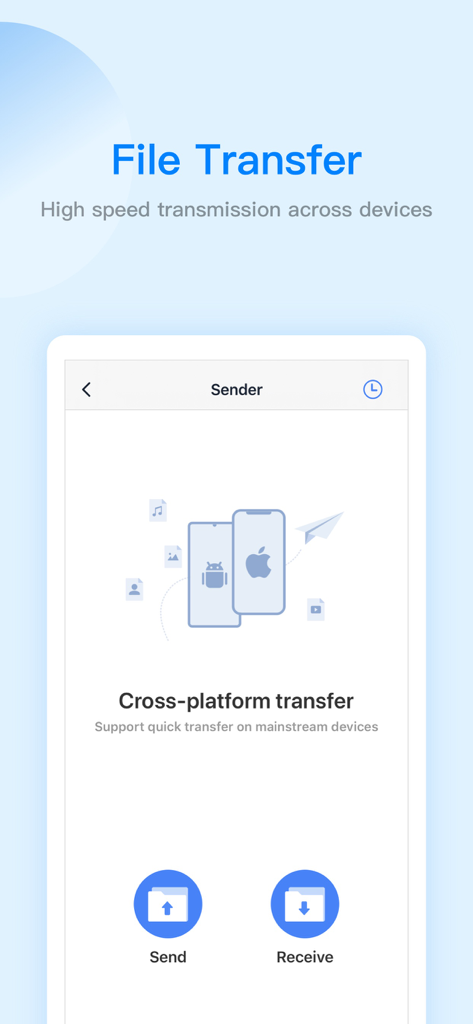
Bridge the gap between iOS and Windows instantly. Move large files via WiFi or face-to-face transfer without the limitations of AirDrop.
Trusted by 15M+ people who love this app.
"ES File Explorer is the missing link for my cross-platform workflow. Being able to access my home server via SMB and manage Google Drive and Dropbox in a single interface is a game-changer for my productivity. It makes the iPad feel like a true desktop-class machine."
"The best all-in-one utility I have found for iOS. I use it for everything from decompressing 7Z archives to editing code snippets on the go. The PDF editor and WiFi transfer features are incredibly reliable, making it an essential tool for my daily research and organization."
Everything you need to know about ES File Explorer.
Description
Latest Version
2.8.5
Size
261.6 MB
First Released
Mar 23, 2019
Join over 15 million power users and simplify your digital workflow. Manage, edit, and transfer across every cloud and server from one professional command center.
Everything you need to know about ES File Explorer
ES File Explorer is a versatile local and network file management tool. It allows users to manage, transfer, compress, decompress files, and access cloud storage. It also integrates players, editors, and other utility functions.
ES File Explorer facilitates file transfer through two main methods: WiFi transmission between mobile devices and computers, and face-to-face quick transfers directly between mobile phones.
ES File Explorer supports compression and decompression for ZIP, RAR, and 7Z archive formats. It also includes the capability to support Chinese passwords for encrypted archives.
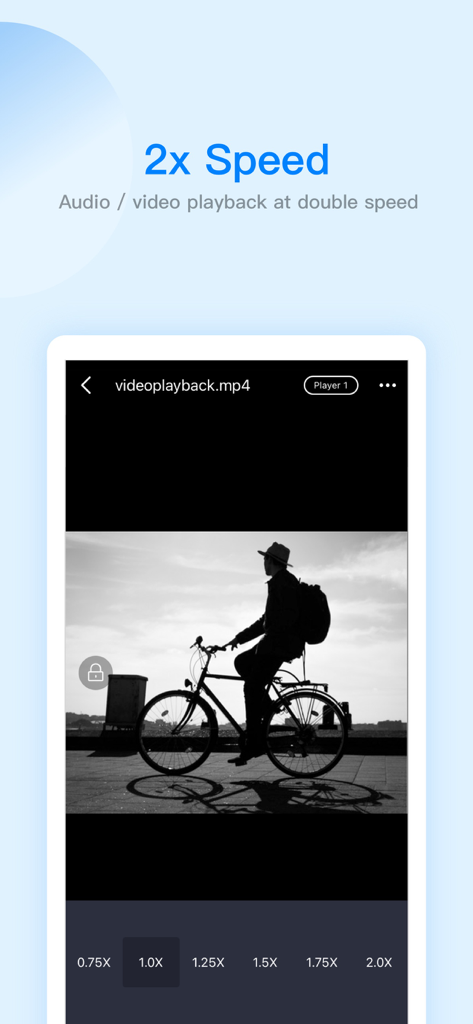
Yes, ES File Explorer features a built-in audio and video player. This player supports double-speed playback (0.5x to 2.0x), background playback, and small window playback for media files.
ES File Explorer offers netdisk aggregation, allowing access to files on Baidu network disk, Google Drive, OneDrive, and Dropbox. Users can log in with multiple accounts simultaneously for convenience.
Purchasing ES PRO in ES File Explorer unlocks all premium features. It is a subscription service billed monthly or annually, providing access to enhanced functionalities beyond the standard offering.
You can manage or disable the auto-renewal of your ES File Explorer PRO subscription through your Apple ID account settings. Ensure auto-renew is turned off at least 24 hours before the current period ends.
Yes, ES File Explorer includes a dark mode feature. This functionality provides late-night eye protection, enhancing user comfort during extended use in low-light environments.
Yes, ES File Explorer has a built-in PDF editor. It enables PDF file browsing and supports editing functions like highlighting, underlining, strikethrough, and using a pen tool.
The ES File Explorer built-in code editor supports browsing and editing 47 code formats. These include popular languages and file types such as JSON, JS, LOG, JAVA, PHP, SWIFT, XML, and NET.
Apps with similar features and user experience

Balzo srl

NEXT K.U.M. LTD

INTSIG Information Co., Ltd

Adobe Inc.

KINGSOFT OFFICE SOFTWARE CORPORATION LIMITED

ILOVEPDF S.L.

The Grizzly Labs

Microsoft Corporation

INDY MOBILE APP COMPANY LIMITED