
Filmora: AI Video Editor&Maker




Empower your creativity with effortless AI tools. From dynamic captions to cinematic auto-cuts, create professional-grade content for TikTok, Instagram, and YouTube in seconds.
Publisher
Category
Photo & VideoDownloads
24M+User Rating
Total Ratings
338K+Locales
21Discover the interface used by 24M+ users.
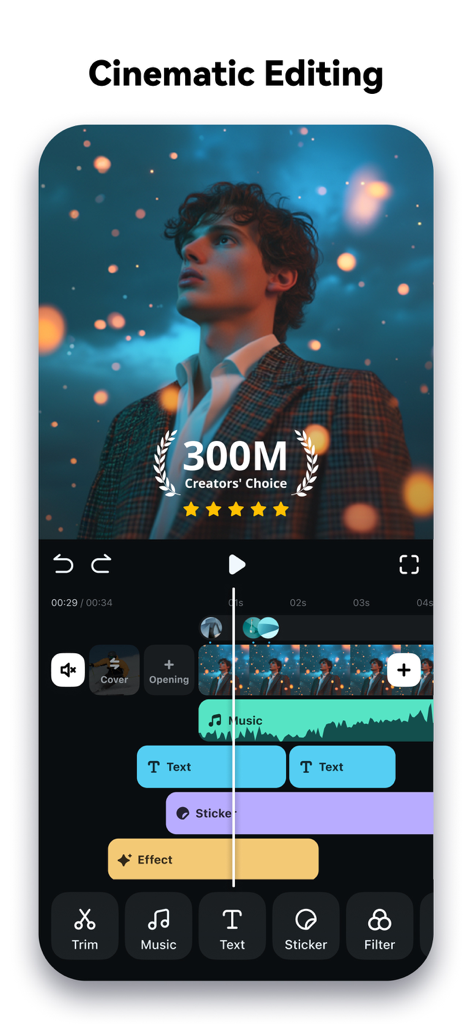
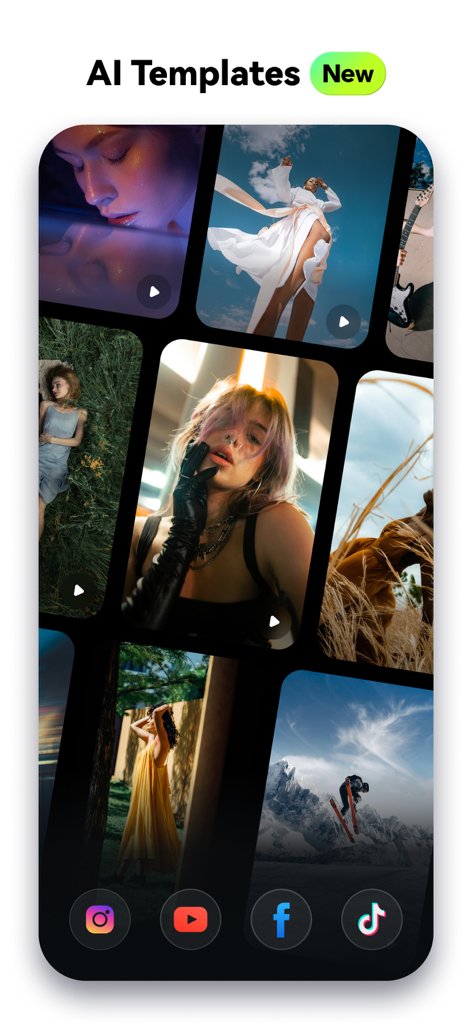
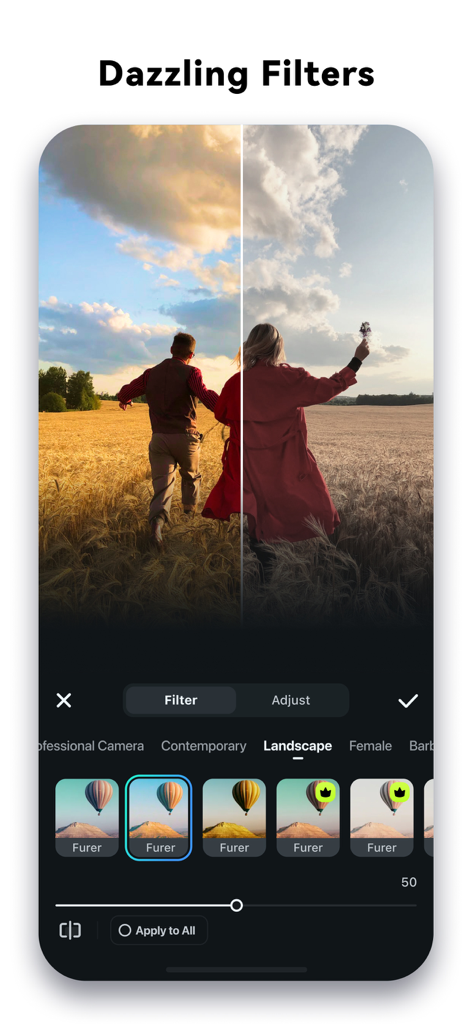
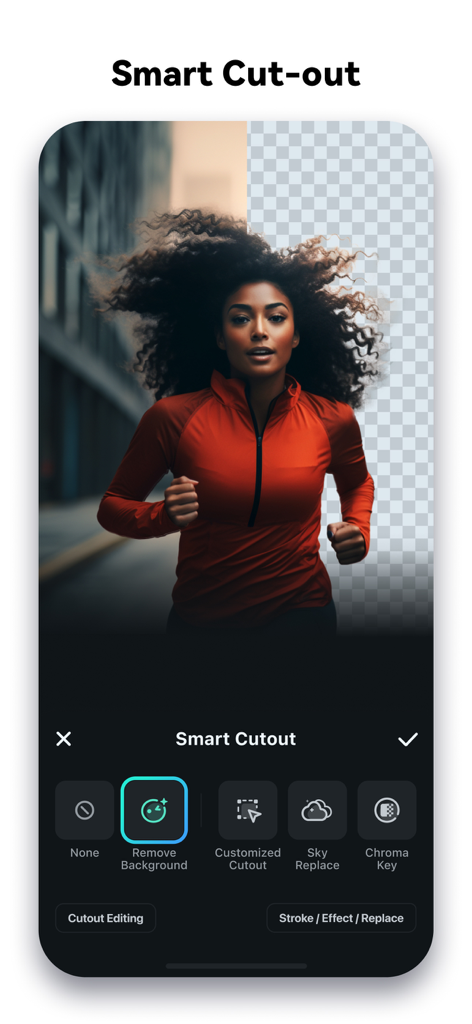
The tools that make this app stand out, trusted by 24M+ users.
Skip the tedious trimming. Let AI Auto Cut find your best moments and stitch them into cinematic stories instantly.
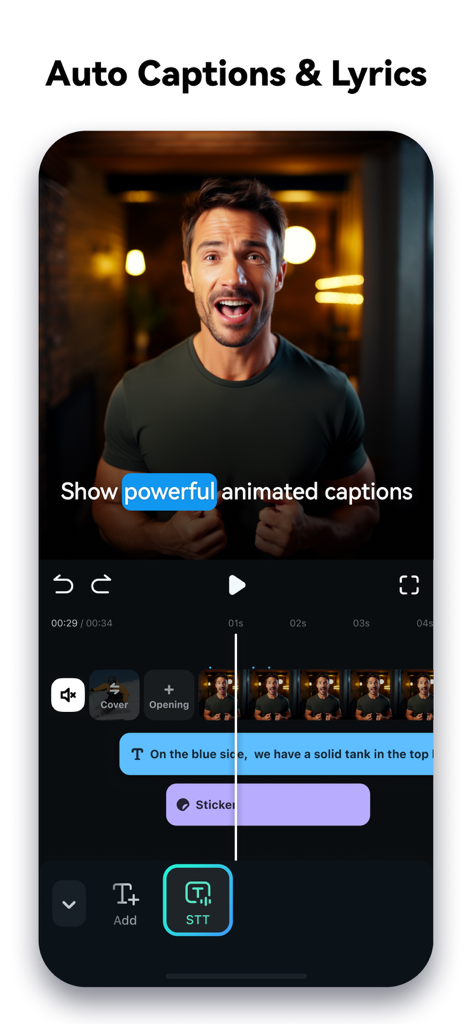
Keep viewers hooked with auto-generated, word-by-word captions that sync perfectly with your voiceover.
From Infinite Zoom to Smart Cutout, access high-end visual effects that usually require a professional studio.
Trusted by 24M+ people who love this app.
"I used to spend hours editing my weekly vlogs, but Filmora’s AI Auto Cut is a literal lifesaver. It finds the best moments and stitches them together perfectly for my Reels! The dynamic captions also make my content look so much more professional without the extra effort."
"The AI Smart Cutout is insane—I can swap backgrounds and add cool effects in seconds right from my phone. I’ve tried a lot of mobile editors, but nothing beats the precision of Filmora's keyframing and tracking. It’s the closest thing to a desktop experience on mobile."
Everything you need to know about Filmora: AI Video Editor&Maker.
Description
Latest Version
15.1.91
Size
645.0 MB
First Released
Apr 28, 2016
Join over 24 million creators using Filmora to turn their ideas into trending videos for TikTok, Reels, and Lemon8.
Everything you need to know about Filmora: AI Video Editor&Maker
Filmora AI Video Editor is an AI-based video editor and movie maker. It features tools like Image to Video, VideoGen, AI Auto Cut, and Dynamic Captions to help users create and edit videos.
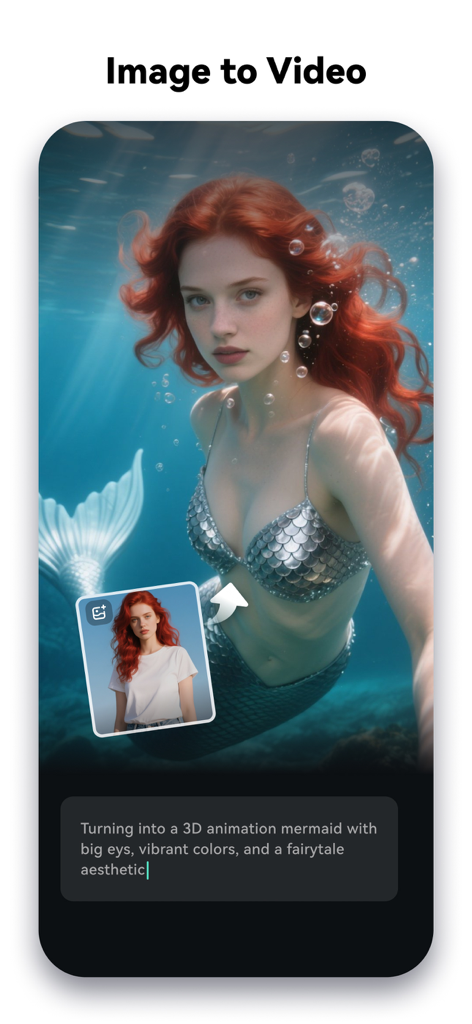
Yes, Filmora AI Video Editor includes an "Image to Video" feature. Users input creative ideas, and the AI converts photos into dynamic videos. This feature is also visible in Screenshot #3.
Yes, Filmora AI Video Editor includes "AI Remover" for effortlessly erasing unwanted elements from videos. It also features "AI Smart Cutout" for customized object removal and background replacement.
Filmora Pro subscriptions offer Monthly, Annual, or Perpetual billing options. These subscriptions grant access to all features and paid editing materials, while automatically removing watermarks and logo rolls.
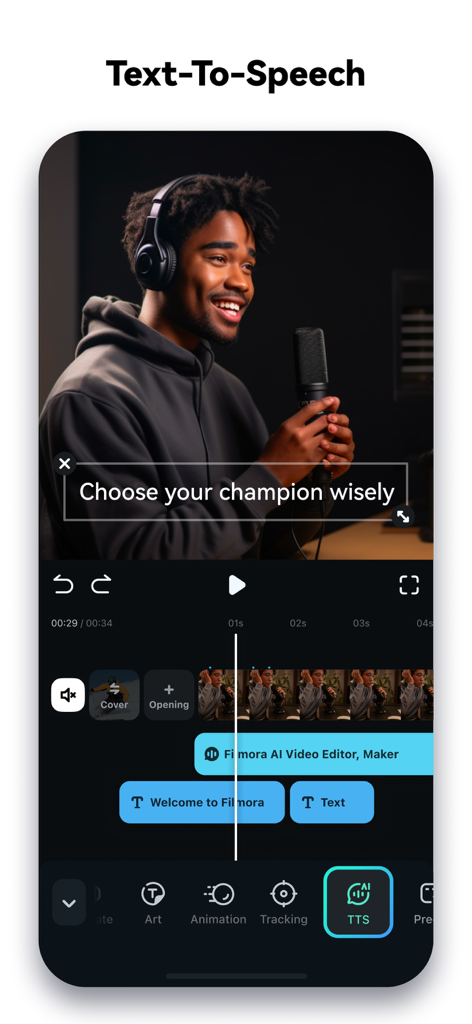
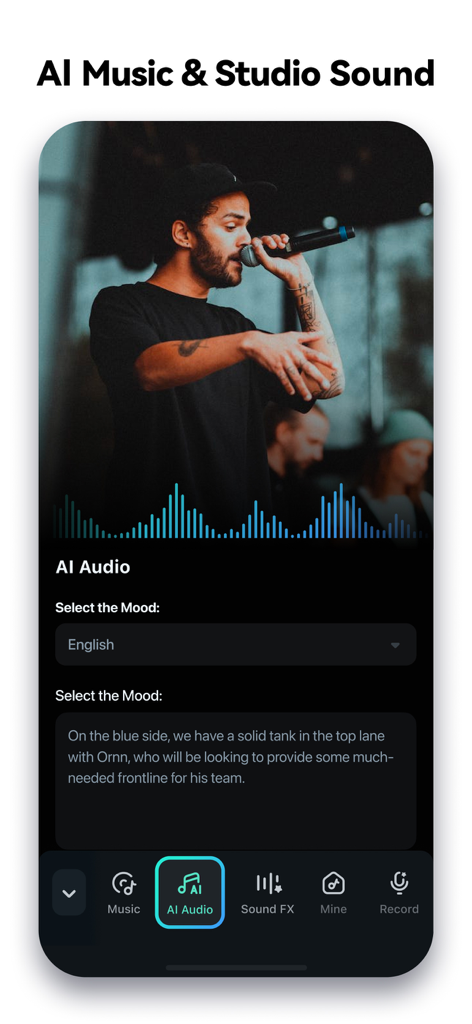
Yes, Filmora AI Video Editor supports Text to Speech. This feature transforms written text into professional voiceovers for videos, enhancing auditory content. Screenshot #4 displays the Text-To-Speech functionality.
Filmora AI Video Editor provides "Dynamic Captions," which auto-convert speech to text into word-by-word captions. It also features "Text to Video" for generating videos with AI copywriting and subtitles.
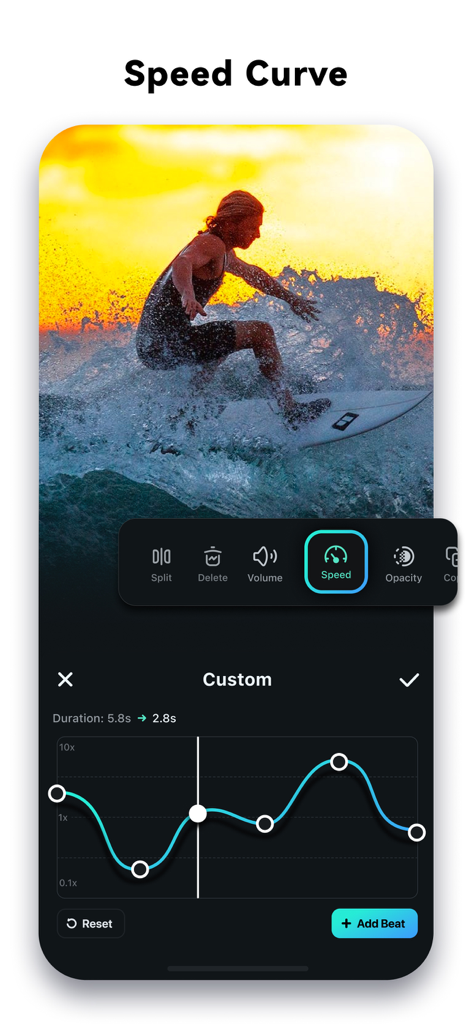
Yes, Filmora AI Video Editor allows users to adjust video speed. It includes speed control with customizable and pre-set curves, enabling fast or slow-motion effects. Screenshot #7 shows the "Speed Curve" interface.
Yes, Filmora AI Video Editor can extract music directly from videos. It also enables users to split audio to remove unwanted segments and to add various music, sound effects, or voice-overs.
Yes, Filmora AI Video Editor offers user-friendly features for beginners. These include trimming, splitting, merging clips, adding text and emojis, and using stunning templates for one-click video creation.
You can contact support for Filmora AI Video Editor via email at mailer@service.wondershare.com or by visiting their support website at http://support.wondershare.com.
Apps with similar features and user experience

SHANTANU PTE. LTD.

Beijing Kwai Technology Co., Ltd.

Leto.Fonts FZCO

Templify Media, Inc.

KineMaster Corporation

PIXERY BILGI TEKNOLOJILERI ANONIM SIRKETI

Movavi Emea LLC

Dmitriy Biserov

Wenzhou XunChi Digital Technology Co., Ltd.


