
Office Word Editor:Docs, Share


Master your workflow on iPhone and iPad with powerful formatting tools, real-time collaboration, and seamless multi-cloud integration—even when you are offline.
Publisher
Category
ProductivityDownloads
124K+User Rating
Total Ratings
100Locales
17Discover the interface used by 124K+ users.
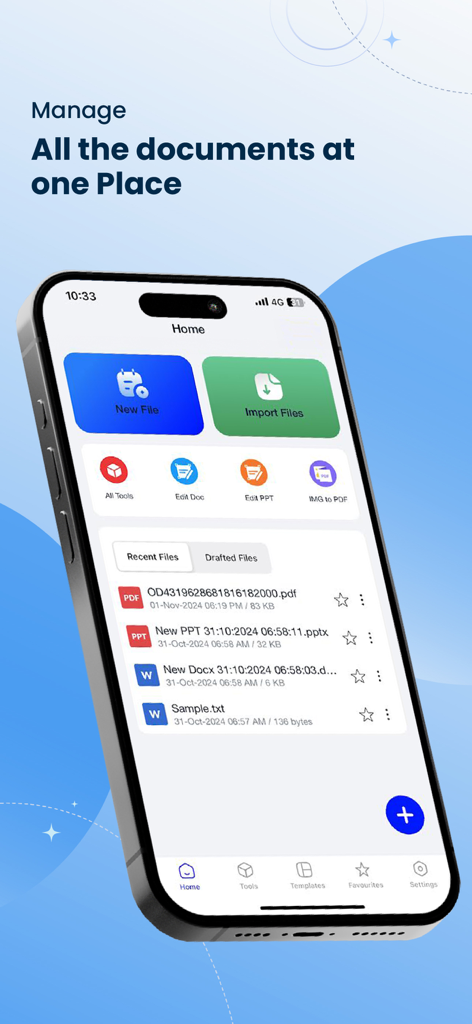
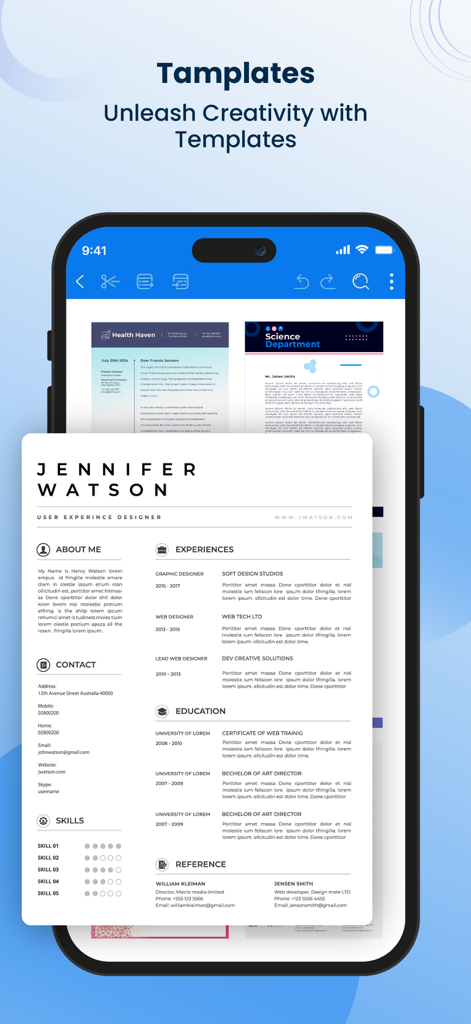
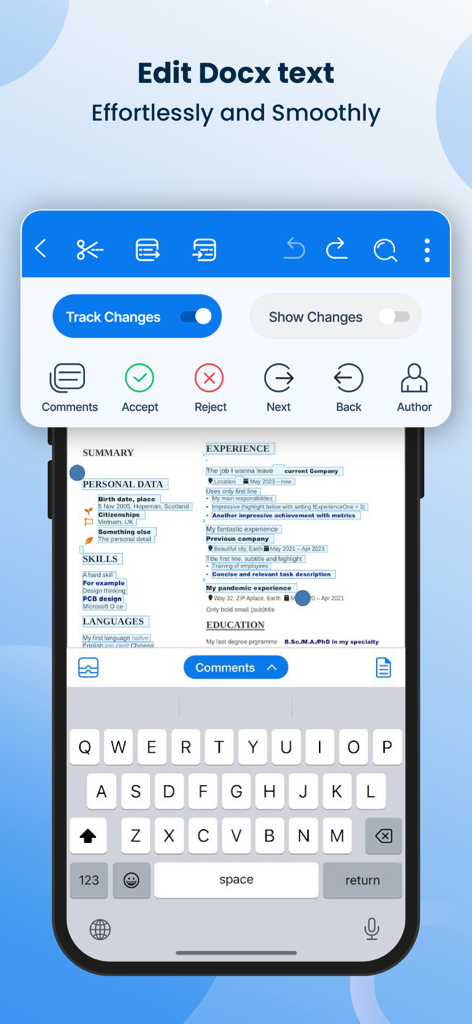
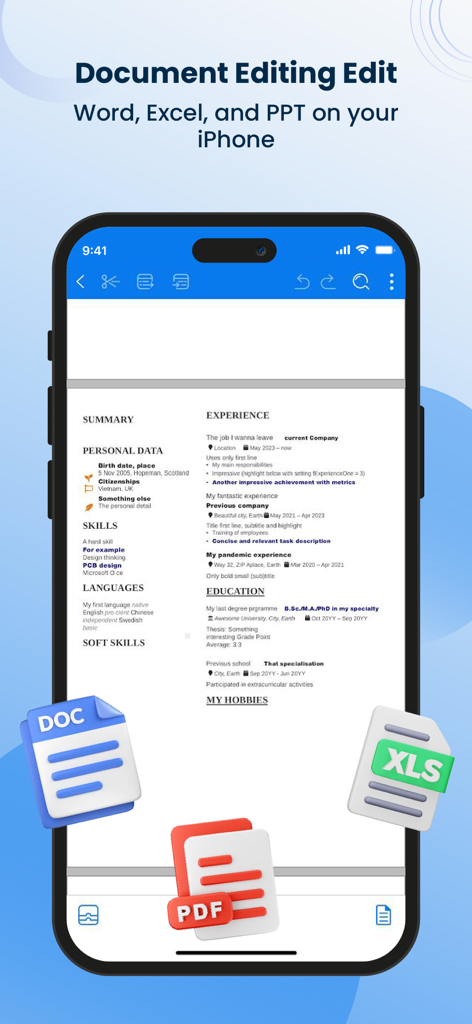
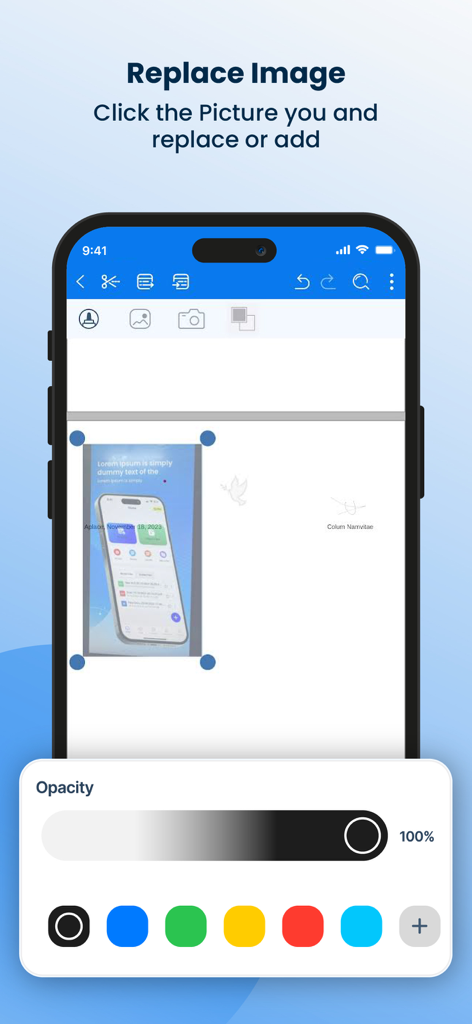
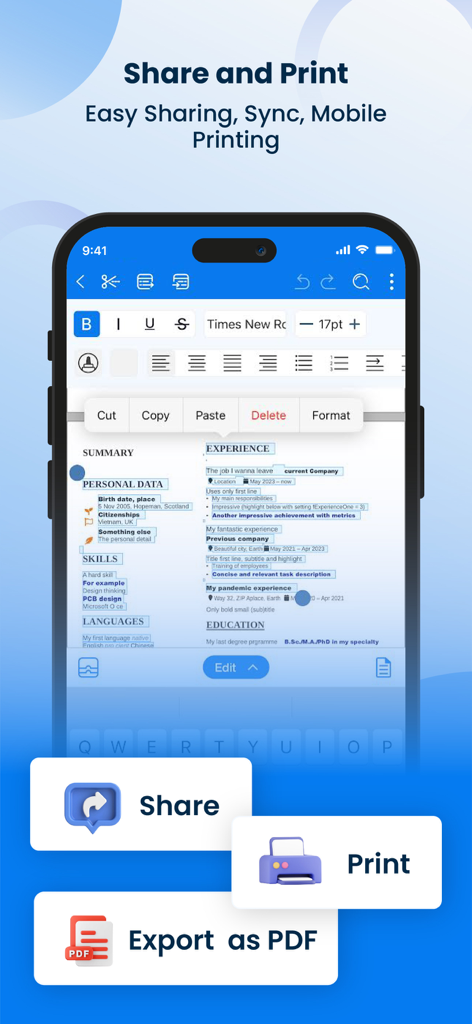
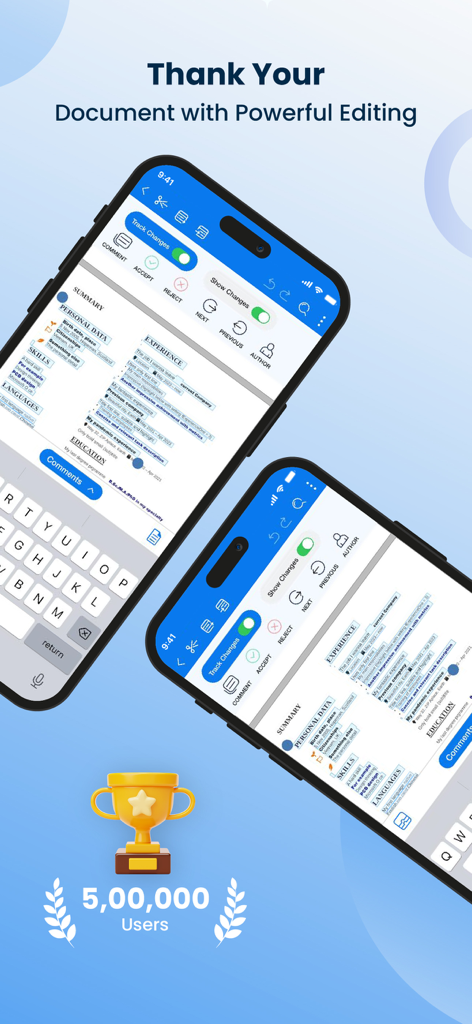
The tools that make this app stand out, trusted by 124K+ users.
Bridge your work between iCloud, Google Drive, and Dropbox with one intuitive interface that works even when you are offline.
Get desktop-level precision on your mobile device. Adjust layouts, apply rich styles, and track changes to keep your projects looking polished.
Finalize documents in seconds. Export to PDF, DOCX, or HTML to send client-ready files via email or messaging apps the moment you finish editing.
Trusted by 124K+ people who love this app.
"As a freelance consultant constantly on the move, this app is exactly what I needed. It opens instantly, and the integration with Dropbox and iCloud is seamless. I can polish my proposals on the train and export them to PDF in seconds. It’s significantly faster and more intuitive than the desktop-heavy alternatives."
"I use my iPad for everything at university, and Word Editor has become my main tool for essays. The formatting precision is incredible—I can manage margins and styles just like on a PC. Plus, the offline mode is a total game-changer for finishing my assignments during flights or in areas with spotty Wi-Fi."
Everything you need to know about Office Word Editor:Docs, Share.
Description
Latest Version
1.0.36
Size
233.7 MB
First Released
Aug 8, 2023
Join over 124,000 professionals and students who have turned their iPhone and iPad into a powerful mobile office. Start your 3-day free trial today and experience the freedom of seamless editing, offline access, and multi-cloud integration.
Everything you need to know about Office Word Editor:Docs, Share
Office Word Editor:Docs, Share is an iOS app designed for comprehensive editing of Word documents. It enables users to create, edit, and collaborate on Word files directly on their mobile devices.
Yes, Office Word Editor:Docs, Share supports creating new Word documents. Users can also import existing documents from cloud storage services like iCloud, Dropbox, or Google Drive.
Yes, Office Word Editor:Docs, Share facilitates real-time co-editing. Users can share documents via email or cloud services to collaborate simultaneously and track all changes made by teammates.
Office Word Editor:Docs, Share supports a wide range of Word document formats. It seamlessly opens and edits DOC, DOCX, and RTF files, ensuring compatibility with various platforms.
Yes, Office Word Editor:Docs, Share allows offline editing. Users can work on their documents without an internet connection, and the app automatically syncs changes once connectivity is restored.
Yes, Office Word Editor:Docs, Share offers a 3-day free trial. This trial period allows users to access and experience all paid features of the application without any prior obligation.
After the free trial, Office Word Editor:Docs, Share costs 499 Rs/Month for a monthly plan or 2999 Rs/Year for a yearly plan. Subscriptions are charged via your App Store account.
Yes, Office Word Editor:Docs, Share includes robust document review tools. Users can add comments, annotations, and track changes within documents for an efficient feedback and editing process.
Yes, Office Word Editor:Docs, Share enables users to export documents as PDFs. It also supports exporting files as Word documents or HTML, and sharing them via email or messaging apps.
Yes, Office Word Editor:Docs, Share provides document templates. Users can access these templates to quickly create professional-looking documents for various purposes.
Apps with similar features and user experience

ChuXin Tec Co., Ltd.

Normal Vector Limited

亚敏 陈

晶晶 姜

根根 黄

Stefl und Taschauer OG

华 杨

卓臻 李

Akikazu Yoshikawa