PDF PRO Scan Image & Documents

PDF PRO Scan Image & Documents

Download on App Store
Spark by MWM logo
Logo of PDF PRO Scan Image & Documents
PDF PRO Scan Image & Documents: Your Intelligent AI Document Assistant

Stop reading and start asking. Chat with your PDFs for instant summaries, scan documents on the go, and edit securely with 100% local processing that keeps your data private.

Download on App Store

Publisher

Balzo srl

Category

Productivity

Downloads

600

User Rating

5.0/5

Total Ratings

0

Locales

1

Efficiency at a Glance

Discover the interface used by 600 users.
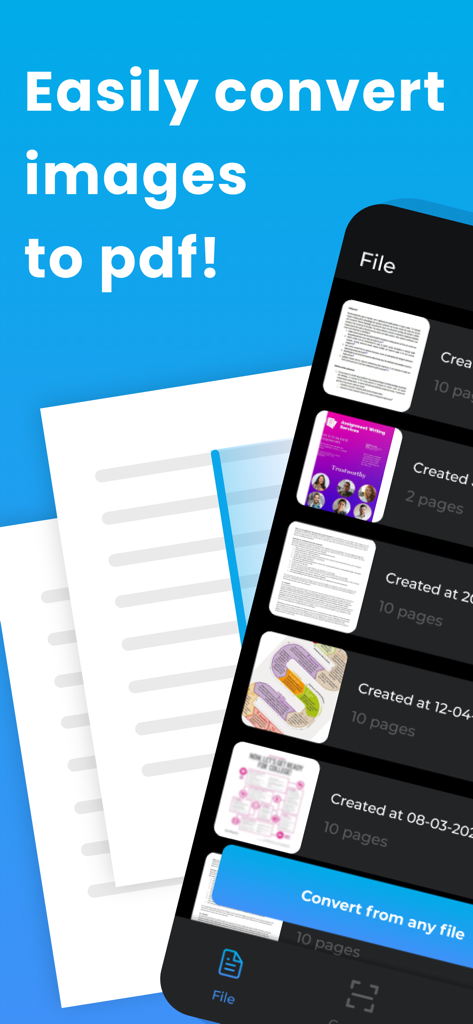
A mobile app interface displaying a document list and a button to convert images to PDF

A mobile app interface displaying a document list and a button to convert images to PDF

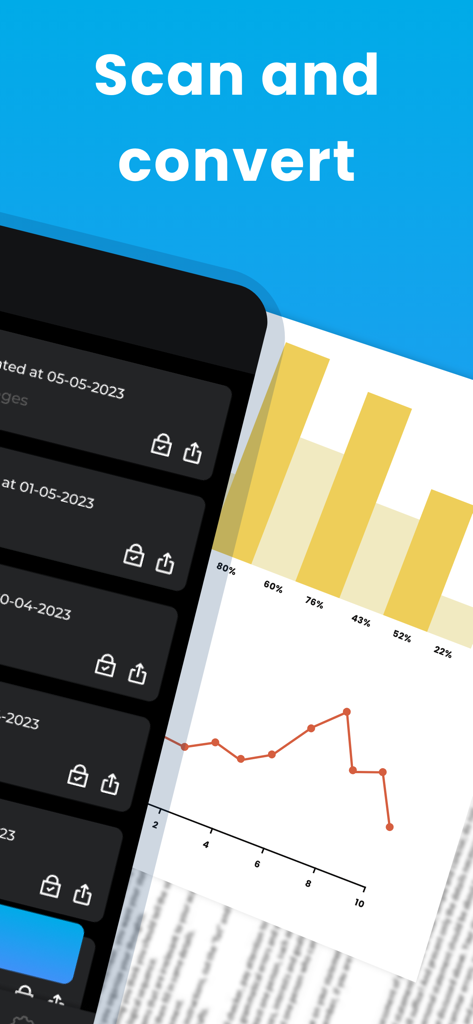
PDF PRO app interface showing the scan and convert feature with a list of saved files and a business report graph

PDF PRO app interface showing the scan and convert feature with a list of saved files and a business report graph

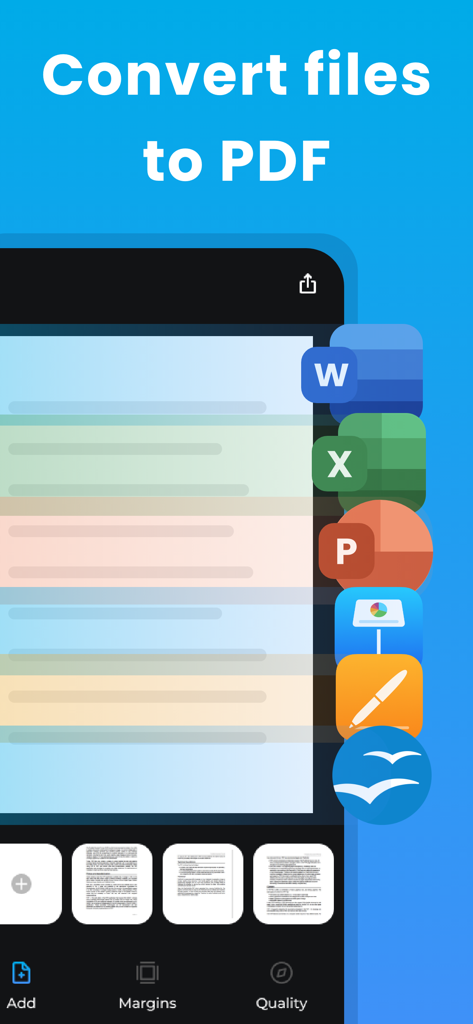
Mobile app screen showing the conversion of Word Excel and PowerPoint documents into PDF format

Mobile app screen showing the conversion of Word Excel and PowerPoint documents into PDF format

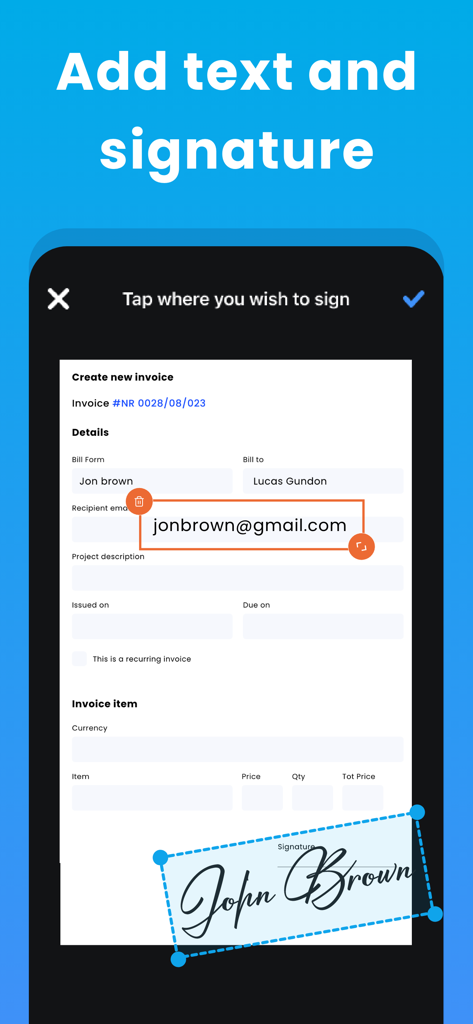
Mobile app interface for adding text and a handwritten signature to a digital invoice

Mobile app interface for adding text and a handwritten signature to a digital invoice

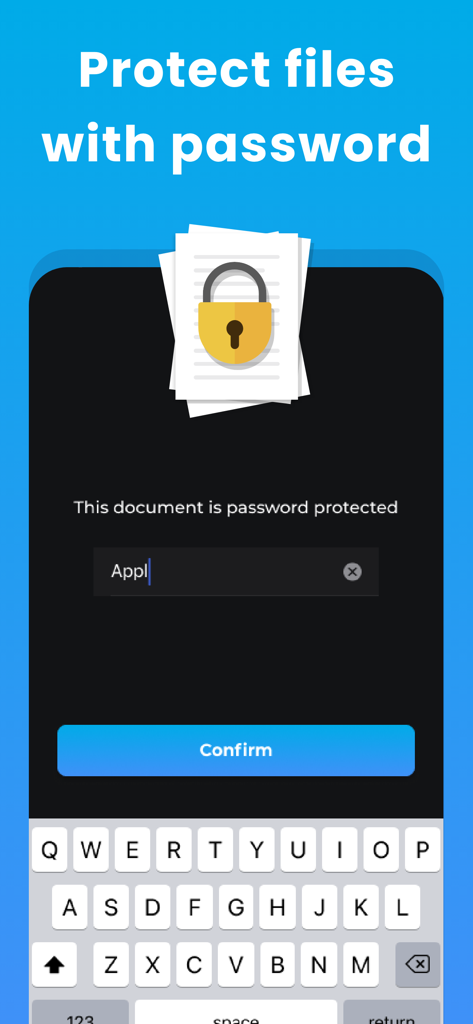
Mobile app interface for protecting PDF files with a password

Mobile app interface for protecting PDF files with a password

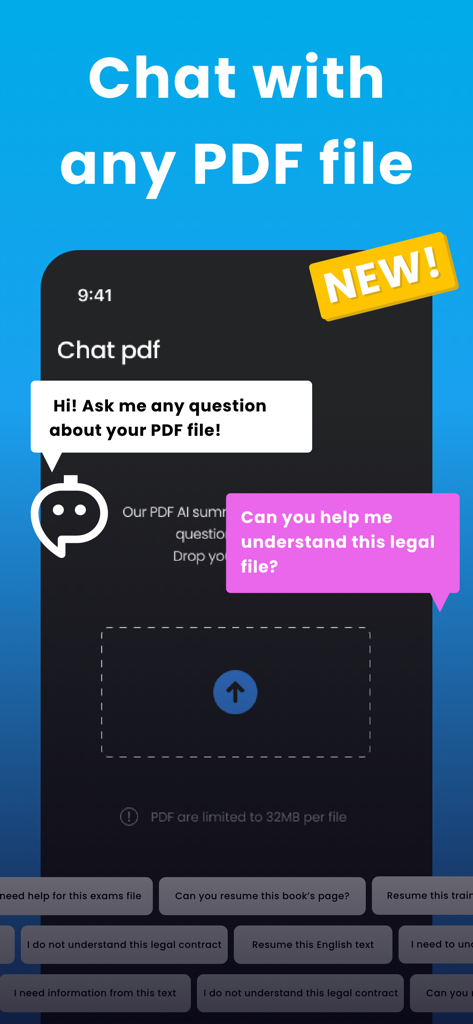
A mobile app screen showing the AI chat feature for summarizing and asking questions about PDF documents

A mobile app screen showing the AI chat feature for summarizing and asking questions about PDF documents

Master Your Documents with AI

The tools that make this app stand out, trusted by 600 users.

🤖

AI-Powered Interpretation

Stop skimming and start knowing. Chat with your PDFs to get instant summaries, key takeaways, and explanations of complex text in seconds.

🛡️

100% Private Local Processing

Your sensitive data never leaves your device. We process every scan and AI request locally, ensuring maximum security for your confidential files.

🖋️

Full Professional Workflow

Scan anything to PDF instantly. Fill forms, add digital signatures, and convert Office or iWork files with zero friction while on the move.

Loved by users worldwide

Trusted by 600 people who love this app.

"

"PDF Pro has completely transformed my workflow. I can scan a contract, use the AI Chat to verify specific clauses in seconds, and sign it right from my iPhone. The fact that everything is processed locally for maximum privacy is the cherry on top for my consulting business."

Sarah Jenkins
"

"As a grad student, the AI Interpretation feature is a lifesaver for tackling dense research papers. I get instant summaries of complex chapters and can convert my lecture notes to PDF instantly. It's easily the most powerful productivity tool on my iPad."

David Miller

About the app

Everything you need to know about PDF PRO Scan Image & Documents.

Description

PDF Pro Scan Image & Documents Experience the simplest way to convert and edit your PDF files with PDF Easy! With our latest update, we've introduced AI-powered PDF Interpretation and AI Chat features, revolutionizing the way you interact with PDF files. AI-Powered PDF Interpretation: Our advanced machine learning technology reads and comprehends your PDFs just like a human would. Extract key information, get instant summaries, or ask for explanations on complex passages without reading the entire document. AI Chat: Interact with your PDFs more intuitively using our in-app chat feature. Ask questions, get explanations, and more - right from the chat. Key features of PDF Easy include the ability to: Scan documents and convert photos or documents to PDF instantly. Edit PDF files: add or delete pages, fill in text fields, add signatures. Secure your files: protect your PDF with a password. Review your PDF before sharing or printing. Open a PDF from anywhere on your iPhone or iPad and edit directly within PDF Easy. Share your PDF via email, SMS, and more or print directly. PDF Easy supports all PNG, JPEG, HEIF, and HEIC image files and can convert Word, Pages, PowerPoint, Keynote, Excel, and Numbers files to PDF. Designed with Privacy in Mind: PDF Easy is 100% safe for your photos and files. All PDF creations are done locally on your device, keeping your data secure and private. We do not process your photos or files on a remote server, maintaining the utmost respect for your privacy. Upgrade to PDF Easy Pro to enjoy sharing your PDF files with all your friends and family. Experience the ultimate PDF editor and converter with AI-powered features. Download PDF Easy today! PRO VERSION Upgrade to the Pro version of PDF Easy to share your pdf with all your friends and family. Payment will be charged to your iTunes account at confirmation of purchase and will auto-renew at the same price every year, every month or every week, unless canceled in your iTunes account settings at least 24 hours before the end of the current period. Subscriptions may be managed and auto-renewal may be turned off at any time by going to your account settings after purchase. Terms of use: https://www.balzo.eu/terms-and-conditions/ Privacy policy: https://www.balzo.eu/privacy-policy/

Latest Version

1.26

Size

81.1 MB

First Released

Apr 7, 2023

Master Your Documents with Private AI

Stop reading and start chatting. Join thousands of professionals who scan, sign, and summarize their PDFs instantly—all while keeping data 100% local and secure on your device.

Download on App Store