
Clear Scan: Doc Scanner App


The lightning-fast, lightweight solution for students and professionals. Transform any document into a crisp PDF with OCR and cloud sync—no subscriptions required.
Publisher
Category
BusinessDownloads
6M+User Rating
Total Ratings
289K+Locales
47Discover the interface used by 6M+ users.
The tools that make this app stand out, trusted by 6M+ users.
Maintain your professional edge. Export high-quality PDFs and JPEGs without any branding or forced watermarks, absolutely free.
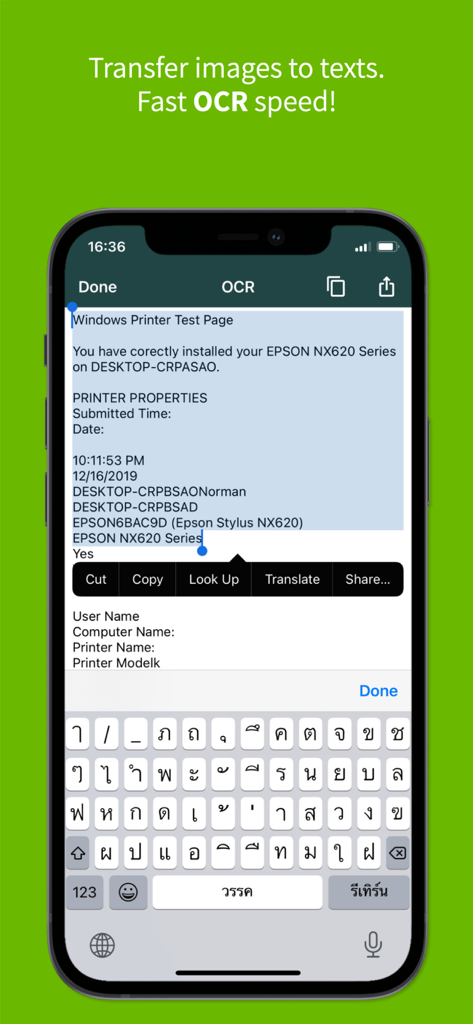
Convert your scans into editable text with powerful OCR technology. Save hours of retyping notes, receipts, or legal documents.
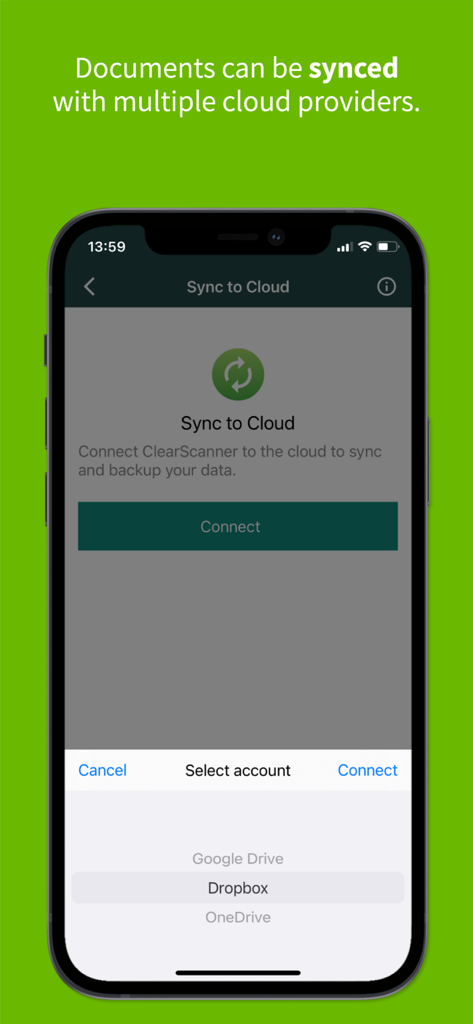
Seamlessly sync your files with Google Drive, Dropbox, and OneDrive. Organize your workflow with intuitive folders and subfolders.
Trusted by 6M+ people who love this app.
"As a grad student on a budget, I was tired of scanner apps that lock every useful feature behind a subscription. Clear Scan is a total game-changer. I use it to digitize all my handwritten notes and textbook chapters. The OCR feature is incredibly accurate, and I love that there are no annoying watermarks on my PDFs. It's fast, free, and actually works."
"I’ve tried dozens of scanning apps, but Clear Scan is the only one that stays on my phone. Being able to send professional-looking contracts to clients without a 'Sent from App' watermark is huge for my business. The integration with Google Drive and OneDrive makes my workflow seamless. It’s lightweight, doesn’t bloat my storage, and the image clarity is better than my old desktop scanner."
Everything you need to know about Clear Scan: Doc Scanner App.
Description
Latest Version
10.0.28
Size
98.2 MB
First Released
Oct 9, 2013
Join 6 million users who trust Clear Scan for professional, watermark-free documents. Experience the power of a high-end office scanner on your phone—100% free with no hidden costs.
Everything you need to know about Clear Scan: Doc Scanner App
Yes, Clear Scanner is completely free to download and use. It offers all features without any in-app purchases and does not add watermarks to saved PDF files.
Clear Scanner scans various items including documents, letters, bills, receipts, photos, whiteboards, books, notes, and sketches. It converts images to readable text using OCR.
Yes, Clear Scanner features OCR capability. Users can convert scanned images into editable text directly within the application, enhancing document utility.
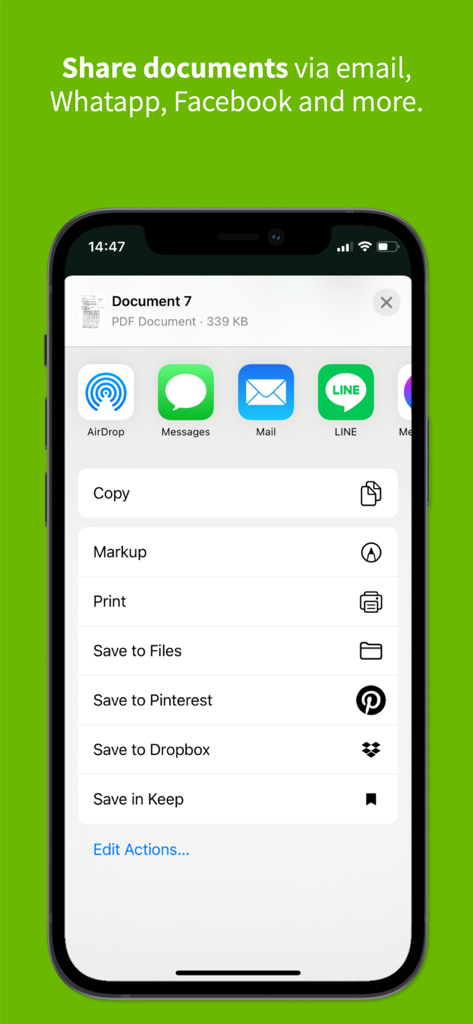
Users can save documents to their phone, print them, or share them instantly via other apps like Dropbox, OneDrive, SkyDrive, Google Drive, and Evernote.
Yes, Clear Scanner allows documents to be synced with multiple cloud providers. Users can connect Clear Scanner to services like Google Drive, Dropbox, and OneDrive for backup and synchronization.
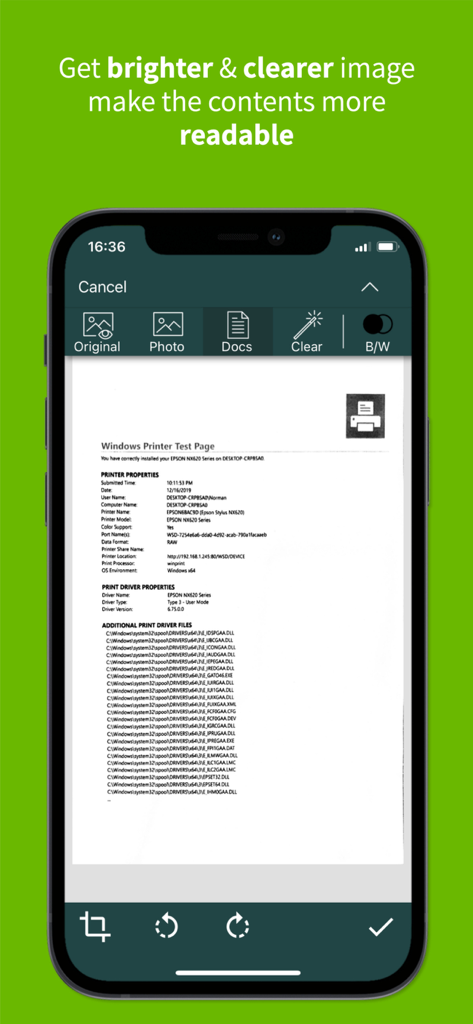
Clear Scanner provides editing features such as crop, rotate, and eraser. Users can also choose between original, photo, docs, clear, color, or black and white versions for their scanned images.
Yes, Clear Scanner is designed to be lightweight. It does not take up much storage room on the phone, making it accessible for use anytime without significant device impact.
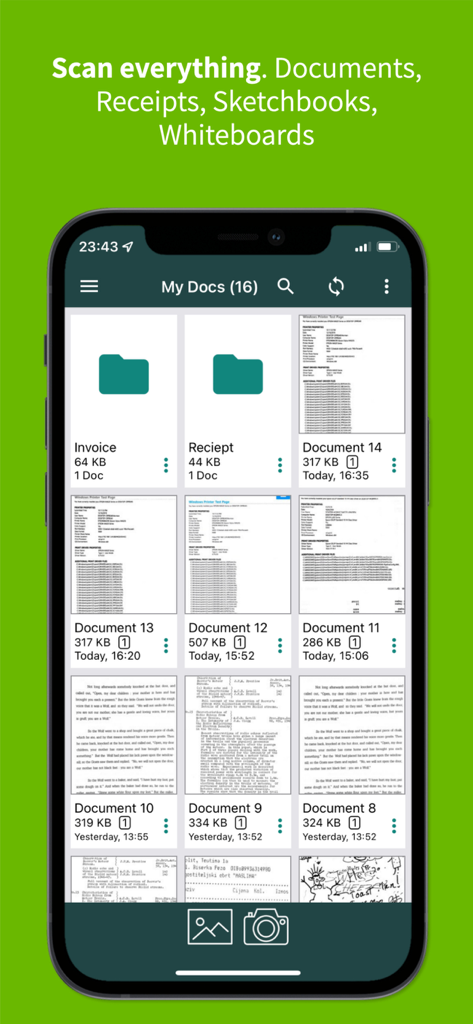
Yes, Clear Scanner allows users to manage documents by organizing them into folders and subfolders. It also supports reordering pages and emailing specific pages or selected documents.
Clear Scanner requires permission to access the user's camera and file system (Photo Gallery) to scan documents, photos, or receipts effectively.
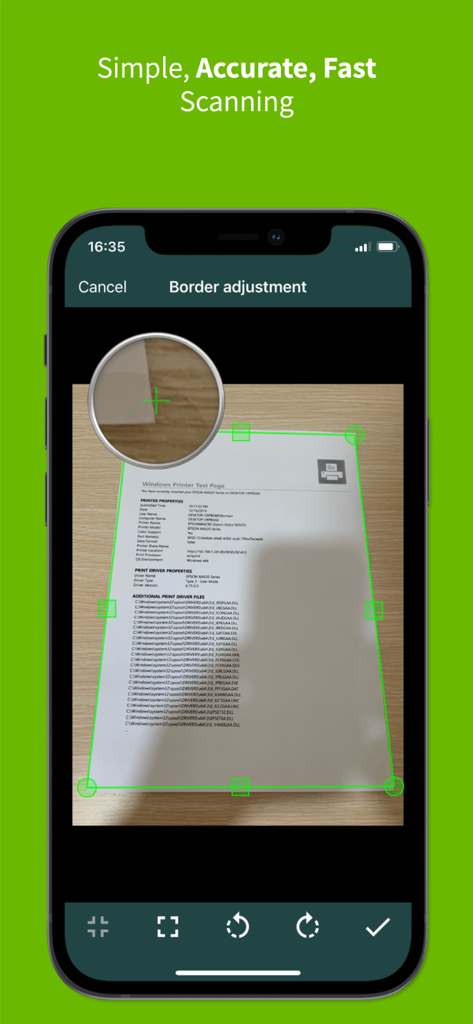
Yes, users can adjust the border of the scanned image manually or use the auto-adjust feature to refine the scan area. This ensures precise document capture.
Apps with similar features and user experience

Balzo srl

NEXT K.U.M. LTD

INTSIG Information Co., Ltd

Adobe Inc.

KINGSOFT OFFICE SOFTWARE CORPORATION LIMITED

ILOVEPDF S.L.

The Grizzly Labs

Microsoft Corporation

Lufick