
Adobe Scan: PDF & OCR Scanner




Join over 73 million productivity hackers who trust Adobe to turn paper into searchable, high-quality digital files. Instantly capture receipts, notes, and contracts with the power of OCR and seamless cloud integration.
Publisher
Category
BusinessDownloads
73M+User Rating
Total Ratings
6M+Locales
19Discover the interface used by 73M+ users.
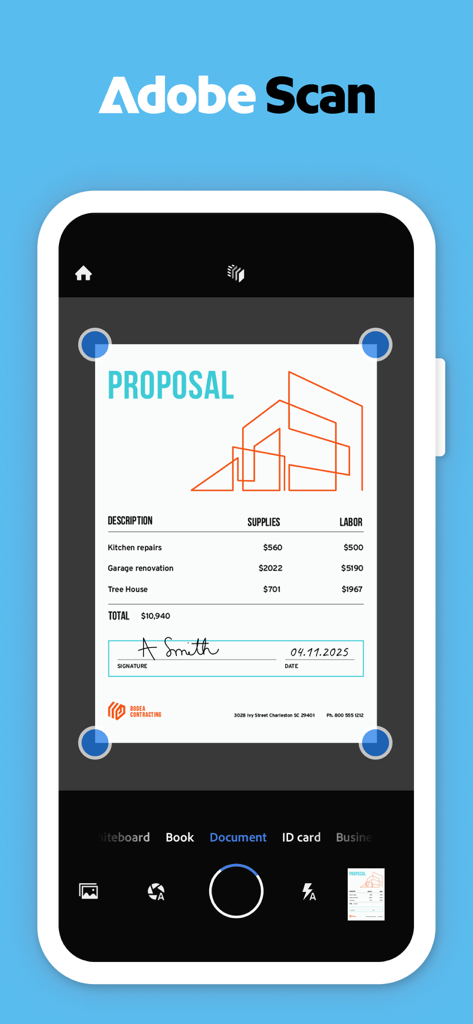
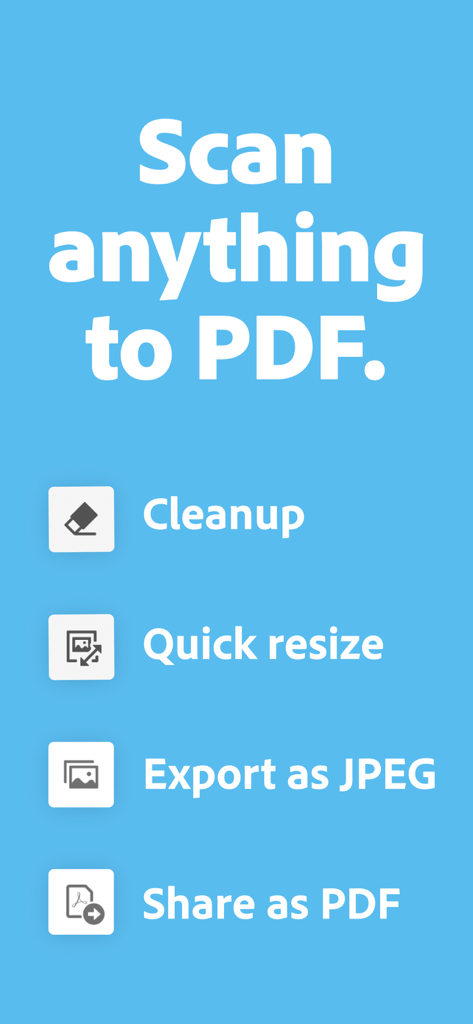
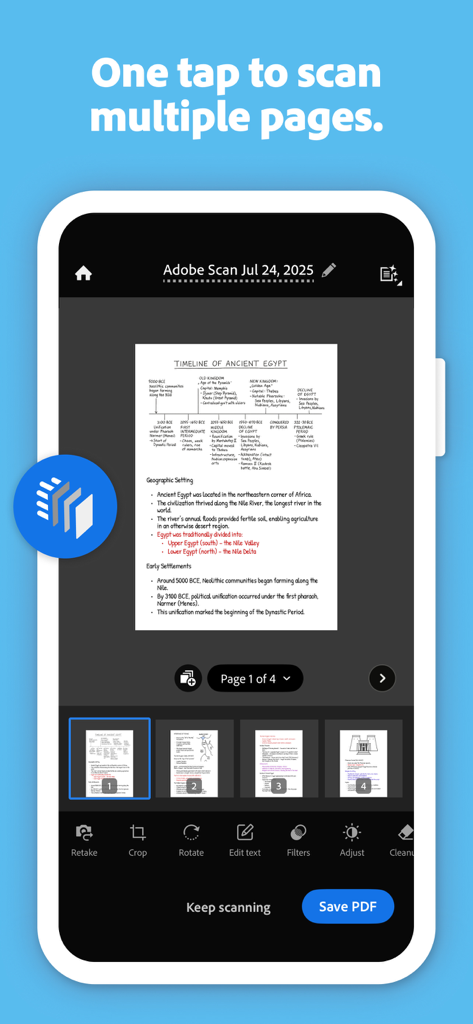
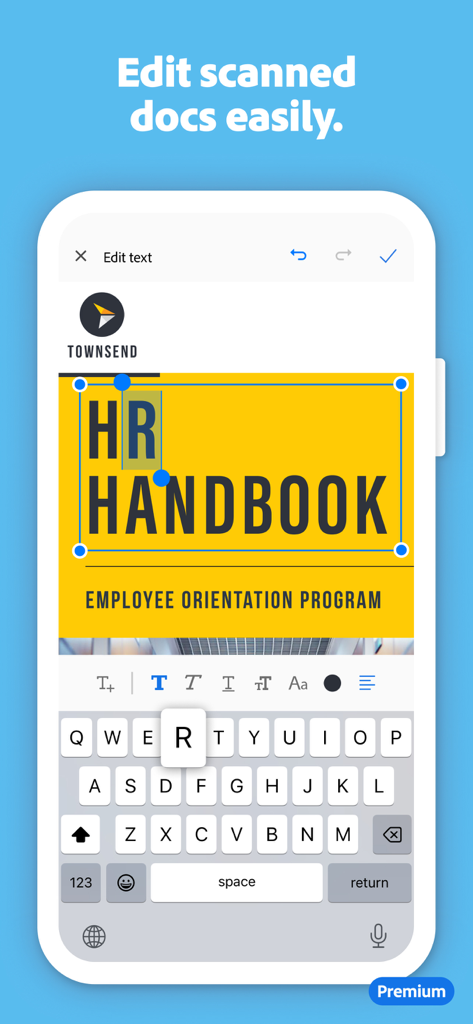
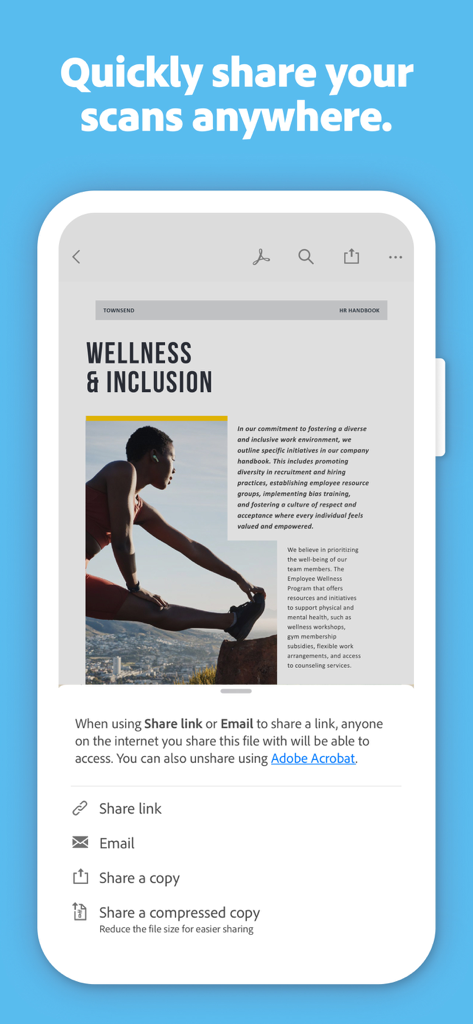
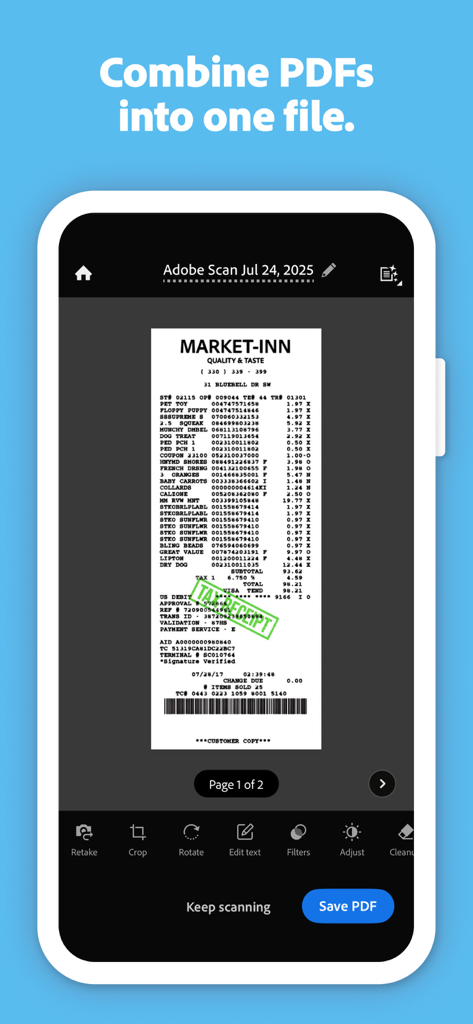
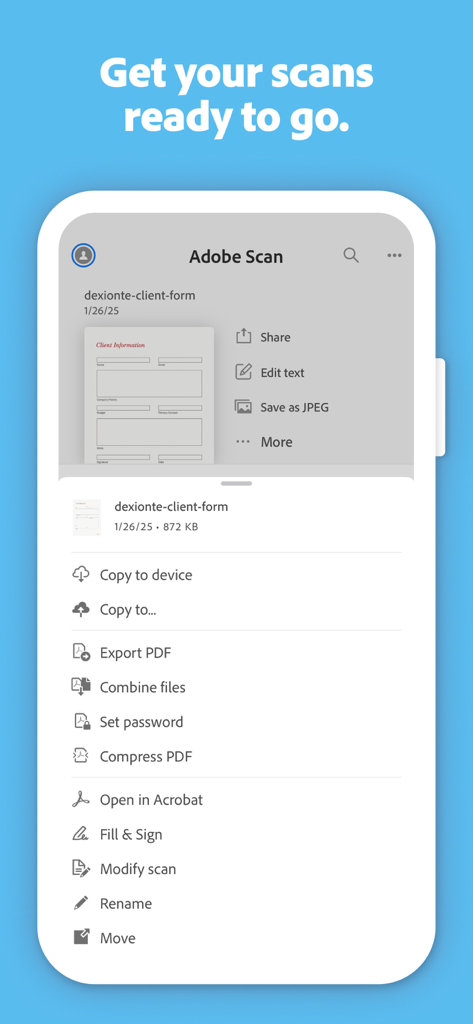
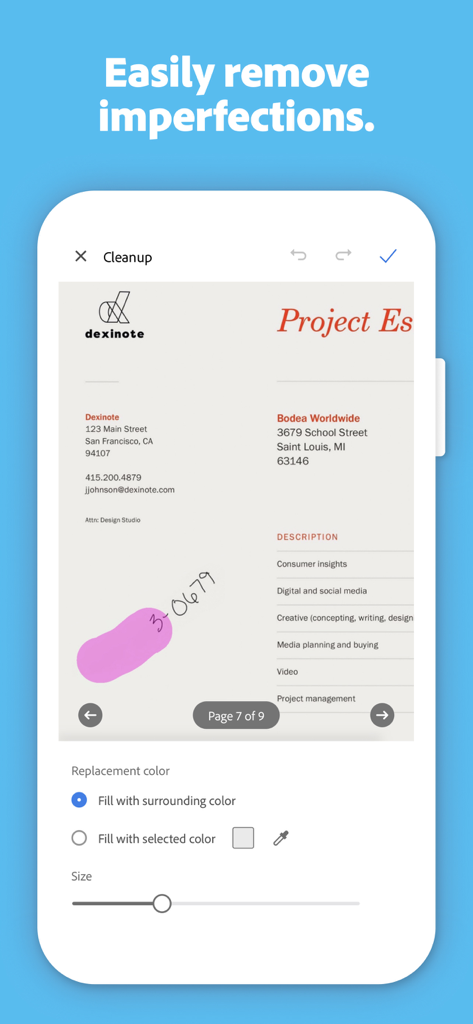
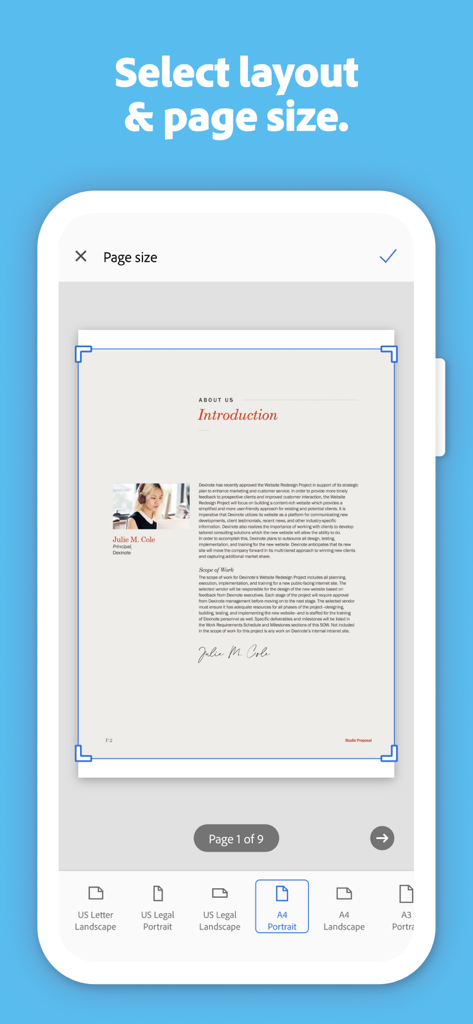
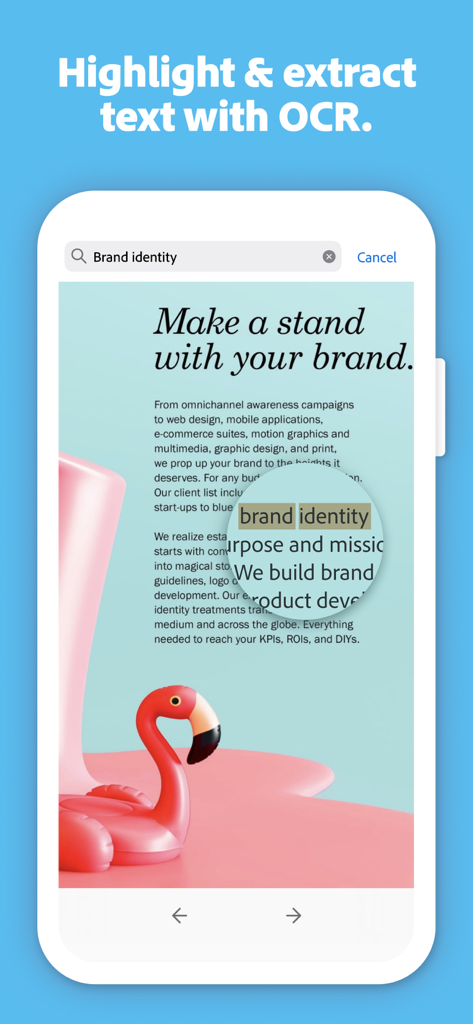
The tools that make this app stand out, trusted by 73M+ users.
Fix tilted scans and remove stains or fingers with a tap, ensuring every document looks like it came from a flatbed scanner.
Convert paper into searchable PDFs. Find information instantly or copy text to use in your emails and presentations.
Access your files from anywhere. Your scans are automatically saved and ready for signing or sharing in Adobe Acrobat.
Trusted by 73M+ people who love this app.
"Adobe Scan is a total game-changer for my home office. I can digitize multi-page contracts in seconds, and the Magic Eraser feature makes every document look pristine. It is the most reliable tool in my productivity stack."
"I love how it turns my phone into a high-powered scanner. Capturing business cards and instantly saving them to my contacts saves me hours of manual entry. It is sleek, fast, and the text recognition is incredibly accurate."
Everything you need to know about Adobe Scan: PDF & OCR Scanner.
Description
Latest Version
25.12.18
Size
327.6 MB
First Released
May 31, 2017
Join over 73 million professionals who have ditched the clutter for a smarter, paperless workflow. Get the gold standard in mobile scanning for free.
Everything you need to know about Adobe Scan: PDF & OCR Scanner
Yes, Adobe Scan is free to download and use on your mobile device. It turns your device into a PDF and document scanner for creating, saving, and organizing digital files.
Adobe Scan can scan various items, including receipts, IDs, notes, recipes, photos, business cards, whiteboards, and general paper documents. It converts them into PDF or JPEG files.
Yes, Adobe Scan includes OCR (Optical Character Recognition) technology. It uses advanced image-to-text features to make words in your scans searchable and editable.
Yes, Adobe Scan allows you to edit text in scanned documents. Its image-to-text technology makes words and even handwritten text editable.
The Magic eraser tool in Adobe Scan removes imperfections like thumbs, stains, and creases from your document scans. This feature helps ensure a clear and professional appearance.
Yes, Adobe Scan allows you to combine multiple scans into one single file. This feature is available through an in-app purchase subscription.
Yes, Adobe Scan automatically saves all your scans to Adobe Document Cloud. This provides instant access and sharing capabilities across your devices.
Yes, Adobe Scan can convert your scanned documents into JPEG files in addition to PDFs. You can also export scans to Word, Excel, or PowerPoint formats.
The Straighten tool in Adobe Scan automatically fixes pages that appear curved or tilted during scanning. It lines everything up to produce neat and professional-looking PDFs without manual effort.
Yes, Adobe Scan integrates with Acrobat Reader. You can open your PDF scans directly in Acrobat Reader to comment, highlight, fill forms, and sign documents securely across devices.
Apps with similar features and user experience

Balzo srl

NEXT K.U.M. LTD

INTSIG Information Co., Ltd

KINGSOFT OFFICE SOFTWARE CORPORATION LIMITED

ILOVEPDF S.L.

The Grizzly Labs

Microsoft Corporation

INDY MOBILE APP COMPANY LIMITED

Lufick
