
Document Scanner by Lufick


Transform your mobile device into a powerful, AI-driven portable office. Effortlessly scan, sign, and share high-quality PDFs with intelligent cropping, OCR, and secure cloud integration.
Publisher
Category
ProductivityDownloads
2M+User Rating
Total Ratings
100K+Locales
1Discover the interface used by 2M+ users.
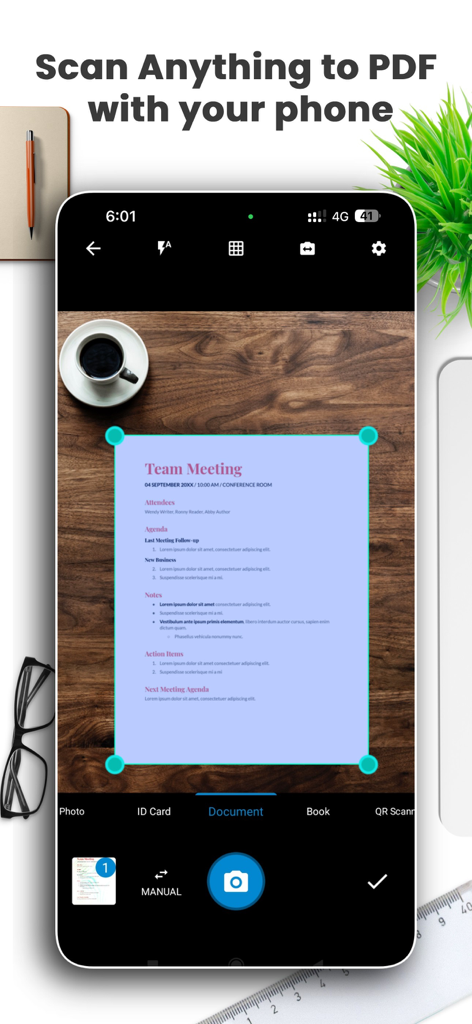
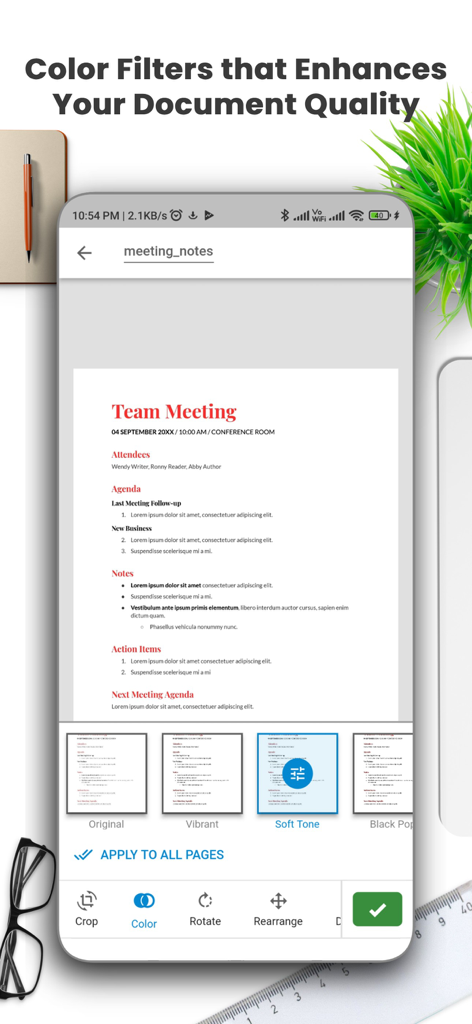
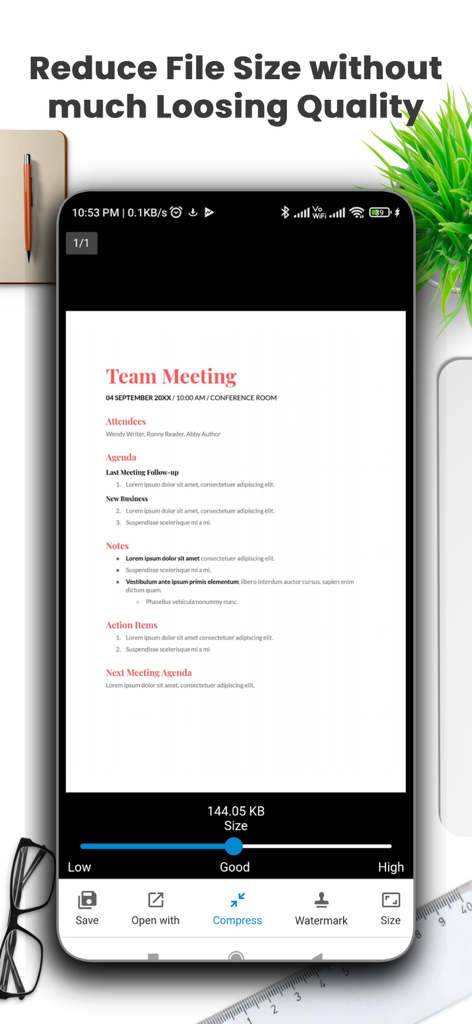
The tools that make this app stand out, trusted by 2M+ users.
Achieve professional results with intelligent auto-cropping and enhanced filters that make every scan look like it came from a high-end office scanner.
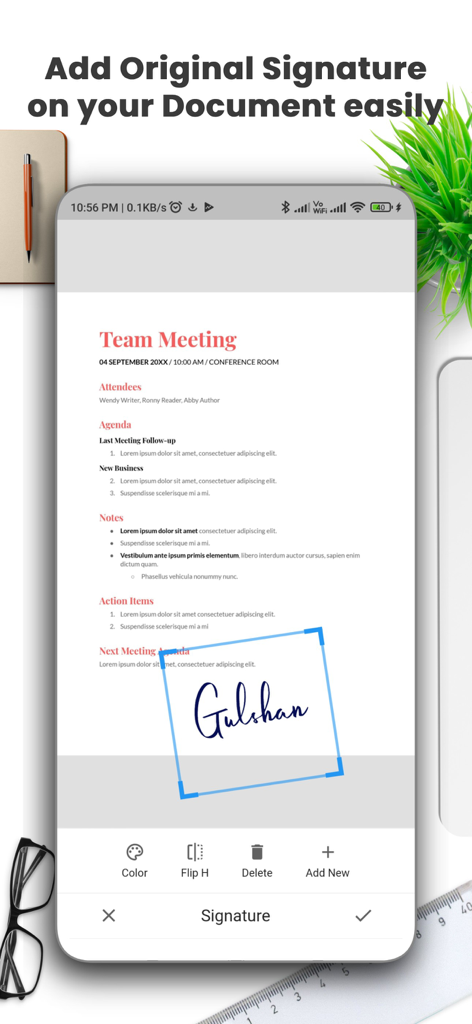
Stay paperless by adding your official signature and extracting text from images for easy editing—perfect for contracts and lecture notes.
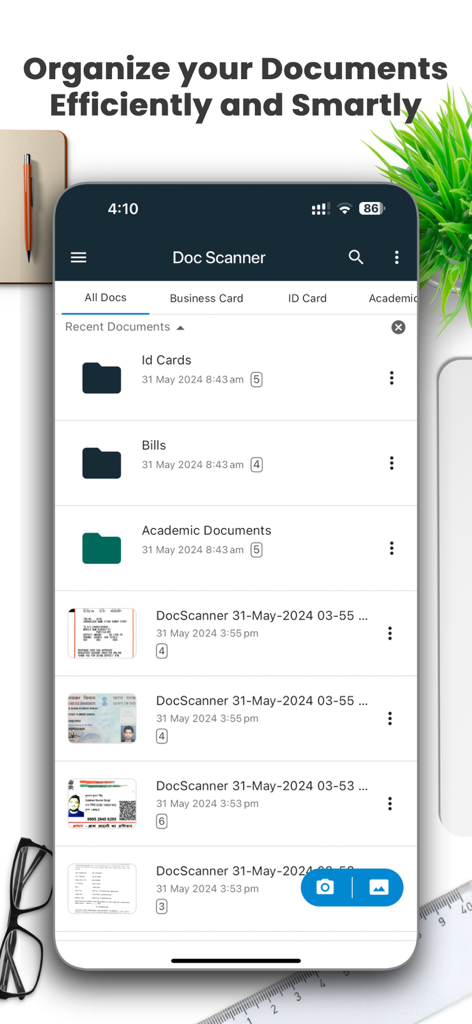
Keep your life organized with custom folders, file compression, and instant export to Google Drive, Dropbox, or your preferred cloud service.
Trusted by 2M+ people who love this app.
"This app is a total game-changer for my studies. I scan all my handwritten notes and textbook chapters into organized PDFs in seconds. The AI cropping is incredibly precise, making everything look professional and easy to read on my tablet."
"I no longer need a physical scanner for my freelance business. The OCR feature and digital signature tool allow me to handle contracts directly from my phone while traveling. It integrates perfectly with Google Drive, saving me so much time every day."
Everything you need to know about Document Scanner by Lufick.
Description
Latest Version
3.5.4
Size
167.7 MB
First Released
Mar 30, 2021
Join over 2 million professionals and students who trust Document Scanner to scan, sign, and share high-quality PDFs in seconds.
Everything you need to know about Document Scanner by Lufick
The Document Scanner by Lufick app transforms your mobile device into a portable document scanner, enabling quick and easy scanning of documents using your mobile camera.
Yes, the Document Scanner by Lufick app captures clear, professional documents with automatic and manual quality enhancements, including AI-based smart cropping.
Yes, the Document Scanner app converts scanned images into high-quality PDF files instantly. It also supports batch scanning multiple pages into a single PDF document.
Yes, the Document Scanner by Lufick app includes OCR (Optical Character Recognition) to extract text from images, allowing for easy editing and sharing.
The Document Scanner app offers a compress feature to reduce file size without significant loss of quality. Users can adjust compression levels like Low, Good, or High.
Yes, the Document Scanner by Lufick app allows users to easily add original signatures to scanned documents, providing a professional touch.
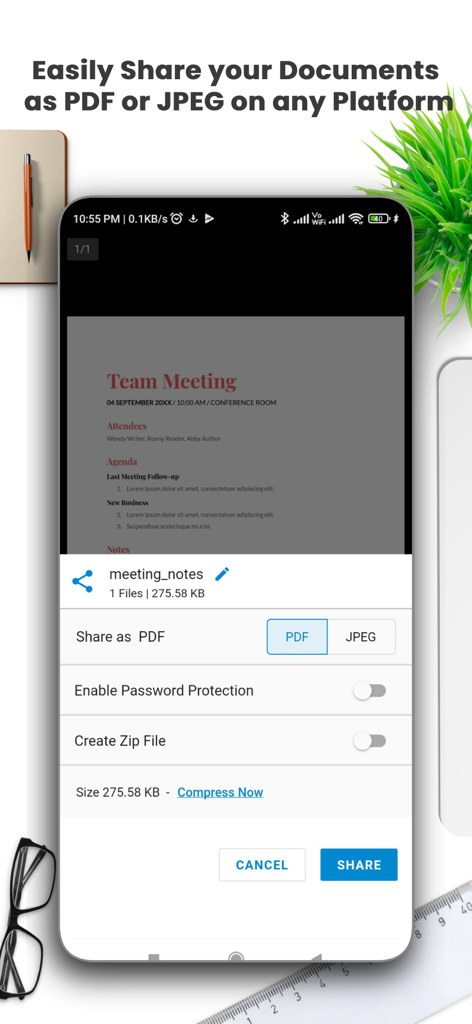
The Document Scanner app allows sharing scanned documents as PDF or JPEG via email, cloud services, and social media. It also supports direct printing and faxing.
The Document Scanner app helps organize scanned documents by allowing users to arrange them efficiently in easily accessible folders and subfolders for better management.
Yes, the Document Scanner by Lufick app provides secure scanning by allowing users to password-protect important documents for added security.
The Document Scanner by Lufick app offers multiple scan modes, including Magic Color Filter, Black & White, Lighten, Color, and Dark for optimizing scans.
The privacy policy for the Document Scanner by Lufick app is available at the provided URL: https://lufick-dev.github.io/doc-scanner/ios-privacy-policy.html.
Apps with similar features and user experience

Balzo srl

NEXT K.U.M. LTD

INTSIG Information Co., Ltd

Adobe Inc.

KINGSOFT OFFICE SOFTWARE CORPORATION LIMITED

ILOVEPDF S.L.

The Grizzly Labs

Microsoft Corporation

INDY MOBILE APP COMPANY LIMITED