
CamScanner + | OCR Scanner




Transform your smartphone into a powerful pocket scanner. Digitize documents with high-precision OCR, sync across all your devices, and manage your paperless office with ease.
Publisher
Category
ProductivityDownloads
1M+User Rating
Total Ratings
219K+Locales
16Discover the interface used by 1M+ users.
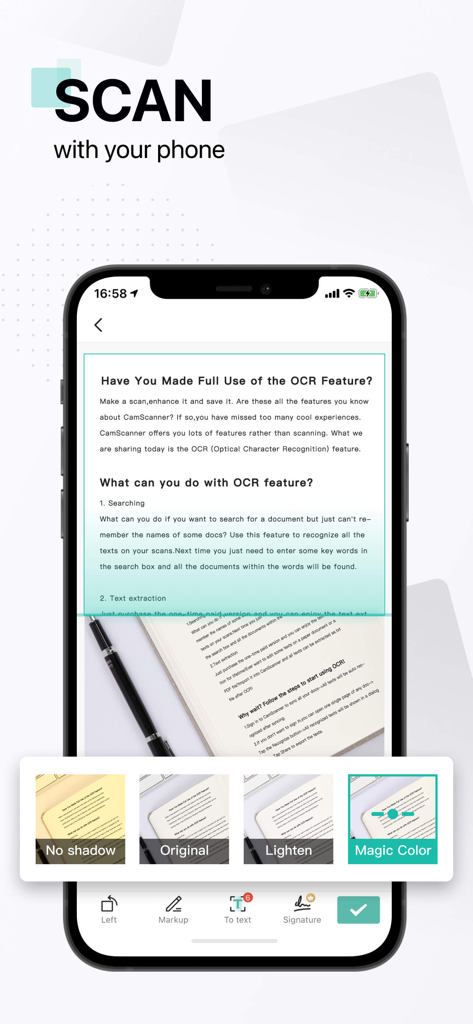
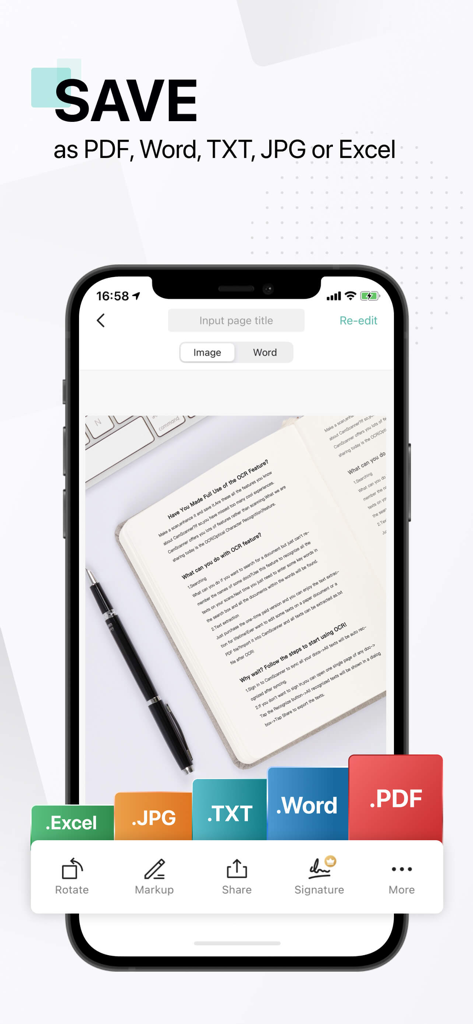
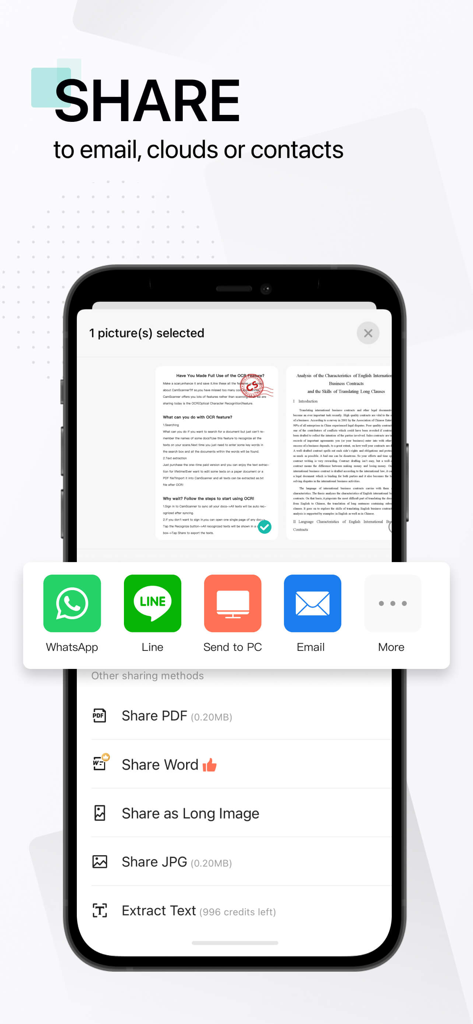
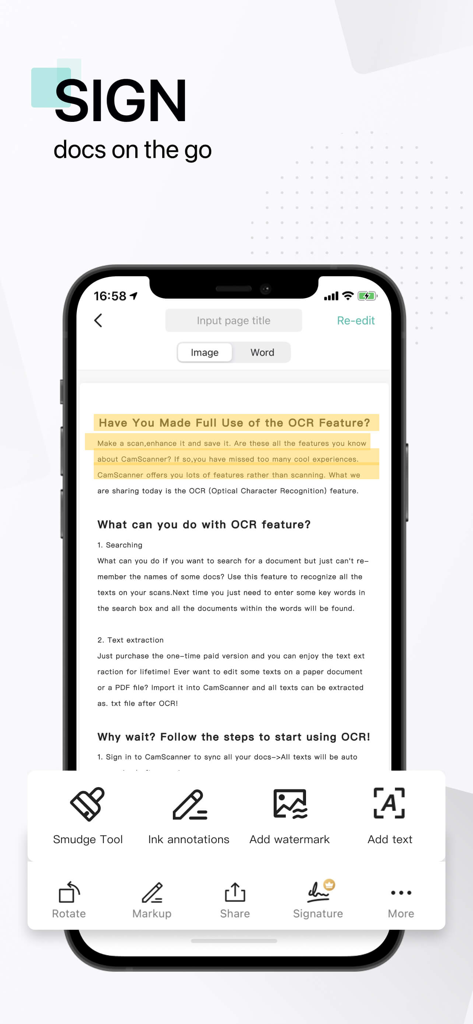
The tools that make this app stand out, trusted by 1M+ users.
Eliminate shadows and noise with smart cropping and auto-enhancement. Transform quick mobile photos into sharp, high-definition PDFs that look like they came from a high-end flatbed scanner.
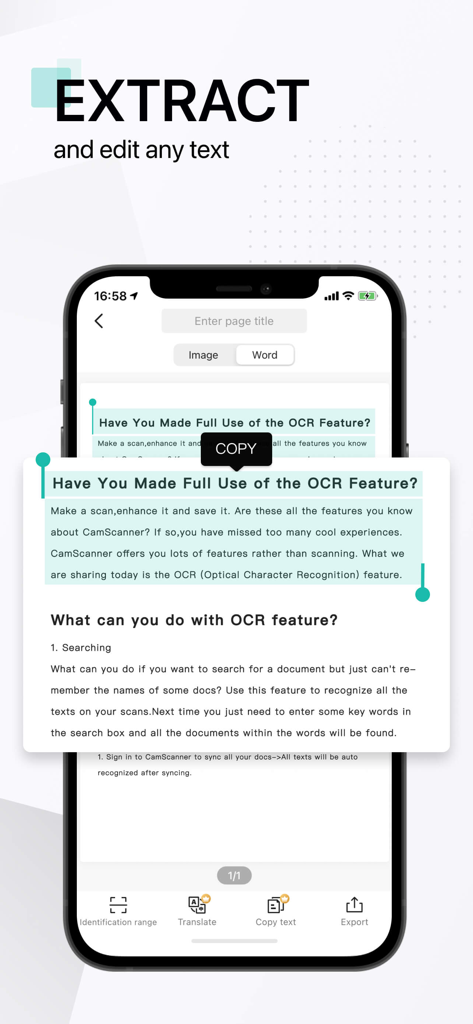
Turn images into editable content instantly. Extract text from textbook pages, contracts, or receipts for quick editing, sharing, or creating digital study guides and searchable archives.
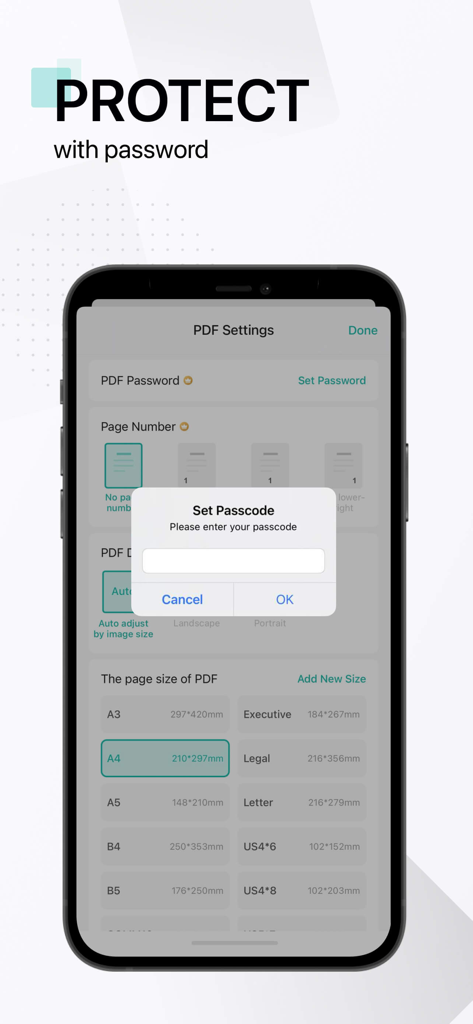
Your documents are always within reach. Auto-sync to Google Drive or Dropbox, and protect sensitive files with passcode-locked PDFs and password-protected sharing links for ultimate privacy.
Trusted by 1M+ people who love this app.
"As a freelance consultant constantly moving between client sites, CamScanner + is my entire office in my pocket. The auto-enhancing feature makes my handheld scans look professional enough for any legal contract, and the ability to fax directly from the app has saved me more times than I can count. It is worth every penny of the subscription."
"This app is an absolute game-changer for my studies. I use the OCR feature to extract text from library books and the specialized academic scan mode to build my own practice tests. It has replaced my physical notebooks entirely, and having everything synced to my laptop makes organizing my thesis a breeze."
Everything you need to know about CamScanner + | OCR Scanner.
Description
Latest Version
5.27.1
Size
228.0 MB
First Released
Aug 27, 2010
Join over 1 million professionals and students who trust CamScanner + for sharp, watermark-free PDFs and secure cloud sync. Download now to go paperless and boost your productivity.
Everything you need to know about CamScanner + | OCR Scanner
CamScanner+ is a mobile scanner app that converts documents into clear image or PDF files. Users can email, fax, print, or save scanned documents to cloud services.
Yes, CamScanner+ optimizes scan quality using smart cropping and auto enhancing. This feature makes texts and graphics in scanned documents clear and sharp.
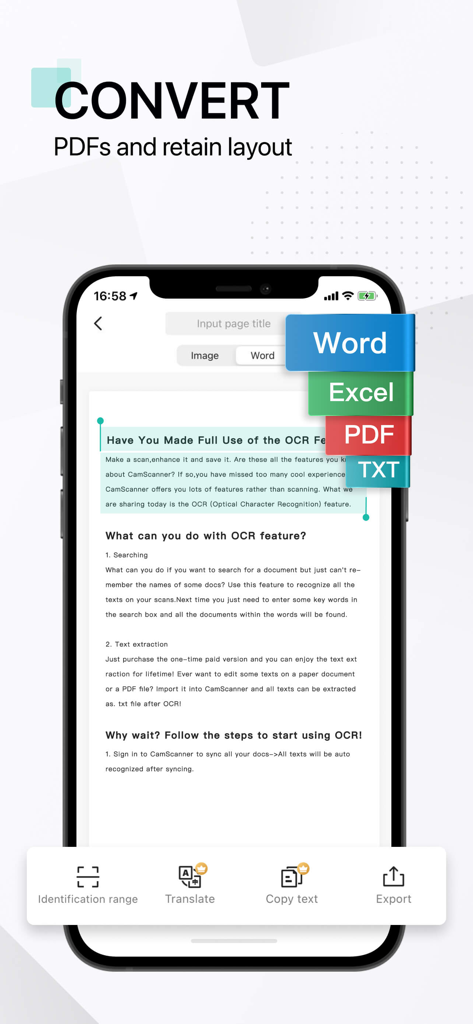
CamScanner+ supports saving and sharing documents in PDF and JPEG formats. Premium features allow editing OCR results as .txt files and converting to Word, Excel, and TXT.
Yes, CamScanner+ offers Optical Character Recognition (OCR) to extract texts from a single scanned page. This feature is available in the paid app version.
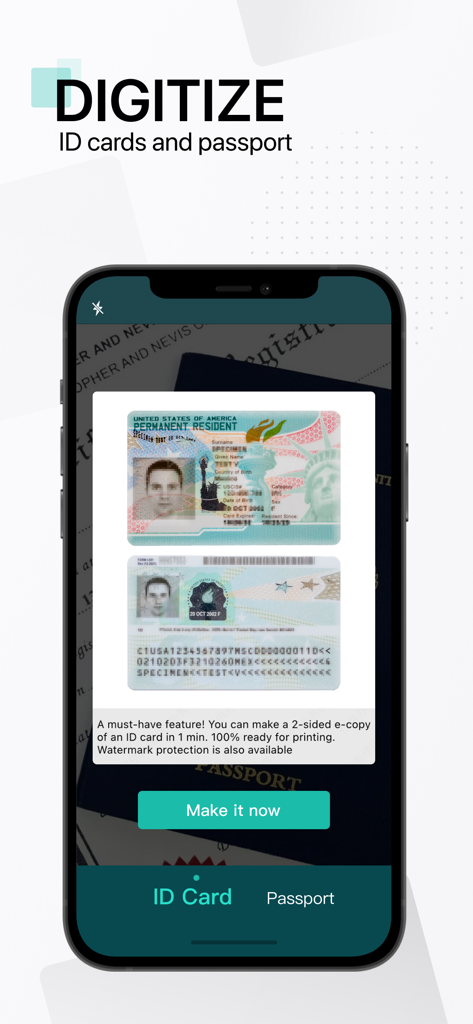
CamScanner+ allows users to scan and digitize ID cards and passports. It can create a 2-sided e-copy of an ID card with optional watermark protection.
Yes, users can secure important documents in CamScanner+ by setting a passcode for viewing. Additionally, doc links can be protected with a password.
CamScanner+ integrates with various third-party cloud services. Users can auto-upload documents to Box, Google Drive, Dropbox, Evernote, and OneDrive.
CamScanner+ offers a monthly subscription at $4.99. The yearly subscription costs $35.99 for the first year, then $49.99 per year afterward.
Users can manage their CamScanner+ subscriptions through their iTunes Account settings after purchase. Auto-renewal can be turned off there.
Yes, CamScanner+ includes a collaboration feature. Users can invite friends or colleagues to view and comment on scans within a group after registration.
Apps with similar features and user experience

Balzo srl

NEXT K.U.M. LTD

INTSIG Information Co., Ltd

Adobe Inc.

KINGSOFT OFFICE SOFTWARE CORPORATION LIMITED

ILOVEPDF S.L.

The Grizzly Labs

Microsoft Corporation

INDY MOBILE APP COMPANY LIMITED


