Document Scanner ㅤ

Document Scanner ㅤ

Download on App Store
Spark by MWM logo
Logo of Document Scanner ㅤ

Document Scanner: Professional Scanning, Signing, and Security in Your Pocket

Transform your iPhone into a high-definition mobile office. Scan receipts, sign contracts, and protect sensitive files with advanced image processing and password encryption.

Download on App Store

Publisher

Sofiia Koval

Category

Business

Downloads

596K+

User Rating

4.6/5

Total Ratings

2K+

Locales

6

Your Pocket Office in Action

Discover the interface used by 596K+ users.
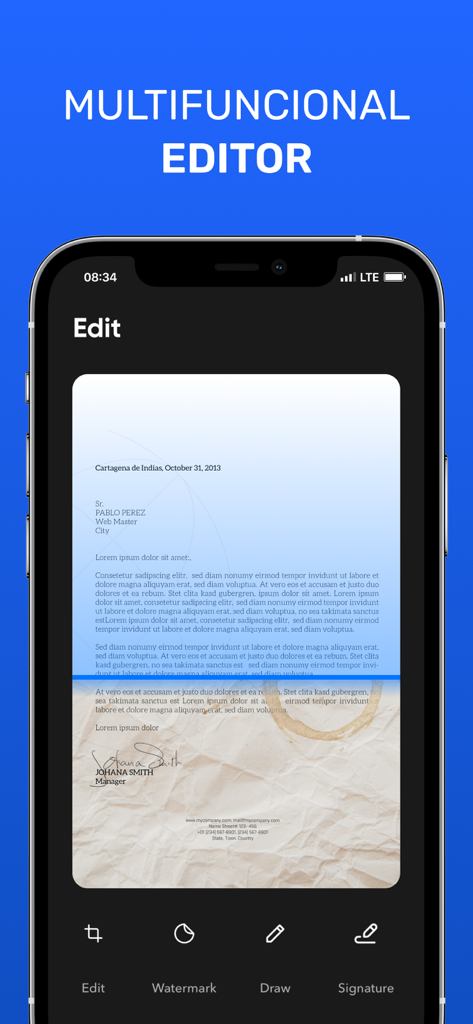
Document scanner mobile app interface showing multifunctional editing tools

Document scanner mobile app interface showing multifunctional editing tools

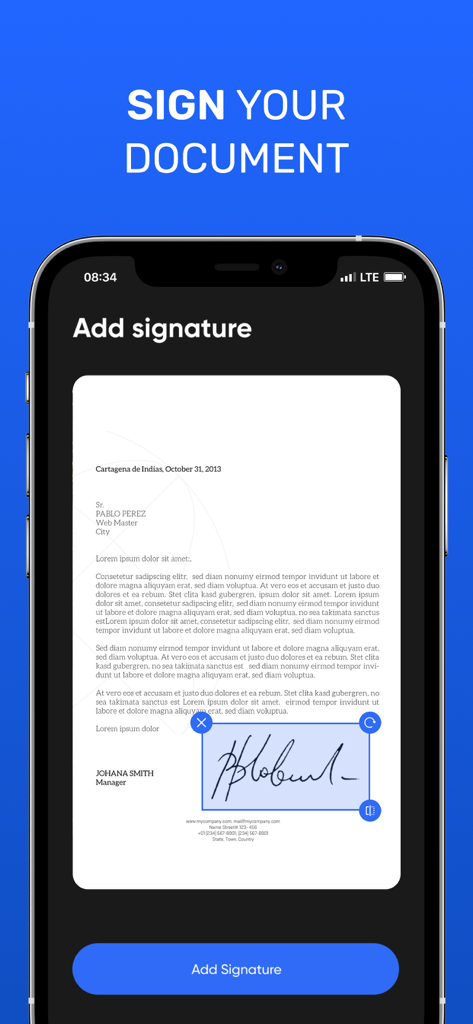
Smartphone screen showing the feature to add a digital signature to a scanned document

Smartphone screen showing the feature to add a digital signature to a scanned document

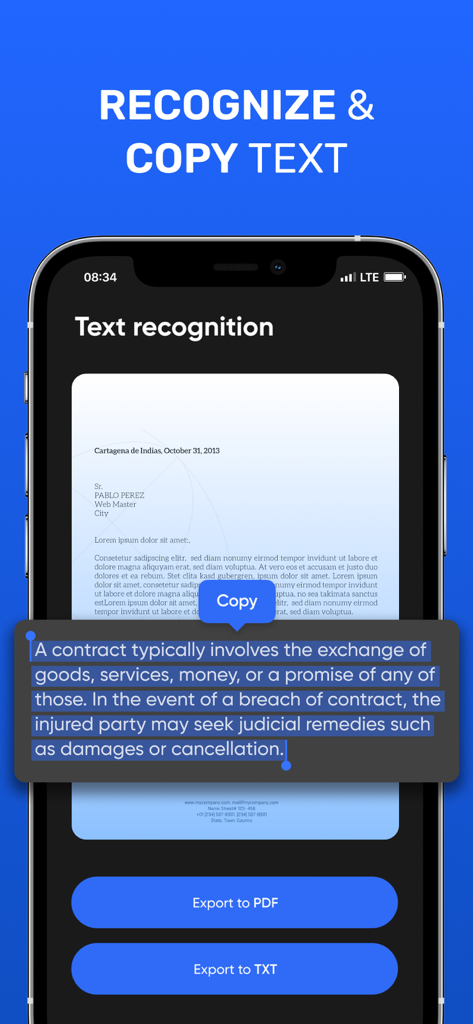
Mobile app interface showing the text recognition and copy features for scanned documents

Mobile app interface showing the text recognition and copy features for scanned documents

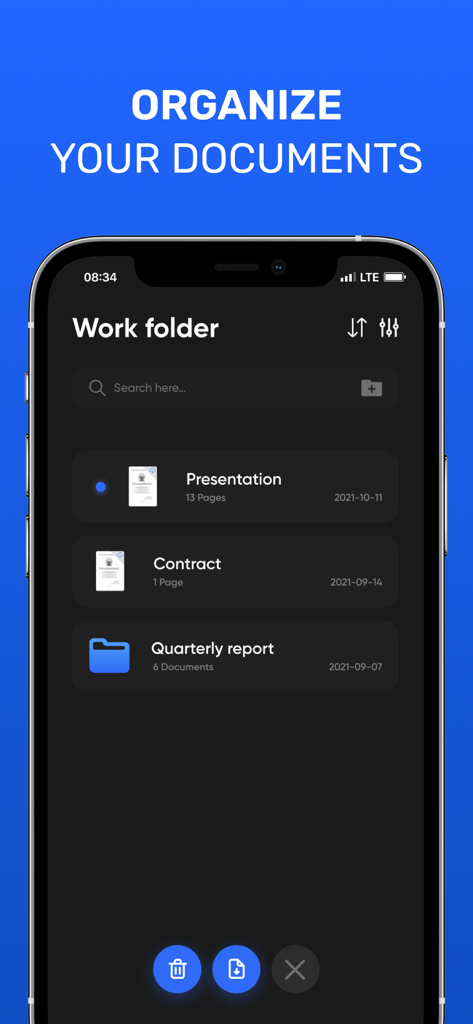
Interface of the Document Scanner app showing organized documents and folders like Presentation and Contract.

Interface of the Document Scanner app showing organized documents and folders like Presentation and Contract.

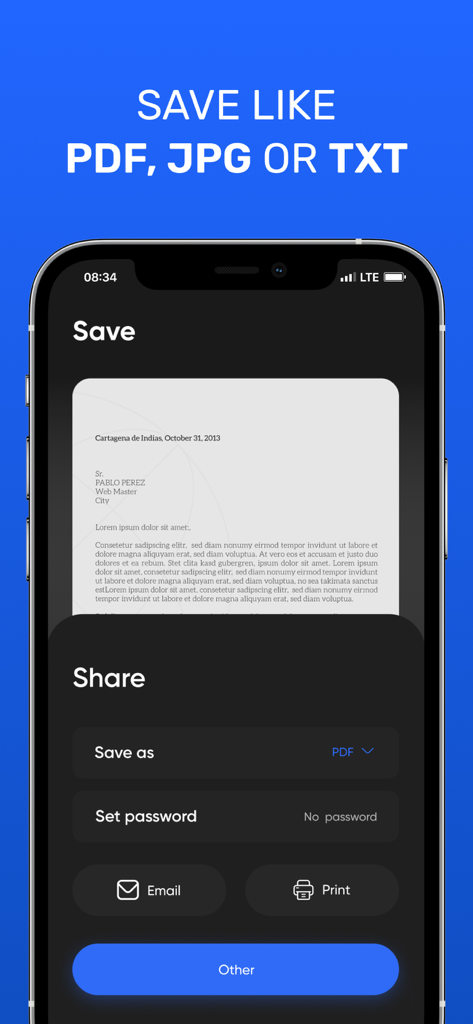
Document scanner app interface showing options to save a scan as PDF JPG or TXT with password protection and sharing tools

Document scanner app interface showing options to save a scan as PDF JPG or TXT with password protection and sharing tools

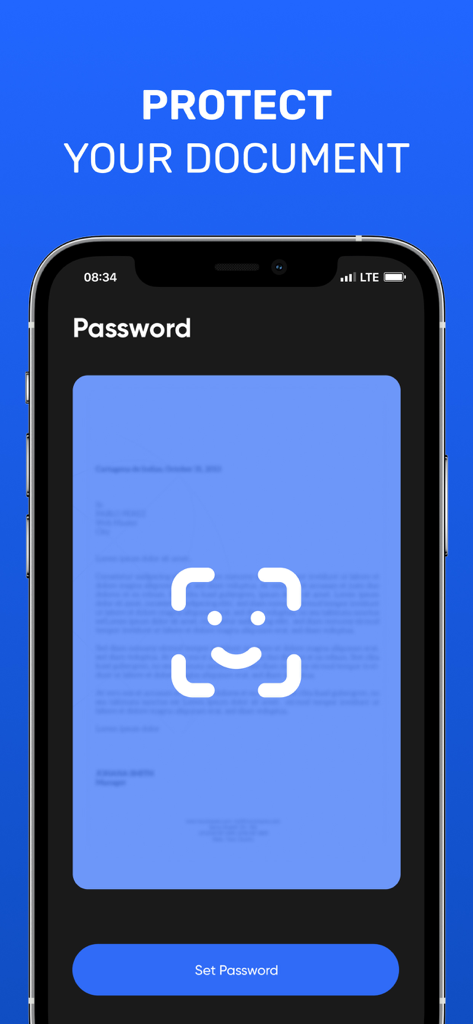
Mobile app screen displaying the password protection and document security feature

Mobile app screen displaying the password protection and document security feature

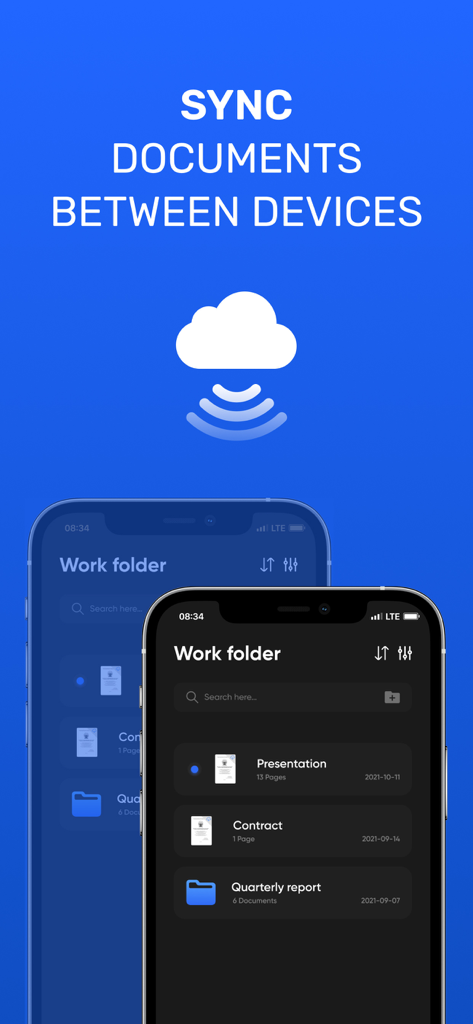
Document Scanner app interface showing document synchronization across devices via the cloud.

Document Scanner app interface showing document synchronization across devices via the cloud.

Your Professional Pocket Office

The tools that make this app stand out, trusted by 596K+ users.

📄

Studio-Quality Scanning

Automatic border detection and shadow removal ensure your scans look professional and clear, even when you are scanning on the go.

✍️

Sign & Edit on the Fly

Close deals faster by adding your signature, watermarks, or annotations directly to any PDF or JPEG within seconds.

🔐

Secure Document Vault

Protect sensitive contracts and private records with robust password protection, keeping your business data safe and confidential.

Loved by users worldwide

Trusted by 596K+ people who love this app.

"

"As a freelance consultant, I used to struggle with sending amateur-looking photos of contracts. This app changed everything. The perspective correction and shadow removal make my scans look better than a desktop scanner. The built-in signature tool is a absolute lifesaver for closing deals on the go!"

Sarah Jenkins
"

"In real estate, I am constantly handling sensitive documents like driver's licenses and signed disclosures. The ability to password-protect my PDFs and add watermarks directly in the app gives me and my clients peace of mind. It is incredibly fast and worth every penny of the subscription for the professional results it delivers."

Michael Rossi

About the app

Everything you need to know about Document Scanner ㅤ.

Description

Document scanner is the best scanner app for iPhone. Scan documents, receipts, driver's licenses, books, etc. with your device and convert them to PDF / JPG / TXT files. Store and share files securely. Scan your documents in seconds. The advanced image processing in our scanner will automatically detect borders, correct perspective and distortion, remove shadows and noise, so your scans will look professional and clear. Share your scans via email or in any other way convenient for you. A functional editor, the ability to sign your documents, overlay watermarks, protect your files with a password and many other useful features. Ease of use. __________________ • Subscription gives you full access to the application. • Monthly subscription: $ 4.99
• Annual subscription: $ 25.99 • All prices are subject to change without notice. Sometimes we use promotional prices as incentives or limited time opportunities for qualified purchases made during the advertising period. Due to the time sensitivity and advertising nature of these events, we cannot offer price protection or retroactive discounts or refunds for previous purchases in the event of a price reduction or promotional offer. • Payment will be charged to iTunes Account at confirmation of purchase. • Subscription automatically renews unless auto-renew is turned off at least 24 hours before the end of the current period. • The account will be charged for renewal within 24 hours before the end of the current period, as well as to determine the cost of renewal • Subscriptions can be managed by the user, and auto-renewal can be turned off by going to the user account settings after purchase. • Any unused portion of the free trial period, if one is offered, will be canceled when the user acquires a subscription to this publication, where applicable. Have any feedback or comments? We’d love to hear from you at johhanneskoval@gmail.com Privacy Policy: https://bit.ly/3Ce07OJ Terms of Service: https://bit.ly/3chgv6g

Latest Version

3.0.3

Size

75.2 MB

First Released

Aug 21, 2015

Transform Your iPhone Into a Professional Mobile Office

Join over 596,000 professionals digitizing, signing, and securing documents in seconds. Experience the gold standard of mobile scanning today.

Download on App Store