
monday.com - Work Platform


Streamline your workflows, automate repetitive tasks, and keep your team in sync with the visual platform built for high-impact productivity and real-time collaboration.
Publisher
Category
BusinessDownloads
6M+User Rating
Total Ratings
81K+Locales
14Discover the interface used by 6M+ users.
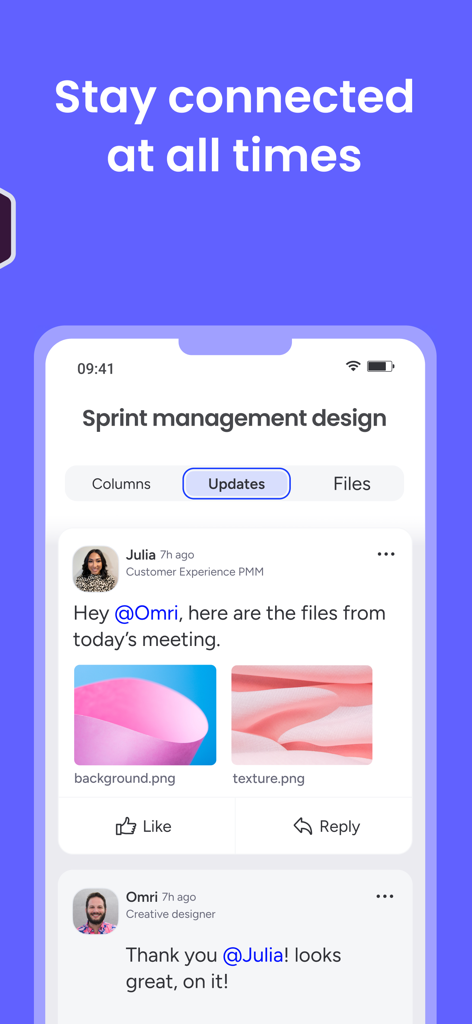
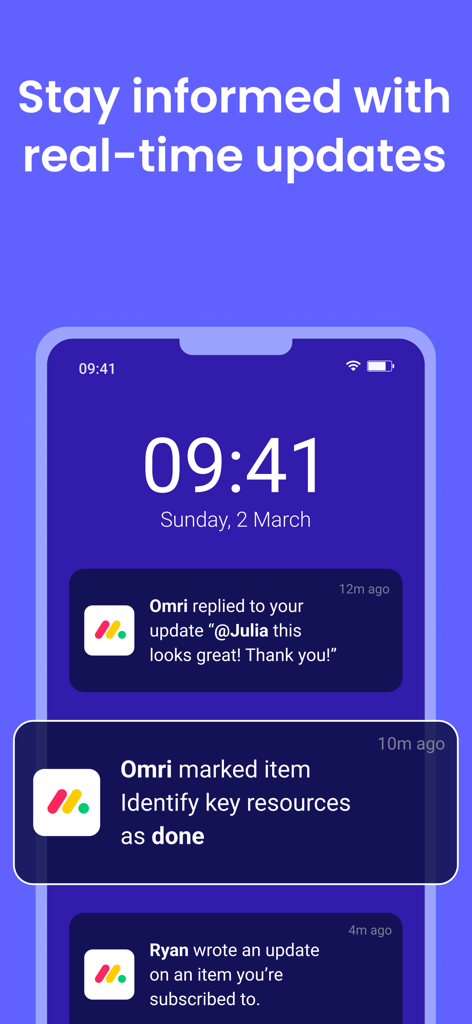
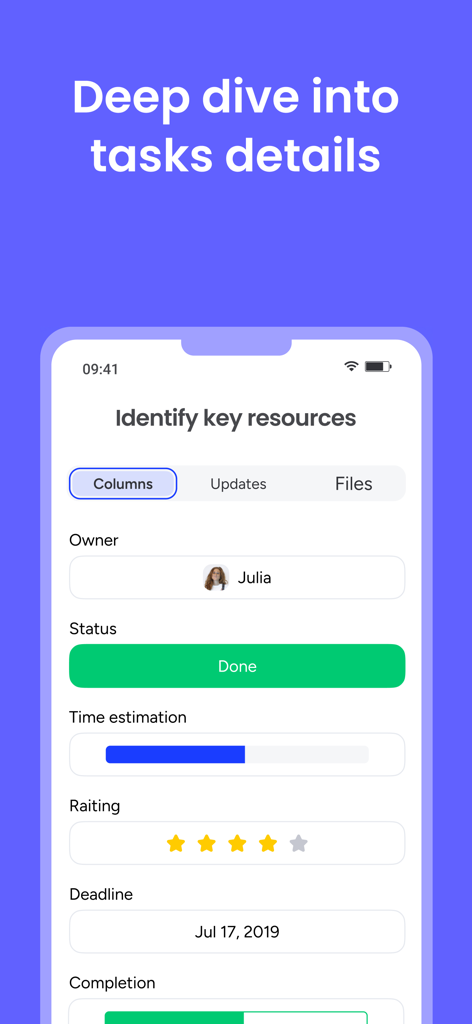
The tools that make this app stand out, trusted by 6M+ users.
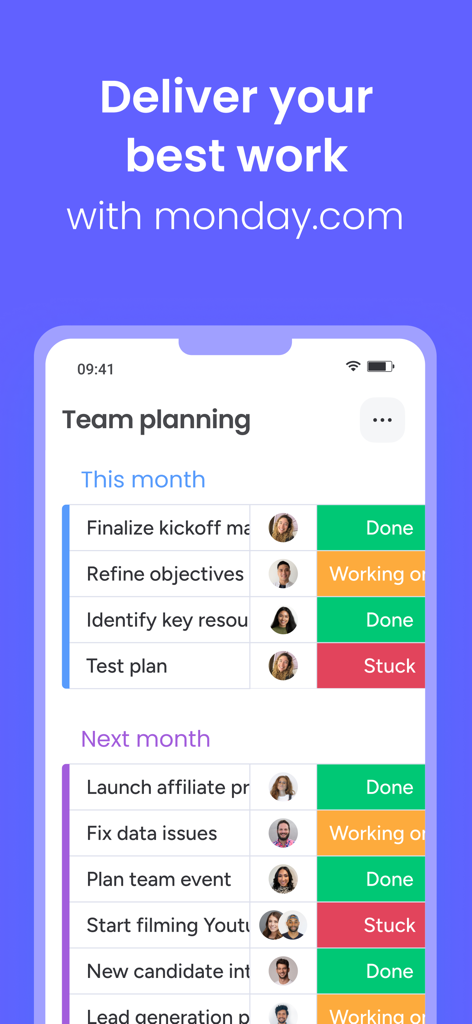
Transform complex data into clear, color-coded boards that keep your team aligned and focused on the big picture at a single glance.
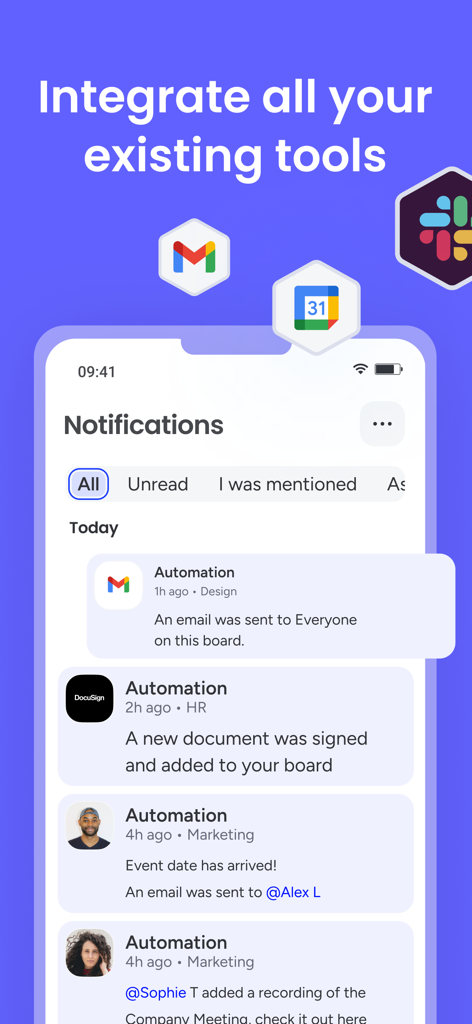
Eliminate manual work and human error by setting up custom triggers that handle your repetitive tasks and notifications automatically.
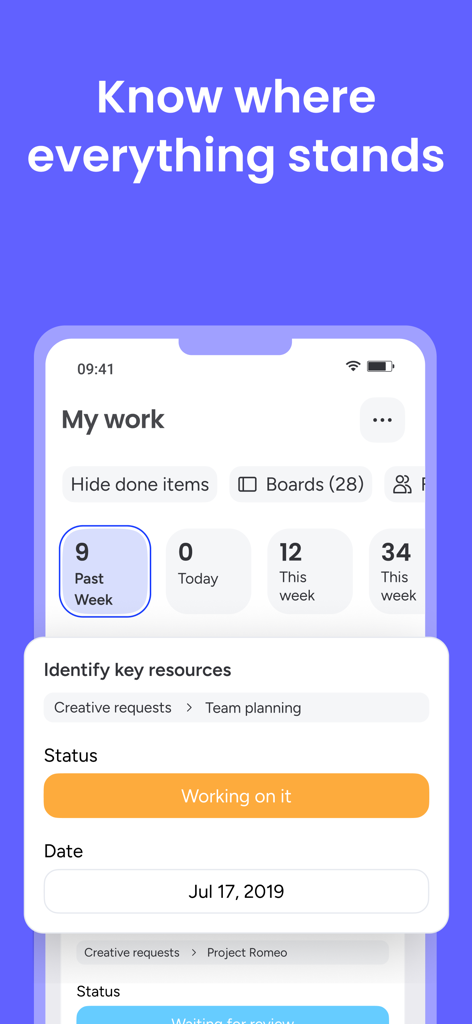
Stay productive on the move with a high-performance mobile experience designed for the transition between office, home, and transit.
Trusted by 6M+ people who love this app.
"The visual boards are a game changer for our design studio. Being able to see project statuses at a glance and @mention my team directly from the iPad has cut our meeting times in half. It’s the first thing I check every morning."
"Finally, a project management tool that doesn't feel like a chore. The automations save me hours of manual data entry, and the mobile app is incredibly responsive when I'm traveling between client meetings. It truly is our central work hub."
Everything you need to know about monday.com - Work Platform.
Description
Latest Version
5.49.1
Size
150.5 MB
First Released
Oct 10, 2017
Join over 70,000 high-performing teams who collaborate better. Download the #1 productivity app and keep your projects moving, no matter where you are.
Everything you need to know about monday.com - Work Platform
Yes, monday.com is a work platform recognized as a No. 1 Productivity App and a major player in collaboration and project management.
monday.com provides features for teamwork, task management, progress tracking, automation, and extensive customization to enhance productivity for teams.
Yes, monday.com offers real-time updates, allowing users to stay informed with instant notifications about project changes and communications.
Yes, monday.com can integrate with existing tools. The platform supports syncing with various applications to streamline workflows and centralize information.
Yes, monday.com is highly customizable. Users can pick templates, edit sections, add tasks, and organize content using drag-and-drop functionality.
Yes, monday.com offers 24/7 customer support. Users can access assistance anytime for questions or technical issues related to the platform.
Yes, monday.com allows users to communicate within the platform. Features include @mentions and an updates section for sharing information and files directly.
Yes, monday.com offers pre-made templates. These templates provide a head start for various workflows, which users can then customize.
Yes, monday.com enables project tracking. Users can monitor progress, assign owners, visualize data with multiple views, and track time for tasks.
Yes, monday.com can automate repetitive work. The platform includes features to set up automations, streamlining tasks and reducing manual effort.
Apps with similar features and user experience

Notion Labs, Incorporated

Hangzhou Free Notes Technology Co., Ltd

unorderly GmbH

Google LLC

Appest Limited

Noteful Technologies Ltd

Doist Inc.

Inner Grow Limited

EMMO Corp.