
PDF Scanner App: TapScanner



Transform your iPhone into a powerful portable scanner. Join 100M+ users to scan, sign, and share professional PDFs instantly. With AI-powered OCR and secure cloud backup, your paperless life starts here.
Publisher
Category
BusinessDownloads
10M+User Rating
Total Ratings
331K+Locales
8Discover the interface used by 10M+ users.
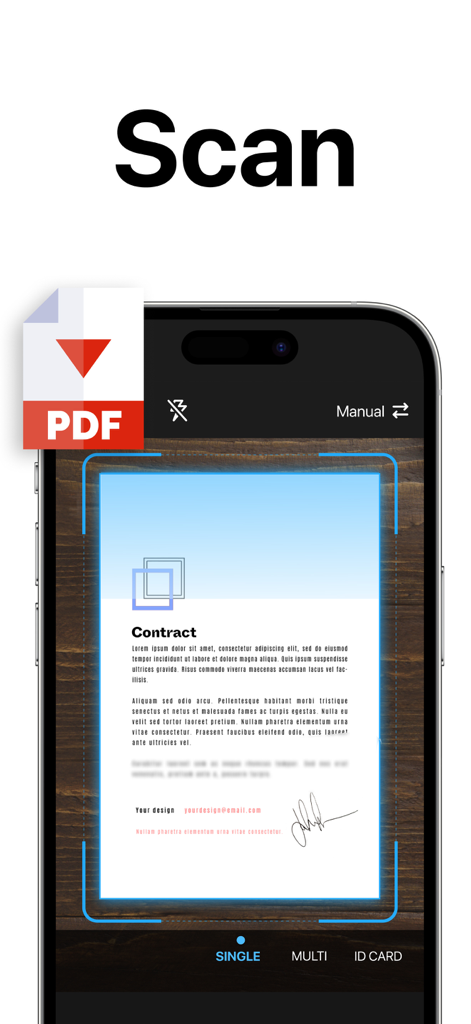
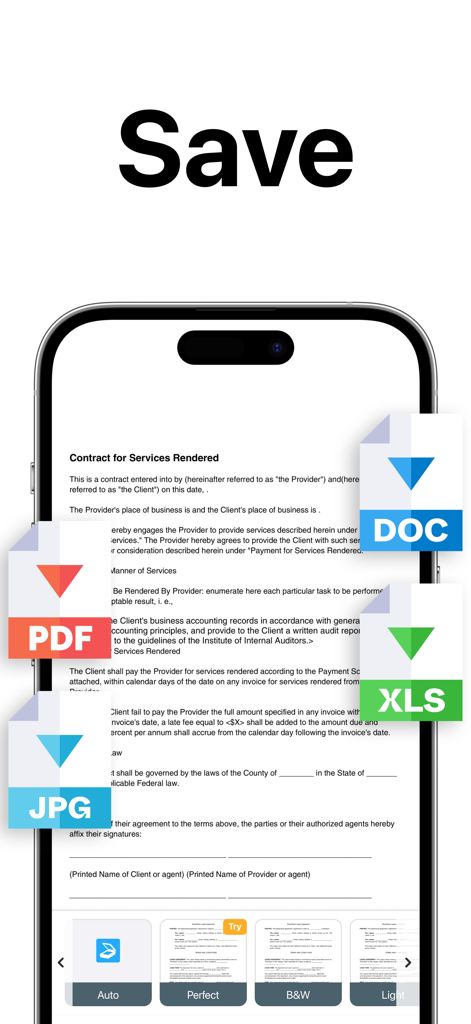
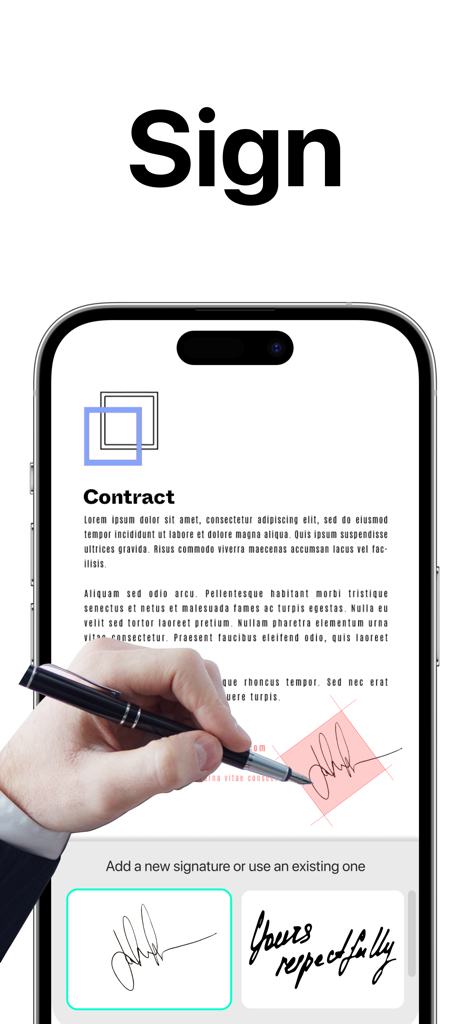
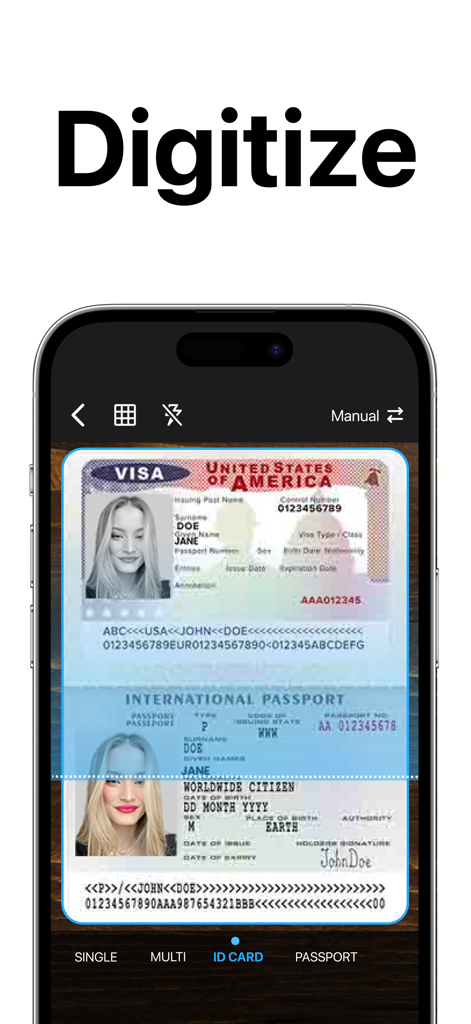
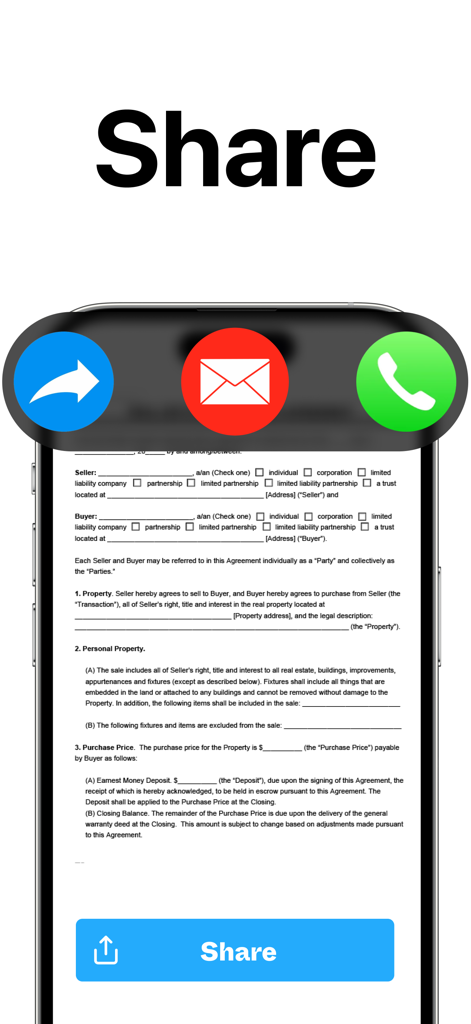
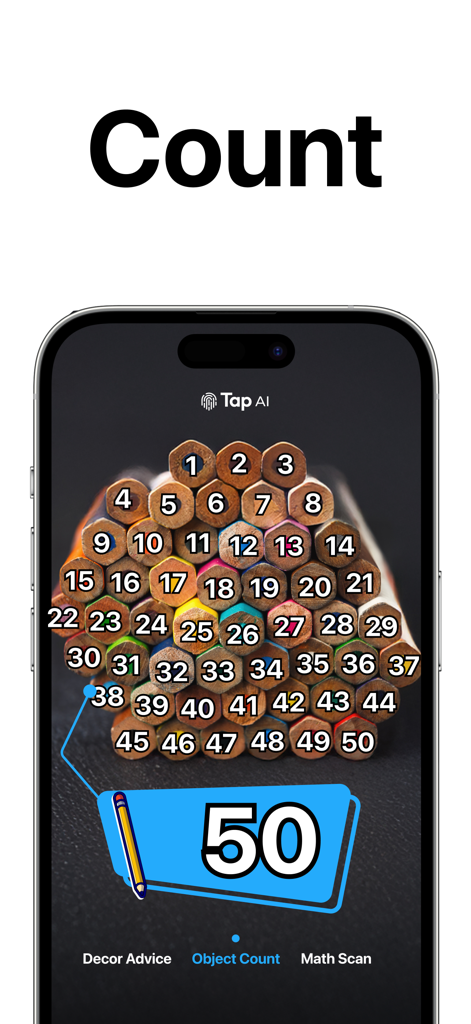
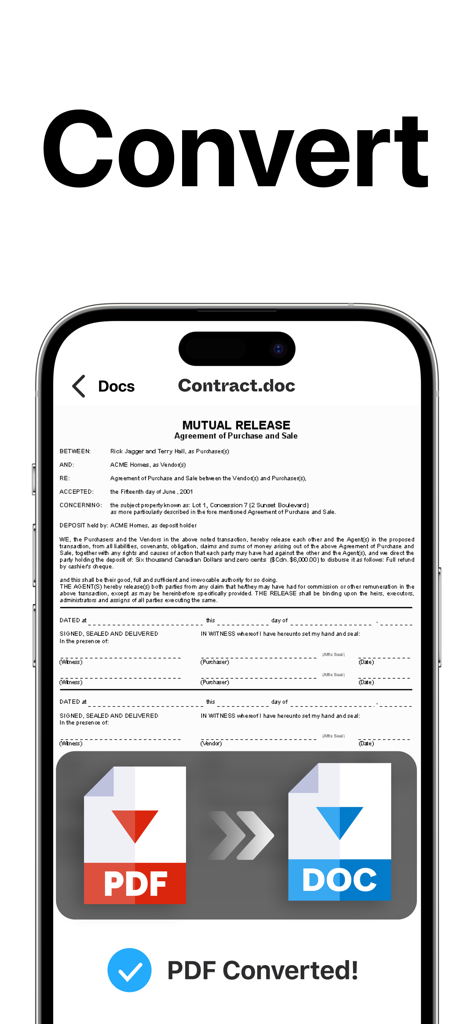
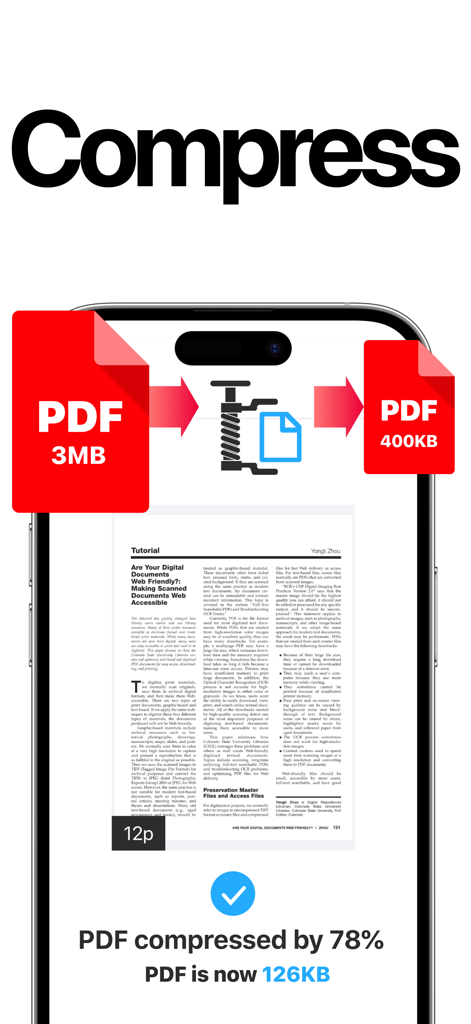
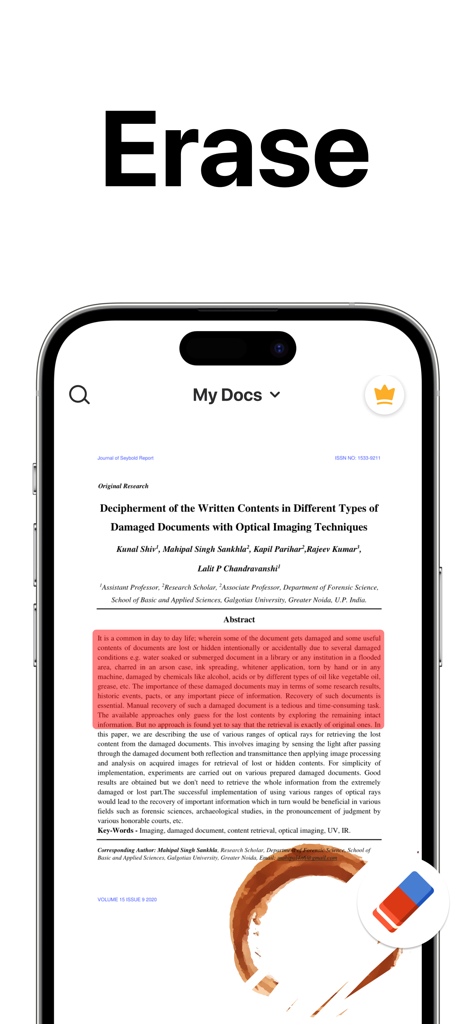
The tools that make this app stand out, trusted by 10M+ users.
Automatically crop, remove shadows, and enhance clarity to ensure every scan looks like it came from a corporate office scanner.
Close deals faster by adding your digital signature and managing PDF pages directly on your device without ever needing a printer.
Extract text from images for instant editing and keep your files secure and accessible across all your favorite cloud storage services.
Trusted by 10M+ people who love this app.
"As a freelance consultant constantly on the move, TapScanner is my indispensable mobile office. The shadow removal filters and e-signature tools allow me to send professional, signed contracts in minutes without ever needing a physical printer or desk scanner. It has completely streamlined my administrative workflow."
"This app is a lifesaver for my graduate studies. The OCR feature is incredibly accurate, making it easy to extract text from library books directly into my research papers. Being able to merge multiple scans into a single organized PDF and sync them to the cloud has saved me countless hours of manual typing."
Everything you need to know about PDF Scanner App: TapScanner.
Description
Latest Version
4.64.0
Size
177.4 MB
First Released
May 30, 2018
Join over 100 million professionals and students who trust TapScanner to turn their phones into a powerful mobile office. Scan, sign, and share anywhere.
Everything you need to know about PDF Scanner App: TapScanner
PDF Scanner App: TapScanner converts various documents to PDF, including receipts, business cards, whiteboards, IDs, books, and photos directly from your mobile device.
Yes, PDF Scanner App: TapScanner features automatic cropping and sorting of documents, streamlining the scanning process and saving user time.
Yes, PDF Scanner App: TapScanner allows users to attach an E-signature and edit fields within documents using its PDF sign tools.
PDF Scanner App: TapScanner enhances documents with powerful filters, removing shadows, adjusting contrast, brightness, and converting to black and white for professional results.
Yes, PDF Scanner App: TapScanner automatically backs up scanned documents from your phone to your preferred cloud service, ensuring high-quality PDF output.
Yes, PDF Scanner App: TapScanner uses OCR to convert images to editable text. Users can export accurate text and unlock content from scans, enhanced by machine learning.
Yes, PDF Scanner App: TapScanner integrates a built-in QR scanner within its cam scan module, supporting links, text, ISBN, and emails.
To split PDF files in PDF Scanner App: TapScanner, import a PDF file, and the application will divide it into multiple separate PDF documents.
Yes, PDF Scanner App: TapScanner allows users to merge multiple PDF files quickly, simplifying document organization and editing processes.
PDF Scanner App: TapScanner converts between JPG and PDF, and between PDF and Word. It also transforms camera or gallery images into PDFs.
Yes, PDF Scanner App: TapScanner compresses PDF files, reducing their size for easier sharing via email or chat and saving storage space.
Yes, PDF Scanner App: TapScanner offers a feature to remove watermarks, ensuring perfect and clean scans without stains.
Yes, PDF Scanner App: TapScanner allows users to protect PDF files with a password, enhancing document security.
Yes, PDF Scanner App: TapScanner enables users to print documents directly from within the application.
Users can easily and quickly share documents from PDF Scanner App: TapScanner to email, social media, and instant messaging applications.
PDF Scanner App: TapScanner helps organize documents by allowing users to create folders and tag scans. Documents are searchable by name, tag, or folder.
Subscriptions for PDF Scanner App: TapScanner are billed weekly, monthly, or annually, depending on the specific plan selected by the user.
Yes, PDF Scanner App: TapScanner subscriptions auto-renew at the chosen package's cost unless cancelled 24 hours before the current period ends.
Users manage their PDF Scanner App: TapScanner subscription and turn off auto-renewal via their iTunes Account Settings after purchase.
PDF Scanner App: TapScanner offers a "Try Now For Free!" option. It provides initial access freely, but extended features require subscriptions.
Apps with similar features and user experience

Balzo srl

NEXT K.U.M. LTD

INTSIG Information Co., Ltd

Adobe Inc.

KINGSOFT OFFICE SOFTWARE CORPORATION LIMITED

ILOVEPDF S.L.

The Grizzly Labs

Microsoft Corporation

INDY MOBILE APP COMPANY LIMITED
