PDFChef: photo to PDF scanner

PDFChef: photo to PDF scanner

Download on App Store
Spark by MWM logo
Logo of PDFChef: photo to PDF scanner
PDFChef: The Professional Mobile Scanner and PDF Editor

Turn your iPhone into a powerful pocket office. Scan high-quality documents, add electronic signatures, and edit PDFs in seconds—anytime, anywhere.

Download on App Store

Publisher

Movavi Emea LLC

Category

Business

Downloads

152K+

User Rating

4.6/5

Total Ratings

600

Locales

7

Your Mobile Office at a Glance

Discover the interface used by 152K+ users.
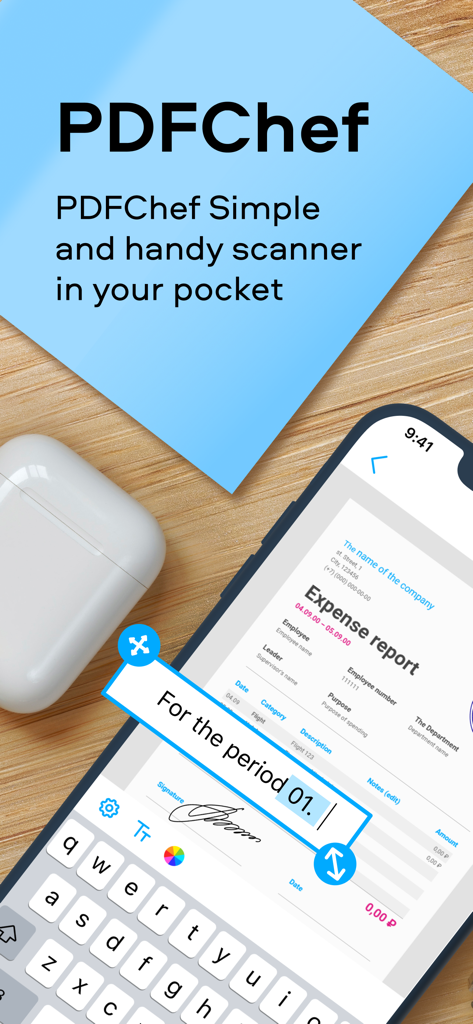
PDFChef mobile app interface for scanning and editing expense reports with digital signature

PDFChef mobile app interface for scanning and editing expense reports with digital signature

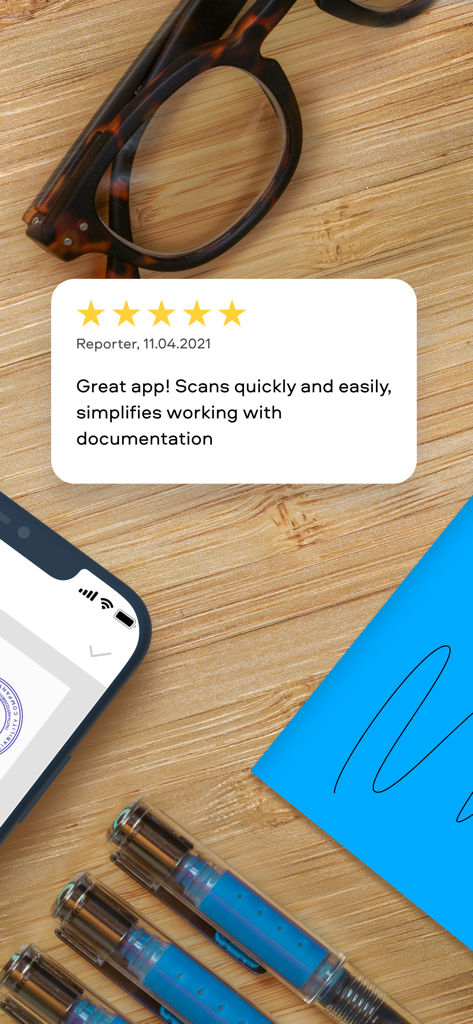
Five star customer review for PDFChef scanner app displayed on a professional desk background

Five star customer review for PDFChef scanner app displayed on a professional desk background

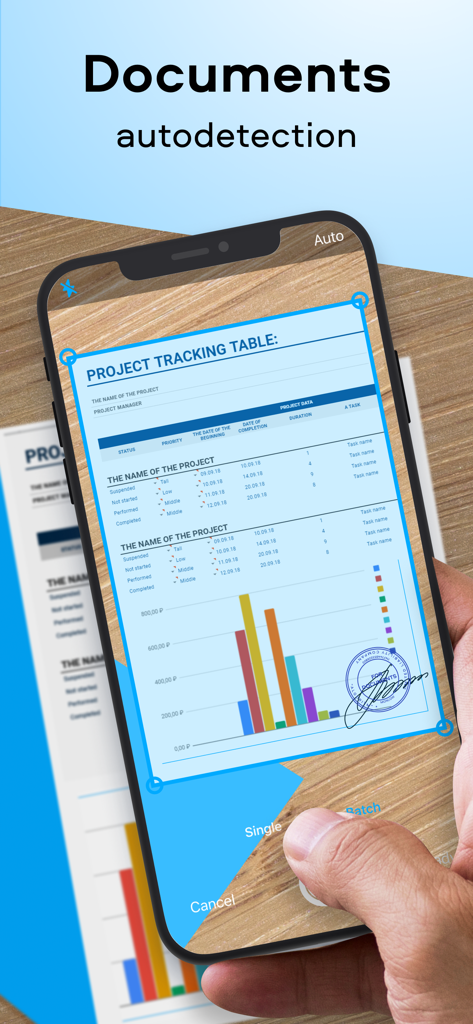
iPhone user scanning a business document with automatic edge detection in the PDFChef app

iPhone user scanning a business document with automatic edge detection in the PDFChef app

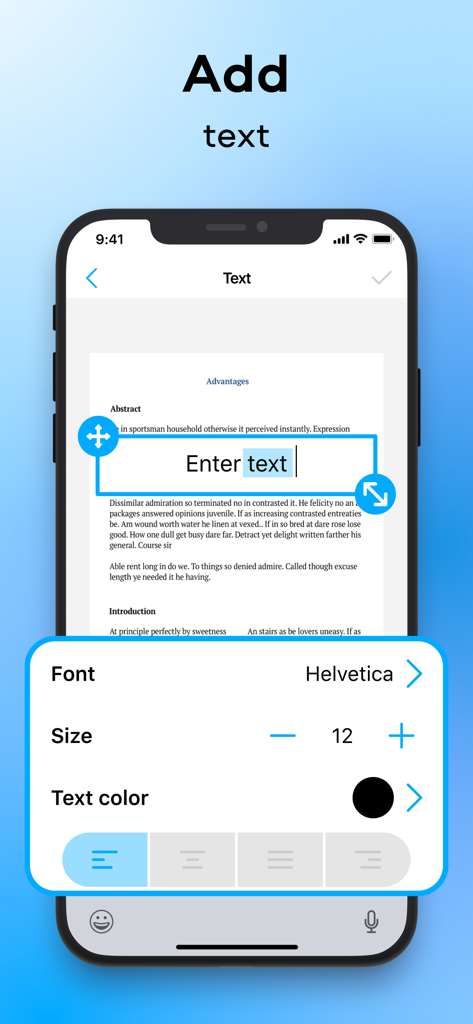
A mobile app interface showing how to add and format text on a scanned document using PDFChef.

A mobile app interface showing how to add and format text on a scanned document using PDFChef.

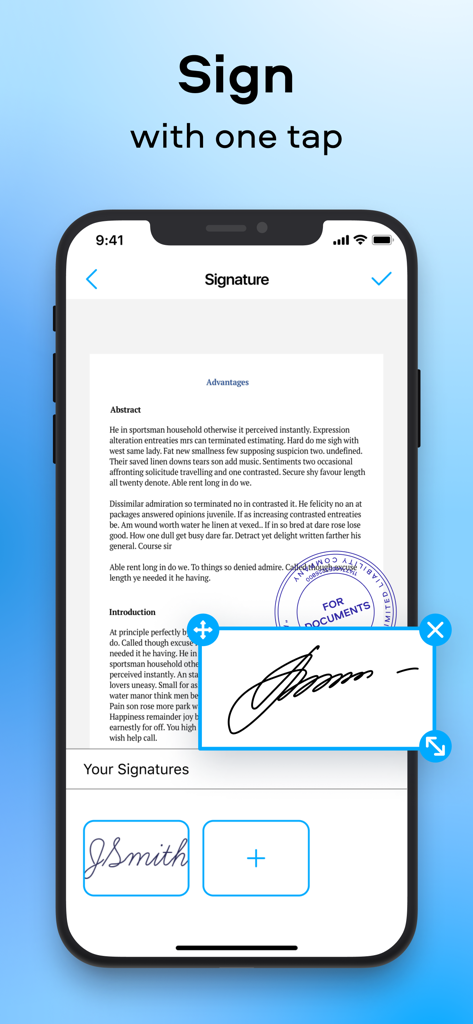
Interface of PDFChef app showing how to sign a PDF document on a mobile device

Interface of PDFChef app showing how to sign a PDF document on a mobile device

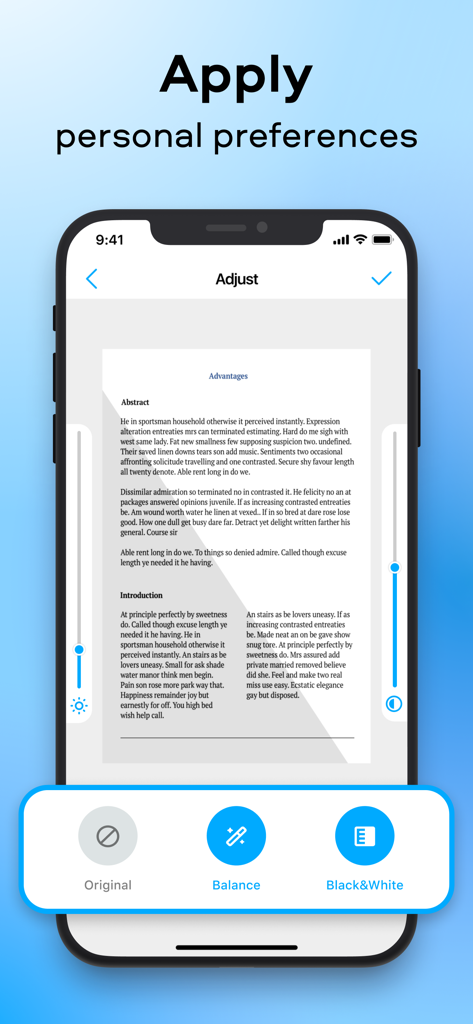
Interface of PDFChef app showing document adjustment tools with brightness and contrast sliders plus filters like Balance and Black and White

Interface of PDFChef app showing document adjustment tools with brightness and contrast sliders plus filters like Balance and Black and White

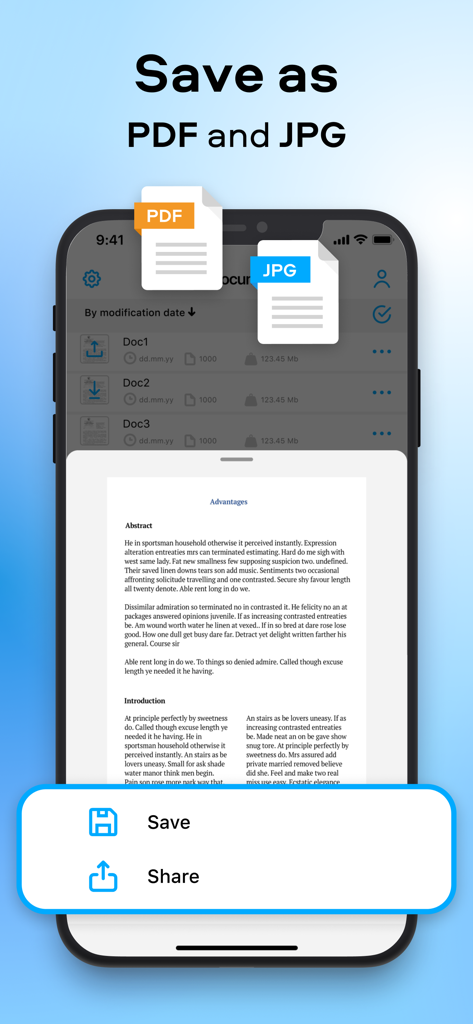
PDFChef mobile app interface showing document saving options for PDF and JPG formats

PDFChef mobile app interface showing document saving options for PDF and JPG formats

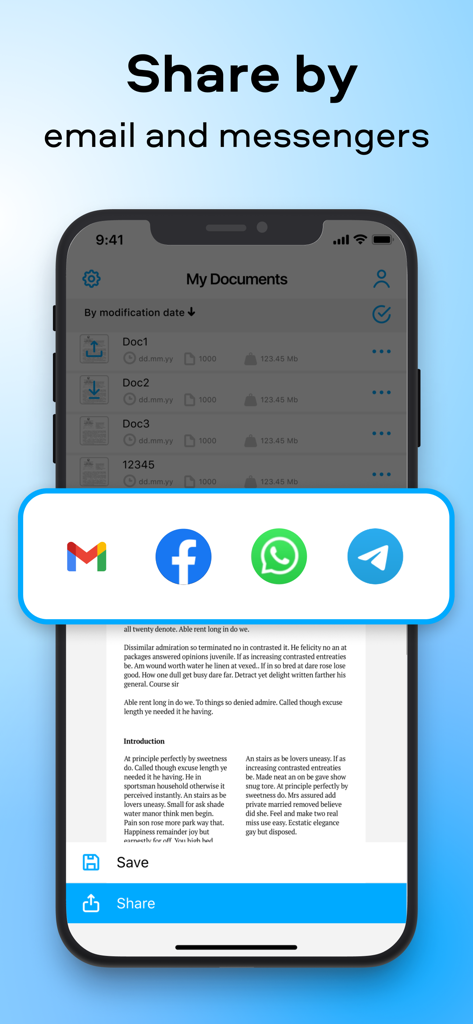
PDFChef mobile app showing options to share scanned documents via email and messenger apps

PDFChef mobile app showing options to share scanned documents via email and messenger apps

Your Professional Document Studio on the Go

The tools that make this app stand out, trusted by 152K+ users.

📄

High-Definition Digital Scanning

Capture crystal-clear scans with smart cropping and automatic quality adjustments that ensure your documents always look professional.

✍️

Desktop-Level PDF Editing

Add text, insert company logos, and apply custom watermarks or stamps directly from your device to maintain brand integrity.

🖋️

Instant Sign & Share

Apply secure electronic signatures and dispatch perfected documents via email or Slack to keep your business moving wherever you are.

Loved by users worldwide

Trusted by 152K+ people who love this app.

"

"PDFChef is a lifesaver for my real estate business. I can scan multi-page contracts, apply my electronic signature, and send them to clients before I even leave the property. It's fast, professional, and incredibly easy to use."

Sarah Jenkins, Realtor
"

"As a freelance consultant, I need my documents to look sharp. This app turns my phone into a high-end scanner that handles everything from watermarking to text edits. It has completely replaced my bulky desktop scanner."

Marcus Thorne

About the app

Everything you need to know about PDFChef: photo to PDF scanner.

Description

PDFChef Scanner is the ultimate document scanner for iOS devices. The app has everything you need to digitize paperwork on the go. Scan documents on your iPhone or iPad, turn them into editable PDFs, add text, and apply your signature. Share completed documents with colleagues and associates via email or IM. A concise and intuitive UI of the app saves you time figuring out the interface and lets you instantly find whatever option you need. SCAN. With the PDFChef Scanner app, you can scan documents in high quality and adjust the scan area (cropping frame) as needed. TURN INTO PDFS. Turn scanned paper documents into full-fledged editable PDF files for easier document management. EDIT. Add text to the digital copy of your document, insert and format graphic objects, including logos, watermarks, and stamps. Apply an electronic signature. SAVE AND SHARE. Save any changes in just two clicks. Share your perfected documents with others so that they can view or edit your work. If you’re looking for a fast and efficient document scanning solution, PDFChef Scanner is just what you need. This app transforms your device into a pocket document scanner. Subscription for the Premium Version includes: - unlimited number of scans - new feature releases for free - higher-priority technical support Subscriptions will be charged to your iTunes account as soon as the purchase is confirmed. Any unused portion of a free trial period will be also forfeited once a subscription is purchased. Subscriptions are billed monthly or annually at the rate selected depending on the subscription plan. Subscriptions will renew automatically within 24 hours of the end of the current subscription period. Subscriptions will renew automatically unless auto-renew is turned off at least 24 hours prior to the end of the current billing period. You can manage subscriptions and turn off the auto-renewal by going to Account Settings. Purchase the Premium Version and you get an unlimited number of scanning and editing operations and free access to new feature releases.  The purchase is billed once and does not expire after a specific time period – see the Movavi privacy policy https://www.movavi.com/privacy.html, terms of service https://www.movavi.com/tos.html.

Latest Version

2.0.4

Size

25.1 MB

First Released

Apr 10, 2020

Ready to Take Your Office Anywhere?

Join over 150,000 professionals who scan, sign, and share polished documents in seconds. Download PDFChef and simplify your workflow today.

Download on App Store