
Q Camera!



Capture sharp lecture notes and fine print without a sound. The ultimate tool for students and researchers who need powerful zoom and organized photo management in quiet spaces.
Publisher
Category
Photo & VideoDownloads
1M+User Rating
Total Ratings
27K+Locales
3Discover the interface used by 1M+ users.
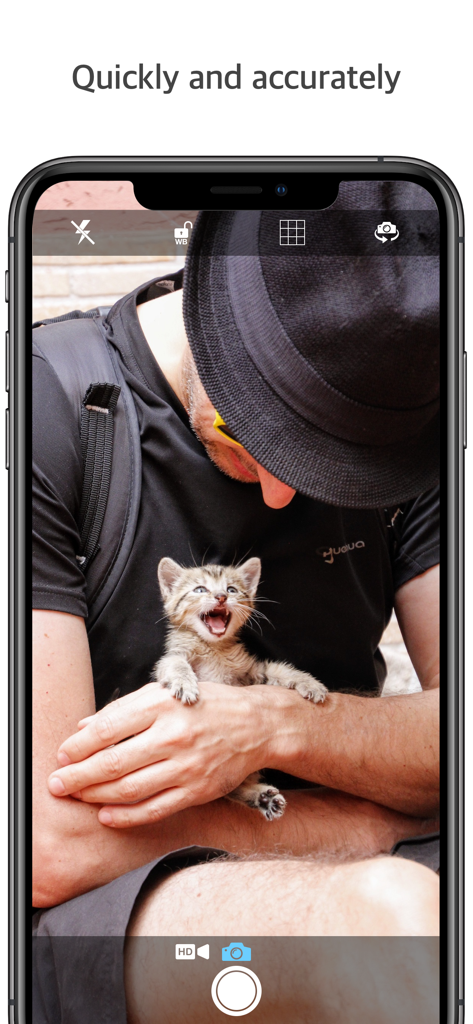
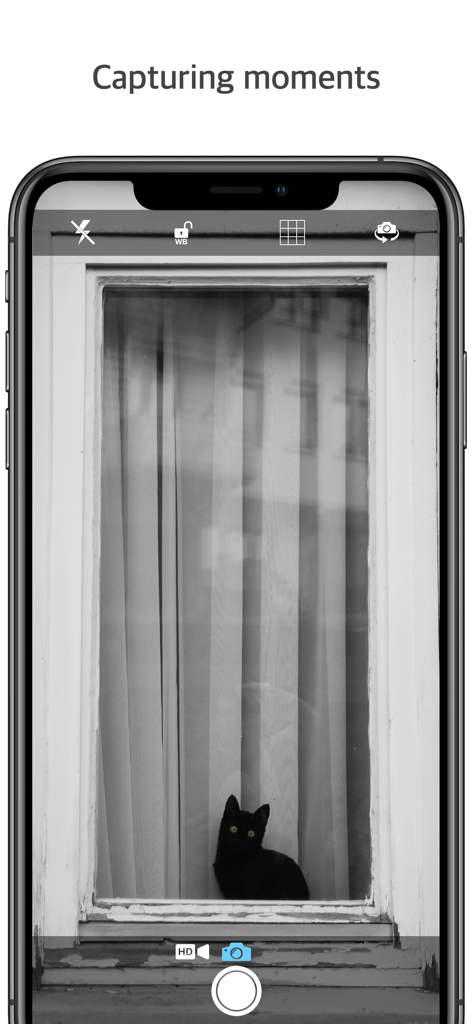
The tools that make this app stand out, trusted by 1M+ users.
Perfect for libraries and lecture halls—take high-quality photos without a sound, respecting the quiet around you.
Capture clear text from distant whiteboards or projector screens using high-resolution zoom designed for legibility.
Keep your academic and professional captures organized and separate from your personal photo gallery for a clutter-free experience.
Trusted by 1M+ people who love this app.
"Q Camera! is my absolute go-to for lectures. The silent shutter is a game-changer for quiet libraries, and the zoom quality is significantly better than the stock camera for capturing slides from the back of the hall. It keeps my study notes perfectly organized."
"The magnification on this app is incredible. I use it as a digital magnifying glass for reading fine print and for capturing clear, high-resolution photos of documents for my research. It's fast, lightweight, and does exactly what I need."
Everything you need to know about Q Camera!.
Description
Latest Version
1.5.11
Size
7.0 MB
First Released
Apr 27, 2017
Join over 1 million students and professionals who use Q Camera! for crystal-clear magnification and discreet, organized note-taking.
Everything you need to know about Q Camera!
Yes, Q Camera! supports high resolution and magnification, ensuring clear and detailed images. This feature provides enhanced visual quality for captured moments.
Q Camera! offers convenient photo management features. It streamlines the organization and access of your captured images, making it easy to handle your photos efficiently.
Yes, Q Camera! is made convenient for various daily uses, including situations like going to the library or attending classes. It adapts to different user needs.
Yes, Q Camera! provides an HD capture option, clearly visible within the camera's user interface. This allows users to record high-definition photos and videos.
Yes, Q Camera! includes a camera switch icon in its user interface. This feature enables users to easily toggle between the device's front and rear cameras.
Yes, Q Camera! features a grid overlay option in its camera interface. This tool assists users with achieving better photo composition and alignment for their shots.
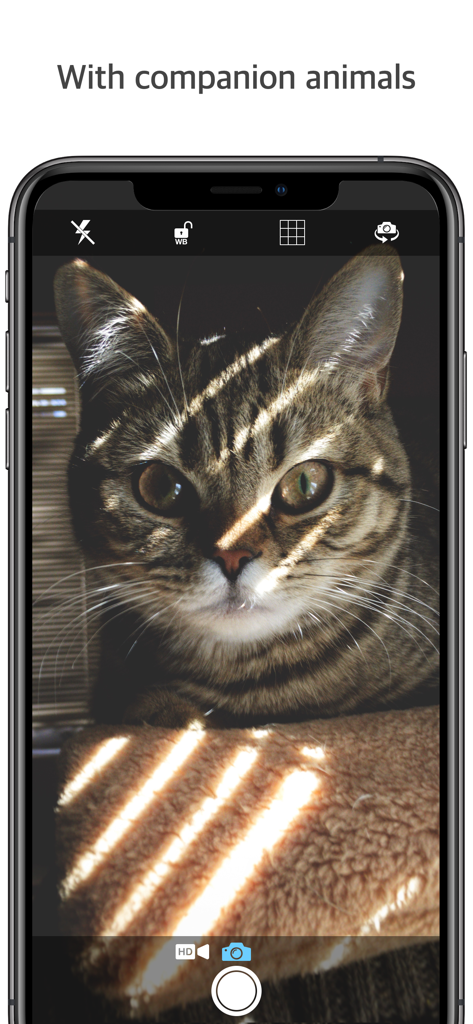
Yes, Q Camera! is suitable for capturing moments with companion animals. The app demonstrates this use case in its promotional imagery, highlighting its versatility.
For inquiries regarding Q Camera!, users can send an e-mail. This provides a direct channel for support and assistance with any questions or issues.
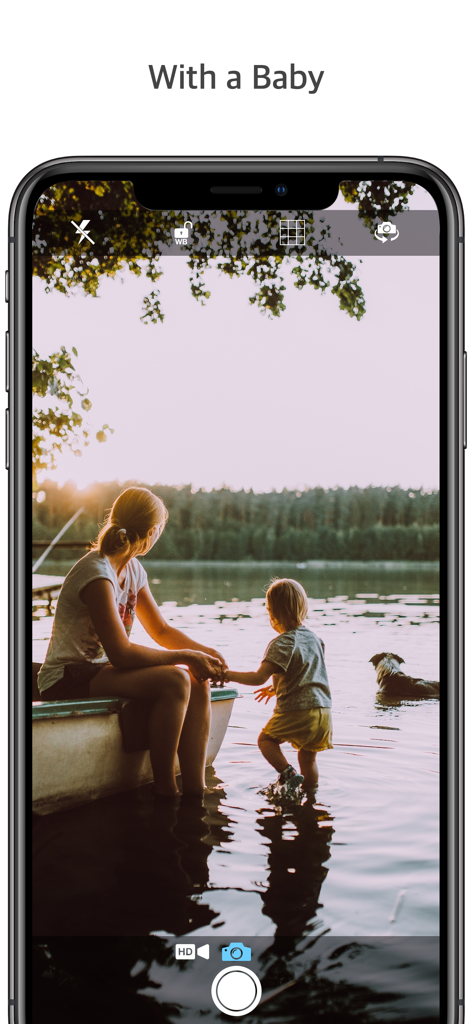
Yes, Q Camera! is convenient for capturing special family moments, including those with a baby. The app's imagery illustrates this specific use case.
Apps with similar features and user experience

Balzo srl

NEXT K.U.M. LTD

INTSIG Information Co., Ltd

Adobe Inc.

KINGSOFT OFFICE SOFTWARE CORPORATION LIMITED

ILOVEPDF S.L.

The Grizzly Labs

Microsoft Corporation

INDY MOBILE APP COMPANY LIMITED