
投屏助手-手机投屏电视&睿宸手机快速投屏助手



Instantly share high-quality videos, photos, and audio on the big screen. Whether for home entertainment or DIY projects, experience seamless horizontal and vertical mirroring at your fingertips.
Publisher
Category
UtilitiesDownloads
516K+User Rating
Total Ratings
4K+Locales
2Discover the interface used by 516K+ users.
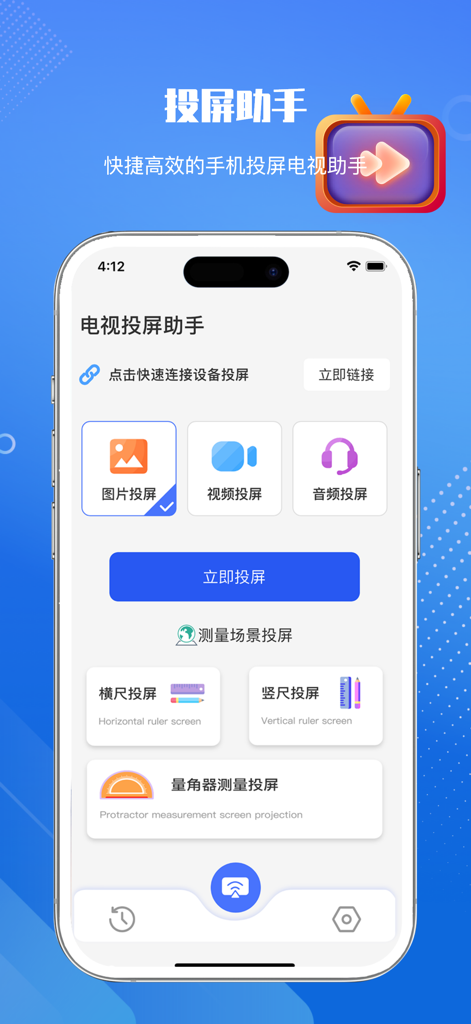
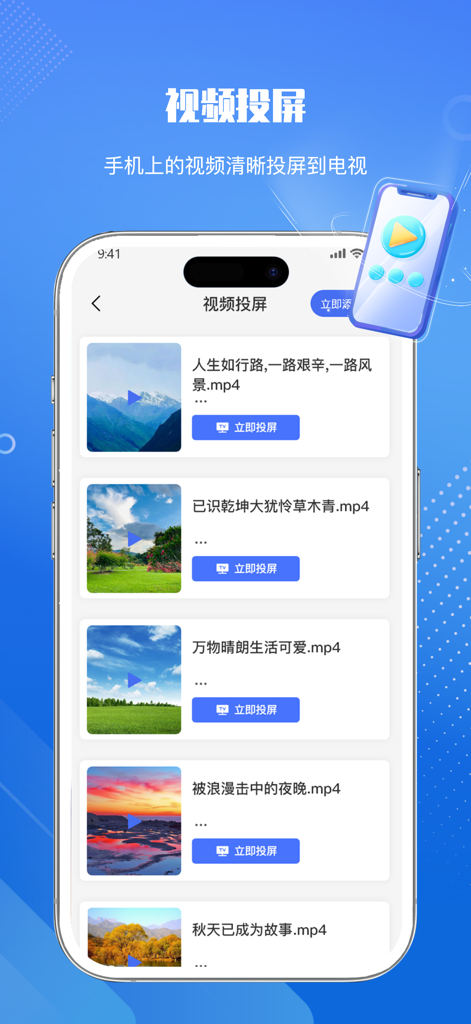

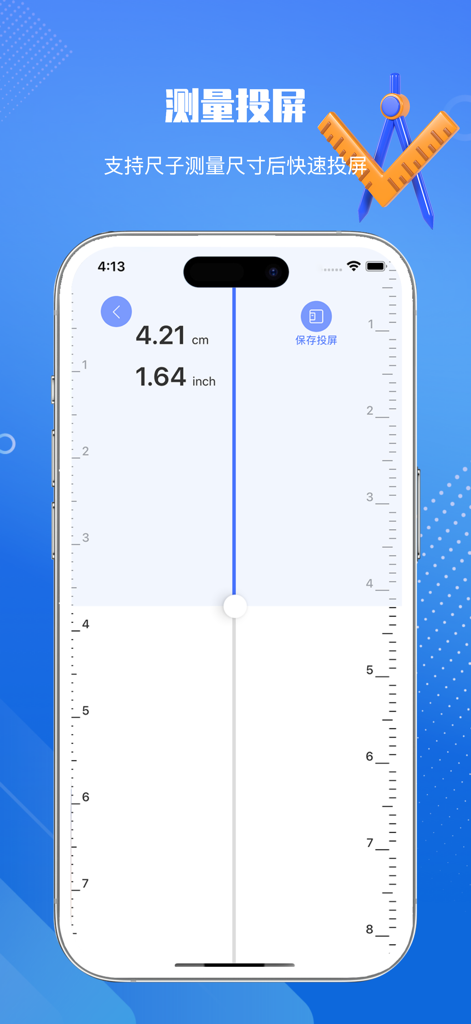
The tools that make this app stand out, trusted by 516K+ users.
Stream photos, 4K videos, and music directly to your smart TV without the need for extra cables or complex setups.
Enjoy social media and apps exactly as intended with specialized vertical and horizontal screen mirroring options.
Unique built-in features like the digital protractor allow you to magnify technical tasks for home projects or fitness.
Trusted by 516K+ people who love this app.
"Finally, an app that connects my iPhone to my smart TV without the usual technical headaches! I love using it to show family vacation photos and videos during our weekend gatherings. The connection is stable, and the quality is crystal clear."
"The horizontal and vertical mirroring options are game-changers for watching social clips on a big screen. I even used the built-in protractor tool for a home DIY project—seeing the measurements magnified on my 65-inch TV made the job so much easier."
Everything you need to know about 投屏助手-手机投屏电视&睿宸手机快速投屏助手.
Description
Latest Version
1.4
Size
10.9 MB
First Released
Jul 30, 2023
Join over 500,000 users who effortlessly mirror photos, videos, and professional tools from their iPhone to any smart TV.
Everything you need to know about 投屏助手-手机投屏电视&睿宸手机快速投屏助手
睿宸投屏助手 is a mobile application that quickly connects phones to TVs for intelligent screen mirroring. It supports various media types and diverse mirroring methods.
睿宸投屏助手 supports mirroring images, videos, and audio. Users can import these media types into the phone for projection to a TV.
Yes, 睿宸投屏助手 offers diverse screen mirroring methods. These include horizontal ruler mirroring, vertical ruler mirroring, and protractor measurement mirroring.
Yes, 睿宸投屏助手 allows users to quickly view their screen mirroring records. The content is clearly classified, enabling users to re-mirror previously cast items.
睿宸投屏助手 offers advanced services through subscription. The available subscription types are weekly subscriptions and quarterly subscriptions.
Users pay for 睿宸投屏助手 subscriptions after a trial period upon confirming the purchase. Payments are charged directly to the user's iTunes account.
To cancel a 睿宸投屏助手 subscription, manually access your phone settings. Navigate to iTunes/Apple ID, then Subscriptions, and cancel the desired subscription over 24 hours before the current period ends.
The privacy policy for 睿宸投屏助手 is accessible via the provided URL: https://www.yuque.com/u34598764/cogndi/wwi1kzngm1rb8mbk?.
Technical support for 睿宸投屏助手 is available through the following link: https://www.yuque.com/u34598764/cogndi/rq1d5hgzx58ctrg0?.
Apps with similar features and user experience

InstantBits Inc

Sichuan FalconAI Technology Co., Ltd.

AKOYA DOO UZICE

Mihkel Pikk

Ozuna Limited

TOGGLE APPS SP Z O O

AER SOFTWARE COMPANY LIMITED

SAND STUDIO CORPORATION LIMITED

Hainan Delta Software Co., Ltd