Screen Mirroring | Cast to TV

Screen Mirroring | Cast to TV

Download on App Store
Spark by MWM logo
Logo of Screen Mirroring | Cast to TV
Screen Mirroring | Cast to TV: Your All-in-One Home Entertainment Hub

Wirelessly connect your iPhone to any Smart TV or streaming device. Enjoy lag-free mirroring, web video casting, and live TV in high definition with one simple tap.

Publisher

Ozuna Limited

Category

Utilities

Downloads

4M+

User Rating

4.6/5

Total Ratings

24K+

Locales

9

Your Entertainment, Upgraded

Discover the interface used by 4M+ users.
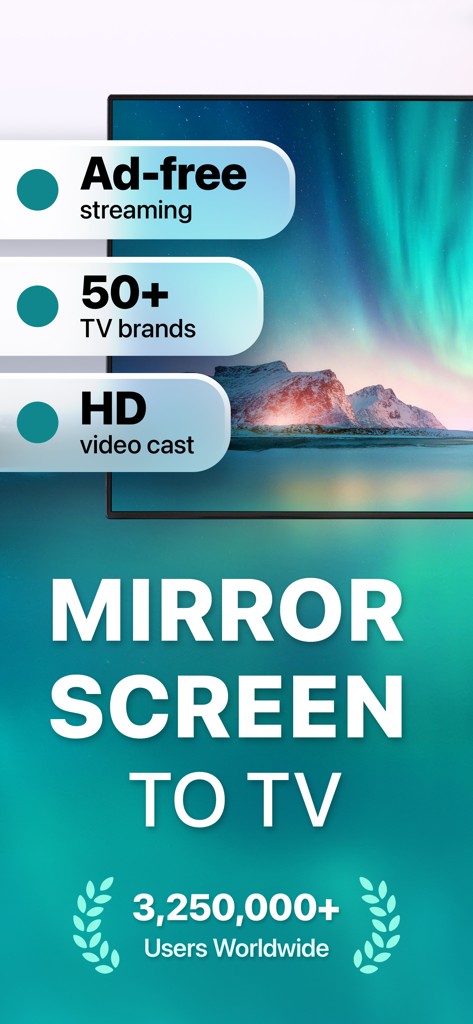
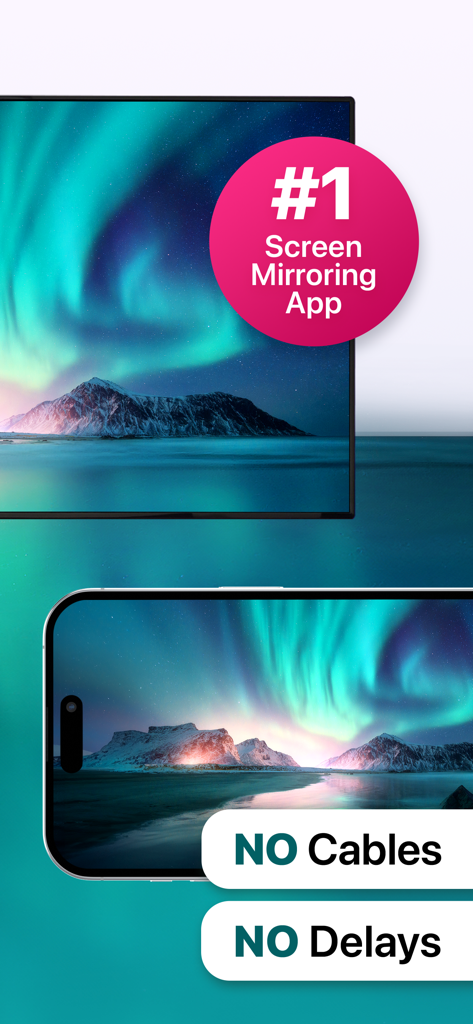
Promotional screen for Screen Mirroring app highlighting HD video casting and compatibility with over 50 TV brands

Promotional screen for Screen Mirroring app highlighting HD video casting and compatibility with over 50 TV brands

iPhone mirroring a northern lights landscape to a TV screen with no cables or delays

iPhone mirroring a northern lights landscape to a TV screen with no cables or delays

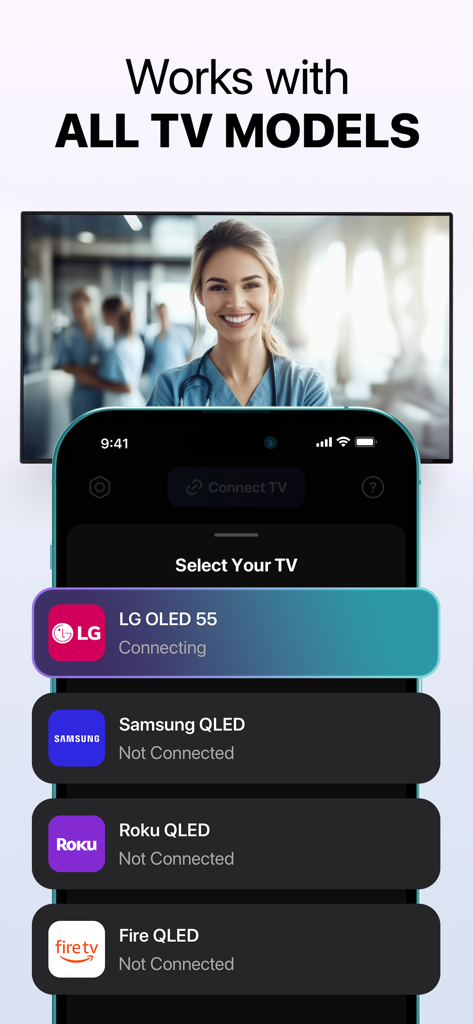
iPhone screen showing connection options for LG Samsung Roku and Fire TV brands.

iPhone screen showing connection options for LG Samsung Roku and Fire TV brands.

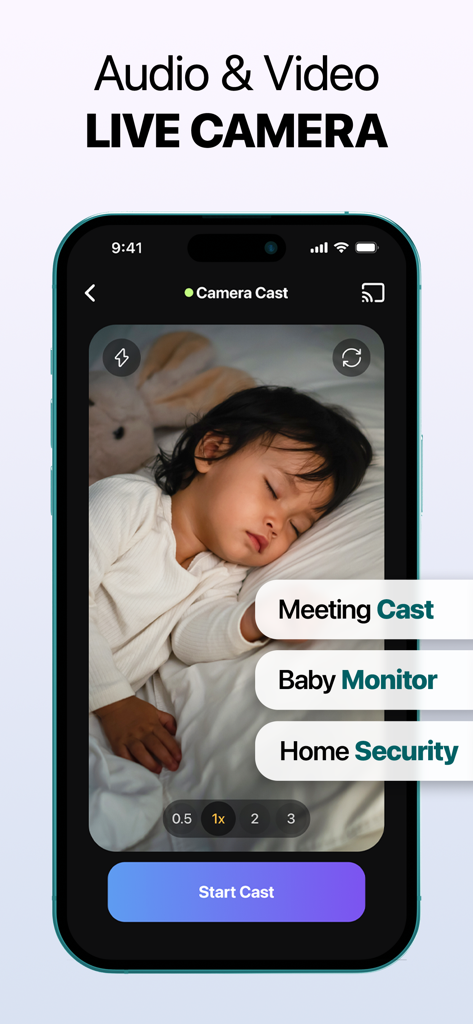
iPhone screen showing a live camera feed of a sleeping baby with labels for meeting cast and home security.

iPhone screen showing a live camera feed of a sleeping baby with labels for meeting cast and home security.

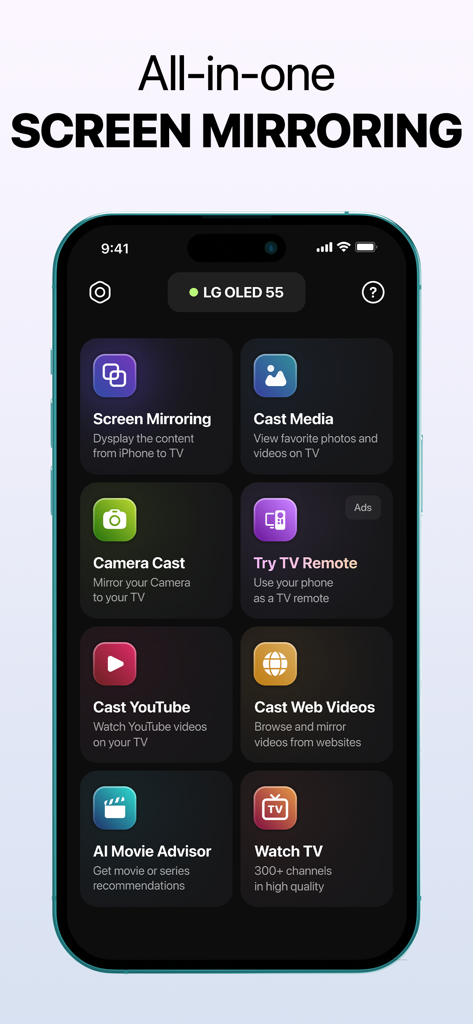
All in one screen mirroring app interface on iPhone showing various casting and mirroring options

All in one screen mirroring app interface on iPhone showing various casting and mirroring options

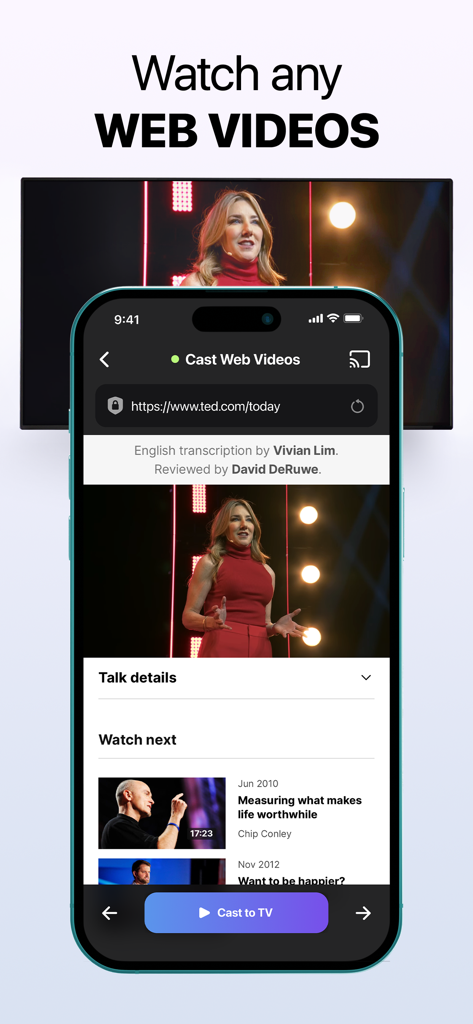
iPhone app interface showing a web video being cast from a mobile browser to a television screen

iPhone app interface showing a web video being cast from a mobile browser to a television screen

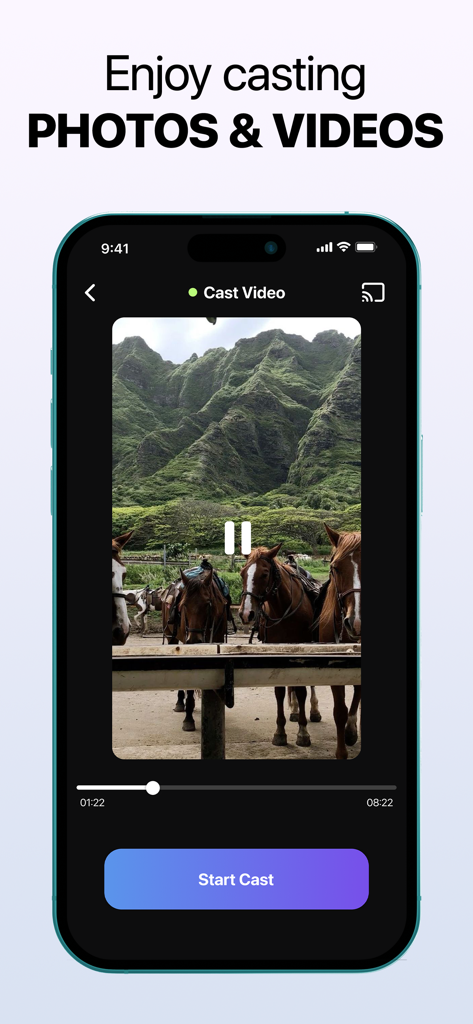
iPhone interface showing the cast video feature with a video of horses in front of green mountains and a Start Cast button

iPhone interface showing the cast video feature with a video of horses in front of green mountains and a Start Cast button

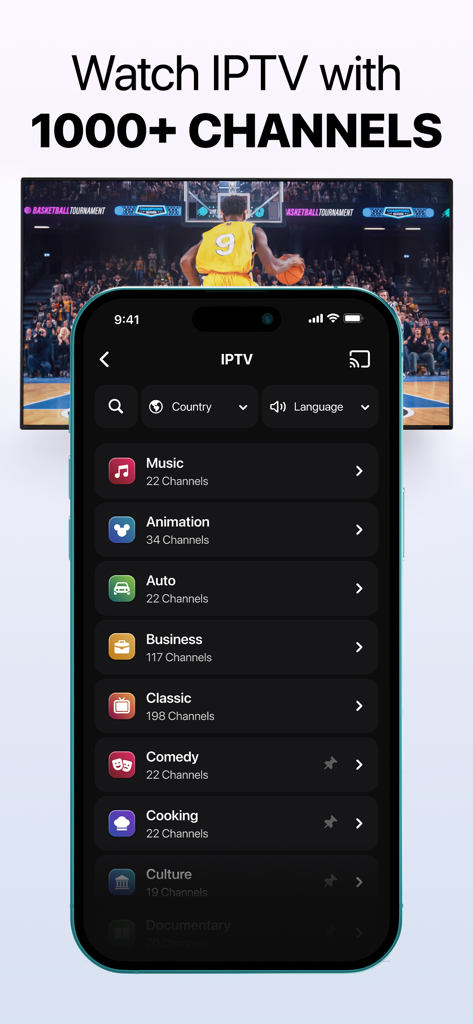
Screen Mirroring app showing IPTV channel categories and a basketball game being cast to a television

Screen Mirroring app showing IPTV channel categories and a basketball game being cast to a television

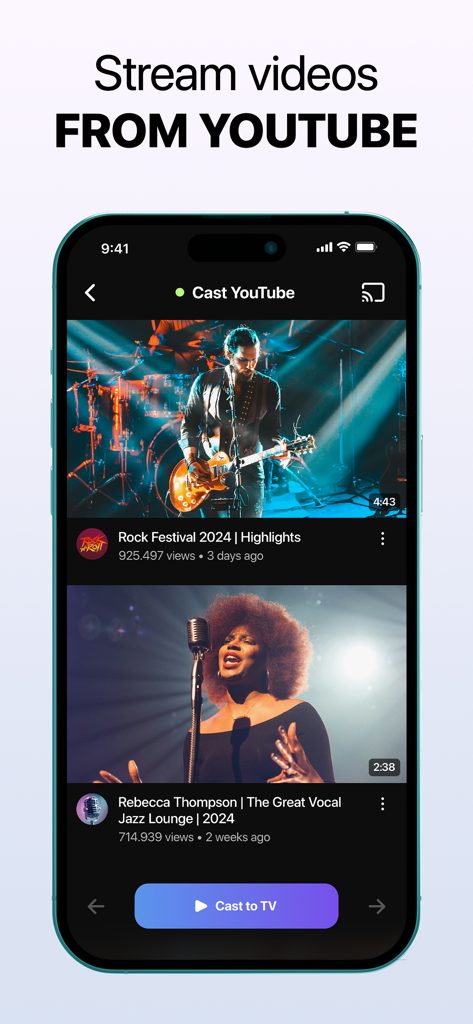
Interface of an iPhone app for casting YouTube videos to a smart TV

Interface of an iPhone app for casting YouTube videos to a smart TV

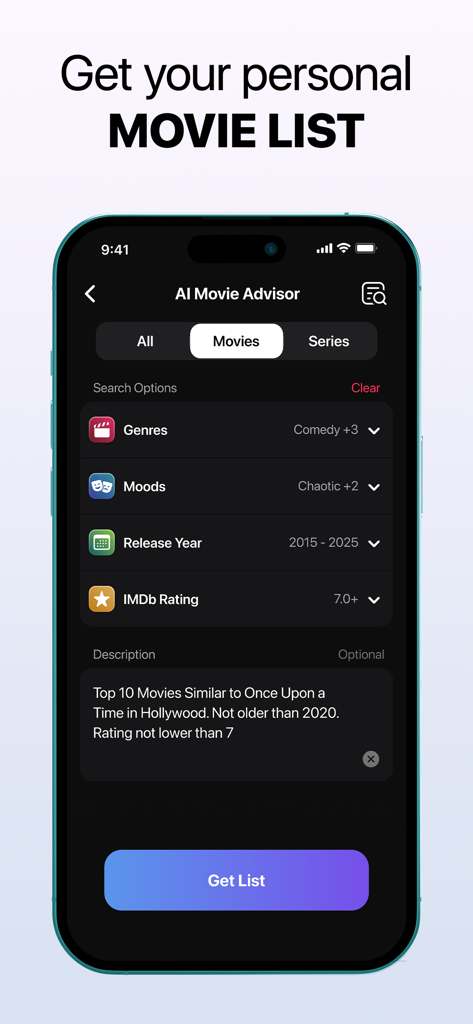
AI Movie Advisor screen showing personalized movie search and recommendation options

AI Movie Advisor screen showing personalized movie search and recommendation options

One App for Every Screen in Your Home

The tools that make this app stand out, trusted by 4M+ users.

📺

Universal Compatibility

No Apple TV? No problem. Seamlessly cast to Roku, Samsung, LG, Fire TV, Vizio, and Chromecast with a single tap, bridging the gap between your iPhone and your home hardware.

🌐

Unlimited Web & IPTV Casting

Break free from small screens. Stream web videos, YouTube, or live IPTV channels directly to your TV. Use our AI Movie Advisor to find your next favorite show instantly.

📸

Family Sharing & Live Camera

Instantly showcase photo galleries for friends or turn your iPhone into a live camera. Perfect for sharing family moments or monitoring your home as a smart nanny cam.

Loved by users worldwide

Trusted by 4M+ people who love this app.

"

"Finally, an app that makes my iPhone and Roku play nice together! I love showing my hiking photos on the big screen, and the Live Camera feature actually works great as a quick pet monitor when I am in the other room. Super easy to set up."

Jessica Reynolds
"

"The web casting is a game-changer for sports. I can stream games directly from my browser to my TV without any lag. Plus, the AI Movie Advisor saved me at least 30 minutes of scrolling last night. Definitely worth the download for any cord-cutter."

Michael Chen

Review Analysis

Insights from user reviews.

Sentiment Score

19%
Negative

Summary

The app receives overwhelmingly negative feedback from users. Many report that the application simply "doesn't work" or exhibits significant performance issues such as video delays, glitches, and audio problems across various devices. A major concern is the prevalence of billing issues, with numerous complaints about unauthorized charges, unexpected deductions for paid services despite expectations of free trials, and claims of the app being a "scam." Users also express considerable frustration over the difficulty in cancelling subscriptions, often citing an inability to find cancellation options or receive refunds. While a few users praised the app for its ad-free experience, ease of use, reliable HD streaming, and broad device compatibility, these positive comments are significantly overshadowed by widespread negative experiences related to functionality and predatory billing practices.

Common Themes

General Satisfaction(6)
Ease of Use(2)
Mirroring Quality(1)
Compatibility(1)
Ad Experience(1)

About the app

Everything you need to know about Screen Mirroring | Cast to TV.

Description

Revolutionize Your Entertainment with Screen Mirroring | Cast to TV Stay connected and stream effortlessly with Screen Mirroring | Cast to TV. The app lets you mirror your screen or cast your phone to devices like Roku, LG, Chromecast, Fire TV, Samsung Smart TVs, and more. Compatible with iPhone mirroring, AirPlay, Miracast, and Smart View, it delivers seamless streaming and sharp, high-definition quality across all platforms. How to Connect iPhone to TV: 1. Open the app and tap the Connect TV button on the home screen. 2. When prompted, tap Allow in the local network access request window. 3. Ensure both your phone and smart TV are connected to the same Wi-Fi network and VPN services are disabled. 4. Wait for your smart TV to appear in the list of devices. 5. Select your TV and wait for the connection to establish. 6. If additional steps are required on your TV, follow the on-screen instructions on your phone (e.g., confirm the connection on the TV using Yes or Allow). Powerful Features for Every Need - Full Screen Mirroring Mirror your entire screen for gaming, presentations, or enhanced browsing on a larger display with seamless functionality. - Cast Web Videos and Cast YouTube Stream videos from YouTube or the web effortlessly using our new web video cast and web casting tools. Enjoy high-quality playback straight on your TV! - Photo and Video Casting Showcase your photo gallery and favorite videos on the big screen with photo mirroring, perfect for reliving memories with loved ones and having a cinema-like experience at home. - IPTV Stream a variety of channels through live television. With the best online TV streaming, finding live TV streaming options is as simple as ever. Get access to IPTV! - Universal Compatibility Supports a wide range of smart TVs and streaming devices, including Samsung, Roku, LG, Chromecast, Fire TV, and Vizio, for ultimate flexibility. - User-Friendly Setup Featuring an intuitive interface with quick-connect options, you can immediately connect to your TV—no complex configurations needed! - High-Quality Performance Lag-free streaming and crystal-clear visuals ensure you enjoy an unparalleled experience, whether you're casting YouTube on TV or using other features. - AI Movie Advisor Get a personalized list of movies and series tailored to your taste. Finding the perfect movies to watch has never been easier! - Live Camera Perfect for turning your device into a video nanny, streaming live presentations, capturing family gatherings, or sharing lessons and sessions in real-time. *This app provides access to third-party IPTV streams, which are not controlled or modified by the developer. Content availability may vary, and the developer is not responsible for the nature, accuracy, or legality of streamed content. Viewer discretion is advised. Why Choose Screen Mirroring | Cast to TV? This app blends simplicity with cutting-edge streaming, perfect for sharing photos, binge-watching, or presentations. With versatile tools like a web/video caster and reliable cross-platform compatibility, it ensures seamless streaming for any modern home setup. Elevate Your Streaming Experience Unlock the full potential of your devices with Screen Mirroring | Cast to TV. Whether you're using AirPlay, Miracast, Smart View, DLNA, Chromecast, or exploring web video casting features, this app simplifies how you connect and stream. Take control of your entertainment with an app that delivers on every promise, from casting YouTube on TV to mirroring your entire device. Subscription Information Subscriptions are billed to your iTunes Account upon purchase confirmation. Auto-renewal ensures uninterrupted service unless disabled at least 24 hours before the current billing cycle ends. Manage your subscriptions in your Account Settings. Privacy Policy: https://screen-casting.app/pp.html Terms of Use: https://screen-casting.app/tou.html Support available at support@screen-casting.app

Latest Version

1.34

Size

211.0 MB

First Released

Oct 11, 2024

Ready to Experience Your iPhone Content on the Big Screen?

Join 4+ million users who have simplified their home entertainment. Download now to enjoy instant, lag-free casting to any Smart TV and start streaming your favorite videos, photos, and IPTV in seconds.

Download on App Store
FAQ

Frequently Asked Questions

Everything you need to know about Screen Mirroring | Cast to TV

How to connect iPhone to TV using Screen Mirroring | Cast to TV?

The app requires both your iPhone and smart TV to be on the same Wi-Fi network with VPNs disabled. Open the app, tap 'Connect TV', allow local network access, select your TV from the list, and confirm the connection.

What devices does Screen Mirroring | Cast to TV support?

Screen Mirroring | Cast to TV supports Roku, LG, Chromecast, Fire TV, Samsung Smart TVs, and Vizio. It is compatible with iPhone mirroring, AirPlay, Miracast, Smart View, and DLNA.

Does Screen Mirroring | Cast to TV offer full screen mirroring?

Yes, Screen Mirroring | Cast to TV provides full screen mirroring for gaming, presentations, or enhanced browsing. It offers seamless functionality on a larger display.

Can I cast web videos and YouTube with Screen Mirroring | Cast to TV?

Yes, Screen Mirroring | Cast to TV allows streaming videos from YouTube and the web. It uses web video cast and web casting tools for high-quality playback on your TV.

Is Screen Mirroring | Cast to TV ad-free?

Yes, Screen Mirroring | Cast to TV offers ad-free streaming. This feature is highlighted for an uninterrupted viewing experience.

Does Screen Mirroring | Cast to TV include an AI Movie Advisor?

Yes, Screen Mirroring | Cast to TV includes an AI Movie Advisor. This feature provides a personalized list of movies and series tailored to your tastes.

Can I watch live TV channels with Screen Mirroring | Cast to TV?

Yes, Screen Mirroring | Cast to TV provides access to IPTV streams. It allows users to stream a variety of channels through live television with over 1000 channels.

How many users worldwide use Screen Mirroring | Cast to TV?

Over 10 million users worldwide use Screen Mirroring | Cast to TV. This indicates its broad adoption and popularity.

How does subscription work for Screen Mirroring | Cast to TV?

Subscriptions for Screen Mirroring | Cast to TV are billed to your iTunes Account upon purchase. Auto-renewal continues unless disabled 24 hours before the billing cycle ends, manageable in Account Settings.

Does Screen Mirroring | Cast to TV support live camera streaming?

Yes, Screen Mirroring | Cast to TV offers a Live Camera feature. It allows users to turn their device into a video nanny, stream presentations, or share events in real-time.

Is Screen Mirroring | Cast to TV compatible with iPhones?

Yes, Screen Mirroring | Cast to TV is compatible with iPhones. The app description specifically mentions iPhone mirroring and provides instructions on how to connect an iPhone to a TV.