
Miracast: Screen Mirroring TV


Seamlessly stream web videos, photos, and IPTV from your iPhone or Apple Watch to any Smart TV in HD quality—no expensive hardware required.
Publisher
Category
UtilitiesDownloads
333K+User Rating
Total Ratings
4K+Locales
8Discover the interface used by 333K+ users.
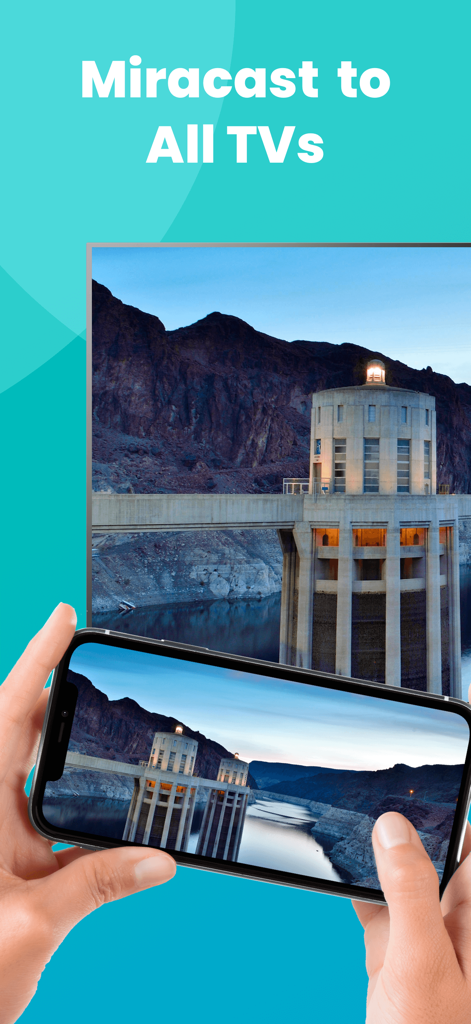
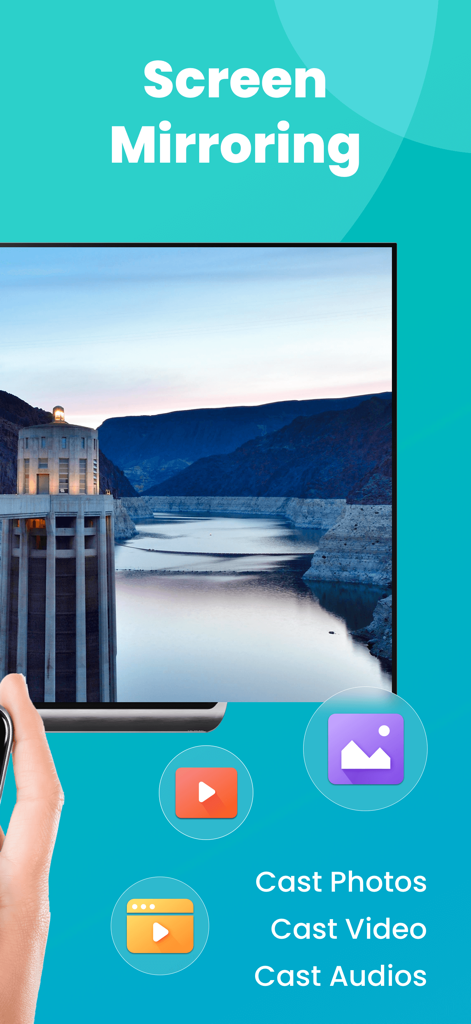
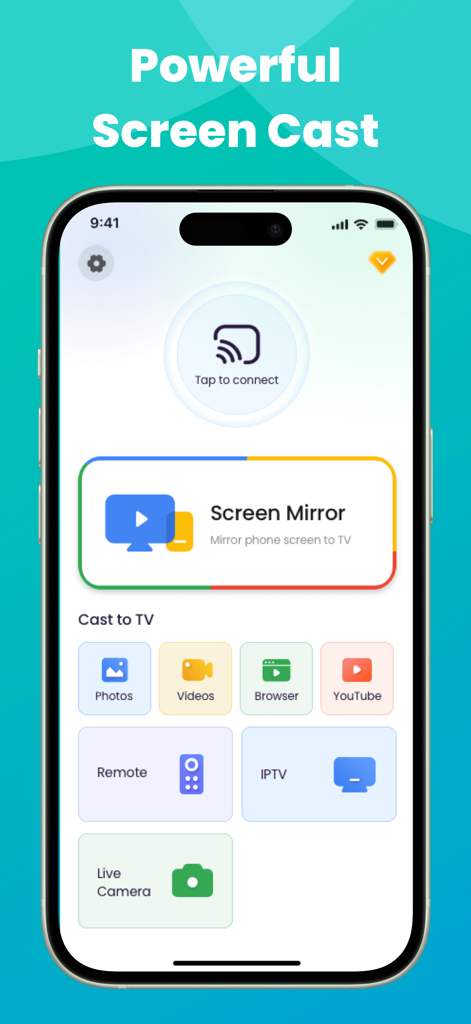
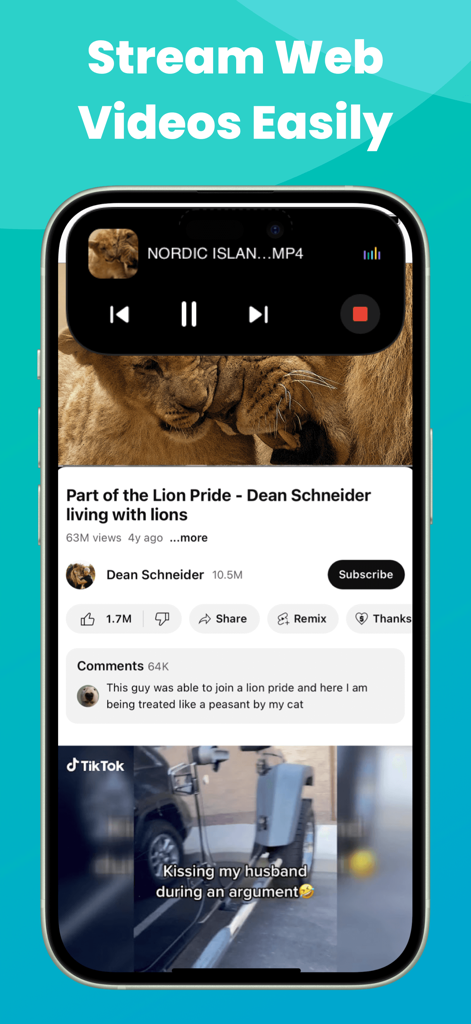
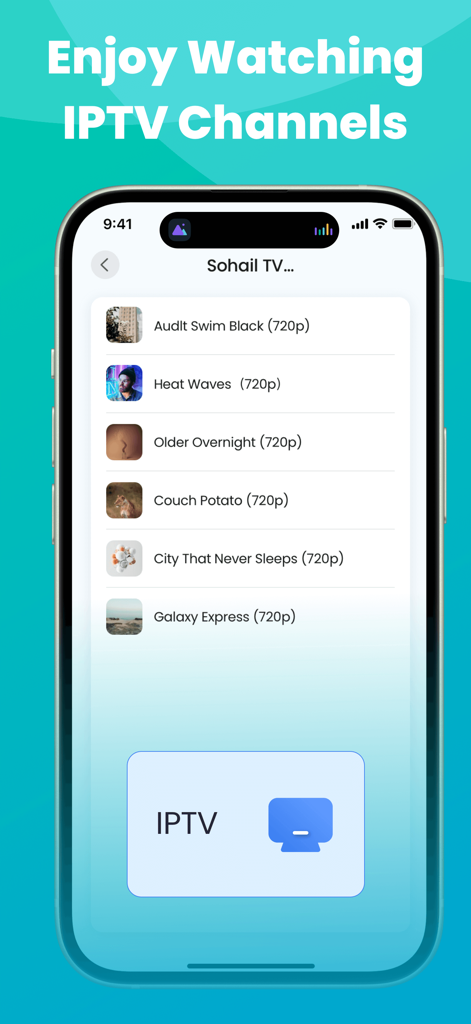
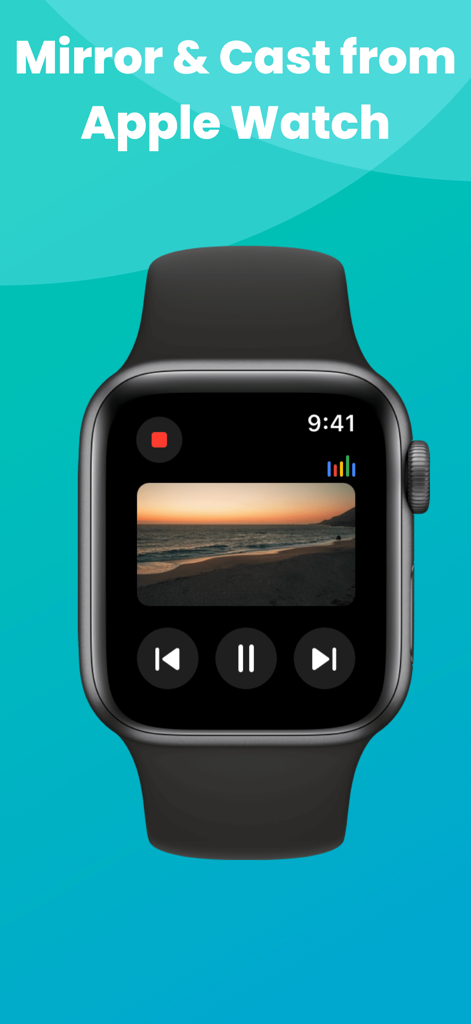
The tools that make this app stand out, trusted by 333K+ users.
Effortlessly mirror your iPhone or iPad to Roku, Fire TV, Samsung, and more. Enjoy high-quality screen sharing without the $150 Apple TV price tag.
Cast your favorite web videos, live streams, and IPTV playlists directly to the big screen. Perfect for cord-cutters looking for a cinematic HD experience.
Stay in command with Live Activities on your Dynamic Island and manage your stream directly from your Apple Watch for a truly premium, frictionless experience.
Trusted by 333K+ people who love this app.
"Finally, a way to bridge my iPhone with my Roku TV without buying extra hardware! I use it to stream my IPTV playlists and show vacation photos to the family. The Dynamic Island integration is a brilliant touch—it makes managing the connection so seamless while I'm multitasking."
"This app is a lifesaver for my home office setup. I can instantly mirror spreadsheets and presentations from my iPad to the big screen for a better view. The lag is minimal, and being able to control the stream right from my Apple Watch feels like magic. Truly a premium experience!"
Insights from user reviews.
Sentiment Score
Summary
The app receives predominantly negative feedback, with a global sentiment score of 29.5 out of 100. Users frequently express frustration with its problematic subscription model, citing unexpected charges, immediate deductions after supposed free trials, and high costs often labeled as scams. A significant number of complaints also revolve around severe functional issues, including slow performance, lag, inability to connect to televisions, video playback without picture, and frequent disconnections. Despite these widespread issues, a small number of users reported positive experiences with initial setup ease and successful casting to specific devices like Roku and Fire Stick, along with some generic positive feedback.
Common Themes
Everything you need to know about Miracast: Screen Mirroring TV.
Description
Latest Version
1.5.5
Size
160.6 MB
First Released
Oct 21, 2024
Join over 333,000 users casting IPTV, web videos, and memories directly from their iPhone. No expensive hardware, no cables—just seamless mirroring on any Smart TV.
Everything you need to know about Miracast: Screen Mirroring TV
Miracast: Screen Mirroring TV is an app that enables users to wirelessly mirror and cast web videos, online movies, live streams, IPTV, and local media from their iPhone/iPad/Apple Watch to Smart TV screens.
Miracast: Screen Mirroring TV connects to your television by requiring both the app and the Smart TV to be connected to the same Wi-Fi network. This enables real-time, high-quality screen sharing.
Yes, Miracast: Screen Mirroring TV allows users to cast photos and videos directly from their photo library to a larger TV screen. It also supports casting web videos.
Yes, Miracast: Screen Mirroring TV supports screencasting IPTV content by allowing users to bring IPTV m3u/m3u8 playlists to their smart TV screen.
Yes, Miracast: Screen Mirroring TV works on Apple Watch. It enables users to mirror and cast content directly from their Apple Watch to compatible TVs.
Yes, Miracast: Screen Mirroring TV works with Fire TV and Roku TV. Users download a specific 'Screen Mirroring Receiver' app for smoother mirroring on these devices.
No, Miracast: Screen Mirroring TV does not support mirroring copyright-protected content without permission. Attempting to do so results in a black screen or video without sound.
Yes, Miracast: Screen Mirroring TV displays live activities on the iPhone's Dynamic Island. It shows current operations when the app is running in the background.
Apps with similar features and user experience

InstantBits Inc

Sichuan FalconAI Technology Co., Ltd.

Mihkel Pikk

Ozuna Limited

TOGGLE APPS SP Z O O

AER SOFTWARE COMPANY LIMITED

SAND STUDIO CORPORATION LIMITED

Dalma Innovation Solutions d.o.o.

梦 孟