Screen Mirroring • Smart TV

Screen Mirroring • Smart TV

Download on App Store
Spark by MWM logo
Logo of Screen Mirroring • Smart TV
Screen Mirroring • Smart TV: Your iPhone Content on the Big Screen Instantly

Experience seamless, one-tap wireless casting for photos, videos, and professional demos. Effortlessly connect your iPhone to Samsung, Roku, LG, and Fire TV without the hassle of cables or complex setups.

Download on App Store

Publisher

Mihkel Pikk

Category

Utilities

Downloads

59K+

User Rating

4.8/5

Total Ratings

100

Locales

6

The Big Screen Experience

Discover the interface used by 59K+ users.
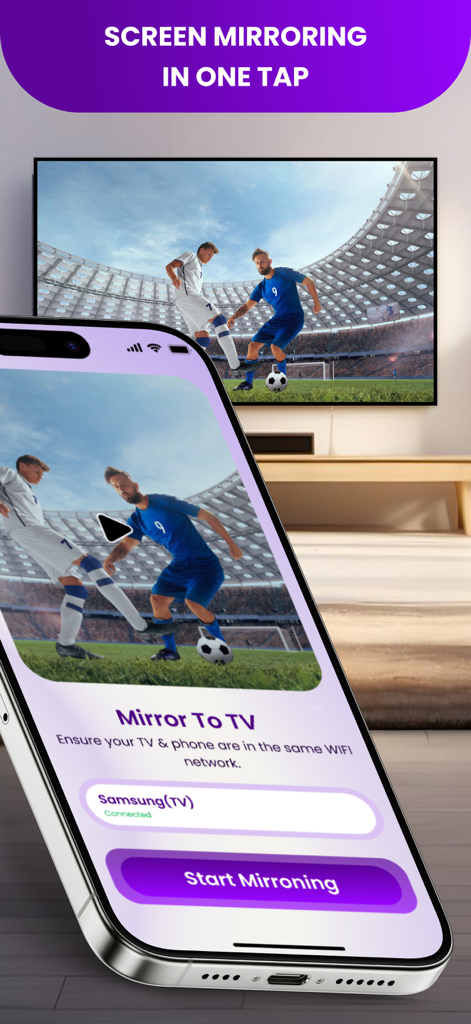
iPhone app interface showing a soccer match being mirrored to a smart TV

iPhone app interface showing a soccer match being mirrored to a smart TV

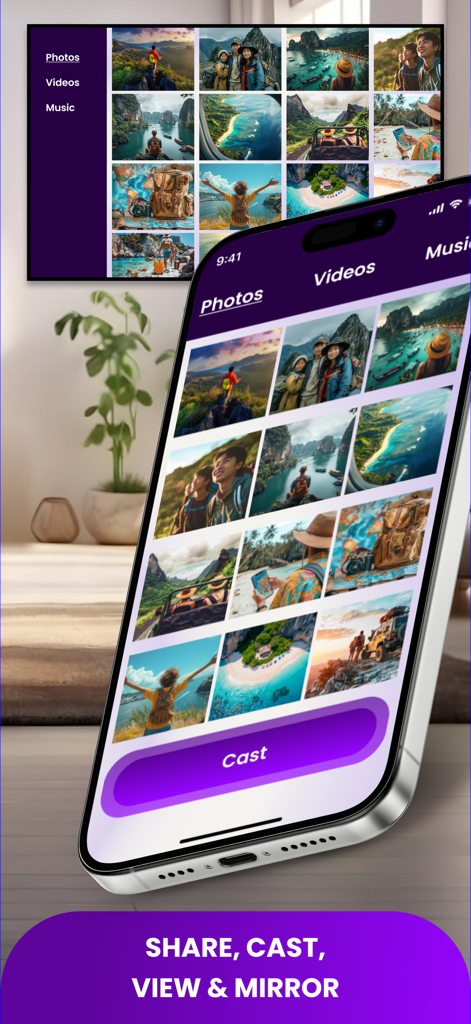
An iPhone screen mirroring a photo gallery to a large smart TV screen in a modern living room

An iPhone screen mirroring a photo gallery to a large smart TV screen in a modern living room

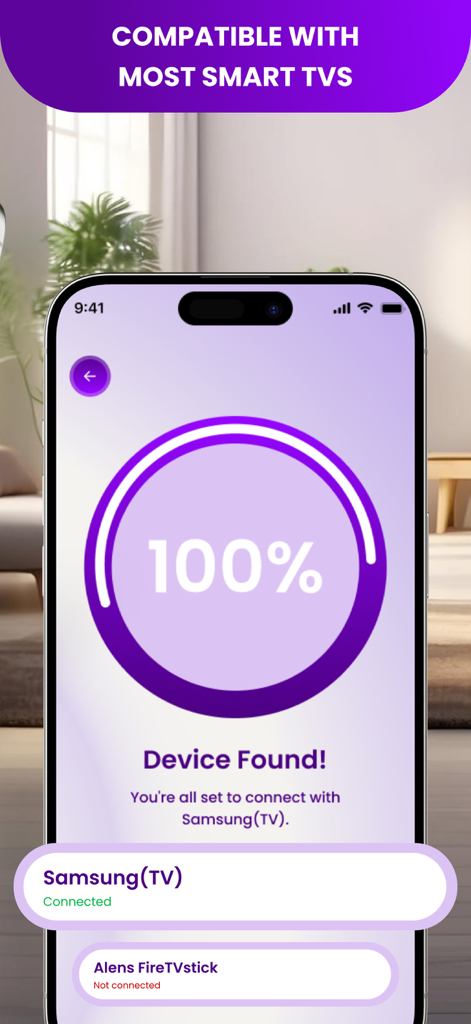
iPhone app interface showing successful device discovery and connection to a Samsung Smart TV

iPhone app interface showing successful device discovery and connection to a Samsung Smart TV

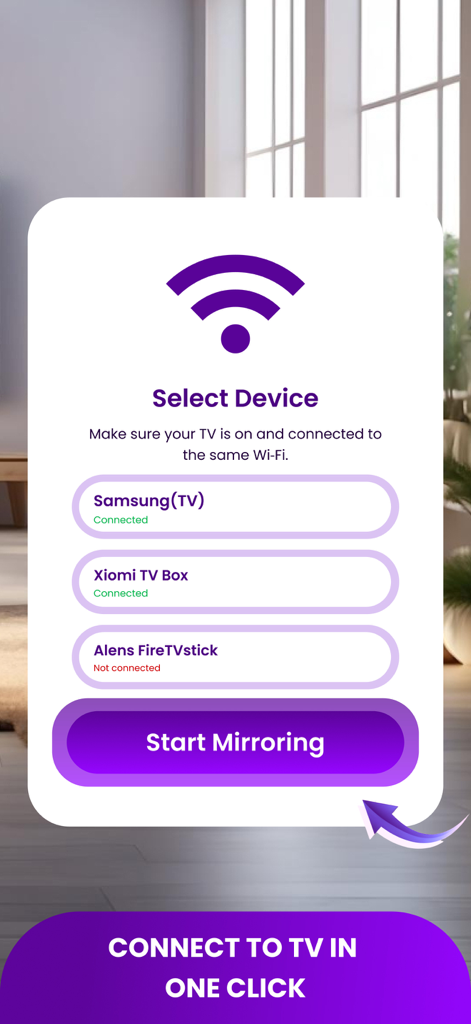
Interface of the Screen Mirroring app showing a list of detected smart TV devices for easy connection

Interface of the Screen Mirroring app showing a list of detected smart TV devices for easy connection

Experience Everything on the Big Screen

The tools that make this app stand out, trusted by 59K+ users.

Instant One-Tap Connection

Skip the cables and complex menus. Our auto-discovery feature finds your TV instantly so you can start sharing your screen in seconds.

📺

Universal TV Compatibility

The perfect bridge between your iPhone and your Samsung, Roku, LG, or Fire TV. No extra hardware or Apple TV boxes required.

🚀

Pro-Grade Low Latency

Engineered for both work and play. Enjoy lag-free mirroring perfect for professional demos, fitness routines, and high-quality web streaming.

Loved by users worldwide

Trusted by 59K+ people who love this app.

"

"I finally found an app that actually connects my iPhone to my Samsung TV without any lag. We used it last night to show our vacation photos to the family, and it was totally seamless. No cables, no complicated settings—literally just one tap and it worked."

Sarah Jenkins
"

"The low-latency mode is a game-changer for my morning fitness routines. I cast my workout apps from my phone to the big screen in the living room every day. It’s reliable, fast, and much better than the built-in mirroring options I’ve tried before."

Marcus Thompson

About the app

Everything you need to know about Screen Mirroring • Smart TV.

Description

Mirror your iPhone to any big screen fast. Screen Mirroring lets you cast photos, videos, music, and live demos to your TV in seconds. No cables, no setup headaches - just connect and go. What you get - One-Tap Mirroring - instant cast from phone to TV. - Cast Everything - photos, videos, web videos, music, docs, slides. - Works With Most Smart TVs - Samsung, LG, Roku, Fire TV, Android TV, Chromecast. - Auto-Discovery - finds devices on your Wi-Fi and remembers favorites. - Low-Latency Mode - perfect for walkthroughs, classes, and demos. How to use - Connect iPhone and TV to the same Wi-Fi. - Open the app and select your device. - Tap Start Mirroring. That’s it. Pro tip. Some apps protect movies with DRM - those streams may not mirror. Turn your living room into a big-screen experience. Download Screen Mirroring and start casting now. Privacy Policy: https://telegra.ph/Privacy-Policy-of-Screen-Cast-08-05 Terms Of Use: https://telegra.ph/Terms-of-Use-of-ScreenCast-08-05

Latest Version

1.0.3

Size

79.3 MB

First Released

Aug 13, 2025

Ready to See the Big Picture?

Join over 59,000 users who have ditched the cables. Download now for instant, one-tap mirroring to any Smart TV and start sharing your favorite moments in seconds.

Download on App Store