
Screen Mirroring・Smart View TV


Experience high-quality, lag-free mirroring for movies, photos, games, and presentations. No cables or extra hardware required—just one click to bridge your phone and TV.
Publisher
Category
UtilitiesDownloads
15M+User Rating
Total Ratings
229K+Locales
7Discover the interface used by 15M+ users.
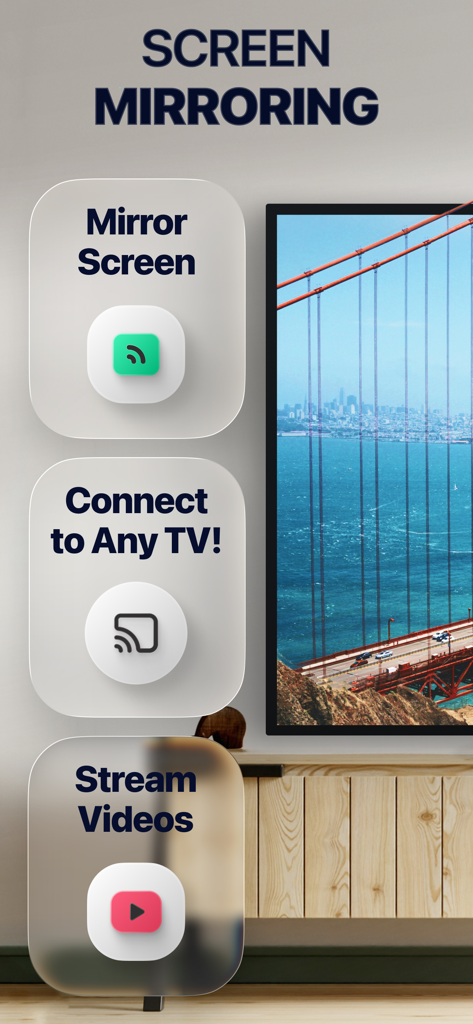
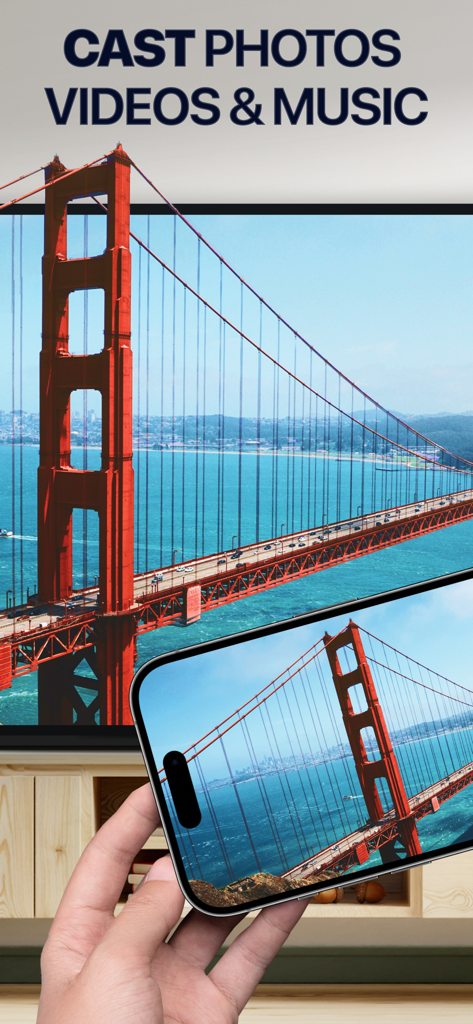
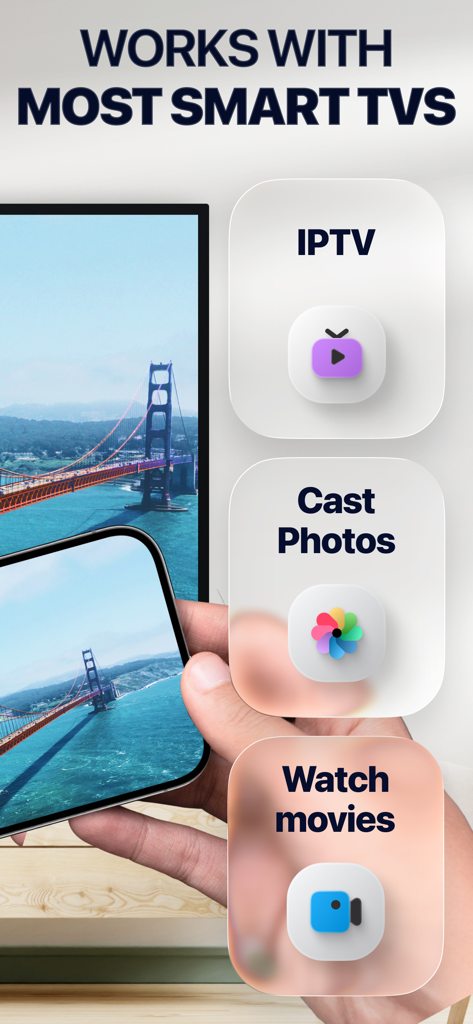
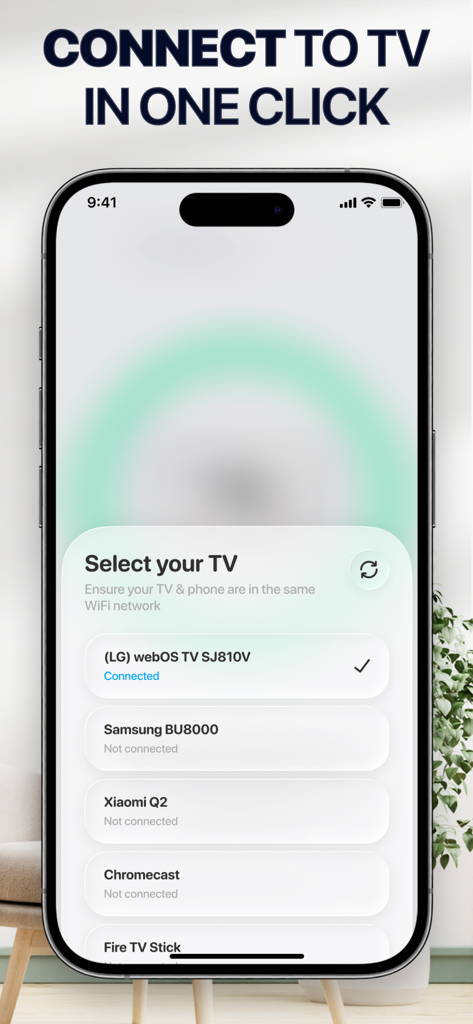
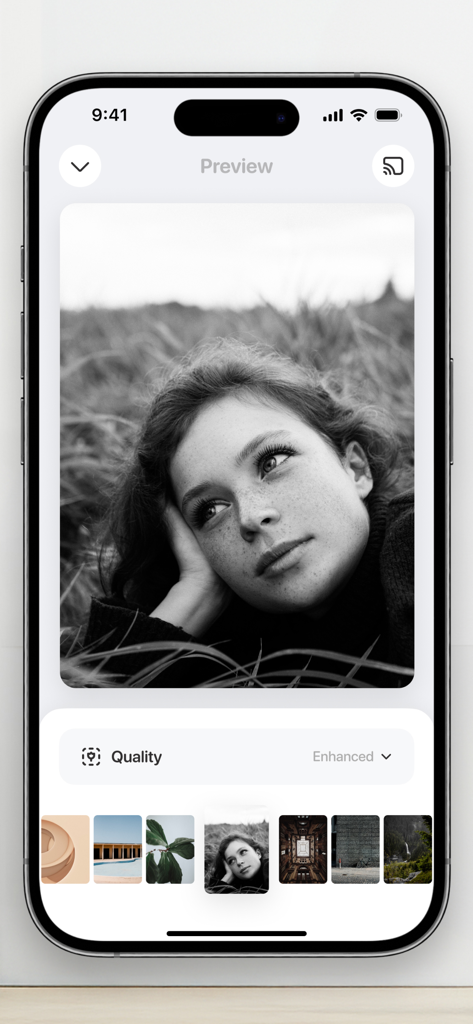
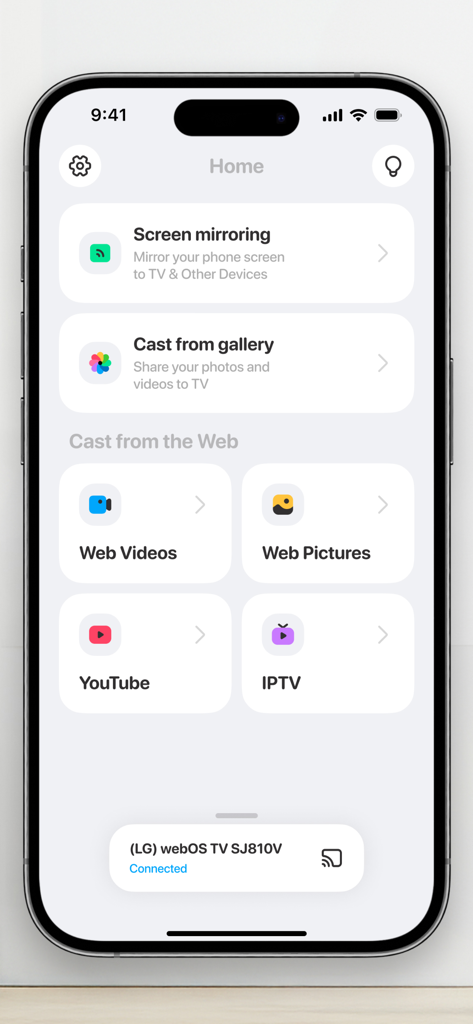
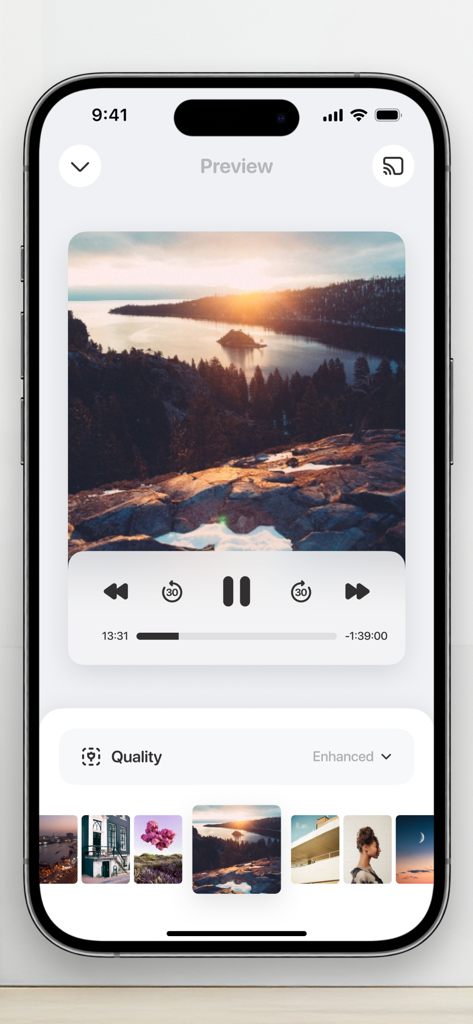
The tools that make this app stand out, trusted by 15M+ users.
Enjoy a seamless connection for gaming, social media, and photos. Experience your mobile content in stunning quality on your Smart TV without any delay.
Perfect for the remote professional. Cast presentations, PDFs, and video conferences from your phone to any TV for a professional setup anywhere.
Stream favorite web-based movies or IPTV channels directly. If you can watch it on your phone, you can cast it to the big screen in one click.
Trusted by 15M+ people who love this app.
"Finally, a mirroring app that actually works without any lag! As a consultant who travels often, being able to cast my presentations or Zoom calls to any hotel or office TV with just one click is a total game changer. No cables, no stress."
"We love using this for family nights and sharing our latest travel photos on the big screen. It connected to our Samsung TV instantly, and the picture quality is crystal clear. It is so much faster than trying to navigate native TV apps with a remote."
Everything you need to know about Screen Mirroring・Smart View TV.
Description
Latest Version
2.5.5
Size
171.1 MB
First Released
Feb 17, 2021
Join 15 million users and transform your viewing experience today. No cables, no hardware, and zero lag—just your favorite content on any TV in seconds.
Everything you need to know about Screen Mirroring・Smart View TV
To mirror your phone screen, connect your phone and TV to the same WiFi. Open the Screen Mirroring・Smart View TV app, select your TV, and choose the screen mirroring feature.
Screen Mirroring・Smart View TV supports all major Smart TVs and streaming devices. Examples include LG webOS, Samsung, Xiaomi, Chromecast, and Fire TV Stick.
No, the Screen Mirroring・Smart View TV app does not require any additional hardware or software. It functions with your existing smart TV or streaming device.
Yes, Screen Mirroring・Smart View TV allows casting photos and videos. You can cast media from your Photo Library and also from the web directly to your TV.
Connect both your phone and TV to the same WiFi network. Open the Screen Mirroring・Smart View TV app, then select your desired TV from the displayed list to initiate connection.
Screen Mirroring・Smart View TV offers 1-week, 1-month, and 12-month subscription plans. A lifetime access purchase option is also available for users.
Screen Mirroring・Smart View TV streams movies, TV shows, and series. It also supports playing games, sharing presentations, documents, and making video calls on a large screen.
Yes, Screen Mirroring・Smart View TV includes a direct feature for streaming content from YouTube. This option is available on the app's home screen.
Your phone must not have proxies or VPNs active to connect. Also, ensure both your phone and TV are connected to the identical WiFi network for successful pairing.
Apps with similar features and user experience

InstantBits Inc

Sichuan FalconAI Technology Co., Ltd.

Mihkel Pikk

Ozuna Limited

AER SOFTWARE COMPANY LIMITED

SAND STUDIO CORPORATION LIMITED

Hainan Delta Software Co., Ltd

Dalma Innovation Solutions d.o.o.

梦 孟