CastOn - Screen Mirror & Share

CastOn - Screen Mirror & Share

Download on App Store
Spark by MWM logo
Logo of CastOn - Screen Mirror & Share
CastOn - Screen Mirror & Share: Your iPhone, Reimagined for the Big Screen

Stop passing your phone around and start sharing the moments that matter. Effortlessly beam photos, videos, and apps to any Smart TV with privacy-safe casting that keeps your private messages off the screen.

Publisher

EpicScale Inc

Category

Utilities

Downloads

624K+

User Rating

4.5/5

Total Ratings

5K+

Locales

10

See the Big Picture

Discover the interface used by 624K+ users.
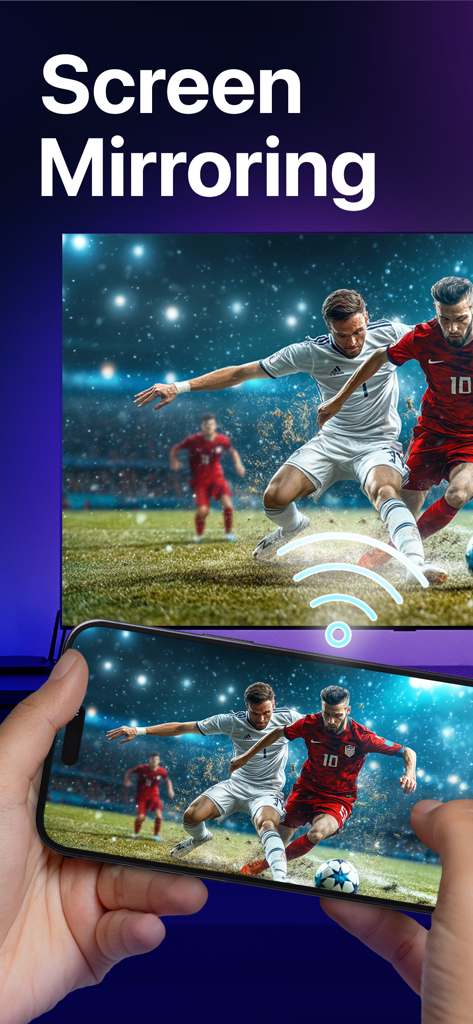
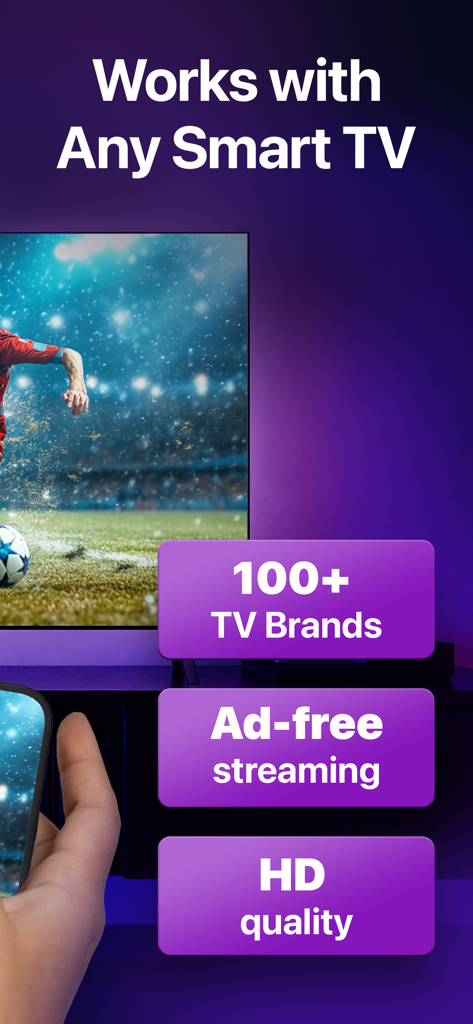
Smartphone mirroring a soccer game to a large television screen

Smartphone mirroring a soccer game to a large television screen

An iPhone screen being mirrored to a large Smart TV showing a soccer match in high definition quality

An iPhone screen being mirrored to a large Smart TV showing a soccer match in high definition quality

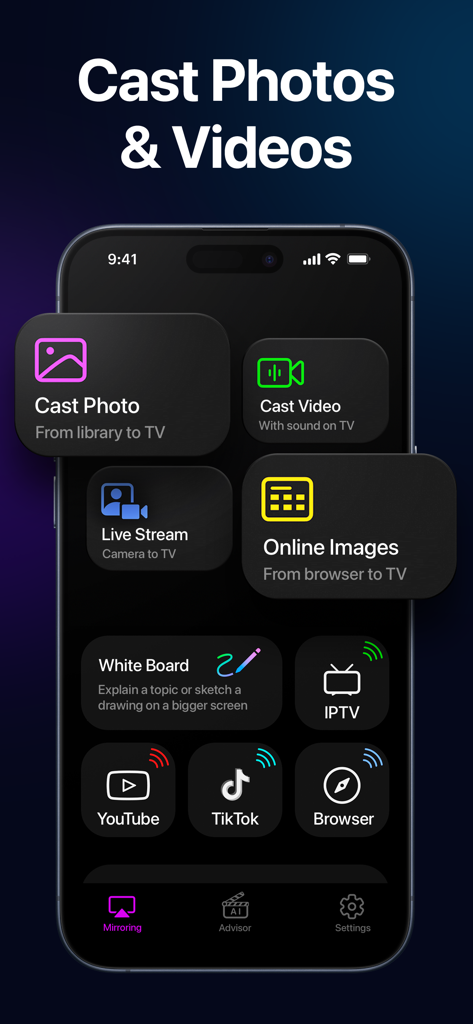
iPhone screen showing the CastOn app interface with options to cast photos videos and live stream to a TV

iPhone screen showing the CastOn app interface with options to cast photos videos and live stream to a TV

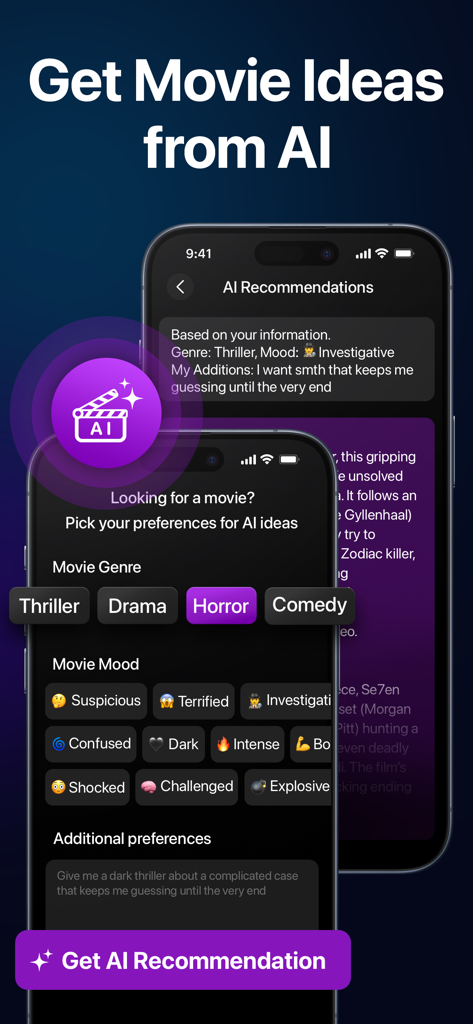
CastOn app interface showing AI movie recommendations with genre and mood selection filters

CastOn app interface showing AI movie recommendations with genre and mood selection filters

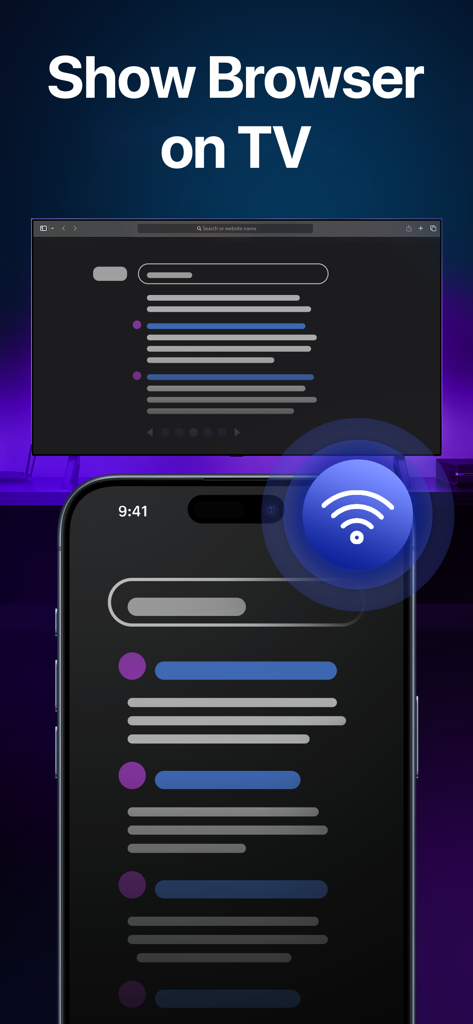
An iPhone screen mirroring a web browser to a television.

An iPhone screen mirroring a web browser to a television.

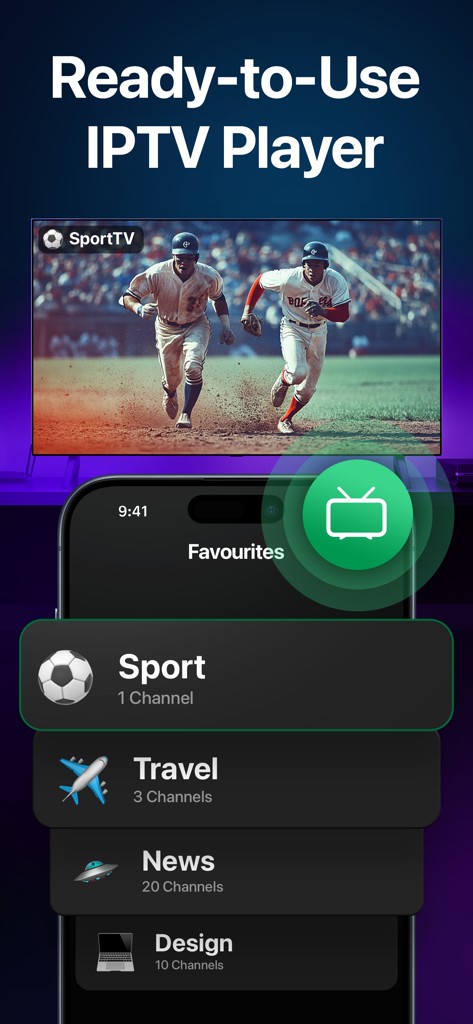
Smartphone displaying an IPTV player interface with a live baseball game mirrored onto a large screen

Smartphone displaying an IPTV player interface with a live baseball game mirrored onto a large screen

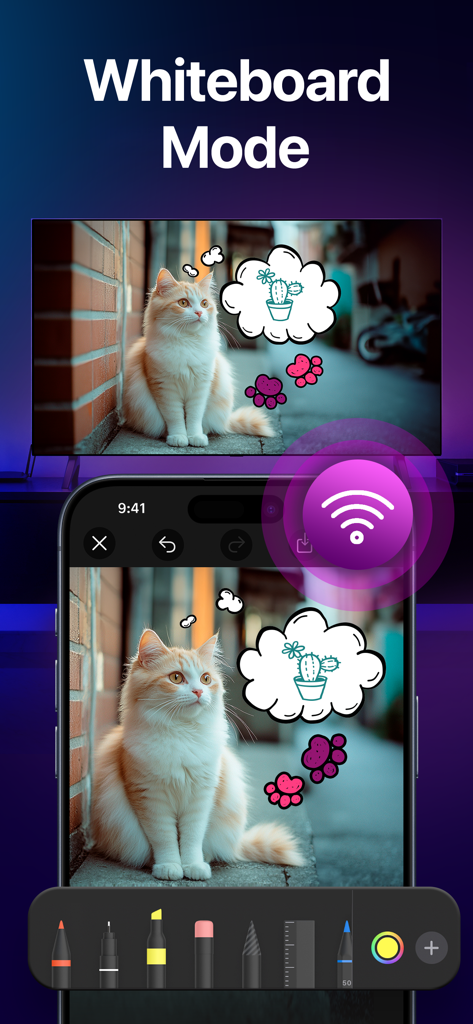
An iPhone screen showing a cat photo with hand-drawn thought bubbles being mirrored onto a large TV screen using the CastOn app's Whiteboard feature.

An iPhone screen showing a cat photo with hand-drawn thought bubbles being mirrored onto a large TV screen using the CastOn app's Whiteboard feature.

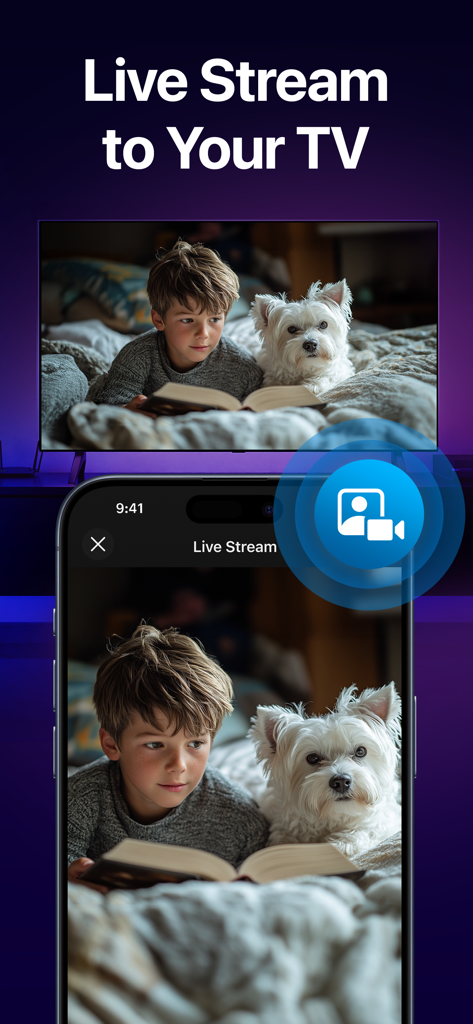
iPhone live streaming a camera feed of a child and dog to a smart TV

iPhone live streaming a camera feed of a child and dog to a smart TV

Experience Your Phone on the Big Screen

The tools that make this app stand out, trusted by 624K+ users.

📺

Seamless Real-Time Mirroring

Stop passing your phone around like a hot potato. Watch TikToks, browse the web, or share memes with the whole room in high-definition on your Roku, Samsung, or Fire TV.

🛡️

Private Media Casting

Relive your vacation photos and videos while keeping your personal life private. Cast your gallery to the TV while still being able to reply to texts or check emails on your iPhone.

🎨

Interactive Digital Whiteboard

Perfect for DIY home planning or family game night. Anything you sketch or doodle on your screen appears instantly on the TV, making collaboration fun and visual for everyone.

Loved by users worldwide

Trusted by 624K+ people who love this app.

"

"CastOn made our last family reunion so much more fun! We were able to cast all our vacation photos to the TV effortlessly. I love that I can still check my texts privately while the photos are on the big screen—no more embarrassing notification pop-ups for everyone to see!"

Sarah Miller
"

"A total game-changer for my DIY home projects. I use the Whiteboard mode to sketch out floor plans directly on my living room TV, which makes collaborating with my wife so much easier. It is the most reliable mirroring tool I have found for my non-Apple smart TV."

David Thompson

About the app

Everything you need to know about CastOn - Screen Mirror & Share.

Description

Ever wanted to show something on your iPhone, but it felt like everyone needed a magnifying glass to see it? Whether you're sharing vacation photos at a family gathering, brainstorming ideas for a project, or simply watching videos with friends, CastOn lets you see it all on a big screen! Just connect both devices to the same WiFi, and you’re all set to mirror your iPhone screen to your TV in real time. Why You’ll Love CastOn: • Screen Mirroring Why settle for a tiny iPhone screen to share your pics and videos when you can go big and bold, mirroring anything you want from your iPhone to your Smart TV? With CastOn, you can watch your favorite TikTok dances and YouTube cat videos in full TV glory! Plus, you can mirror your browser as well, which makes it ideal for planning trips, showing memes, or just browsing together. • Photo and Video Cast Forget about passing your iPhone around like a hot potato to show those photos and videos. With CastOn, you can beam your birthday party pics to your TV to relive those epic moments together! And the good news is that you can still reply to messages or do other things you need without showing it on your display, as this feature casts the content from your Photos only. • Whiteboard In the Whiteboard mode, whatever you doodle on your iPhone instantly appears on your TV. Collaborate with friends on party themes, sketch out DIY project plans, or simply play tic-tac-toe with the kids. Here, fun is amplified together with the screen size! • Live Stream Turn your iPhone into a live camera feed for your TV. See what’s happening in another room, keep an eye on your pets, or become the director of your own reality show during parties. The possibilities are endless and oh-so-entertaining! Want to make your device screen 10 times bigger? Download CastOn now and let everyone enjoy your special moments and favorite content on the big screen! UNLIMITED ACCESS TO ALL FEATURES - You can subscribe for unlimited access to all app’s features. - Subscriptions are billed automatically at the rate depending on the selected subscription plan. By using the app, you confirm that you acknowledge and accept our Privacy Policy and Terms of Use: https://epicscale.io/mirror_ios/privacy https://epicscale.io/mirror_ios/terms

Latest Version

2.6

Size

51.4 MB

First Released

Oct 1, 2024

Stop Passing the Phone Around

Join over 600,000 users who’ve traded their tiny screens for the big picture. Download CastOn now and start mirroring your favorite moments to any Smart TV in seconds.

Download on App Store
FAQ

Frequently Asked Questions

Everything you need to know about CastOn - Screen Mirror & Share

What is CastOn?

CastOn is an app that mirrors your iPhone screen to a Smart TV in real-time, facilitating sharing of photos, videos, web browsers, and live streams.

How do I connect CastOn to my TV?

To connect CastOn, ensure both your iPhone and the target TV are connected to the same WiFi network. CastOn then mirrors your iPhone screen.

What are the main features of CastOn?

CastOn offers Screen Mirroring, Photo and Video Cast, Whiteboard mode, and Live Stream. It also includes an IPTV player and AI movie recommendations.

Does CastOn support screen mirroring?

Yes, CastOn supports real-time screen mirroring, allowing you to display your iPhone content, including photos, videos, and browsers, on a Smart TV.

Can I cast photos and videos with CastOn?

Yes, CastOn allows you to beam photos and videos from your iPhone's Photos library to your TV, letting you use your phone for other tasks simultaneously.

Is there a whiteboard feature in CastOn?

Yes, CastOn includes a Whiteboard mode where anything drawn on your iPhone instantly appears on your TV, facilitating collaborative sketching and games.

Can I live stream my iPhone camera to my TV using CastOn?

Yes, CastOn allows you to turn your iPhone into a live camera feed, enabling you to stream video directly to your TV.

Which TVs are compatible with CastOn?

CastOn is compatible with any Smart TV and supports over 100 TV brands, ensuring broad device accessibility.

Is CastOn streaming ad-free?

Yes, CastOn provides an ad-free streaming experience, ensuring uninterrupted viewing of your content on the TV.

What is the streaming quality of CastOn?

CastOn delivers HD quality streaming, ensuring clear and high-resolution display of your content on the connected TV.

How do CastOn subscriptions work?

CastOn subscriptions provide unlimited access to all features and are billed automatically according to the selected subscription plan.

Does CastOn include an IPTV player?

Yes, CastOn features a ready-to-use IPTV player with categorized channels, including Sports, Travel, and News, for TV viewing.

Does CastOn provide AI movie recommendations?

Yes, CastOn includes an AI feature that suggests movie ideas based on user-selected genres and moods.

Can CastOn display my iPhone's browser on a TV?

Yes, CastOn allows you to show your iPhone's browser content directly on your TV, making it easy to share web pages.

Does CastOn have a privacy policy?

Yes, CastOn has a Privacy Policy, and users confirm its acceptance by using the app. The policy details are available via a provided link.