
Microsoft Whiteboard



Empower your team to ideate, design, and plan together from anywhere. Transform your sketches into professional workflows with intelligent ink and over 40 customizable templates.
Publisher
Category
ProductivityDownloads
4M+User Rating
Total Ratings
51K+Locales
60Discover the interface used by 4M+ users.
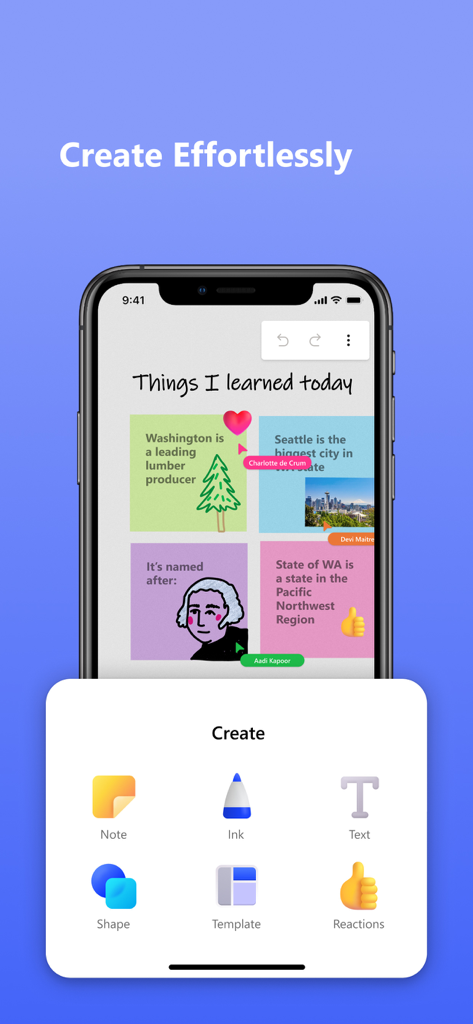
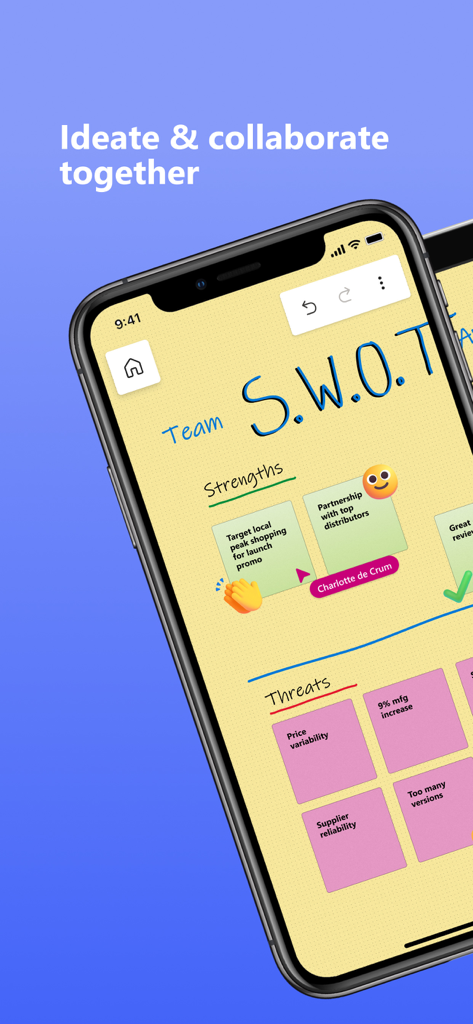
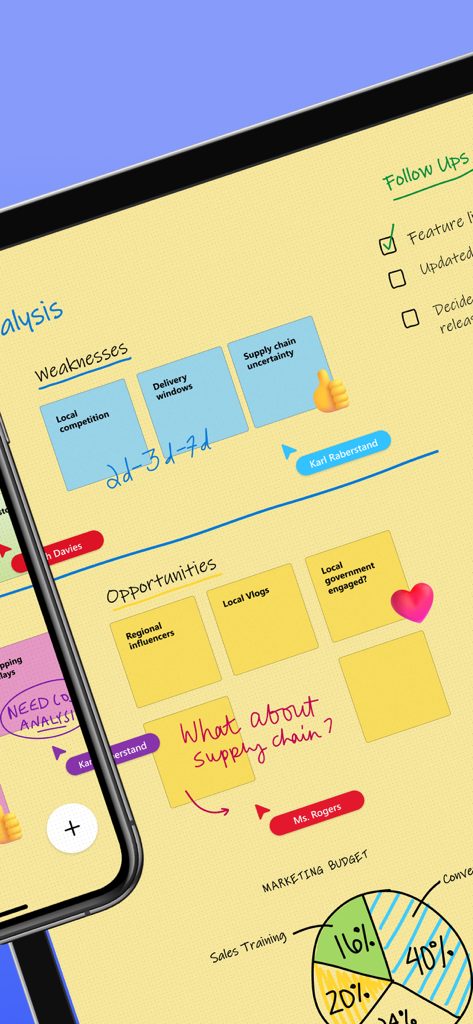
The tools that make this app stand out, trusted by 4M+ users.
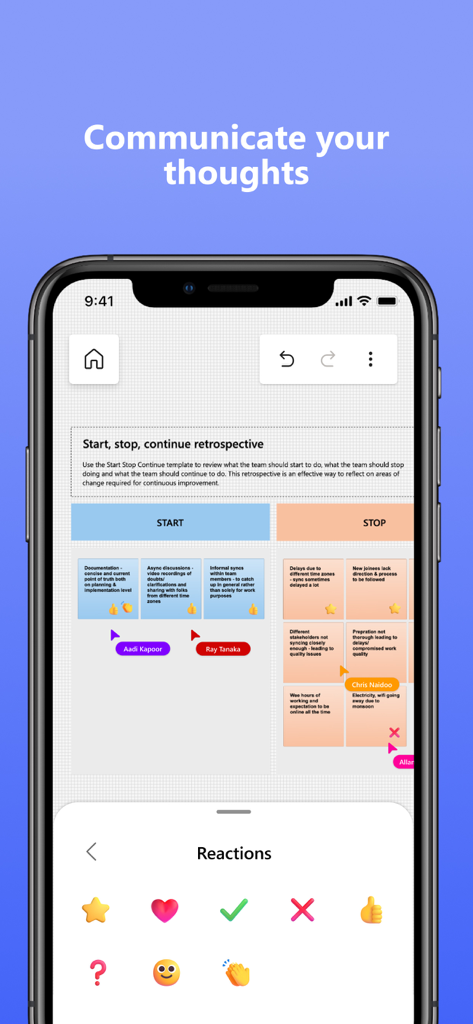
Bridge the gap between remote and office work by ideating with your team on the same board, seeing every cursor and edit as it happens.
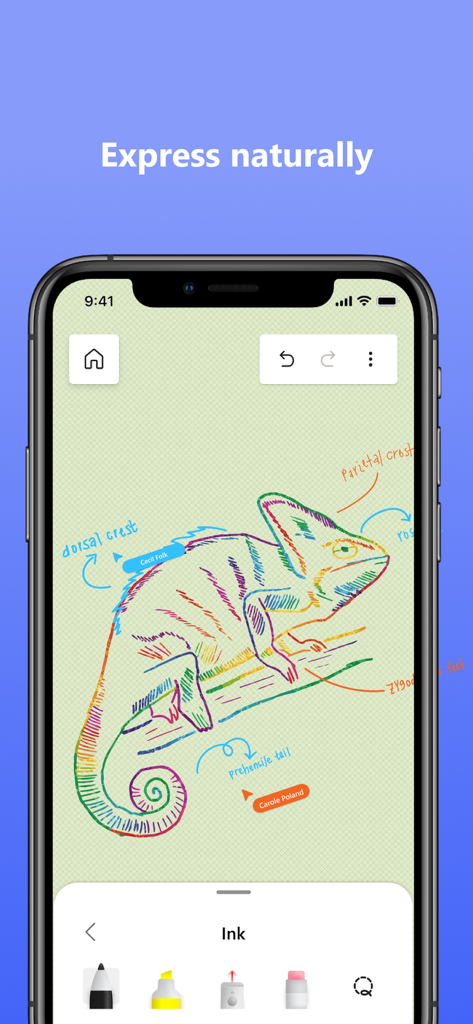
Turn rough sketches into polished diagrams with ink-to-shape tools and Apple Scribble support for instant handwriting-to-text conversion.
Eliminate blank-page syndrome with over 40 customizable templates for retrospectives, kanban boards, and strategic brainstorming sessions.
Trusted by 4M+ people who love this app.
"Microsoft Whiteboard has completely changed how our hybrid team brainstorms. The infinite canvas and real-time collaboration make it feel like we're in the same room. I especially love how my messy sketches automatically snap into clean shapes, making our project workflows look professional instantly."
"As a STEM student, this app is a lifesaver for complex diagrams and group study sessions. The Apple Pencil integration is seamless, and being able to switch from my iPad in class to my laptop at home without losing a single stroke is exactly the workflow I needed."
Everything you need to know about Microsoft Whiteboard.
Description
Latest Version
25.11204.0.9201
Size
32.1 MB
First Released
Sep 25, 2018
Join over 4 million professionals and students. Download Microsoft Whiteboard to brainstorm, collaborate, and sync your ideas across the Microsoft 365 ecosystem today.
Everything you need to know about Microsoft Whiteboard
Microsoft Whiteboard is a freeform intelligent canvas for individuals and teams to ideate, create, and collaborate visually via the cloud. It supports touch, type, and pen input for diverse interactions.
Yes, Microsoft Whiteboard enables real-time collaboration. All team members can edit the canvas simultaneously from any device, seeing what teammates are doing to foster immediate cooperation.
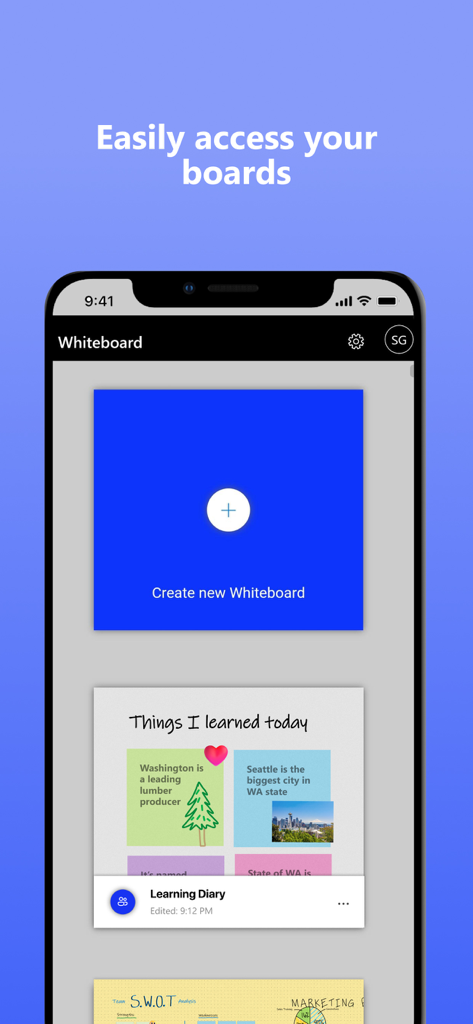
Yes, Microsoft Whiteboard automatically saves all your brainstorming sessions and work directly to the Microsoft cloud. This allows you to seamlessly resume from any location or device.
Microsoft Whiteboard supports touch, type, and pen input. Users can write, draw with ink, type text, and add sticky notes or grids. The interface frees ideas from keyboard limitations.
Yes, Microsoft Whiteboard offers over 40 customizable templates for quick starts in collaboration, brainstorming, and ideation. An expansive shapes library also supports drawing flowcharts.
Yes, Microsoft Whiteboard features Apple Scribble functionality on iPads with Apple Pencil. Users can ink on text boxes and sticky notes, and the ink magically converts to text.
Users communicate visually in Microsoft Whiteboard by adding sticky notes, notes grids, and using reactions. An expansive shapes library and ink arrows also facilitate detailed visual expression and diagramming.
Microsoft Whiteboard has improved app performance, reduced crashes, and features a modern look. It includes a streamlined UI, a creation gallery, and enhanced interactive content and inking capabilities.
Apps with similar features and user experience

Xmind Ltd.

Smartsheet Inc.

Realtimeboard Inc.

Wallwisher, Inc.

Asana, Inc.

Microsoft Corporation

Microsoft Corporation

indent Inc.

MeisterLabs
