
Padlet


Join over 40 million educators and professionals using our flexible canvases to organize ideas, design interactive lessons, and collaborate effortlessly in real-time.
Publisher
Category
ProductivityDownloads
8M+User Rating
Total Ratings
46K+Locales
1Discover the interface used by 8M+ users.
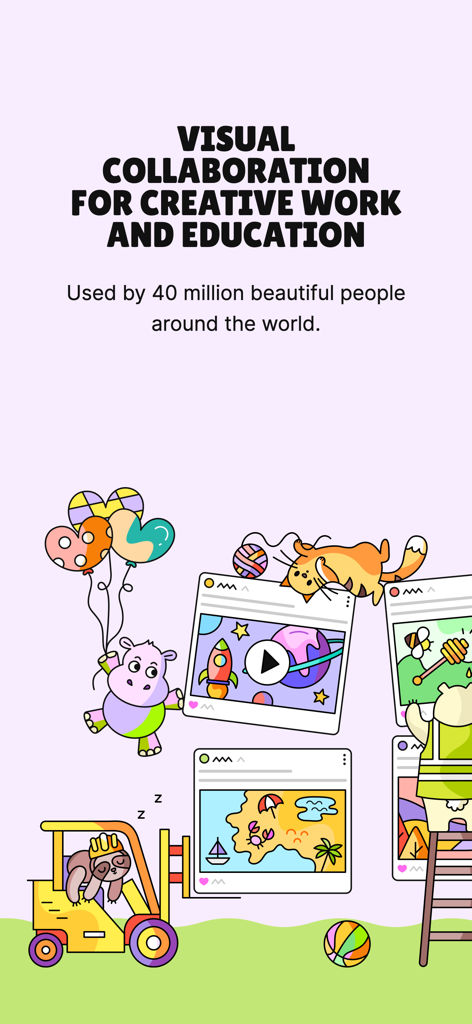
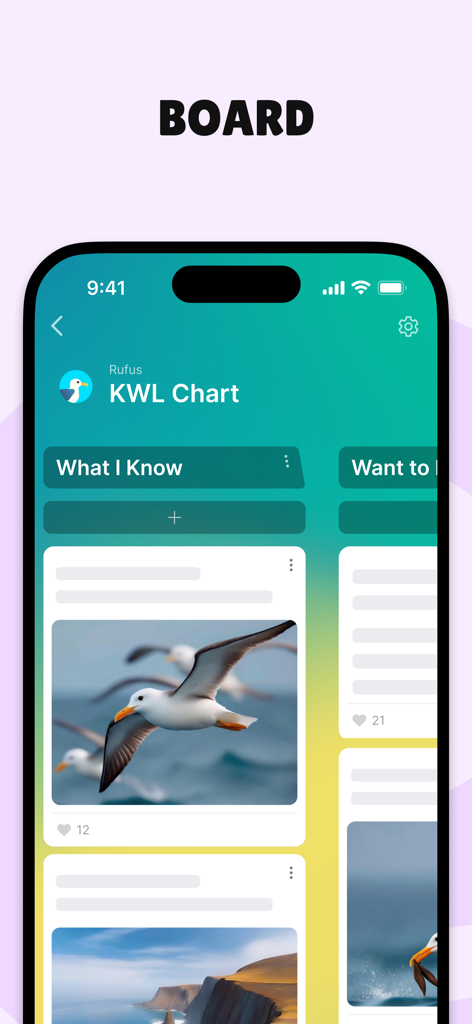
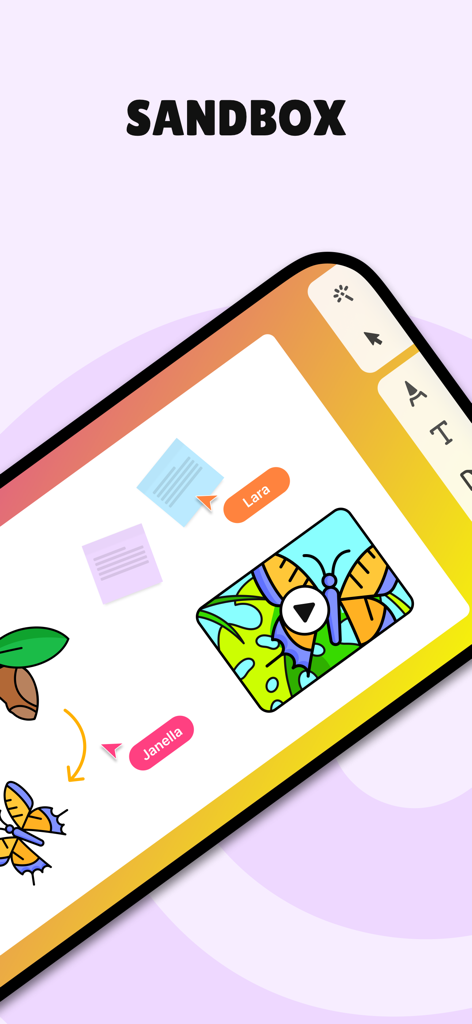
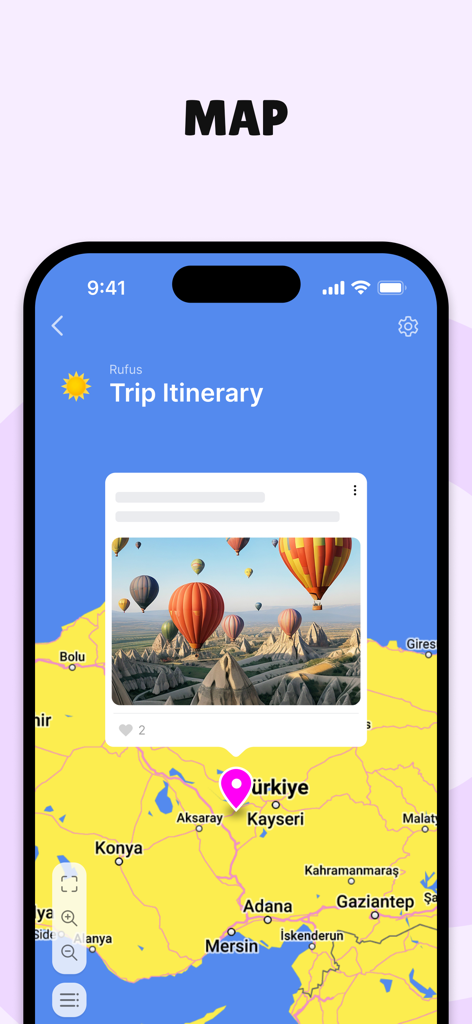
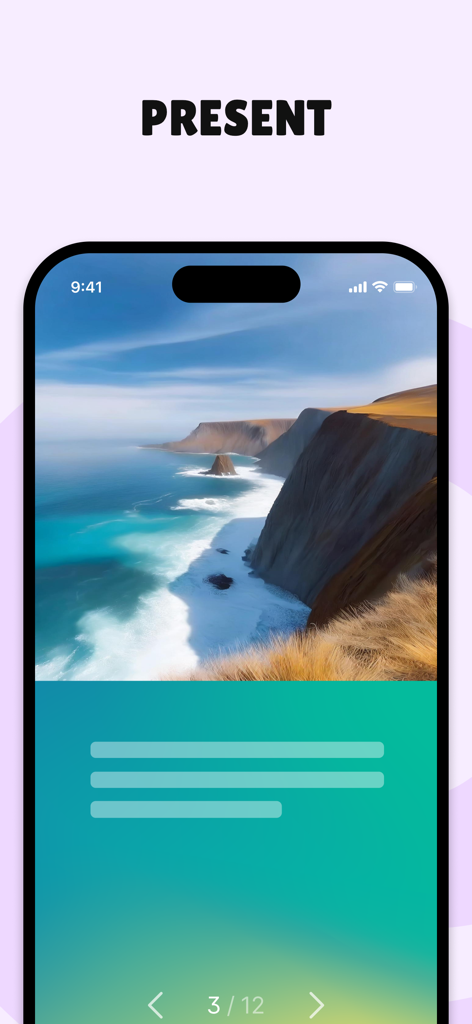
The tools that make this app stand out, trusted by 8M+ users.
Transform scattered links and files into aesthetic boards, maps, and timelines designed for the spatial way you naturally think.
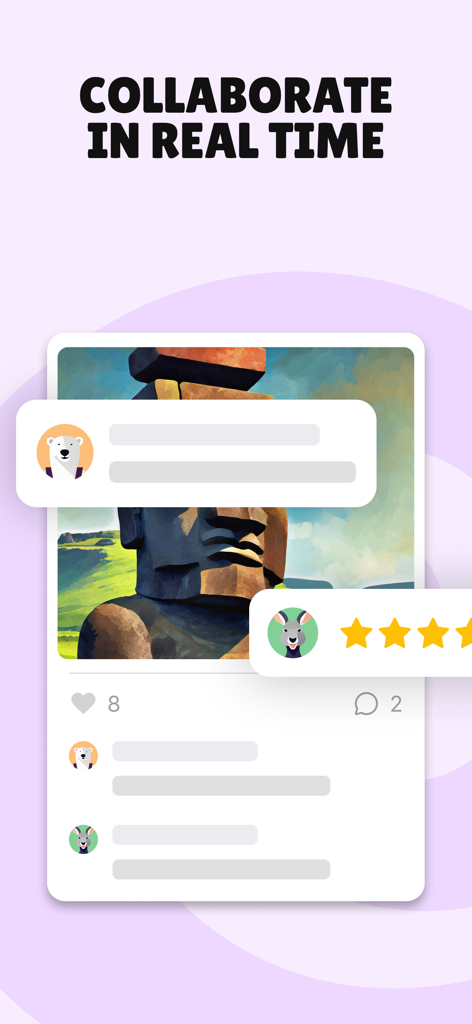
Invite others to contribute with a simple link. It is the ultimate low-friction tool for student participation and professional brainstorming.
Embed videos, documents, and images seamlessly. From interactive lessons to marketing assets, everything looks better on Padlet.
Trusted by 8M+ people who love this app.
"Padlet has completely transformed how I engage my students. It is the perfect digital canvas for collaborative brainstorming and interactive lessons. My middle schoolers find it incredibly intuitive and it makes our classroom projects look professional and beautiful without any extra effort."
"As a creative director I needed a tool that felt more like a physical mood board and less like a spreadsheet. Padlet is our go-to for organizing marketing assets and gathering client feedback. It is the most visual and frictionless way to collaborate on complex projects in real-time."
Everything you need to know about Padlet.
Description
Latest Version
222.2.0
Size
178.6 MB
First Released
Aug 10, 2015
Join over 40 million educators, creators, and visual thinkers. Download Padlet today and turn your ideas into a collaborative masterpiece.
Everything you need to know about Padlet
Padlet is an application offering beautiful boards and canvases for visual thinkers and learners. Users can collect, organize, and present various content, including whiteboards, lessons, and activities.
Over 40 million people actively use Padlet every month globally. This user base engages with the platform for various creative, educational, and collaborative tasks.
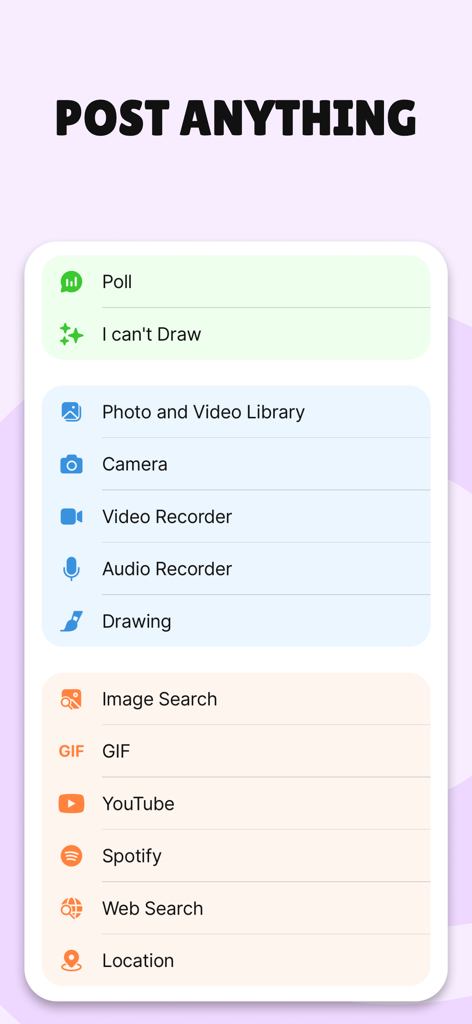
Padlet allows users to post various content types, including photos, videos, audio, drawings, polls, GIFs, YouTube videos, Spotify tracks, web searches, and locations.
Yes, Padlet supports real-time collaboration, enabling multiple users to interact simultaneously on boards and sandboxes. This facilitates shared work and feedback.
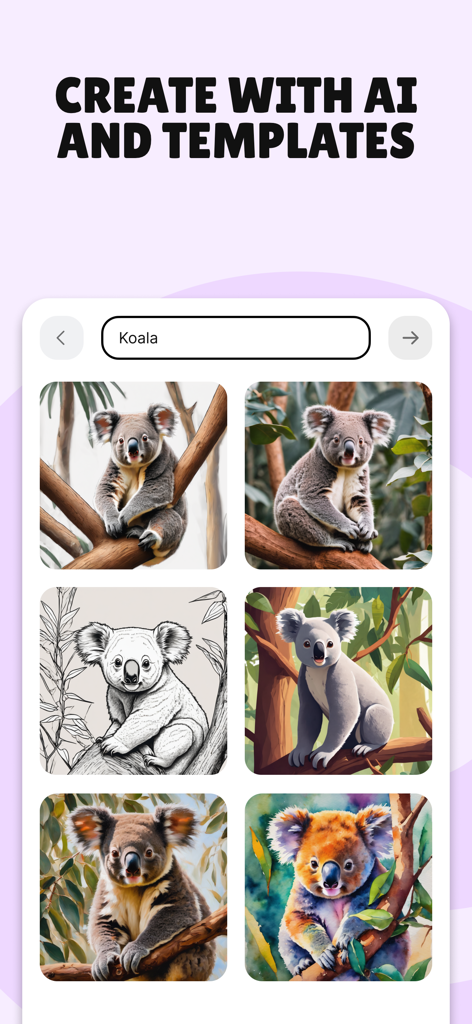
Yes, Padlet offers features to create with AI and templates. This functionality assists users in generating content, as demonstrated by image creation examples.
Padlet boards are used to collect, organize, and present anything visually. Specific applications include creating interactive lessons, brainstorming ideas, and designing collaborative worksheets.
A Sandbox in Padlet is an interactive canvas used for whiteboarding, lessons, and various activities. It provides a flexible space for visual thinking and collaborative work.
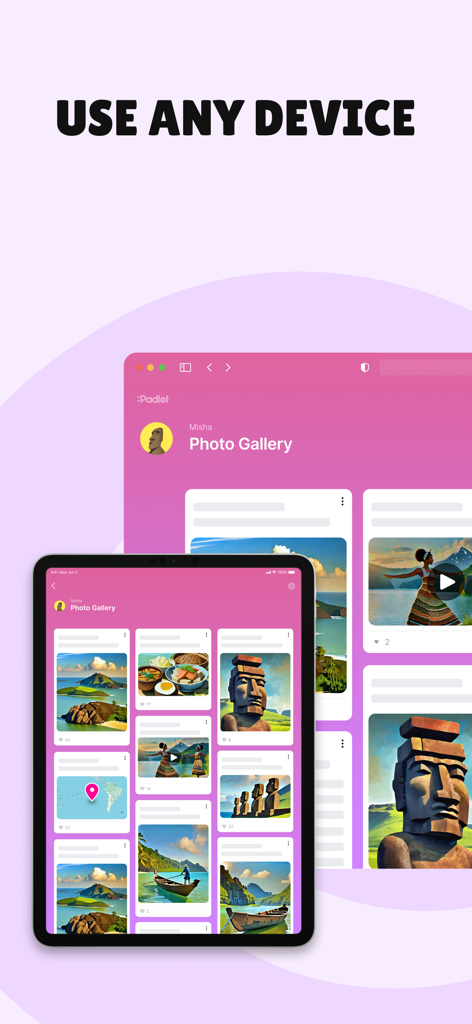
Yes, users can access and use Padlet across any device, including tablets and web browsers. This ensures flexibility for collaboration and content creation.
The terms of use for Padlet are available at https://legal.padlet.com/terms. Users can review these legal guidelines for app usage.
Users can contact Padlet support by emailing hello@padlet.com for assistance with the application.
Apps with similar features and user experience

Xmind Ltd.

Smartsheet Inc.

Realtimeboard Inc.

Asana, Inc.

Microsoft Corporation

Microsoft Corporation

Microsoft Corporation

indent Inc.

MeisterLabs