Remote Mouse & Keyboard

Remote Mouse & Keyboard

Download on App Store
Spark by MWM logo
Logo of Remote Mouse & Keyboard
Remote Mouse & Keyboard: Your iPhone is Now a Professional Mac Controller

Transform your device into a seamless, gesture-supported trackpad and keyboard. Designed exclusively for the Apple ecosystem to give you total wireless freedom for presentations, home entertainment, and clutter-free productivity.

Publisher

horhe dor

Category

Productivity

Downloads

44K+

User Rating

4.5/5

Total Ratings

100

Locales

11

Control in Your Palm

Discover the interface used by 44K+ users.
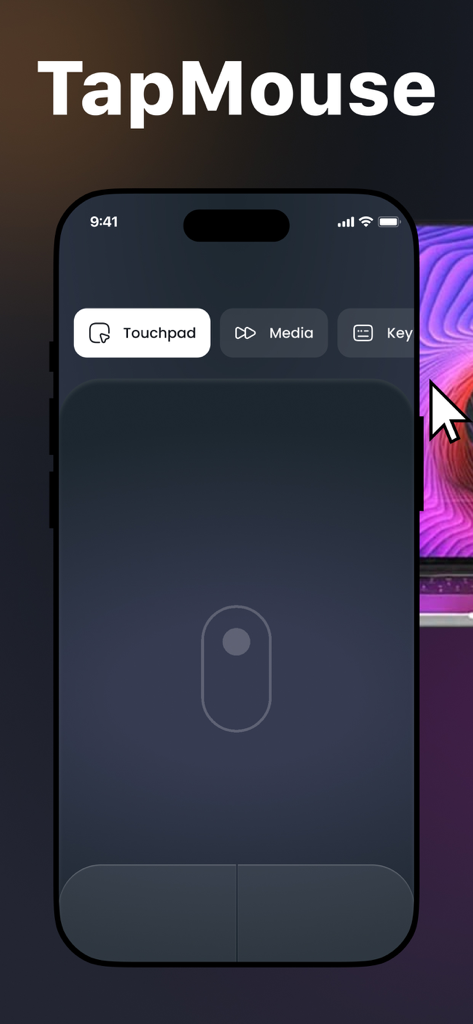
iPhone screen showing TapMouse app with a virtual trackpad interface for remote control

iPhone screen showing TapMouse app with a virtual trackpad interface for remote control

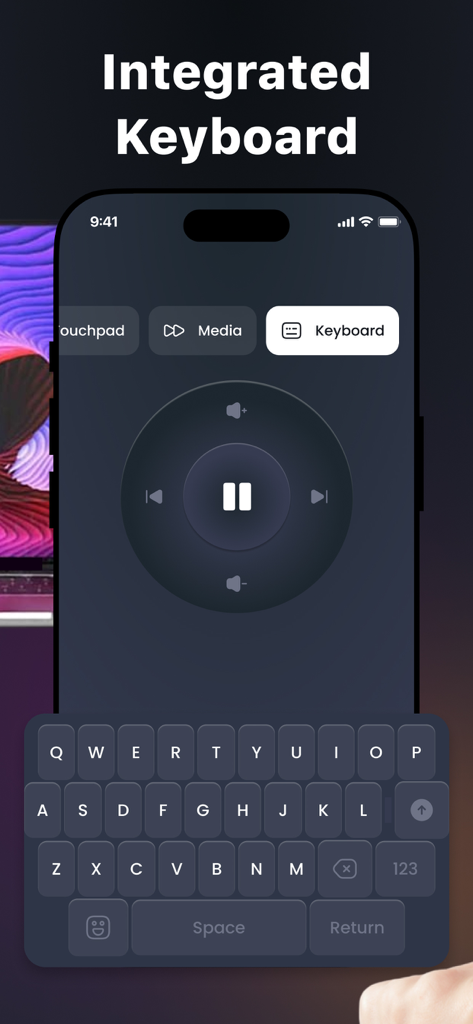
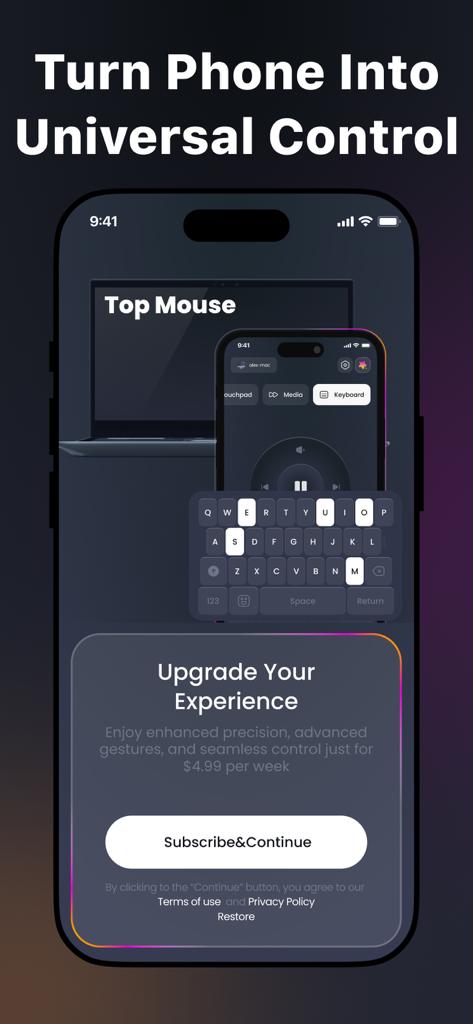
Smartphone app screen showing an integrated keyboard and media control wheel for remote computer navigation

Smartphone app screen showing an integrated keyboard and media control wheel for remote computer navigation

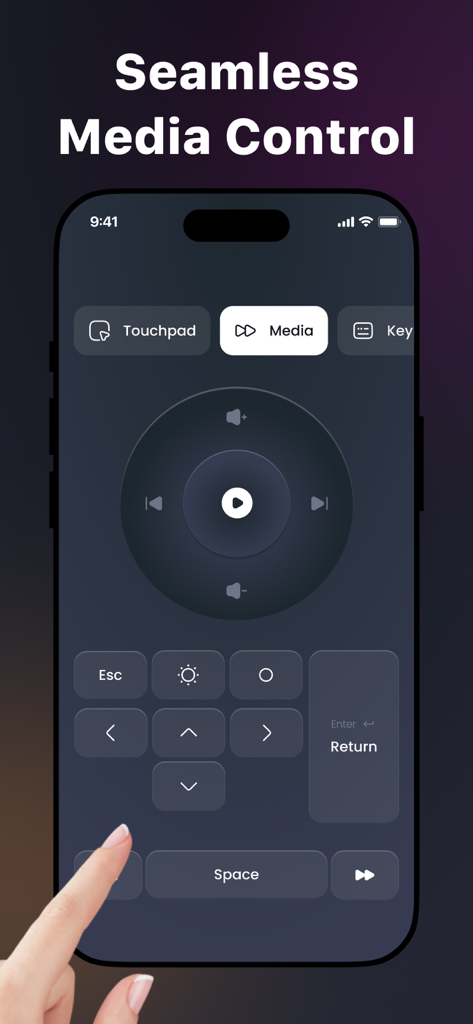
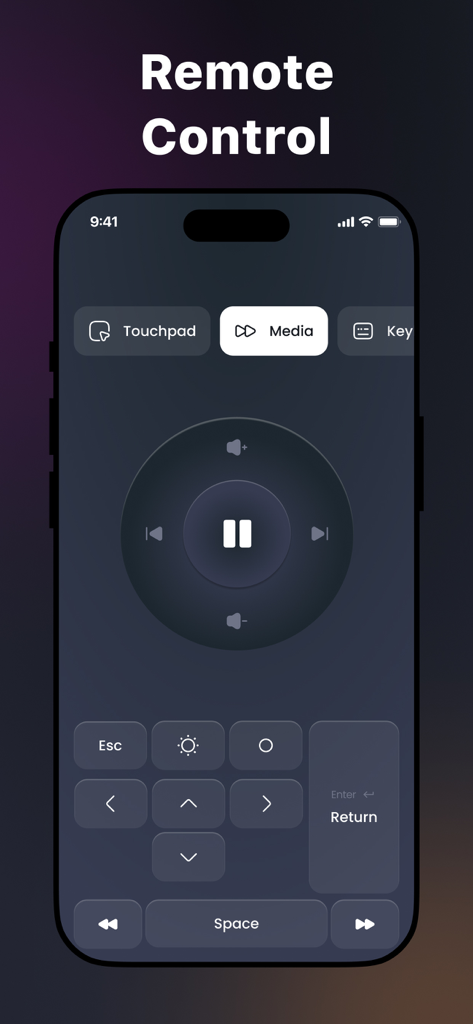
Remote Mouse and Keyboard app interface showing seamless media control features on an iPhone

Remote Mouse and Keyboard app interface showing seamless media control features on an iPhone

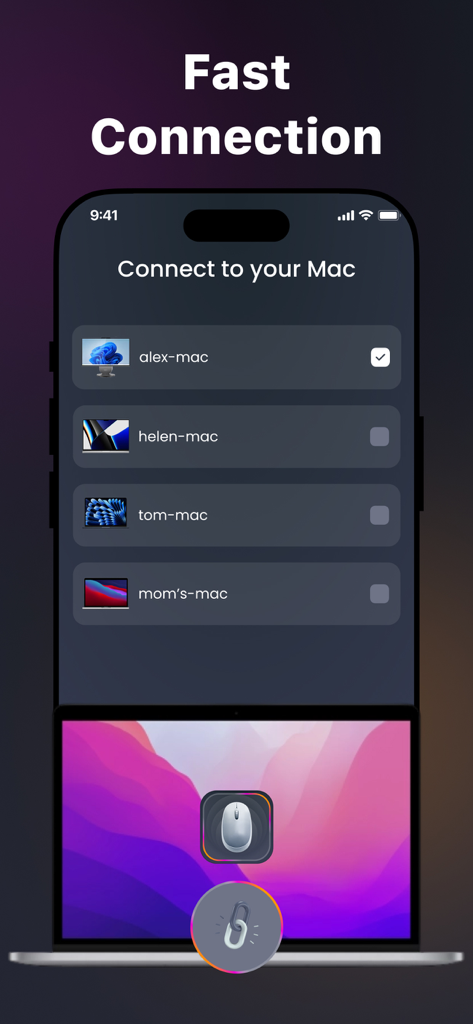
iPhone screen showing the fast connection menu with a list of available Mac computers to connect as a wireless mouse

iPhone screen showing the fast connection menu with a list of available Mac computers to connect as a wireless mouse

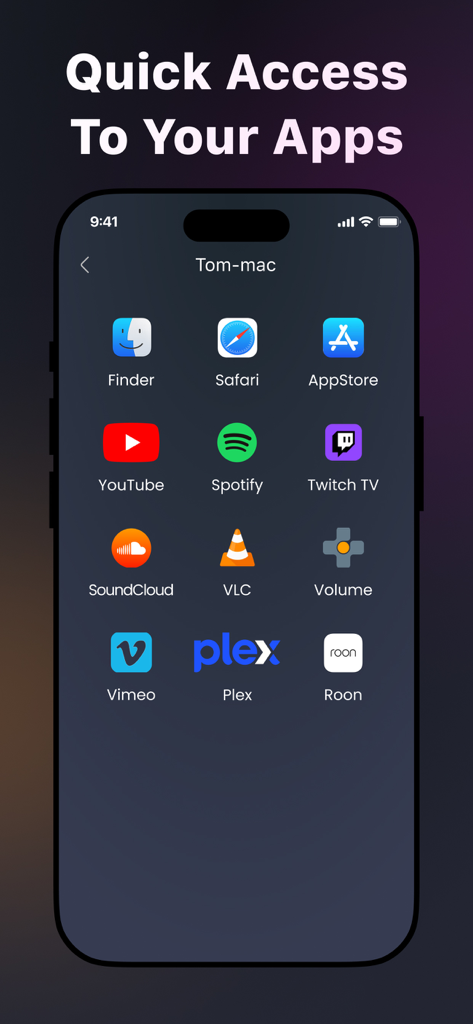
iPhone screen showing quick access shortcuts for Mac apps like Safari, YouTube, and Spotify.

iPhone screen showing quick access shortcuts for Mac apps like Safari, YouTube, and Spotify.

iPhone screen showing a media remote control interface with play pause and volume buttons

iPhone screen showing a media remote control interface with play pause and volume buttons

Smartphone app screen showing a universal remote control interface with keyboard and media player options

Smartphone app screen showing a universal remote control interface with keyboard and media player options

Master Your Mac from Your iPhone

The tools that make this app stand out, trusted by 44K+ users.

Instant Wireless Setup

Get connected in seconds. No cables or complex configurations—just seamless control for your Mac whenever you need it.

👆

Precision Multi-Touch

Enjoy fluid, lag-free navigation with full gesture support. Swipe, scroll, and tap with the same responsiveness as a physical trackpad.

🛋️

The Ultimate Couch Remote

Control your media and type from across the room. Perfect for home theaters, presentations, or leaning back while you work.

Loved by users worldwide

Trusted by 44K+ people who love this app.

"

"As a digital marketing manager who presents frequently, this app is a game-changer. I no longer need to carry a separate clicker; my iPhone handles every slide and cursor movement flawlessly. The setup took seconds, and the touchpad responsiveness is honestly just as smooth as my physical Magic Trackpad."

Marcus Chen
"

"I use my Mac as a media center, and this app is the perfect 'couch remote.' I can control everything from across the room without needing a desk for a mouse. It's incredibly intuitive, fits perfectly into my Apple ecosystem, and surprisingly doesn't drain my phone battery during movie marathons."

Sarah Jenkins

About the app

Everything you need to know about Remote Mouse & Keyboard.

Description

Turn your smartphone or tablet into a wireless mouse with our app! Whether you're delivering a presentation, controlling your Mac from across the room, or just want a more convenient way to interact with your device, our app is here to help! Main Features: 1. Quick and Easy Setup Connect your iPhone or iPad to your Mac in just a few seconds — no technical setup required. 2. Touchpad Controls Enjoy smooth and responsive touchpad functionality with gesture support. Swipe, scroll, and tap effortlessly! 3. Seamless Apple Ecosystem Integration Designed exclusively for macOS and iOS/iPadOS, ensuring stable performance and full compatibility across your Apple devices. 4. Customizable Sensitivity Adjust cursor speed and responsiveness to suit your personal preference and ensure comfortable use. 5. Built-in Keyboard Access Use the on-screen keyboard to type directly on your computer without needing to switch between devices. 6. Optimized for Battery Life Engineered to consume minimal power, allowing for extended use without draining your battery. Why Choose Our App? Intuitive design for smooth and easy navigation Regular updates that enhance functionality and stability Dedicated support team ready to assist with any questions or issues Take full control of your computer in a new and convenient way. Download our app today and discover the freedom of wireless control! A subscription is required to unlock all available features. You can manage or cancel your subscription anytime through your device settings. Privacy Policy: https://doc-hosting.flycricket.io/tapmouse-app-wireless-mouse-privacy-policy/efb33a0a-47a2-49a3-8070-0d2edea513a5/privacy Terms of Use: https://doc-hosting.flycricket.io/tapmouse-app-wireless-mouse-terms-of-use/5155156c-4a50-44c0-a594-441ceaa5ed3c/terms

Latest Version

1.0.1

Size

21.9 MB

First Released

Sep 1, 2025

Take Command of Your Mac from Anywhere

Join over 44,000 users who have unlocked the ultimate wireless freedom. Turn your iPhone into a powerful, responsive trackpad and keyboard in seconds.

Download on App Store