DroidCam Webcam & OBS Camera

DroidCam Webcam & OBS Camera

Download on App Store
Spark by MWM logo
Logo of DroidCam Webcam & OBS Camera
DroidCam Webcam & OBS Camera: Professional 4K Video from Your Smartphone

Stop settling for blurry laptop cameras. Upgrade your streaming and remote work setup using the high-end hardware you already own. Fast, efficient, and trusted by millions for Zoom, Discord, and OBS Studio.

Publisher

DEV47 APPS LTD.

Category

Utilities

Downloads

2M+

User Rating

4.6/5

Total Ratings

8K+

Locales

6

Pro Quality Preview

Discover the interface used by 2M+ users.
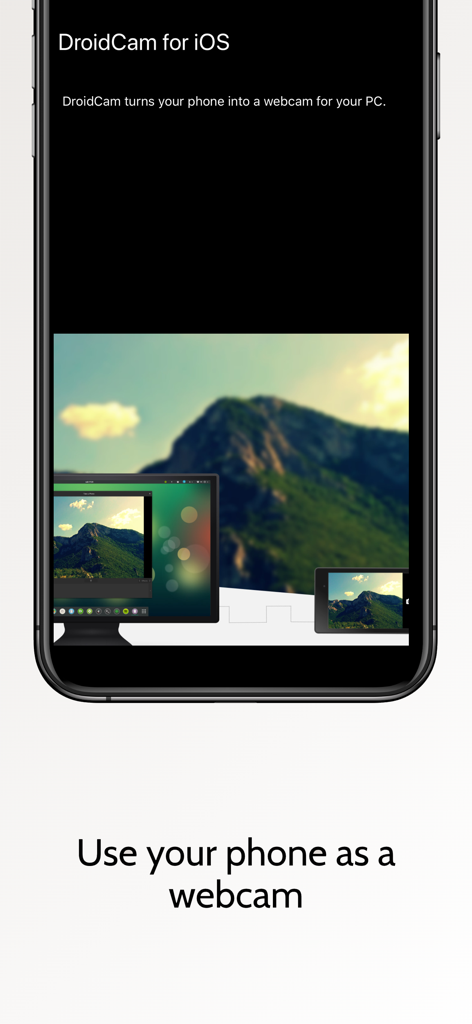
DroidCam app on iPhone showing a smartphone being used as a webcam for a computer desktop

DroidCam app on iPhone showing a smartphone being used as a webcam for a computer desktop

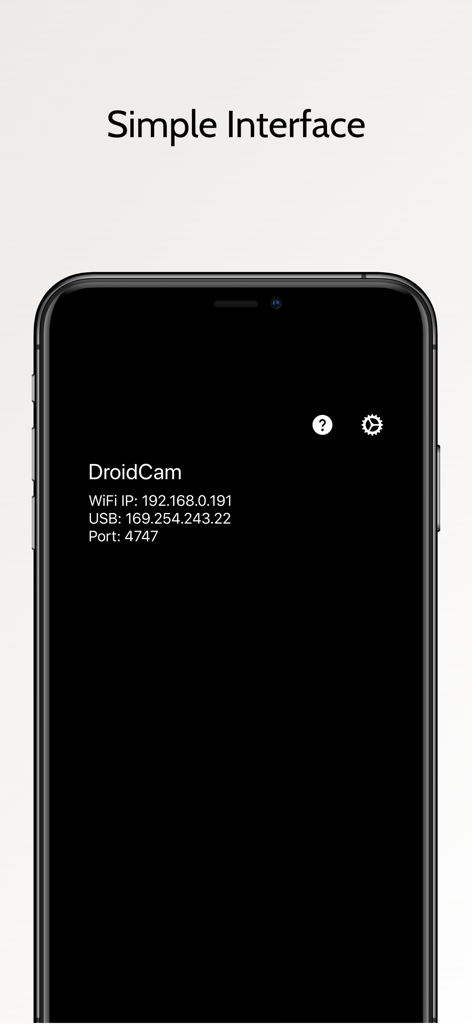
DroidCam mobile app screenshot showing its simple interface with WiFi and USB connection info.

DroidCam mobile app screenshot showing its simple interface with WiFi and USB connection info.

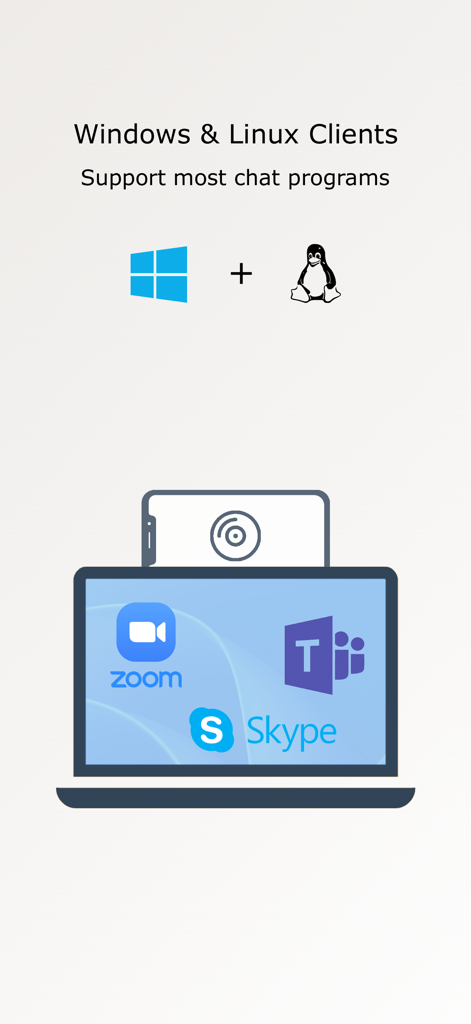
Infographic showing DroidCam support for Windows and Linux with Zoom Microsoft Teams and Skype

Infographic showing DroidCam support for Windows and Linux with Zoom Microsoft Teams and Skype

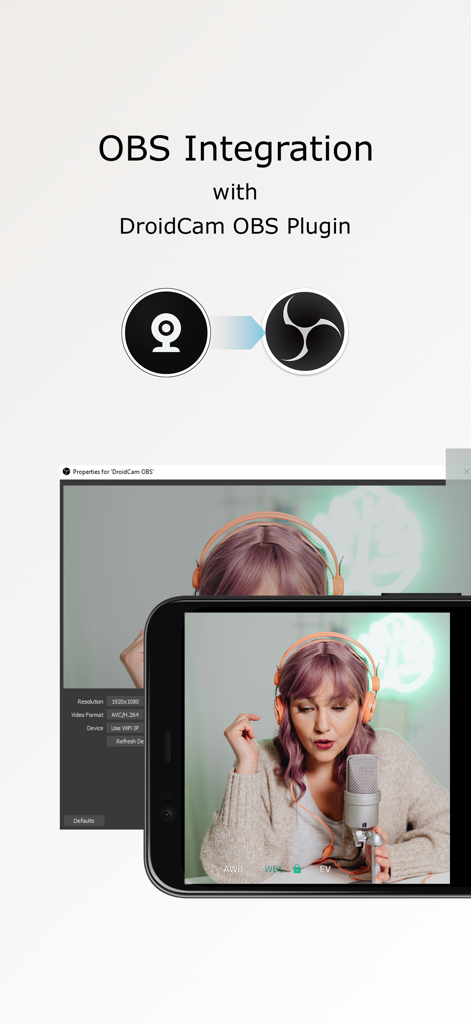
Smartphone camera used as an OBS Studio source with DroidCam plugin

Smartphone camera used as an OBS Studio source with DroidCam plugin

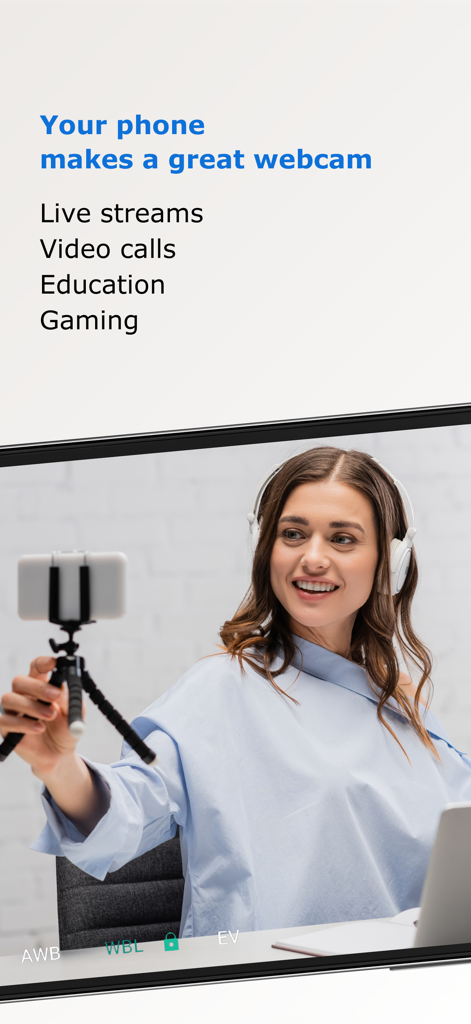
A woman using her smartphone as a high quality webcam for her laptop during a live stream

A woman using her smartphone as a high quality webcam for her laptop during a live stream

Professional Video, Without the Pro Price Tag

The tools that make this app stand out, trusted by 2M+ users.

💎

Stunning HD & 4K Clarity

Ditch your blurry laptop lens. Leverage your phone's advanced optics to deliver crisp, professional-grade video for Zoom, Teams, and Discord.

🎥

Pro-Grade OBS Integration

The dedicated DroidCam plugin offers ultra-low latency and direct integration, making it the ultimate high-performance solution for streamers.

Wireless Freedom or USB Stability

Connect via Wi-Fi for clutter-free movement during presentations, or use USB for a rock-solid, lag-free connection during long-form sessions.

Loved by users worldwide

Trusted by 2M+ people who love this app.

"

"As a remote marketing consultant, looking professional on Zoom is non-negotiable. Instead of dropping $200 on a high-end webcam, DroidCam let me use my iPhone's incredible lens wirelessly. The setup was a breeze, and the 1080p clarity is miles ahead of my built-in laptop camera. It's the ultimate tech hack for any home office."

Sarah Jenkins
"

"I've been using DroidCam for my Twitch streams for months now. The direct OBS plugin is a game-changer—zero lag and no extra software cluttering my desktop. I use my old phone as a dedicated hand-cam via USB, and the 4K quality is stunning. It's easily the most reliable way to upgrade your stream without breaking the bank."

Marcus 'TechFlow' Reed

About the app

Everything you need to know about DroidCam Webcam & OBS Camera.

Description

FEATURES - Chat using "DroidCam Webcam" on your computer, including sound and picture (more below). - Direct OBS Studio integration with the DroidCam OBS plugin (see below). - Unlimited free usage at standard definition (640x480). - Up to 1080p Full-HD video as a PC Webcam, and up to 4K UHD as an OBS Camera. - Both WiFi and USB connections supported*. - HW assisted coding and multiple video format options. - Simple, efficient, and trusted by millions of users worldwide. PC WEBCAM – droidcam.app Get the DroidCam PC Client to use your phone as a webcam. The client is available for Windows & Linux systems, and works with Zoom, Skype, Discord, and most other programs. -> Go to droidcam.app on your computer to download and install the DroidCam Client, and to learn more about usage. OBS CAMERA – droidcam.app/obs Use DroidCam directly in OBS Studio by getting the DroidCam OBS plugin, no need for a separate client! The DroidCam OBS plugin is available for Windows, Mac and Linux (Flatpak) systems, and seamlessly integrates your phone into your setup. -> Go to droidcam.app/obs on your computer to download, install, and learn more about usage. Bonus: You can use the 'OBS Virtual Camera' for Zoom/Skype/Discord integration, still no need for extra client software! SIMPLE & EFFICIENT DroidCam is designed with simplicity and efficiency in mind. What you see is what you get. The app is free to use at standard definition with no time limits. You can try HD video, but will need to purchase the pro upgrade to remove watermarks. PRO FEATURES The pro upgrade includes more than just HD video. Use Ultrawide and Telephoto lenses on iPhone 11+, adjust camera remotely from the computer, remove advertising, and more. Check the in-app Upgrade and Settings pages for more. With optimized power usage and low-latency video transfer, DroidCam can replace webcams and capture cards saving you $100s. Use it for remote work, remote learning, teaching, and content creation. --- *USB connection may require additional setup. Consult droidcam.app/help for setup information. Pro Upgrade price may vary by region. Payment will be charged to your iTunes Account at confirmation of purchase. Subscription option automatically renews unless auto-renew is turned off at least 24-hours before the end of the current period. Your account will be charged for renewal within 24-hours prior to the end of the current period. You can manage or turn off auto-renew in your Account settings at any time after purchase. Terms & Privacy: https://www.dev47apps.com/droidcam-terms-privacy.html

Latest Version

8.2

Size

25.6 MB

First Released

Apr 29, 2020

Upgrade to Pro-Grade Video Instantly

Stop wasting money on expensive hardware. Join over 2 million users and turn your iPhone into a crystal-clear 1080p webcam for OBS, Zoom, and Discord.

Download on App Store
FAQ

Frequently Asked Questions

Everything you need to know about DroidCam Webcam & OBS Camera

What is DroidCam Webcam & OBS Camera?

DroidCam transforms your phone into a high-quality webcam for your computer, supporting both PC webcam functionality and direct OBS Studio integration. It provides video and audio for various applications.

Can DroidCam be used for free?

Yes, DroidCam offers unlimited free usage at standard definition (640x480). The app is free to use without time limits for basic functionality.

What video resolutions does DroidCam support?

DroidCam supports up to 1080p Full-HD video when used as a PC Webcam. It supports up to 4K UHD resolution when integrated as an OBS Camera.

What operating systems does DroidCam support for its client and plugin?

The DroidCam PC Client is available for Windows and Linux systems. The DroidCam OBS plugin supports Windows, Mac, and Linux (Flatpak) systems.

Does DroidCam integrate with OBS Studio?

Yes, DroidCam offers direct OBS Studio integration through the DroidCam OBS plugin. This allows seamless integration of your phone's camera into your OBS setup.

Can DroidCam replace a physical webcam?

Yes, DroidCam can replace traditional webcams and capture cards. It offers optimized power usage and low-latency video transfer, saving users money.

How does DroidCam connect to a computer?

DroidCam supports both WiFi and USB connections for connecting your phone to your computer. USB connection may require additional setup for optimal functionality.

What are the benefits of upgrading to DroidCam Pro?

The DroidCam Pro upgrade includes HD video without watermarks, Ultrawide and Telephoto lens support on iPhone 11+, remote camera adjustments, and removal of advertising.

What programs are compatible with DroidCam as a PC webcam?

DroidCam works with Zoom, Skype, Discord, and most other chat programs when used as a PC webcam. The OBS Virtual Camera feature also enables integration with these applications.

How do I download the DroidCam PC Client or OBS plugin?

To download the DroidCam PC Client, visit droidcam.app on your computer. For the DroidCam OBS plugin, go to droidcam.app/obs on your computer to download and install.