iVCam Webcam

iVCam Webcam

Download on App Store
Spark by MWM logo
Logo of iVCam Webcam

iVCam Webcam: The Professional 4K Desktop Camera You Already Own

Transform your iPhone or iPad into a high-definition Windows webcam. Upgrade your video calls and streams with low-latency video, studio-grade background effects, and effortless wireless connectivity.

Publisher

俊红 柴

Category

Utilities

Downloads

4M+

User Rating

4.6/5

Total Ratings

73K+

Locales

24

Crystal Clear Performance

Discover the interface used by 4M+ users.
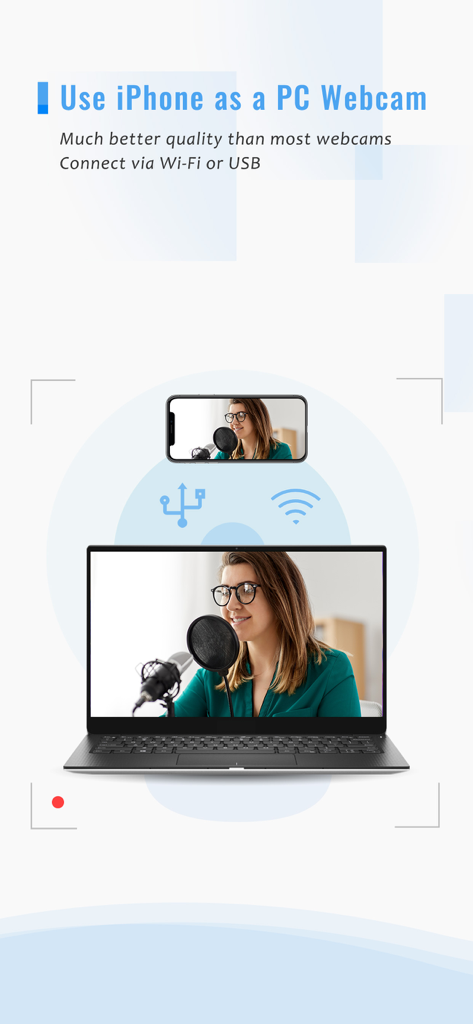
Graphic showing an iPhone being used as a high quality PC webcam via wireless or USB connection

Graphic showing an iPhone being used as a high quality PC webcam via wireless or USB connection

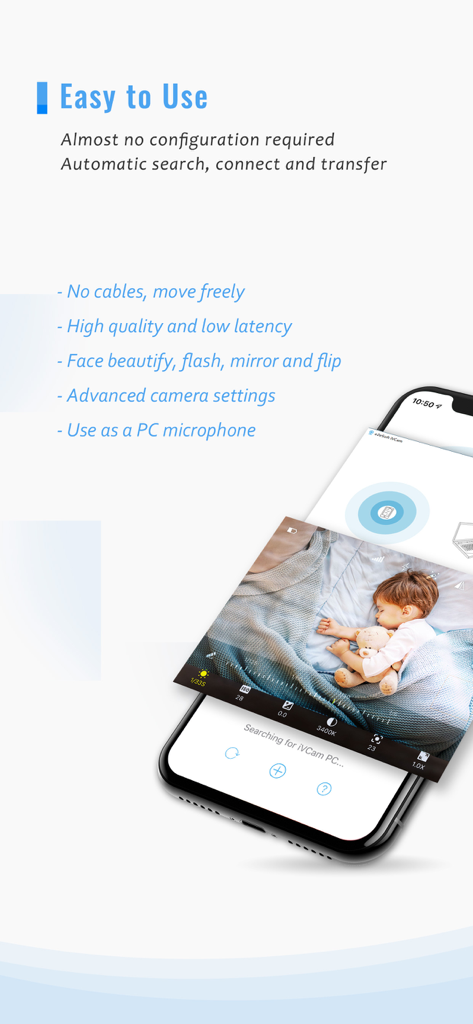
iVCam app interface showing baby monitoring and key features like low latency and wireless connection.

iVCam app interface showing baby monitoring and key features like low latency and wireless connection.

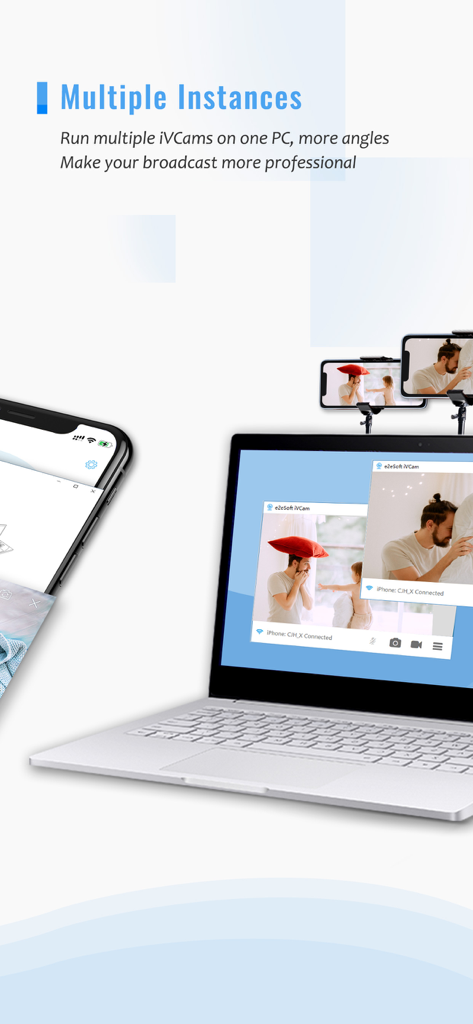
A laptop showing two video windows from iPhones being used as webcams for a professional multi-angle broadcast.

A laptop showing two video windows from iPhones being used as webcams for a professional multi-angle broadcast.

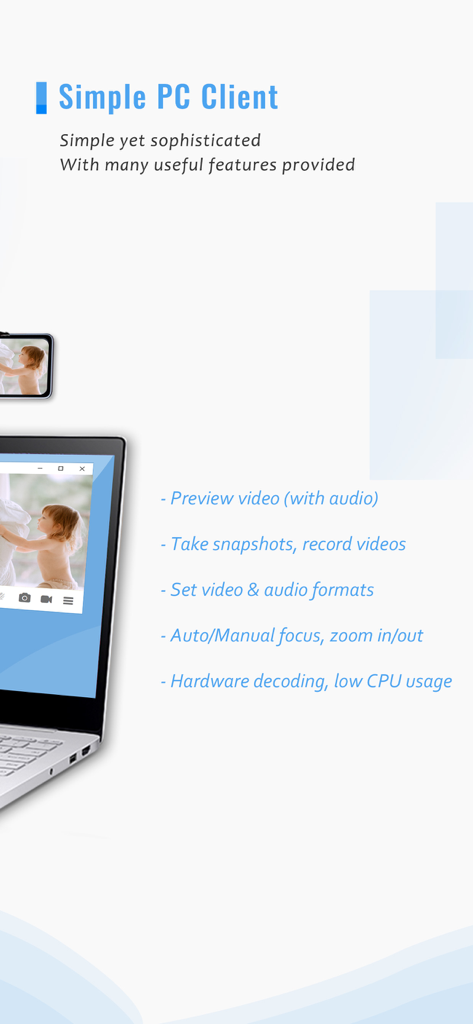
iVCam PC client showing webcam features on a laptop screen

iVCam PC client showing webcam features on a laptop screen

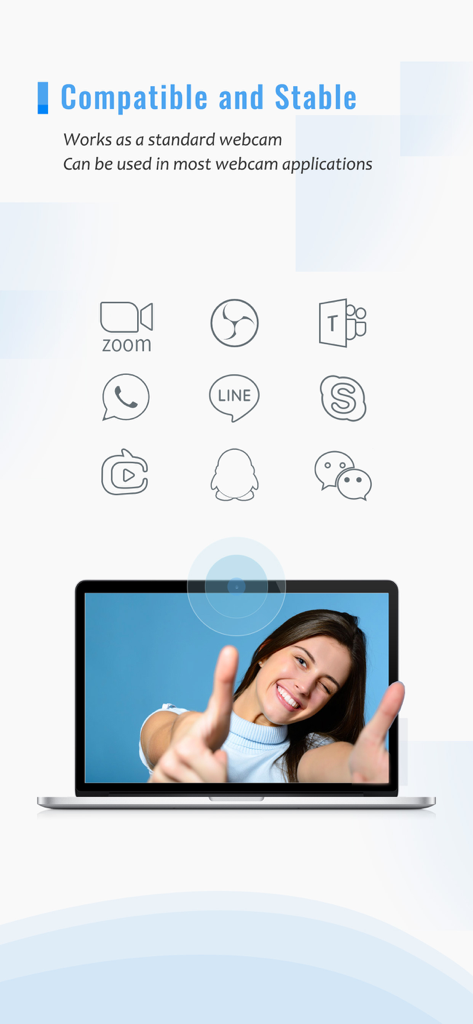
iVCam webcam app showing compatibility with Zoom Teams Skype and other video communication platforms on a laptop

iVCam webcam app showing compatibility with Zoom Teams Skype and other video communication platforms on a laptop

The Professional Camera You Already Own

The tools that make this app stand out, trusted by 4M+ users.

📸

Stunning 4K Video Quality

Experience crystal-clear video that outclasses any built-in laptop camera, perfect for making a professional impression.

Instant Wireless Connectivity

Ditch the cables with automatic Wi-Fi pairing or use USB for ultra-stable, low-latency performance in seconds.

🎨

Advanced Visual Effects

Enhance your look with real-time background bokeh, beautify filters, and manual camera settings for total creative control.

Loved by users worldwide

Trusted by 4M+ people who love this app.

"

"The video quality is night and day compared to my laptop's built-in camera. Setting it up on my Windows PC took seconds, and now I look professional in every client meeting. The background bokeh effect is surprisingly good, giving me that high-end DSLR look without the expensive gear."

Emily Chen, Creative Director
"

"I use iVCam as a secondary 4K camera for my tutorial recordings. The low latency via USB is incredible, and being able to control the ISO and exposure directly from the app gives me total creative control. It’s the perfect solution for anyone who already owns an iPhone and wants top-tier video."

Marcus Thorne, Tech Content Creator

About the app

Everything you need to know about iVCam Webcam.

Description

Why buy a webcam since you already have an iPhone/iPad? iVCam turns your iPhone/iPad into an HD webcam for Windows PC. You can also replace your old USB webcam or integrated webcam with it which has a better quality. At the same time it's also a perfect baby monitor, spy-cam, security camera and pet-cam. No enough space on your device? iVCam can record the video directly to your PC, works just like a remote video recorder! Setting up iVCam is very simple - just download and install our client software on your PC and you're ready to go! The connection is fully automatic and requires no manual configuration. Main Features: - High-quality, real-time video with low latency and fast speed - Automatic connection via Wi-Fi or USB and easy to use - Connect multiple devices to one PC at the same time - Support common video sizes such as 4K, 2K, 1080p, 720p, 480p, 360p, etc. - Advanced camera settings - AE/AF, ISO, EC, WB and Zooming - Configurable for video frame rate, quality and encoder - Landscape and Portrait mode supported - Support front/rear, wide angle/telephoto cameras and real-time switching - Support for face beautify, flash, manual/auto focus and video flip/mirror - Background replacement - Blur, Bokeh, Mosaic, Green Screen and more - Audio supported, use your smartphone as a wireless microphone for PC - Completely replaces USB webcam or integrated webcam, compatible with most applications using webcam - Preview video, take pictures and record video files with our Windows client software Install required Windows client software from https://www.e2esoft.com/ivcam. Terms of Use: https://www.e2esoft.com/ivcam/terms-of-use

Latest Version

7.3.2

Size

18.7 MB

First Released

Nov 15, 2016

Ready to Look Like a Pro? Upgrade to 4K Today

Join 4 million+ users who have ditched their grainy laptop cameras. Download iVCam now to turn your iPhone into a high-definition, low-latency webcam for your Windows PC in seconds.

Download on App Store
FAQ

Frequently Asked Questions

Everything you need to know about iVCam Webcam

How does iVCam Webcam connect to a PC?

iVCam Webcam connects to your Windows PC automatically. It supports connections via both Wi-Fi and USB, requiring no manual configuration for setup.

Can iVCam Webcam support multiple devices simultaneously?

Yes, iVCam Webcam supports connecting multiple iOS devices to a single PC at the same time. This allows for multiple camera angles and enhanced broadcasting.

What video resolutions does iVCam Webcam support?

iVCam Webcam supports a wide range of video sizes including 4K, 2K, 1080p, 720p, 480p, and 360p. Users can configure the video frame rate, quality, and encoder.

Can iVCam Webcam replace a traditional USB webcam?

Yes, iVCam Webcam completely replaces old USB or integrated webcams. It works as a standard webcam and is compatible with most applications that use a webcam.

Does iVCam Webcam offer advanced camera settings?

Yes, iVCam Webcam provides advanced camera settings. These include AE/AF, ISO, EC, WB, zooming, face beautify, flash, manual/auto focus, and video flip/mirror.

Can iVCam Webcam be used as a microphone?

Yes, iVCam Webcam supports audio and allows users to utilize their smartphone as a wireless microphone for their PC. This feature is integrated with the webcam functionality.

Is iVCam Webcam compatible with popular video conferencing apps?

Yes, iVCam Webcam is compatible with most applications that use a webcam. It works with popular platforms like Zoom, Microsoft Teams, and Skype.

Can iVCam Webcam record video and take pictures?

Yes, the iVCam Windows client software allows users to preview video, take pictures, and record video files directly to their PC. It functions as a remote video recorder.