
CamX - USB Camera


Transform your iPad into a high-definition, low-latency portable display for your camera or console. The ultimate toolkit for creators and gamers on the move.
Publisher
Category
Photo & VideoDownloads
166K+User Rating
Total Ratings
300Locales
15Discover the interface used by 166K+ users.
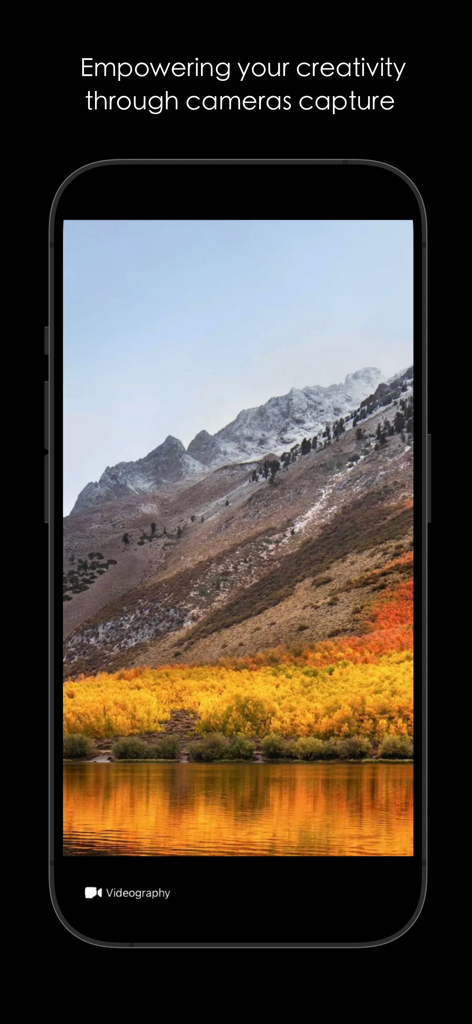
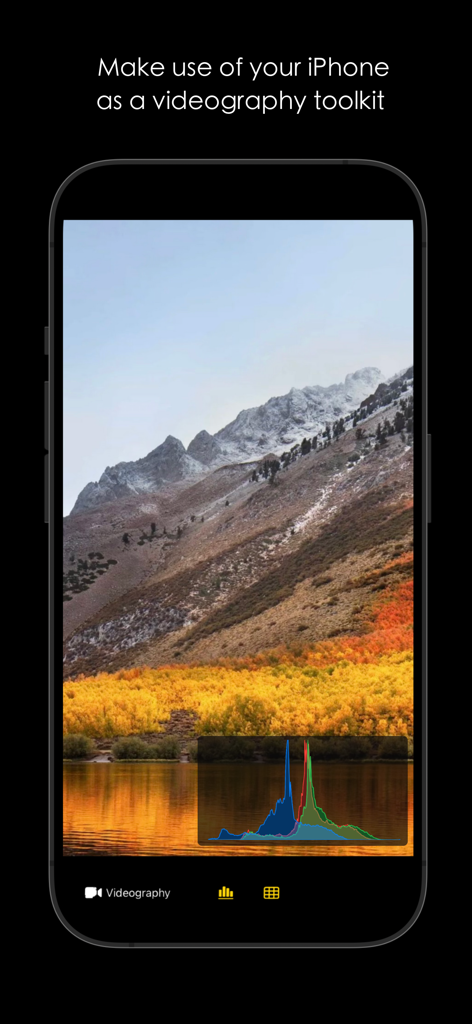
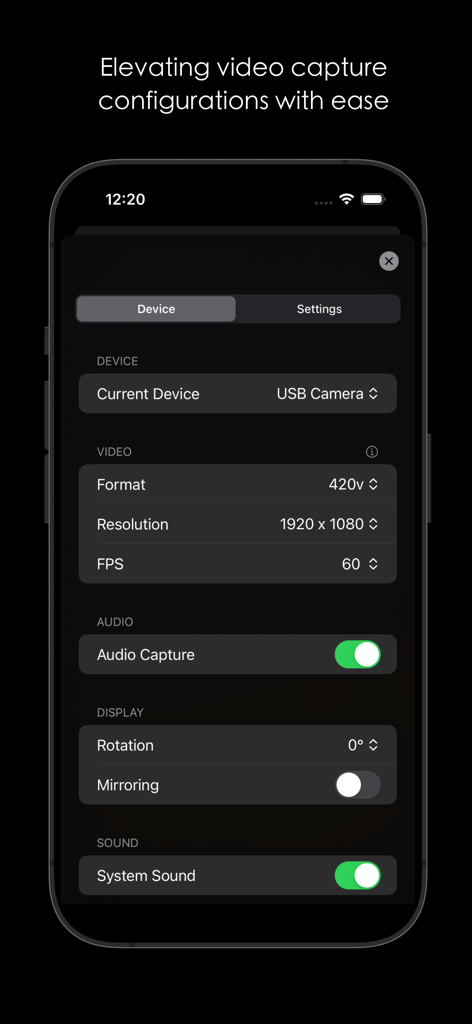
The tools that make this app stand out, trusted by 166K+ users.
Play your Nintendo Switch or Steam Deck on a gorgeous Retina display with zero lag and optimized color profiles for an immersive experience anywhere.
Get perfect exposure and composition every time with real-time histograms and framing grids—turning your iPad into a professional-grade field monitor.
No complex setup required. Connect any HDMI source via capture card to your USB-C iPad for an instant, high-resolution portable display.
Trusted by 166K+ people who love this app.
"CamX is a total game-changer for my travel setup. I can plug my Nintendo Switch directly into my iPad Pro and play on that gorgeous Liquid Retina display with zero noticeable lag. It is way better than carrying a dedicated portable monitor."
"I have replaced my expensive field monitor with my iPad mini thanks to this app. The real-time histograms and grid lines are incredibly accurate for nailing exposure and framing while I am out on shoots. A must-have for any mobile creator."
Everything you need to know about CamX - USB Camera.
Description
Latest Version
1.51
Size
11.6 MB
First Released
Sep 19, 2023
Join over 166,000 creators and gamers who have turned their USB-C iPad into the ultimate portable monitor. Download CamX now and experience pro-grade recording and low-latency gaming wherever you go.
Everything you need to know about CamX - USB Camera
CamX transforms USB-C iPads into portable monitors using a capture card. It also provides internal video capture capabilities for other devices, including iPhones, making it ideal for content creators and gamers.
CamX supports UVC capture on USB-C iPads, including iPad Pro 12.9-inch (3rd gen+), iPad Pro 11-inch (1st gen+), iPad (10th gen+), iPad Air (4th gen+), and iPad mini (6th gen+).
Yes, CamX provides built-in camera support for internal capture on iPhones, including the iPhone 17 series. It allows iPhones to function as a videography toolkit.
Yes, CamX enables high-quality recording with customizable resolution and frame rate options. Users can select resolutions such as 1920x1080 and frame rates like 60 FPS for professional output.
CamX offers a Gaming Mode to optimize the gaming experience. It includes picture settings like color adjustment, contrast enhancement, and low-latency performance for an enhanced portable display.
CamX supports video recording resolutions up to 1920 x 1080 and frame rates of 60 FPS, as shown in the application's settings. These options ensure high-quality video output.
Yes, CamX supports audio capture. The settings menu includes an "Audio Capture" toggle and a "System Sound" toggle, allowing users to enable or disable audio recording and system sound.
Yes, CamX features a Videography Mode. This mode includes real-time histograms for exposure control and customizable grid lines, assisting in improved composition and framing for video production.
Apps with similar features and user experience

Remote Sunrise LTD

Reincubate Ltd

DEV47 APPS LTD.

datronicsoft Technology GmbH

俊红 柴

耀 阮

Human Things, Inc

Astro HQ LLC

horhe dor