
Screen Mirroring App



Experience seamless HD screen sharing with zero delay. Cast instantly to any device with a web browser—no extra apps, cables, or hardware required.
Publisher
Category
Photo & VideoDownloads
5M+User Rating
Total Ratings
62K+Locales
1Discover the interface used by 5M+ users.
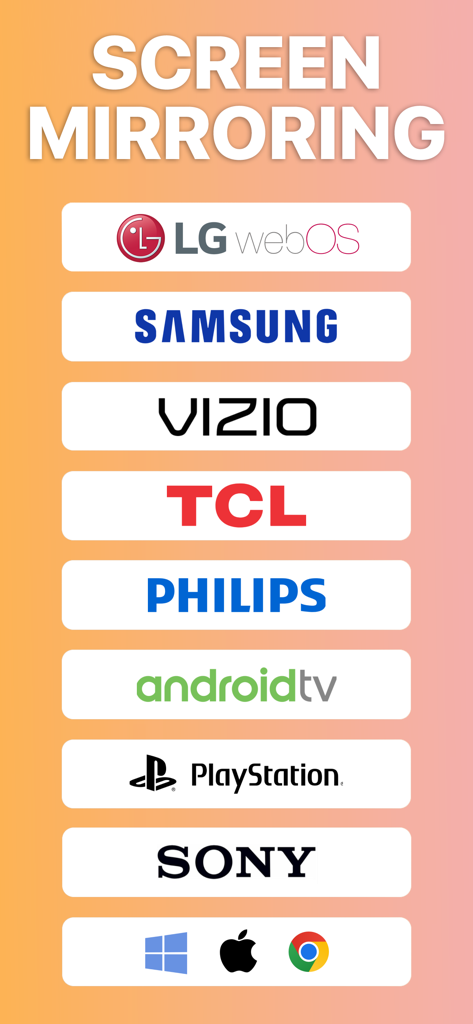
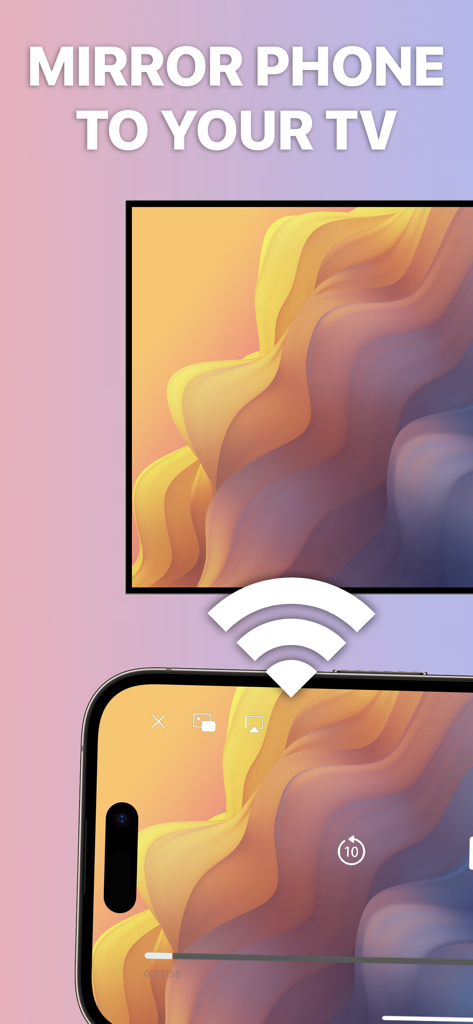
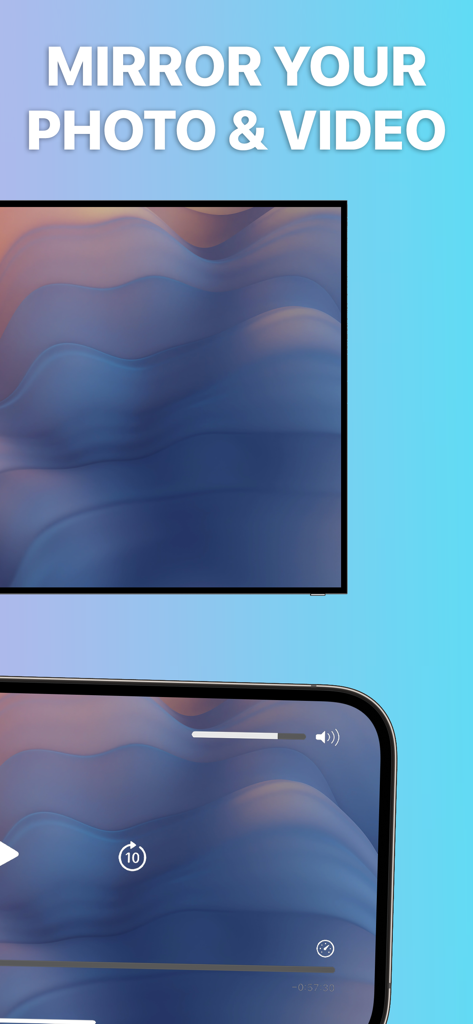
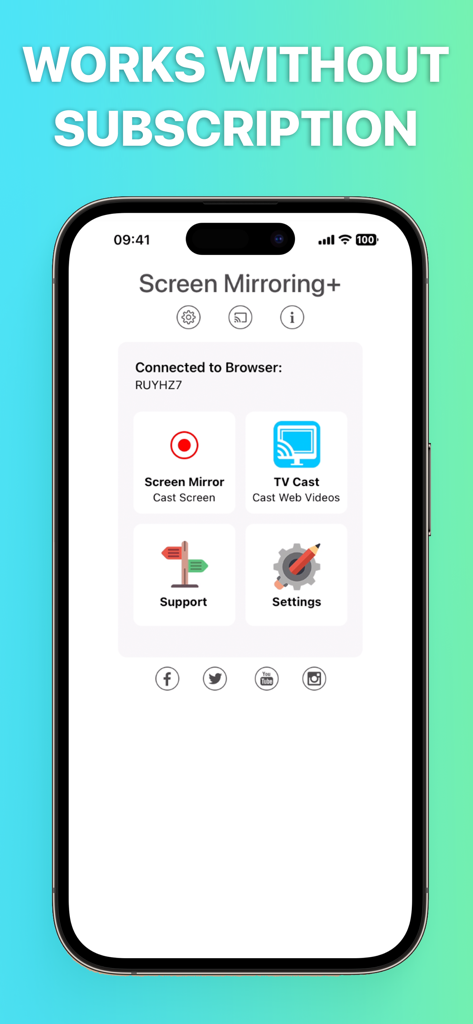
The tools that make this app stand out, trusted by 5M+ users.
No Apple TV? No problem. Bridge the gap between your iPhone and your Windows PC, Samsung TV, or LG display using any modern web browser.
Experience high-definition mirroring with supreme latency. Start sharing in seconds without installing any software on the receiving device.
Perfect for WFH professionals and families. Share your screen across your home Wi-Fi or remotely via the internet for presentations and watch parties.
Trusted by 5M+ people who love this app.
"The perfect bridge for my mixed-tech household. I can mirror my iPhone screen to my Windows PC or my LG TV in seconds using just the browser. The zero-latency performance is a game-changer for my remote presentations and tech demos."
"I love how simple this is for sharing photos and videos with friends. I don't need any extra cables or expensive hardware; it just works on any TV with a browser. It is become my go-to tool for showing high-res shots to clients immediately after a shoot."
Everything you need to know about Screen Mirroring App.
Description
Latest Version
2.18
Size
43.0 MB
First Released
Jan 20, 2020
Join 5 million+ users and cast your iPhone or iPad to any Smart TV, PC, or Mac in HD. No extra hardware or hidden subscriptions—just instant, zero-delay sharing.
Everything you need to know about Screen Mirroring App
No, the Screen Mirroring App works without any hidden subscriptions or costs. Users can utilize its features free of charge.
The Screen Mirroring App can mirror to any device with an integrated web browser, including Smart TVs (Samsung, LG, Philips), Mac, PC, laptops, gaming consoles, smartphones, and tablets.
No, the Screen Mirroring App boasts supreme latency of 0 seconds when operating under good WiFi network conditions, ensuring a smooth mirroring experience.
No, a companion app is not required on your TV or any other receiving device to use the Screen Mirroring App for mirroring.
No, sound is not yet supported by the Screen Mirroring App. Users can utilize Bluetooth speakers as a workaround for audio output.
The Screen Mirroring App shows a black screen with certain third-party apps like Netflix and Disney+ due to restrictions imposed by those apps. This is not an app defect.
Yes, the Screen Mirroring App supports remote mirroring via the Internet, DLS, or Cable connections. Cellular/mobile networks (LTE/5G) are not currently supported.
For local WiFi mirroring, your iPhone/iPad and the web browser device must be connected to the same WiFi network. VPN, Proxy, VLANs, and Subnets are not supported.
Apps with similar features and user experience

InstantBits Inc

Sichuan FalconAI Technology Co., Ltd.

Mihkel Pikk

Ozuna Limited

TOGGLE APPS SP Z O O

AER SOFTWARE COMPANY LIMITED

SAND STUDIO CORPORATION LIMITED

Hainan Delta Software Co., Ltd

Dalma Innovation Solutions d.o.o.


