
Genki Studio


Unlock the power of your iPad to play console games, monitor professional cameras, and record high-quality video directly to your device or external SSD.
Publisher
Category
UtilitiesDownloads
120K+User Rating
Total Ratings
0Locales
4Discover the interface used by 120K+ users.
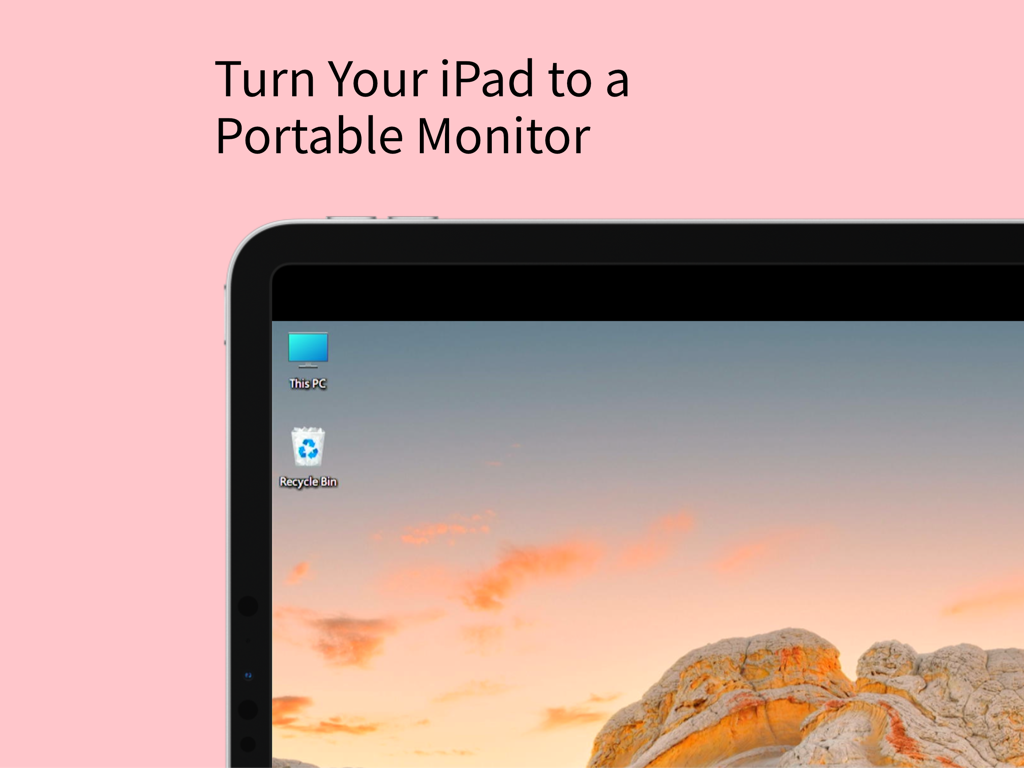
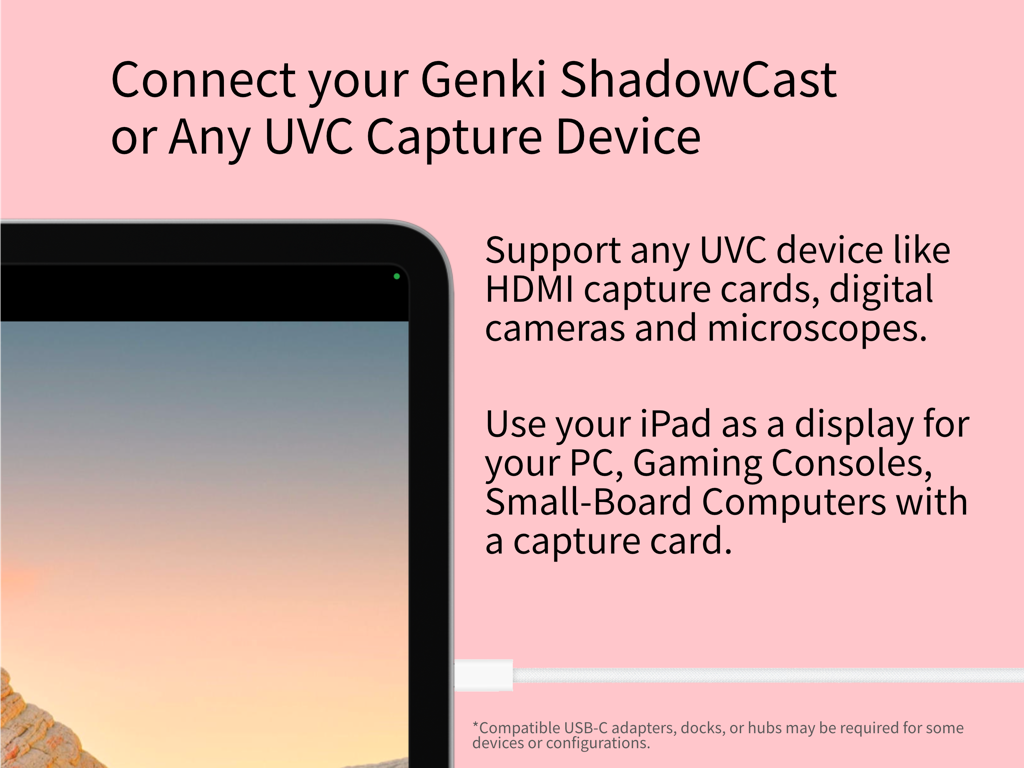
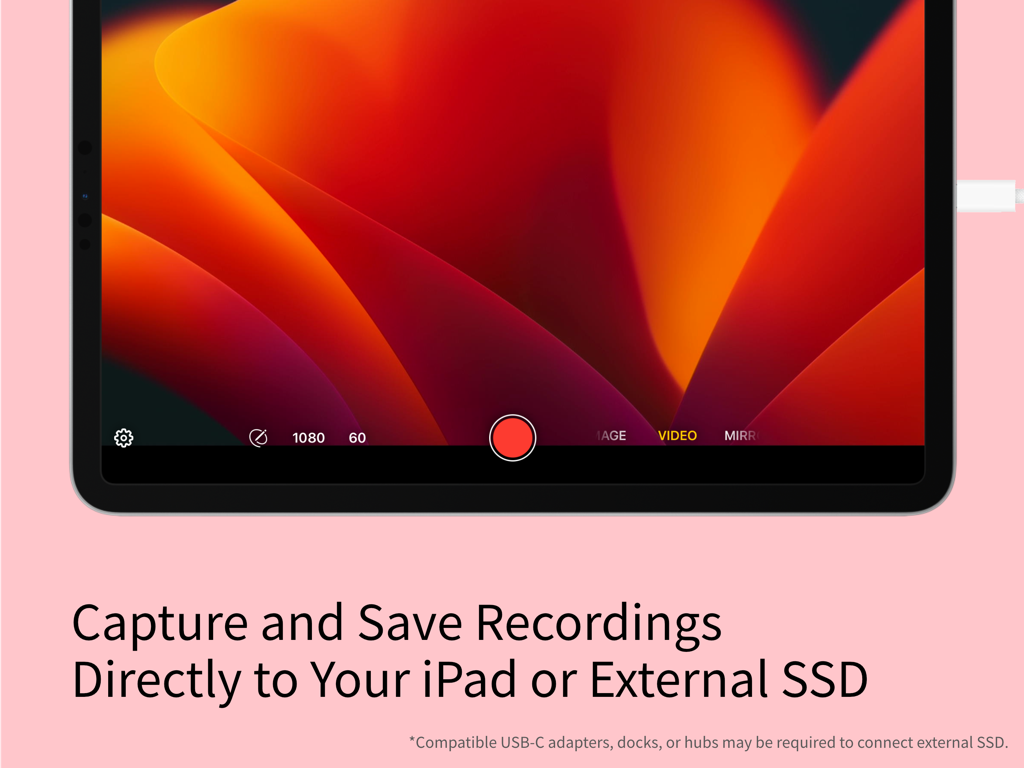
The tools that make this app stand out, trusted by 120K+ users.
Plug in your Nintendo Switch, Steam Deck, or PC to enjoy a premium, lag-free gaming experience on the best screen you own—no TV required.
Monitor your camera feed with professional grid overlays and record high-quality footage directly to your iPad or an external SSD for a seamless workflow.
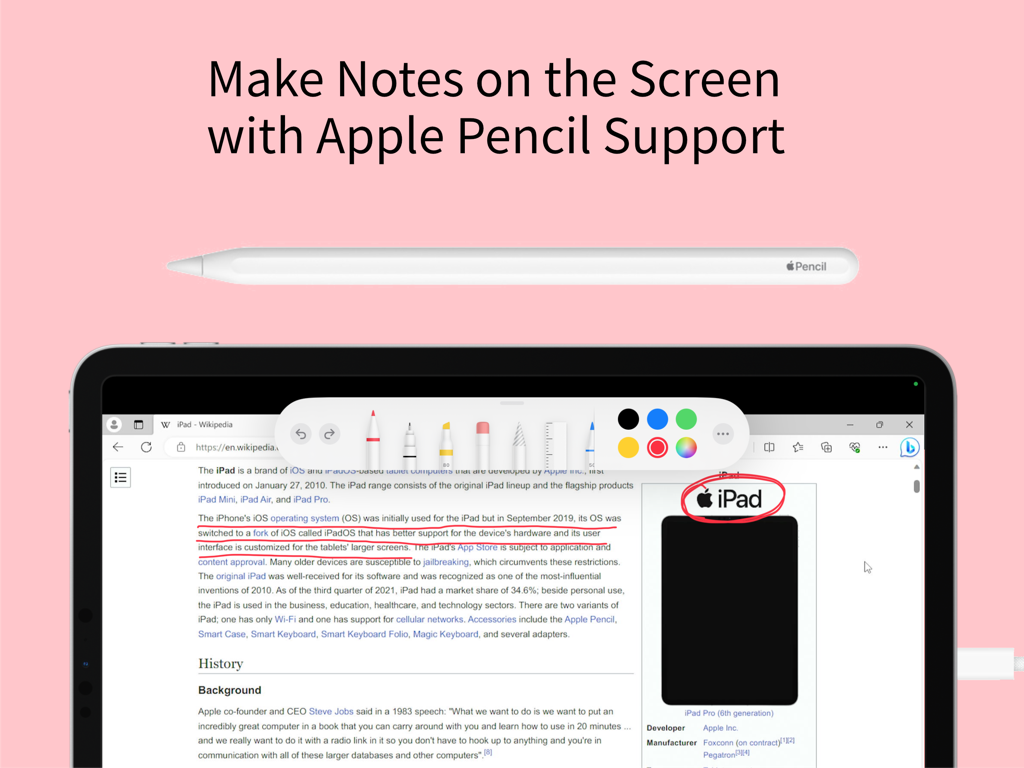
Use your Apple Pencil to sketch over live video in real-time. Perfect for coaching, teaching, or delivering interactive presentations via Clean Video Output.
Trusted by 120K+ people who love this app.
"Genki Studio is a total game-changer for my travel setup. I can now use my iPad Pro as a high-definition monitor for my Nintendo Switch while on the train, and the Stage Manager support lets me keep a game walkthrough open on the side. The latency is practically non-existent, making it the perfect portable gaming station."
"As a freelance videographer, this app saved me from buying an expensive dedicated field monitor. I connect my mirrorless camera via UVC and get a gorgeous, large-screen preview with professional grid overlays. Being able to record the feed directly to an external SSD while marking up shots with my Apple Pencil has streamlined my entire workflow."
Everything you need to know about Genki Studio.
Description
Latest Version
1.5.2
Size
7.3 MB
First Released
Sep 19, 2023
Join 120,000+ creators and gamers who use Genki Studio to play, record, and present with zero limits. Start your portable setup today.
Everything you need to know about Genki Studio
Genki Studio transforms your iPad into a portable monitor and advanced video capture and presentation device. It connects to UVC input devices like Genki ShadowCast to display and record video from various sources.
Yes, Genki Studio records UVC input at maximum quality, including audio. Users can save media files directly to their iPad's storage or to an external SSD.
Genki Studio connects to Genki ShadowCast or any compatible USB UVC input device. This includes capture cards, professional cameras, microscopes, gaming consoles, PCs, and small board computers.
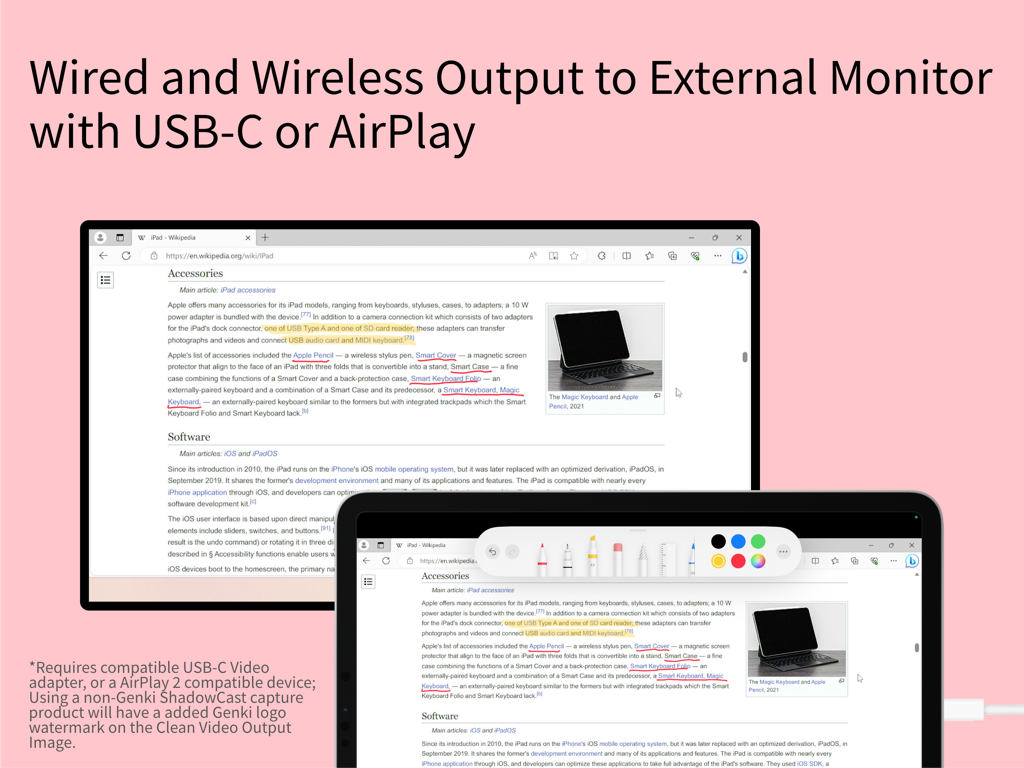
Yes, Genki Studio supports external monitors. Your iPad can output full-screen content via AirPlay or USB-C to HDMI/DisplayPort adapters, even while recording continues on the iPad.
Yes, Genki Studio supports Apple Pencil. Users can mark up or scribble on the screen, enabling Mirroring Mode for presentations by turning the iPad into a portable notepad.
Genki Studio supports UVC input on iPads with a USB-C port, including various generations of iPad Pro, iPad Air, iPad mini (6th gen and A17 Pro), and iPad (10th gen and A16).
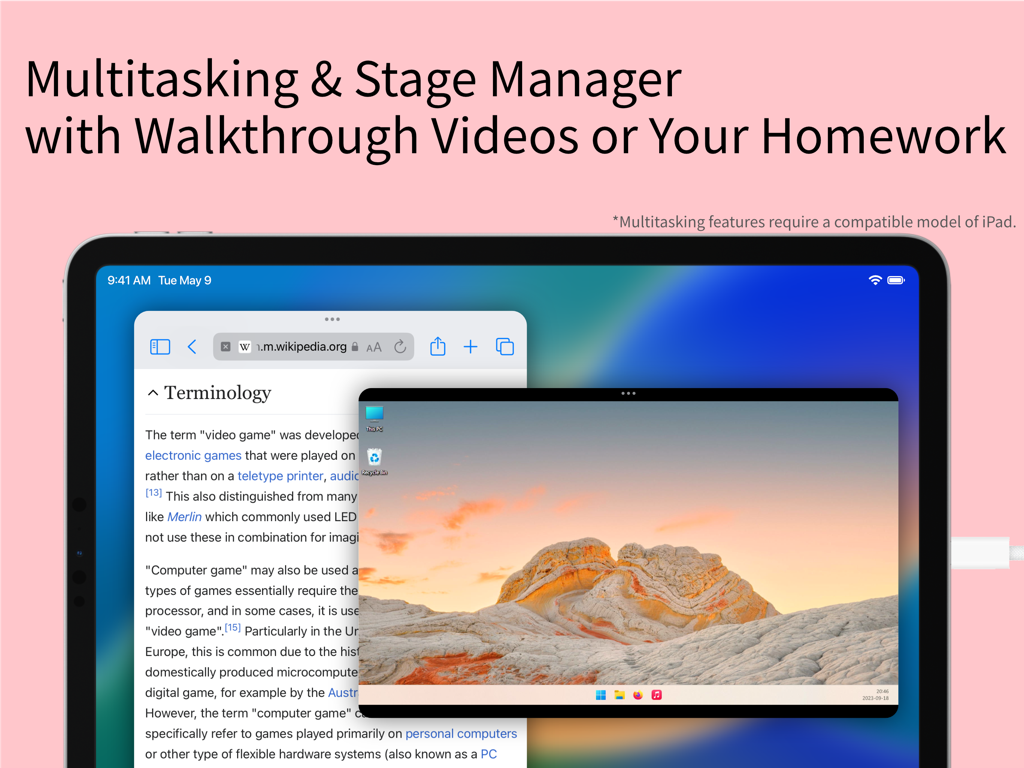
Yes, Genki Studio is fully compatible with Stage Manager and Multitasking features of the iPad. Users can enjoy music or watch video guides while simultaneously using the app.
Yes, using a non-Genki ShadowCast capture product will add a Genki logo watermark on the Clean Video Output Image.
Genki Studio allows users to save recordings directly to their iPad's internal storage or to an external storage device, such as a portable SSD.
Yes, Genki Studio supports presentations. Users can utilize mirror mode and Apple Pencil markup to turn their iPad into a portable notepad, ideal for live events.
Apps with similar features and user experience

Remote Sunrise LTD

Reincubate Ltd

DEV47 APPS LTD.

datronicsoft Technology GmbH

俊红 柴

耀 阮

Touchbits Inc.

Astro HQ LLC

horhe dor